
Major Claude Design Update: One-Click Design System Import and Two-Way Code Sync
Anthropic has shipped a major Claude Design update with design system import, two-way /design-sync and /design code sync, and one-click export to 9 platforms.
Major Claude Design Update: One-Click Design System Import and Two-Way Code Sync
Anthropic has shipped a major Claude Design update with design system import, two-way /design-sync and /design code sync, and one-click export to 9 platforms.
Anthropic released a major version update for Claude Design on June 18. The update goes straight at the most painful part of design-development collaboration — the lossy handoff from design mockups to code. If you are a developer or designer who writes code with Claude Code and produces interfaces with Claude Design, this update will save you a great deal of back-and-forth.
Four Core Updates
One-Click Design System Import
Claude Design can now import a design system (colors, typography, component library, spacing rules) from a GitHub repository in one click. Once imported, every generated design is built from your real components; Claude then reviews its own work and fixes anything out of spec before showing it to you.
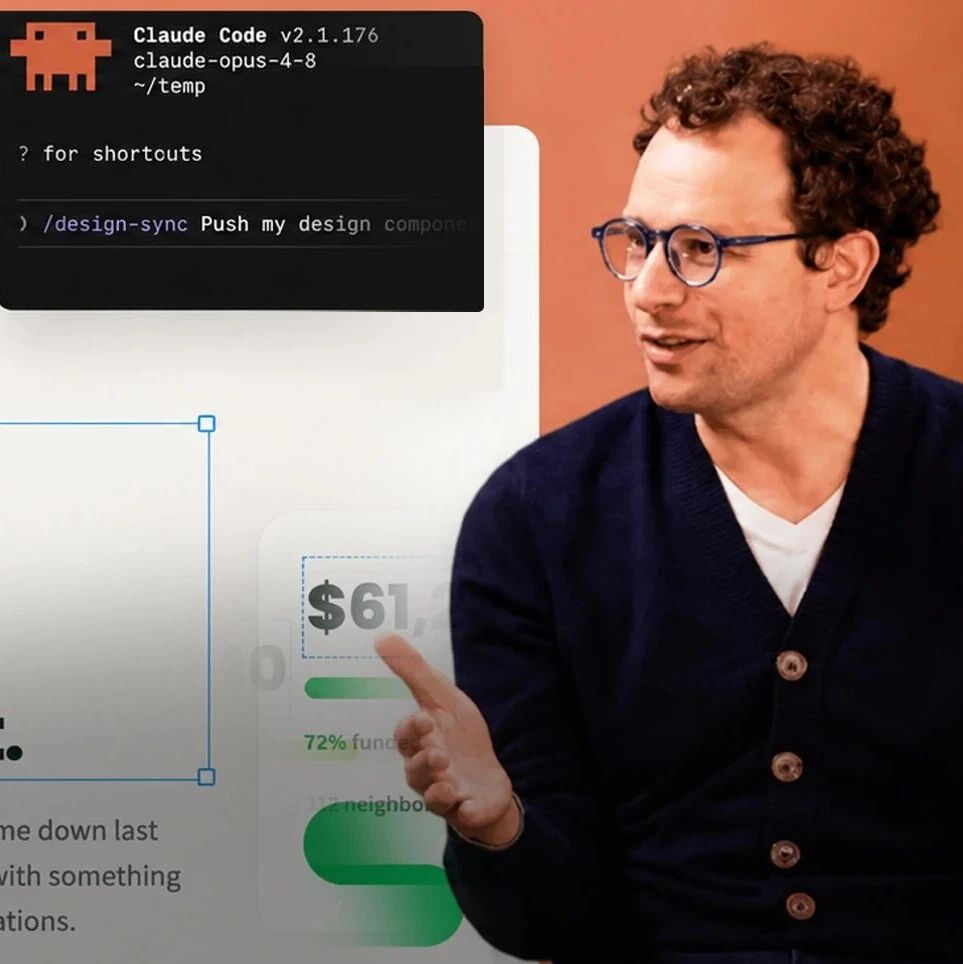
Anthropic designer Nate Parrott demonstrated the flow: Claude reads the design spec twice, then refines the output six times — eight rounds of self-review in total — before daring to present the dark-mode version of a design.
The /design-sync and /design Two-Way Commands
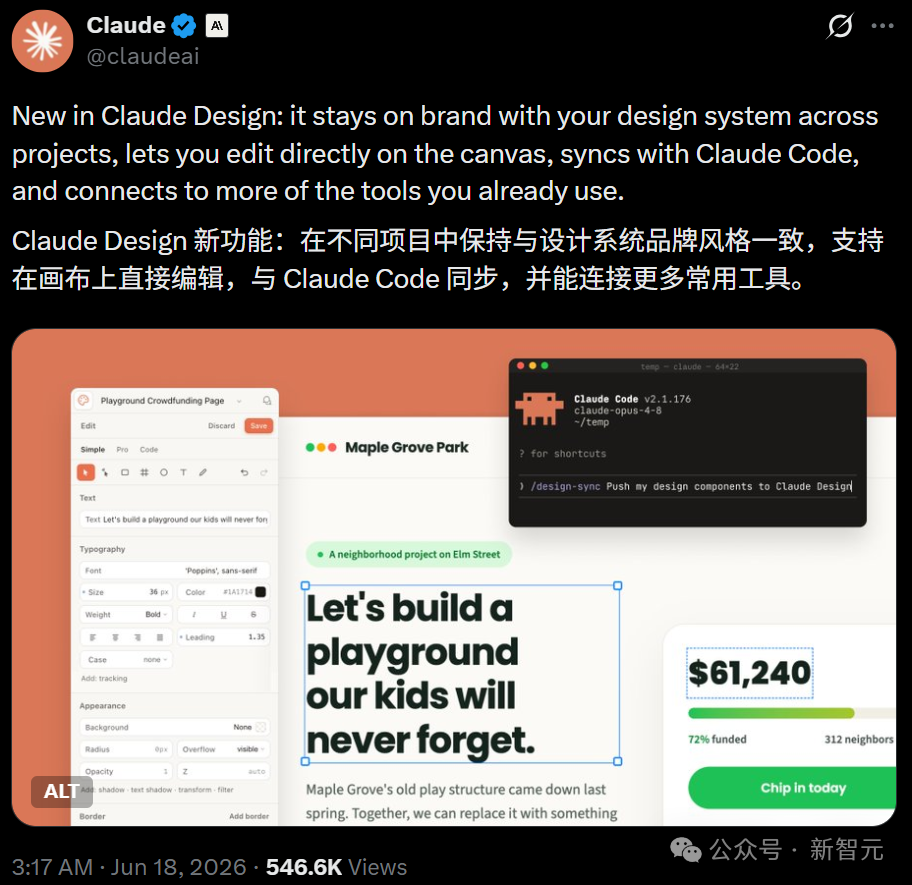
This is the most critical part of the update: two commands that bridge Claude Design and Claude Code:
/design-sync: run it inside Claude Code and it pulls the design system in your code repository (colors, typography, component library, spacing rules) into Claude Design./design: the reverse — a single line in the Claude Code terminal creates a design project, edits existing designs, or syncs an entire design folder, no browser or window switching needed.
Designers used to finish work in one tool while engineers rebuilt it from scratch in another. Now the design happens in Claude Design, and one action hands it off to Claude Code to start writing code.
One-Click Export to 9 Platforms
Export destinations expanded to 9 in one go:
- Adobe
- Canva
- Vercel
- Replit
- Miro
- Gamma
- Lovable
- Wix
- Base44
Covering the full chain from design collaboration to code deployment.
Redesigned Canvas Editing
Drag, zoom, and align operate directly on the canvas, so you are not burning a model call for every pixel-level tweak. What gets generated is not a frozen mockup but living components — draggable like Figma, editable like code.
Who Is It For
- Frontend developers: paired with Claude Code, design mockups turn directly into maintainable component code
- Indie developers / full-stack engineers: one person covers the entire flow from design to deployment
- Product managers: quickly produce high-fidelity prototypes and import them straight into Vercel or Replit to validate
- Designers: constrain AI generation with brand guidelines and cut down rework
The Competitive Landscape
This update heats up competition in the design tools space. The first half of 2026 is a five-way brawl among Claude Design, Figma AI, Google Stitch, Vercel v0, and Lovable. Claude Design's differentiating advantage is that it stands on Claude Code, giving it the complete chain from "idea" to "launch".
Original article: Starting Today, Claude Design Is Turning Designers and Programmers into the Same Kind of Person