
329 GPT-Image-2 Prompt Templates: An Industrial-Grade Image Generation Engine
The open-source project awesome-gpt-image-2 reverse-engineered 329 GPT-Image-2 prompts into JSON/YAML structured templates, letting agents batch-generate images with zero hallucination.
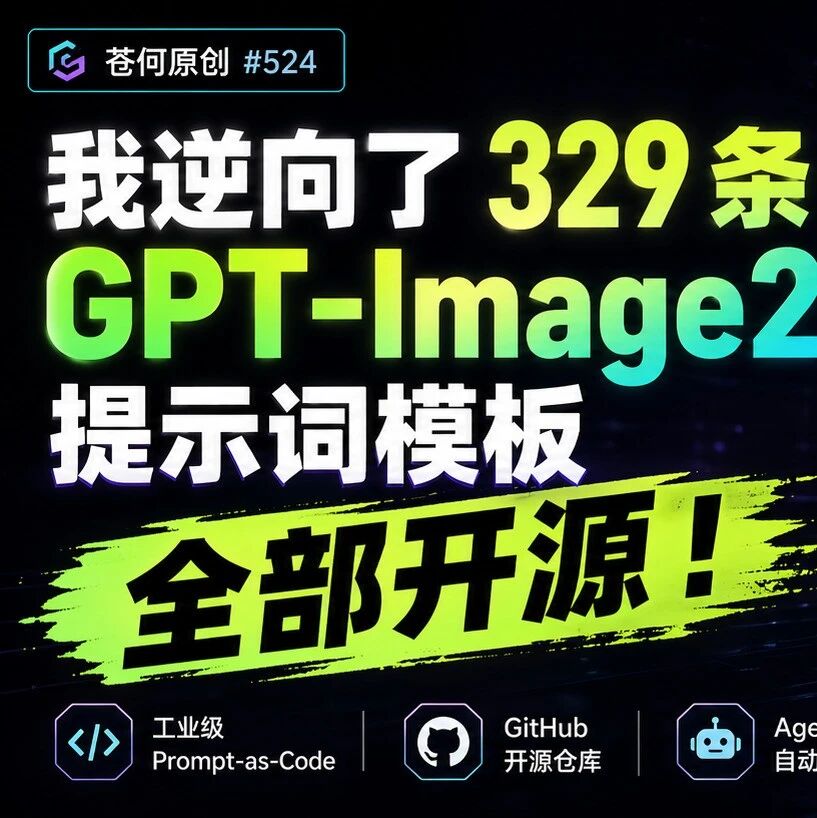
329 GPT-Image-2 Prompt Templates: An Industrial-Grade Image Generation Engine
The open-source project awesome-gpt-image-2 reverse-engineered 329 GPT-Image-2 prompts into JSON/YAML structured templates, letting agents batch-generate images with zero hallucination.
GPT-Image-2's image generation already has designers trembling -- precise text rendering, information-dense infographics, and complex layouts nailed in a single pass. But here comes the real question: how do you reproduce these results reliably?
The developer Cang He reverse-engineered 329 of the best GPT-Image-2 examples found online, distilled them into structured prompt templates, and open-sourced the result on GitHub. This is not a simple prompt collection -- it is an industrial-grade Prompt-as-Code engine.
Project Link
https://github.com/freestylefly/awesome-gpt-image-2
Scenario Categories Covered
The project covers the mainstream use cases for GPT-Image-2:
- Infographics (InfoGraph)
- UI design
- Posters and brand design
- Photography-style images
- Illustration
- Card design
- Livestream screenshots
- Chinese-style (guofeng) visuals
- Commercial visuals
- Product teardown diagrams
- Technical explainer diagrams
Every category contains multiple examples, and each one comes with its original prompt.
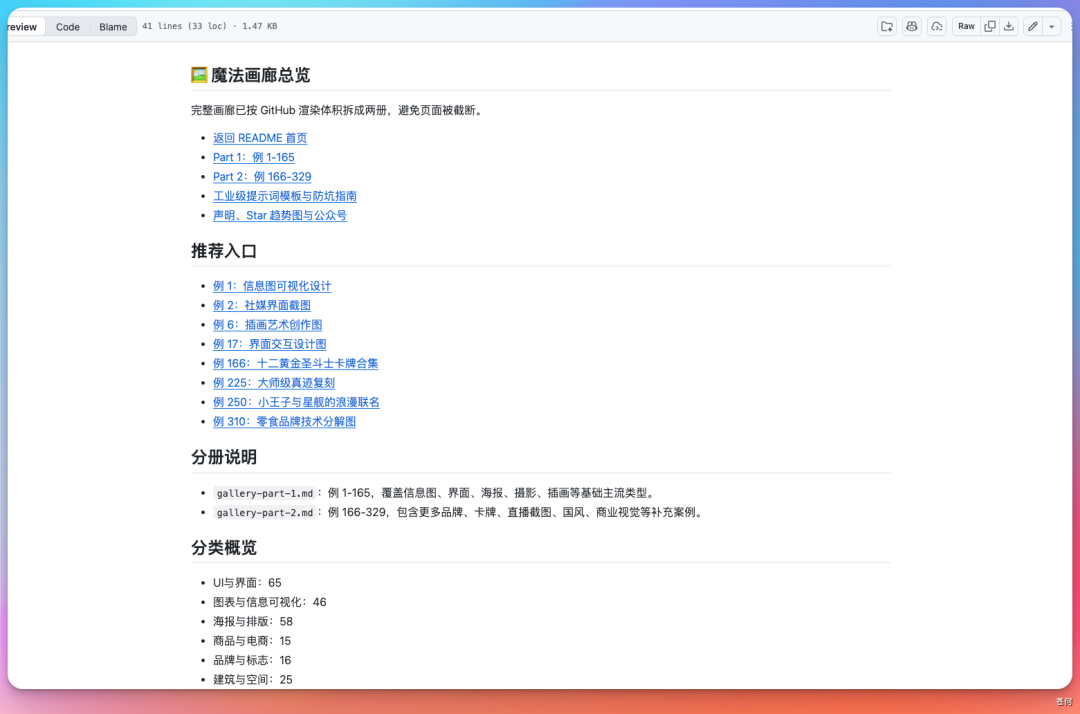
GPT-Image-2 in Action
Livestream Scene
The prompt could hardly be simpler:
Generate an image of a livestream room; the mood is a beautiful woman dancing under the moonlight, with lots of people commenting in the chat
Hand-Drawn City Map
Generate a hand-drawn, watercolor-style city map of "enter your city name here," including the local specialty foods, landmark buildings, and city character
Chinese text rendering is virtually free of garbled characters -- one of GPT-Image-2's biggest improvements over its predecessor.
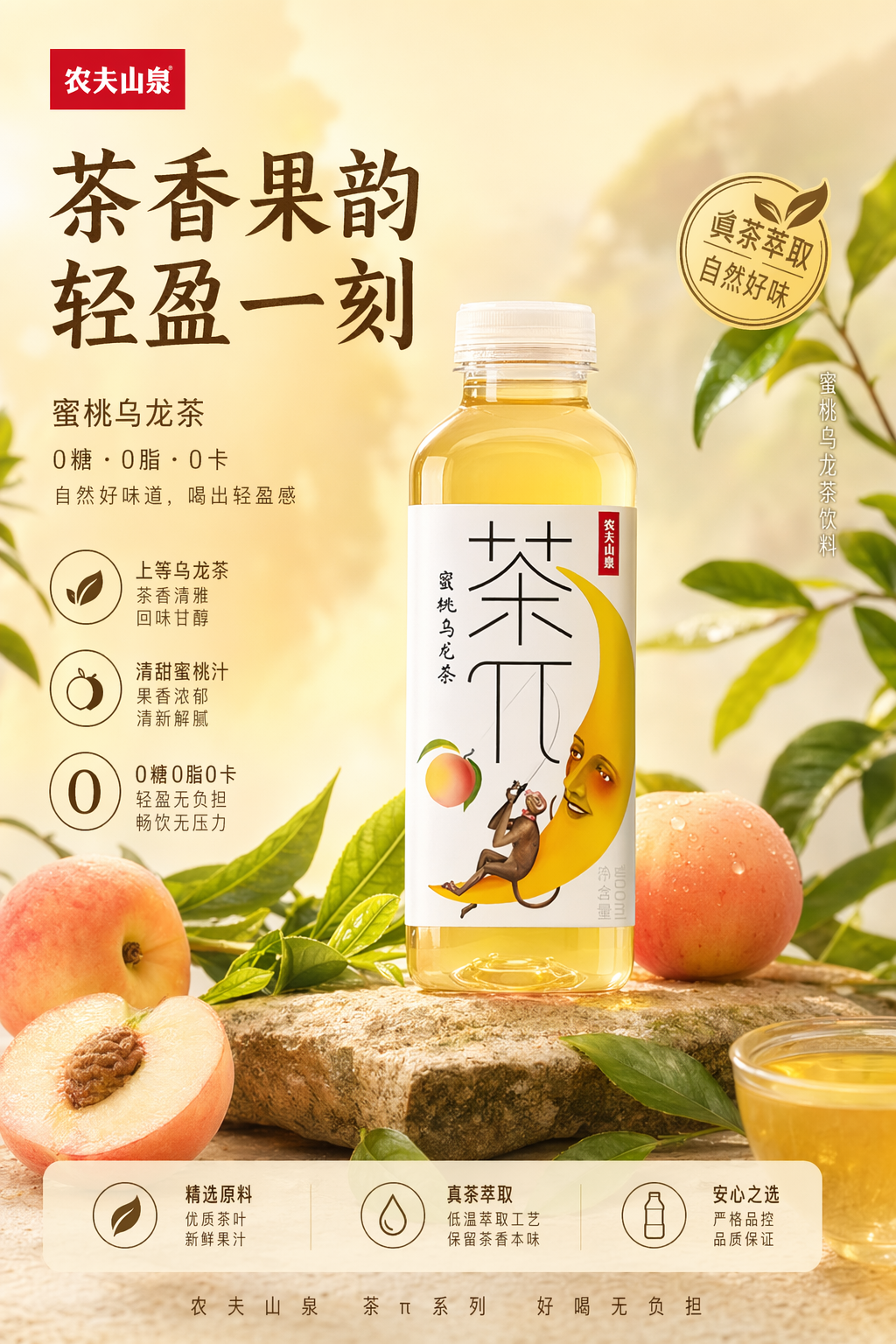
Product Poster
Snap a casual photo of a product, toss it to GPT-Image-2, and the prompt is a single line:
Generate a promotional image for this product
It invented every design detail on its own.
Product Teardown Diagram
Generate an exploded view of AI glasses, including the name of every component and the product's core selling points.
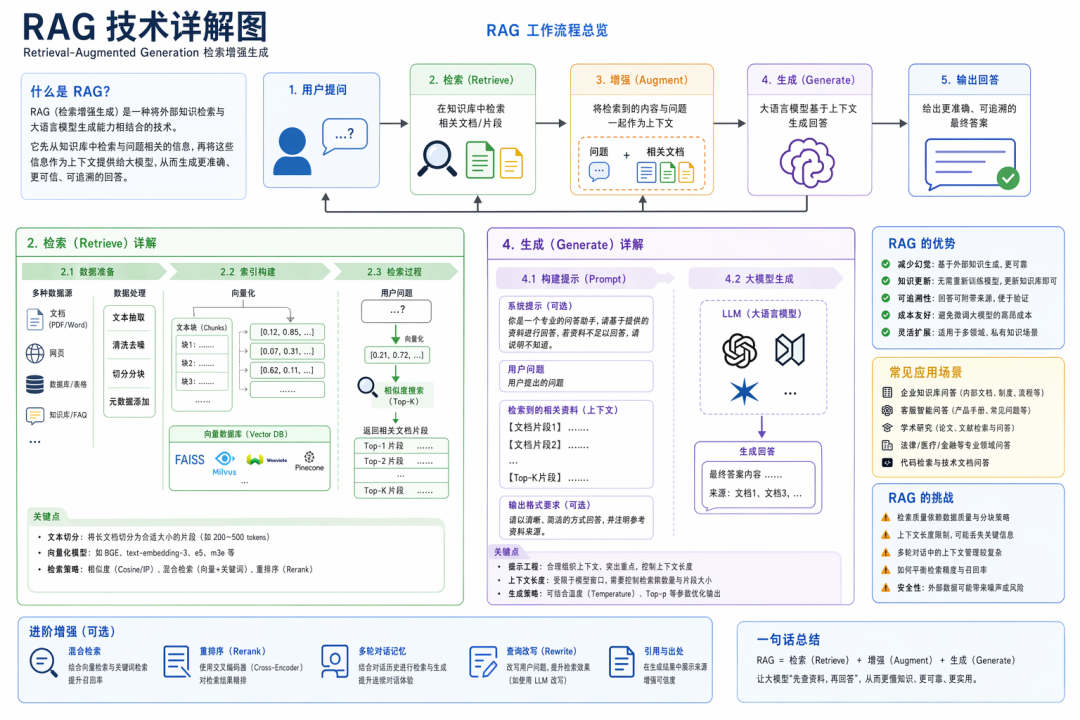
Technical Explainer Diagram
Generate a detailed explainer diagram of the technology [enter the term you want to explain here]
Not Your Average Prompt Library
The project does three key things that take it beyond a "prompt showroom":
1. Atomic Schema Injection
Every visual element (subject, lighting, materials, typography) is reduced to structured JSON/YAML components. Agents can parse them directly, with zero hallucination.
2. Zero-Configuration Workflow
It flattens the learning curve and plugs seamlessly into LLM data pipelines at any moment. The recommendation is to hand it straight to an agent like Claude Code or Codex.
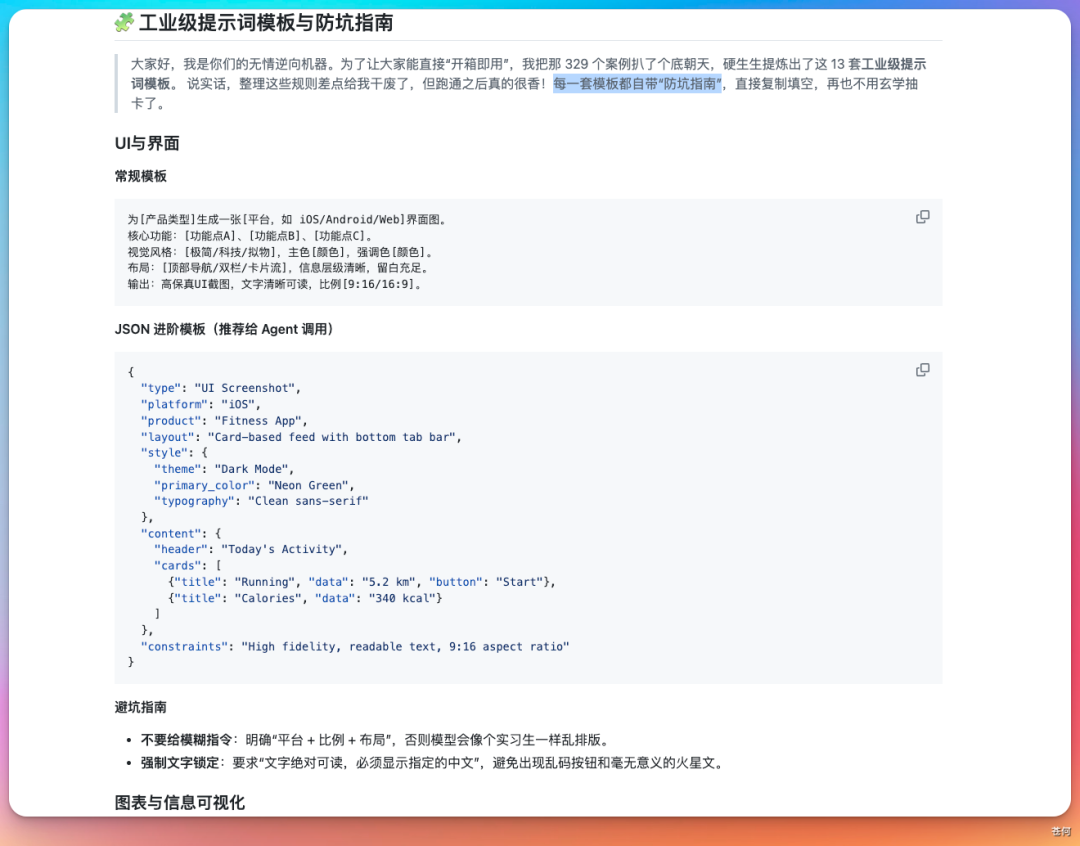
3. Multi-Dimensional Decision Matrix
Building on GPT-Image-2's text layout capability, it introduces precise spatial coordinate constraints, solving the problem that traditional NLP cannot control on-canvas layout.
How to Use It
Option 1: Use the prompts directly
Download the project from GitHub, find the scenario category you need, copy the prompt template, and fill in your specific parameters.
Option 2: Plug into an agent workflow
Let Claude Code or Codex learn from the structured templates to enable a fully automated pipeline that produces prompts in batches and images in batches.
Option 3: Codex + Obsidian integration
Use Codex to call GPT-Image-2 to generate images; once your article is finished in Obsidian, the cover image is generated as a byproduct and can even be auto-filled into the article's fields.
Who It's For
- Content creators: producing lots of cover images, infographics, and posters
- Product managers: quickly generating promotional materials for products
- Developers: building automated AI image generation workflows
- Designers: using AI to produce design prototypes quickly
Toolin Editorial Team
Categories
Related articles

Claude Code Verification Loops: 4 Built-in Skills That Make AI Self-Check Code Before Delivery
Build a verification layer with Claude Code's four built-in skills — /code-review, /simplify, /verify, and /design — so the AI self-checks its code before handing it over.
Logi Options+: Turn an Old Mouse into an AI Workflow Controller (Zero-Cost Setup)
Use Logitech's free official driver Logi Options+ — Smart Actions, Actions Ring, and per-app settings — to mod any Logitech mouse into a Vibe Mouse, a DIY alternative to the $230 Codex Micro keyboard.
Loom: An Engineering State Layer for Coding Agents That Cures Long-Task Local Amnesia
The open-source tool Loom gives coding agents like Claude Code / Codex an independent, structured engineering state layer, enabling long-task auto-checkpointing and zero-cost multi-agent handoff.
Jetson-PI: Peking University Open-Sources Real-Time On-Device VLA Control, 8.66× Higher Control Frequency on Jetson Orin
Peking University, AIRS, and PrimeBot open-source Jetson-PI (Apache-2.0): FAAC asynchronous inference + confidence scheduling + a llama.cpp engine lift π0.5 on Jetson Orin from 0.70Hz to 6.06Hz, with no loss in accuracy.

JiuwenSwarm: A Huawei-Backed Open-Source Multi-Agent Unified Workbench Where Humans Join the Agent Team
openJiuwen open-sources JiuwenSwarm (Apache-2.0), merging office / Code / entertainment work into a unified workbench and launching HITS, a new human-agent collaboration paradigm — installable with a single pip line.

OpenWorker: Andrew Ng's Open-Source Desktop AI Coworker That Ships Finished Work
Andrew Ng open-sources OpenWorker (MIT), a local-first, model-agnostic desktop agent connecting to 25+ tools, turning "prepare a customer brief" into a finished document you can actually open.