
Convert GPT-image-2 Images to PSD in One Click: An Open-Source Skill Put to the Test
Use the open-source bggg-creator-image2psd Skill to split GPT-image-2's merged images into 12 editable PSD layers, with text and graphics layered automatically and no ghosting.
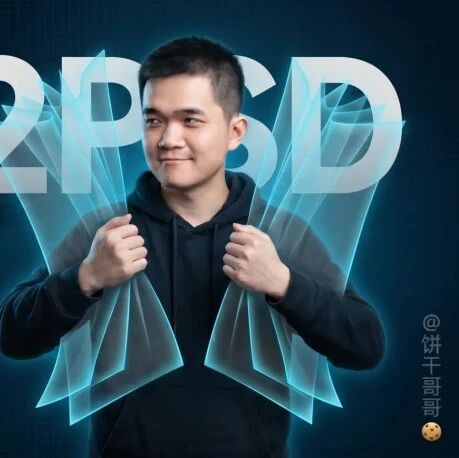
Convert GPT-image-2 Images to PSD in One Click: An Open-Source Skill Put to the Test
Use the open-source bggg-creator-image2psd Skill to split GPT-image-2's merged images into 12 editable PSD layers, with text and graphics layered automatically and no ghosting.
GPT-image-2's image generation is powerful, but what it produces is a merged "flat image"—if you want to change the text, swap the background color, or adjust layers, you can't. This open-source Skill solves that problem: it automatically splits AI-generated images into multiple layers and outputs an editable PSD file.
Hands-on results: the ChatGPT web app can only split 7 layers and leaves ghosting on text, while this Codex-based Skill split out 12 layers, with text on its own layer and a clean background with no ghosting.
Codex result: 12 layers
Preparation Before You Start
- Tools needed: a ChatGPT Plus account (for the web approach) or Codex (for the advanced approach)
- Open-source repo: github.com/binggandata/bggg-skills/tree/main/bggg-creator-image2psd
- Skill level: familiarity with basic Photoshop operations
- Estimated time: 10-15 minutes (web approach), 5 minutes (Codex Skill approach)
Option 1: ChatGPT Web App (7 layers, with ghosting)
Step 1: Connect Photoshop
In ChatGPT settings, open the connector settings and link the Photoshop app.
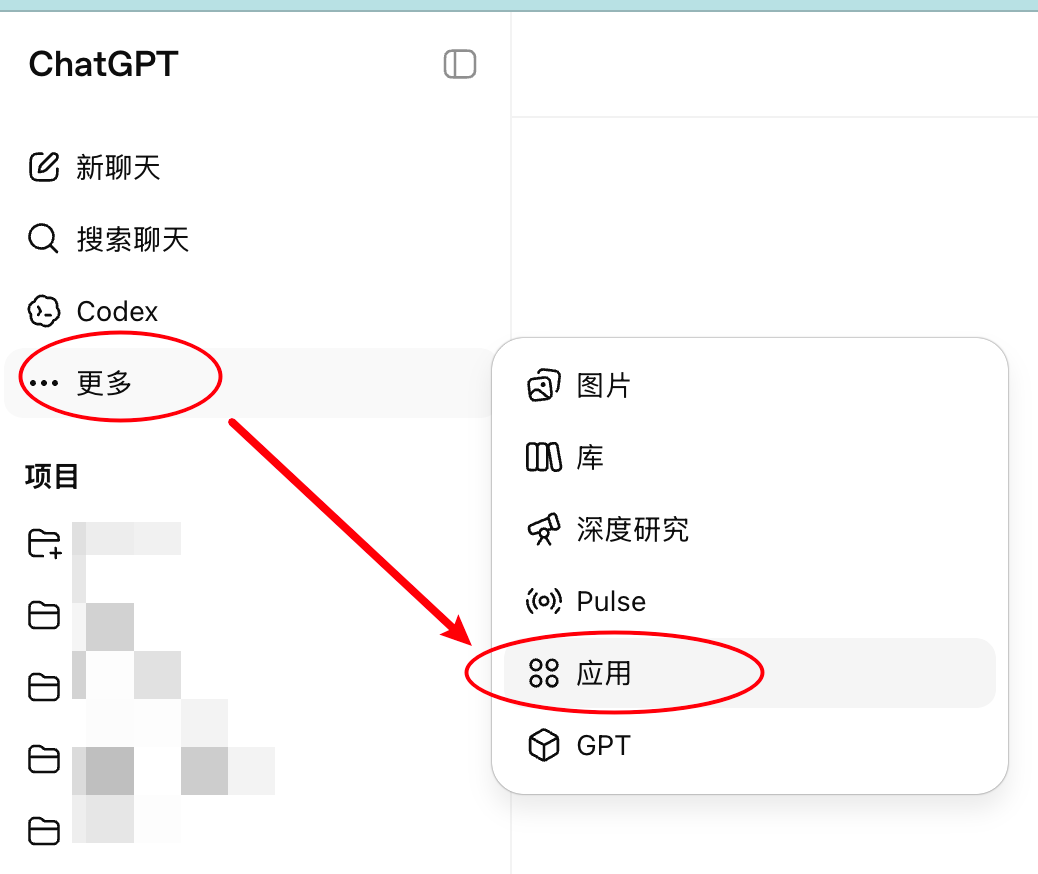
ChatGPT's entry point for connecting Photoshop
Click Connect to establish a channel between ChatGPT and Photoshop.
Step 2: Generate the Image and Split the Layers
Open a new chat and generate the image you need with GPT-image-2. Then use the following prompt to split the layers:
Next, I want to turn this image into a PSD to edit in Photoshop,
so first split the generated poster into several images.
Do not change their relative positions, and make the background white.
Step 3: Generate the PSD File
In the app picker, select Photoshop, then enter:
Assemble the images split above into a PSD file, one layer per image.
Note that some are graphics and some are text. Remove the white background. Give me the PSD file.
The PSD file output by ChatGPT
Tip: The web app's limitation is the 7-layer cap—complex images get ghosting under the title text, and text and background graphics may end up merged into the same layer.
Option 2: Codex Skill (12 layers, no ghosting)
Step 1: Install the Skill
Clone or download the Skill files from GitHub:
https://github.com/binggandata/bggg-skills/tree/main/bggg-creator-image2psdStep 2: Use It in Codex
Open Codex and give it a description of what you need so it uses the Skill to process the image. Codex has a reasoning loop that automatically checks intermediate results as it runs the task; if it spots edge artifacts on a split layer, it automatically goes back and adjusts the parameters until the result is clean.
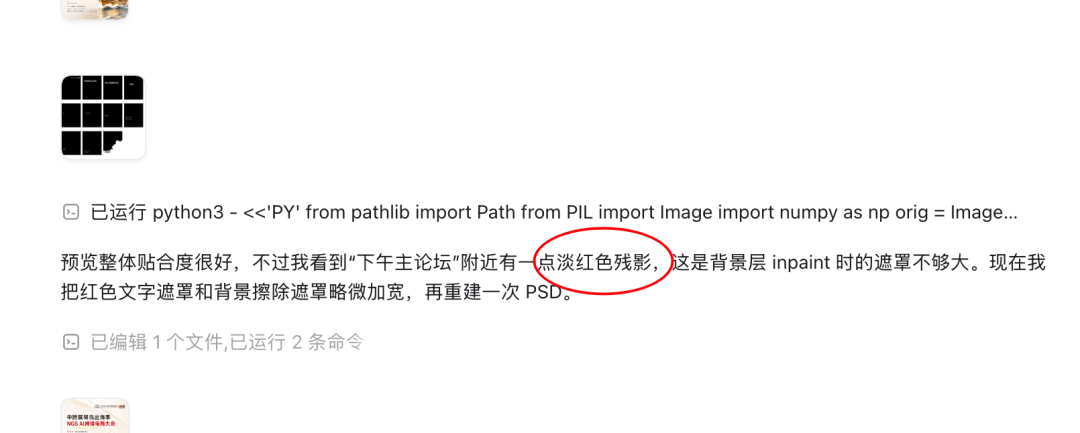
Codex self-checking and correcting during its reasoning process
Step 3: Verify the Result
After importing the final PSD output into Photoshop, check the following:
- Whether the layer count meets expectations (12 layers in testing)
- Whether there is ghosting under the title text (there should be none)
- Whether the text sits on its own layer
Comparing the Two Options
| Feature | ChatGPT Web App | Codex Skill |
|---|---|---|
| Layer count | About 7 layers | 12 layers |
| Ghosting | Yes | No |
| Text layering | May merge with background | Separate layer |
| Best for | Quick previews, simple images | Design drafts, e-commerce assets |
| Cost | ChatGPT Plus subscription | Codex API calls |
The same Skill also splits layers for e-commerce product images
More Skill Resources
This Skill and future ones will all be synced to this repository:
https://github.com/binggandata/bggg-skillsIf your design workflow regularly involves turning AI-generated images into editable source files, this Skill can save you a huge amount of manual cutout and layering work.
Toolin Editorial Team
Categories
Related articles
Loom: An Engineering State Layer for Coding Agents That Cures Long-Task Local Amnesia
The open-source tool Loom gives coding agents like Claude Code / Codex an independent, structured engineering state layer, enabling long-task auto-checkpointing and zero-cost multi-agent handoff.

Jetson-PI: Peking University Open-Sources Real-Time On-Device VLA Control, 8.66× Higher Control Frequency on Jetson Orin
Peking University, AIRS, and PrimeBot open-source Jetson-PI (Apache-2.0): FAAC asynchronous inference + confidence scheduling + a llama.cpp engine lift π0.5 on Jetson Orin from 0.70Hz to 6.06Hz, with no loss in accuracy.

JiuwenSwarm: A Huawei-Backed Open-Source Multi-Agent Unified Workbench Where Humans Join the Agent Team
openJiuwen open-sources JiuwenSwarm (Apache-2.0), merging office / Code / entertainment work into a unified workbench and launching HITS, a new human-agent collaboration paradigm — installable with a single pip line.
OpenWorker: Andrew Ng's Open-Source Desktop AI Coworker That Ships Finished Work
Andrew Ng open-sources OpenWorker (MIT), a local-first, model-agnostic desktop agent connecting to 25+ tools, turning "prepare a customer brief" into a finished document you can actually open.
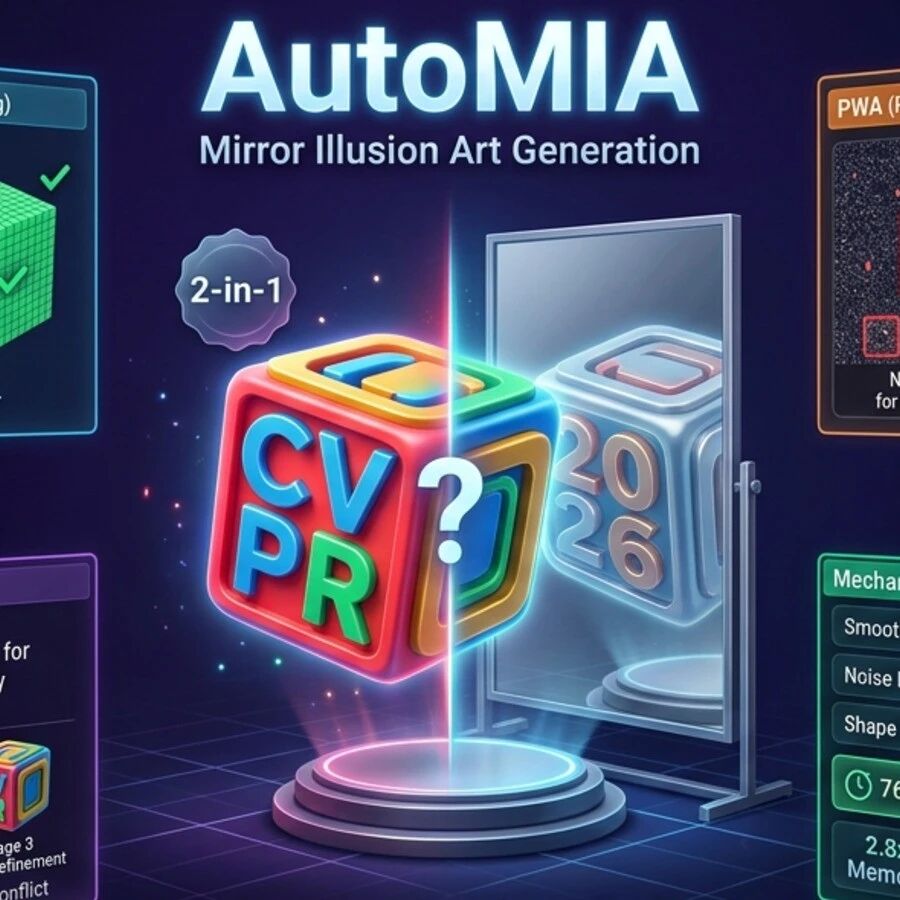
AutoMIA: Two Images In, a 3D-Printable Mirror Illusion Out — Runs on a Single RTX 3090
AutoMIA, a Tsinghua CVPR'26 Highlight open-source project, turns two input images into a 3D-printable voxel mirror-illusion art model (STL-ready) — single RTX 3090, 76 seconds per design.
Macaron-V1: An Open-Source Coding Model That Compresses Personalized Experience into LoRAs with MoL
Mind Lab open-sources Macaron-V1 (Venti / Coding-Venti / Tall tiers), a Mixture-of-LoRA architecture built on GLM-5.2 744B plus four 1B LoRA experts, with a free hosted API and a UI4A plugin.