
Loop Engineering in Practice: the 32-Page Orange Book, Free and Open Source
The Loop Engineering Orange Book systematically unpacks the concept of loop engineering, its five-step workflow and six core components, with hands-on Claude Code commands; free to read on GitHub and WeChat Reading.
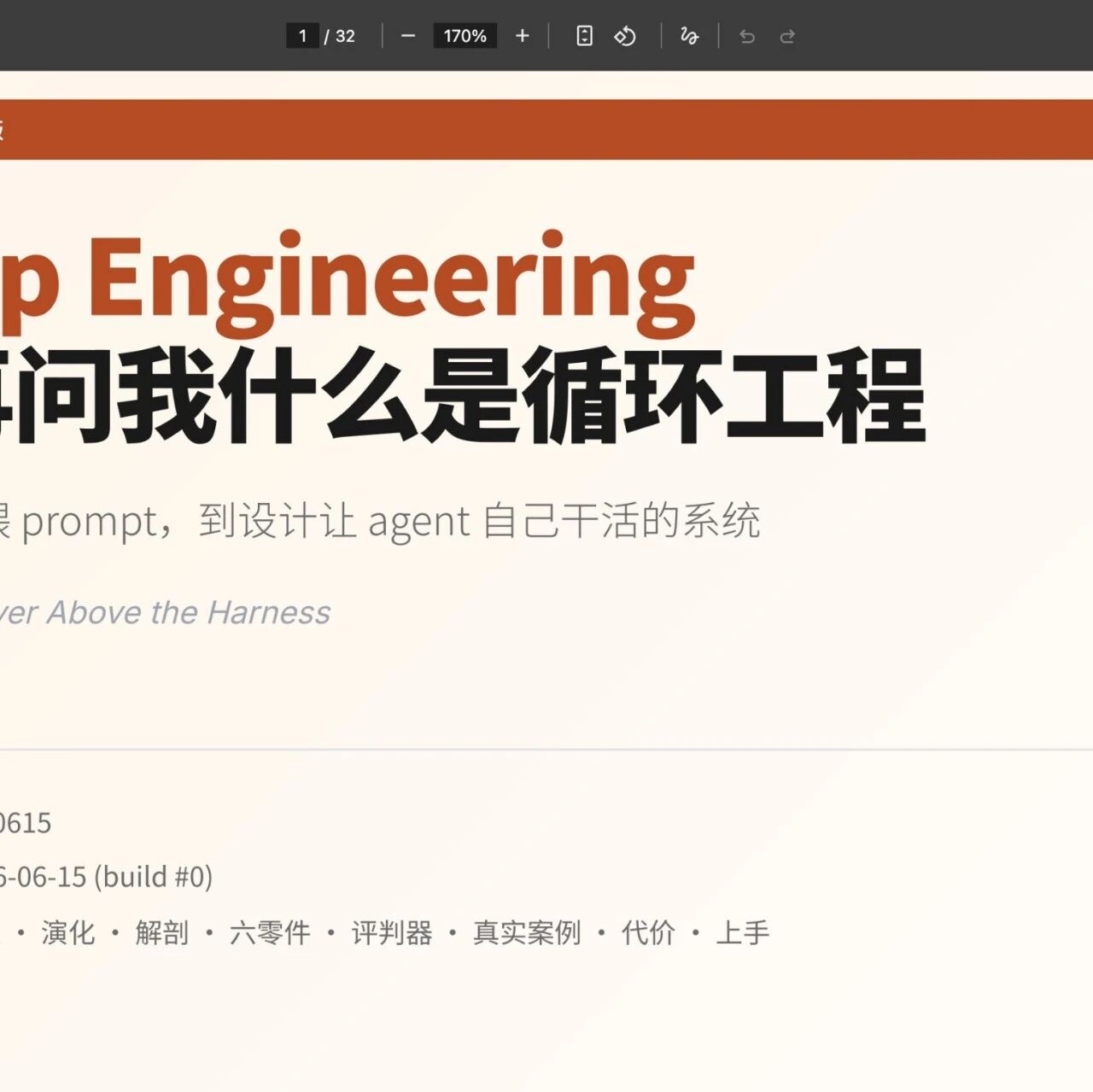
Loop Engineering in Practice: the 32-Page Orange Book, Free and Open Source
The Loop Engineering Orange Book systematically unpacks the concept of loop engineering, its five-step workflow and six core components, with hands-on Claude Code commands; free to read on GitHub and WeChat Reading.
Loop Engineering is a new paradigm for AI programming proposed in early June 2026, simultaneously by Boris Cherny, head of Claude Code, and Peter Steinberger, author of OpenClaw. The core idea is a single sentence: you should stop prompting your AI coding agent yourself — you should design a loop system that prompts it for you.
This article is based on the open-source "Loop Engineering Orange Book" (32 pages) and unpacks the concepts, workflows, and hands-on methods of loop engineering.
What Loop Engineering Is
Along the evolution of AI agent engineering, each layer takes you one step further from doing the work with your own hands:
- Prompt Engineering: governs how well the passage of text you hand the model is written
- Context Engineering: governs what information goes into the model's head on a given run
- Harness Engineering: governs the full equipment for a single agent run (tools, permissions, failure handling)
- Loop Engineering: sits one layer above the Harness. It makes the agent wake itself on a schedule, hatch its own subtasks, and feed itself information

Loop Engineering sits above the Harness, in charge of making the agent run autonomously.
The Five Steps of a Loop
One revolution of the loop is five actions:
1. Discover
Read the signal sources: which CI jobs are failing, which issues are open, which commits were recently made.
2. Deliver
Pick out the work worth doing, spin up an isolated workspace, and dispatch an agent to draft the fix or implementation.
3. Verify
Dispatch a second agent to review the first agent's draft against the tests and project conventions.
4. Record
Write all progress into a markdown file that lives outside the conversation, so the next morning it can pick up where it left off.
5. Decide
Decide what to do next based on this round's results.
Core principle: the AI that writes the code must not grade its own code. One generates; the other exists purely to find fault.
The Six Core Components
The five actions are built on six components:
- Automation: the scheduled trigger mechanism
- Isolated workspace: each task runs in its own environment
- Skills: capability packs the agent can invoke
- Connectors: hooks into external systems (CI, issue trackers, and so on)
- Dual agent: one generates, one verifies
- Memory: state kept in files outside the conversation
Hands-On Claude Code Commands
Two commands recently added to Claude Code map exactly onto the two big jobs of loop engineering:
The /goal Command: Progress-Driven
Give it a verifiable completion condition; after each round, an independent lightweight model judges whether the condition is met, and if not, another round runs.
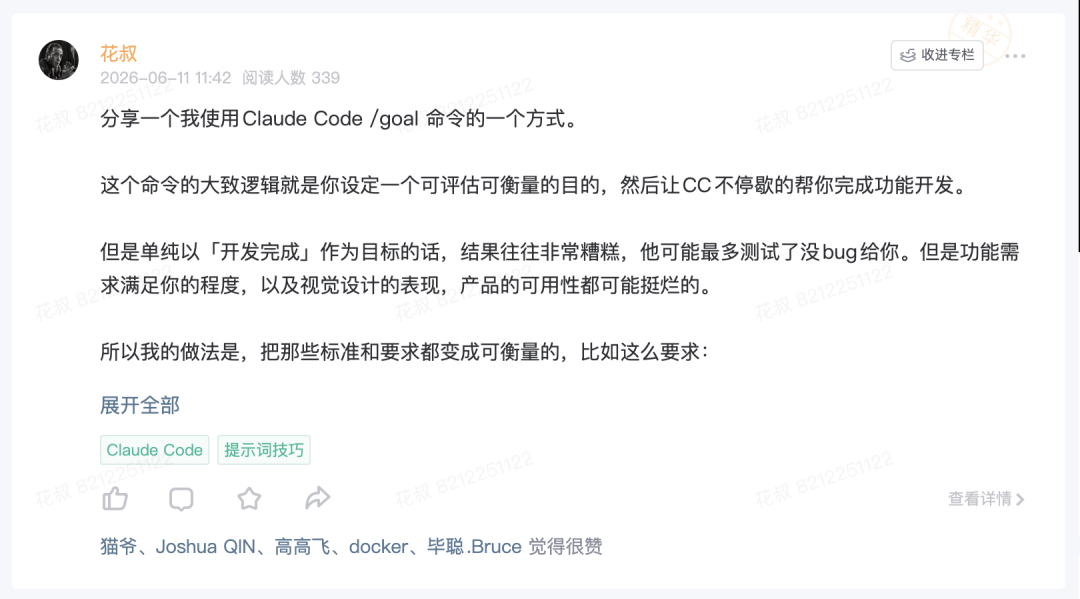
/goal suits work with a clear end state that can be verified: fix a bug until all tests are green, build a feature until every acceptance item is checked.
Pitfall to avoid: don't set "development complete" as the goal — that's letting it claim it works by its own say-so. Translate a vague "good" into measurable criteria. For example: define 5 target users, have a subagent role-play user reviews once done, and call it complete only when the average rating exceeds 9.
The /loop Command: Time-Driven
Run a task repeatedly on a fixed rhythm, say checking every five minutes whether the deployment has landed. You can also omit the interval and let the agent weigh for itself how long to wait between rounds.
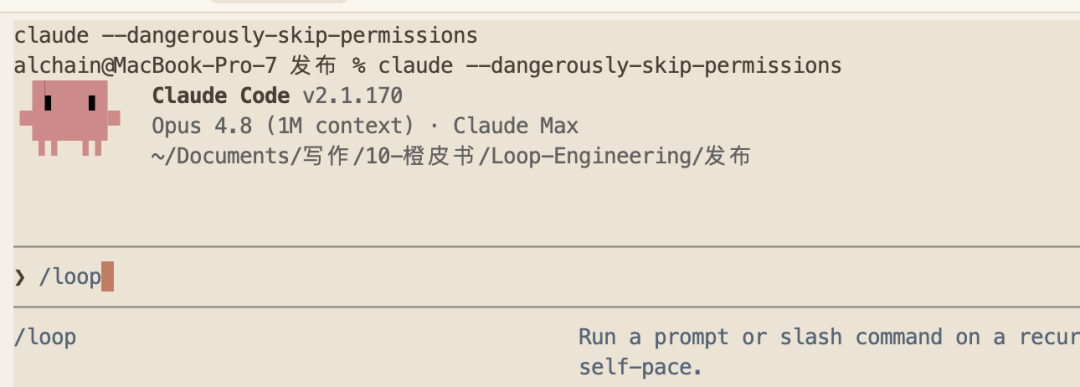
/loop suits work that needs constant watching, status polling, or periodic repetition.
| Command | Drive mechanism | Use case | Stop condition |
|---|---|---|---|
/goal | Progress-driven | Tasks with a clear end state | Stops automatically once the condition is met |
/loop | Time-driven | Continuous monitoring, polling tasks | Stops only when you say stop |
The most wasteful usage: using /loop for work with an end state (it idles and burns tokens once done), or using /goal to watch external state you can't influence (it never exits the loop).
The Costs to Watch For
Beginners building loops tend to hit four traps:
- Verification debt: an unwatched loop is also an unwatched error loop — the more cheerfully it runs, the more spectacularly it goes wrong
- Understanding rots: the faster it delivers code you never wrote with your own hands, the wider the gap grows between the code in your head and the code actually in the repo
- Token blowups: how many tokens an autonomous loop burns is hard to predict, and the bill can be scary
- Judgment atrophy: you can't resist taking whatever the AI produces at face value, and gradually stop wanting to judge for yourself
Getting the Orange Book
The "Stop Asking Me What Loop Engineering Is" orange book is available the following ways:
- GitHub (free and open source): https://github.com/alchaincyf/loop-engineering-orange-book
- WeChat Reading: search "Hua Shu" to read for free
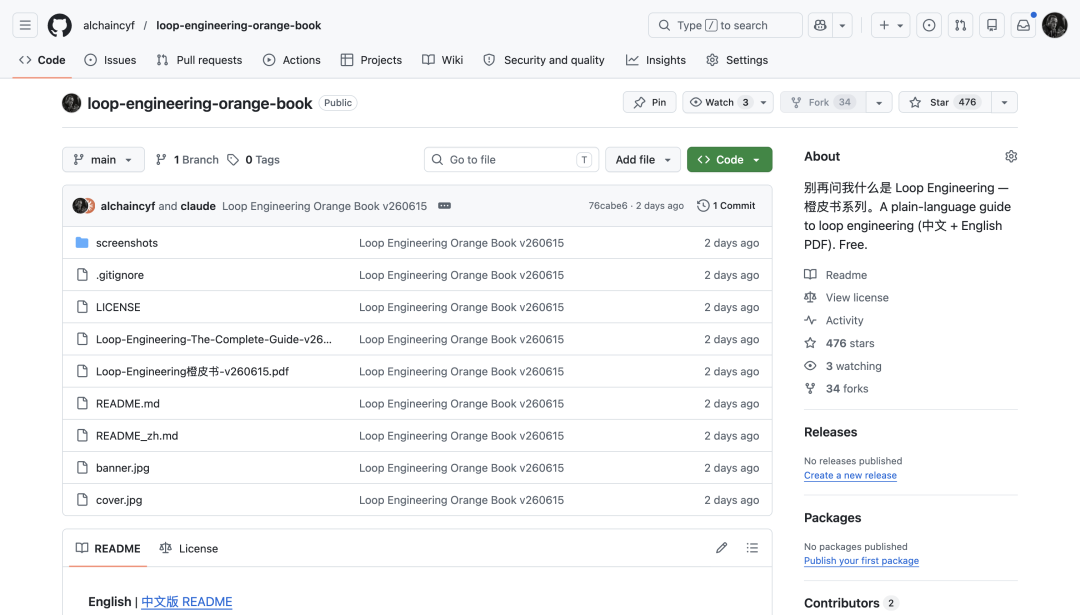
The book stands entirely on its own — you don't need to read the earlier "Harness Engineering" first to understand it.