
Cherry Studio
An open-source AI desktop client supporting 30+ providers across Windows, Mac, and Linux
Tool details
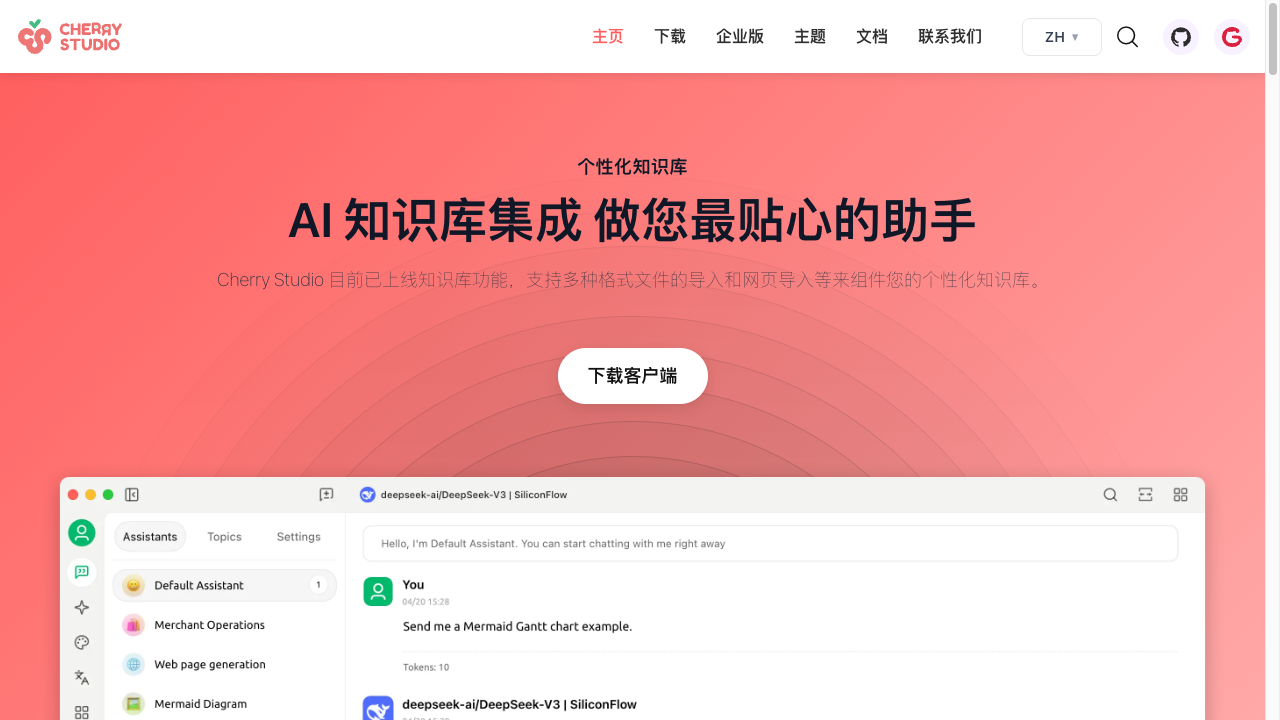
Cherry Studio is an open-source, all-in-one AI desktop client for Windows, Mac, and Linux, developed by the CherryHQ team. It integrates multi-model chat, knowledge base management, AI drawing, translation, and more, and supports connecting to 30+ mainstream AI providers including OpenAI, Anthropic, Gemini, DeepSeek, and Ollama.
Key Features
- Multi-Model Chat: Send the same question to multiple models at once so you can easily compare how different models perform
- Local Knowledge Base: Import PDF, DOCX, PPTX, XLSX, TXT, MD, and other file formats to build a personalized knowledge base
- 300+ Smart Assistants: Over 300 preconfigured AI assistants covering technical writing, DevOps engineering, fitness coaching, viral copywriting, and many other professional domains
- Privacy Protection: All data is stored locally with fully local deployment supported, and combined with Ollama it can be used offline
- Code Tools: Version v1.5.7 introduced a powerful Code Agent feature, supporting direct launching and management of AI coding assistants
- WebDAV Sync: Data backup and sync, with export to Notion and Obsidian
Use Cases
Technical teams can use Cherry Studio to pool multiple AI model resources and improve development efficiency; content creators can use the built-in professional assistants to quickly generate high-quality copy; and users in education and research can organize and query large volumes of materials and literature through the knowledge base feature.
Unique Advantages
As an open-source project (AGPL-3.0 license), Cherry Studio emphasizes user privacy and data security — all usage data stays on the local device and is never uploaded to any third-party server. Compared with similar tools like OpenWebUI and LibreChat, users rate its interface as cleaner and more intuitive, its multi-model comparison as smoother, and its settings as simpler and friendlier.
Pricing
FreemiumFreeAGPL 3.0 open-source license, single-machine local deployment, 30+ built-in providers needing manual API key configuration, unlimited users, community support
Commercial license, private deployment, pre-configured mainstream models with no provider customization, unlimited seats; professional technical support requires an annual service fee
Commercial license, private deployment, fully free provider configuration, private model support, complete enterprise features, centralized management of AI resources and data
Additional notes
The annual service fee covers version upgrades, 24/7 technical support, remote deployment assistance, custom requirement discussions, and training; cloud provider models incur API usage fees, while Ollama local deployment has no API fees but needs corresponding hardware.
FAQ
User reviews
User Reviews
No reviews yet
No one has reviewed this tool yet