
DaVinci AI
A multi-model AI visual workspace for comparing, generating and finishing images and video
Tool details
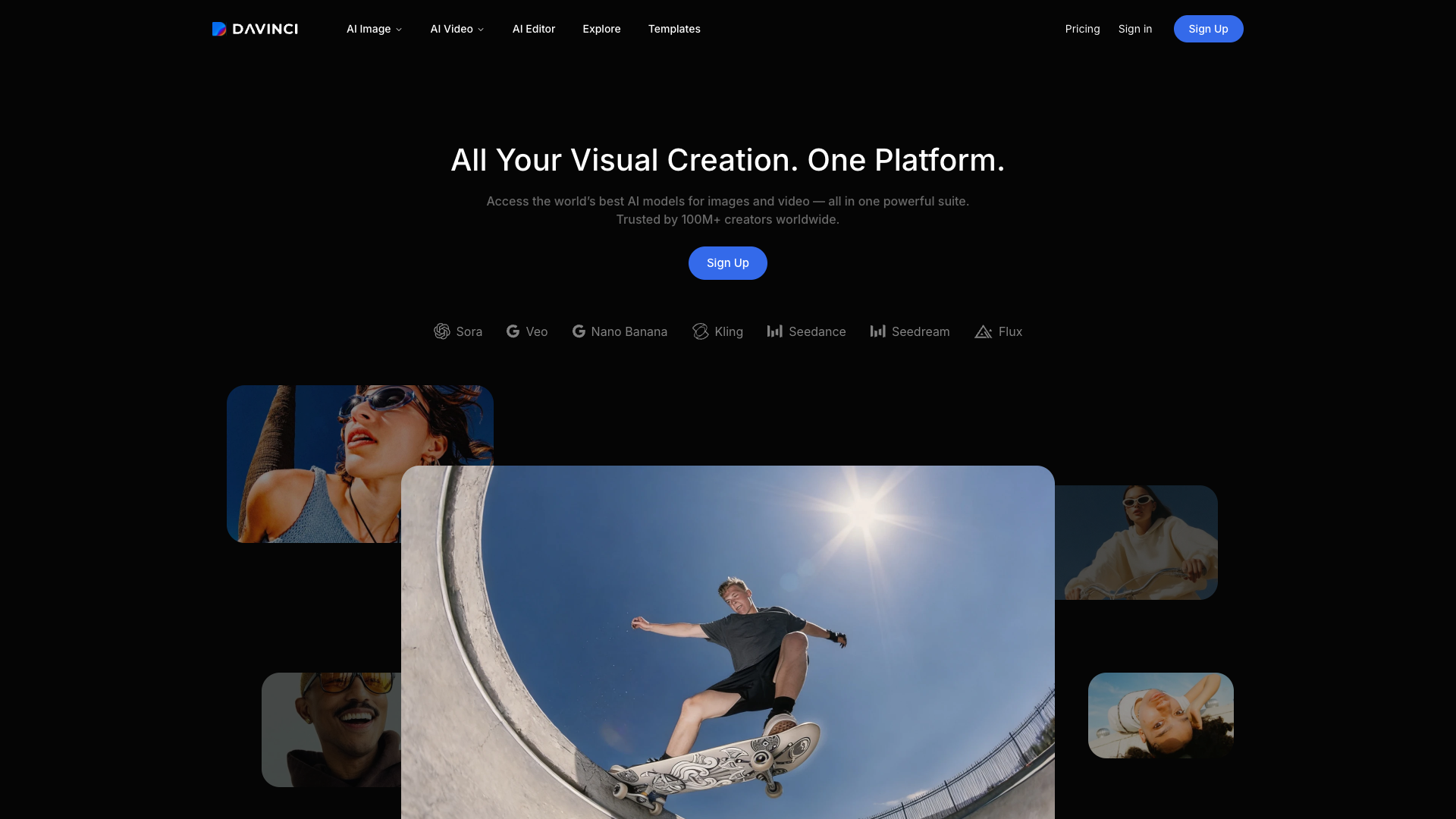
Getting a single Sora 2 shot used to mean subscribing to OpenAI first, opening another account for Kling's camera moves, and then hunting for a tool to turn the result vertical — DaVinci AI moves all of that into one workspace: a single subscription where you compare Sora, Veo, Kling, Seedance, Nano Banana and 37+ image plus 29+ video models side by side, then finish the one you pick without leaving the page.
Core capabilities
- Cross-model comparison: send the same brief to several models and review the results side by side, skipping the back-and-forth between separate sites
- Credits shown upfront: the credit cost of a run is displayed before you generate, so you are not reading the bill after the fact
- In-app retouching: background removal, inpainting, relighting and upscaling to 4K for images; Restyle, camera-angle changes, Extend and upscaling to 8K for video
- Templates and Reshoot: apply a ready-made style template, then reuse the same settings with a new subject
- Multi-size adaptation: one finished image is auto-cropped to the social, ad and web aspect ratios
- Cross-device sync: the same account on web, iOS and Android, so a draft started on your phone can be finished on your desktop
Who it suits Social and paid-media asset teams, independent creators, and e-commerce or local businesses fit best: they need images, short video and every channel size in one round without carrying three to five overlapping subscriptions; people who create mainly on a phone will find it especially smooth.
What sets it apart Krea has more models and Runway edits deeper, but DaVinci AI's difference is not a single feature, it is the pipeline — comparing, choosing, retouching and resizing all happen on one page. Most rivals only cover the first half of this 'aggregate, then finish' route.
Editorial verdict The model breadth is real, the editor is better than expected, and non-designers get usable assets in a few steps, so product strength earns four stars. Two things pull the score down: plan tiers are described in inconsistent terms and the real amounts only appear after login; video credits burn fast, and with no public API it is a poor fit for engineered batch work. Start with the daily free image quota to test the style, and move up to Max once it matches your taste.
Pricing
Freemium$0 (daily free image credits; video generation and commercial use require a paid plan)Daily free image credits, refreshed each day; no commercial use, and video generation needs a paid tier
5,000 credits/month, priority queue; introductory price, renews at $69.99/month
15,000 credits/month, highest queue priority; introductory price, renews at $174.99/month
40,000 credits/month, maximum generation performance; introductory price, renews at $329.99/month
Additional notes
Video generation requires a paid subscription; credits refresh per billing cycle and do not roll over; prices exclude VAT and local taxes; annual billing carries a separate discount of about 40%; there is also an entry tier at 2,200 credits/month whose amount is not published on the site
FAQ
User reviews
User Reviews
No reviews yet
No one has reviewed this tool yet