

MorphLogo
An AI tool that turns static logos into motion intros
Tool details
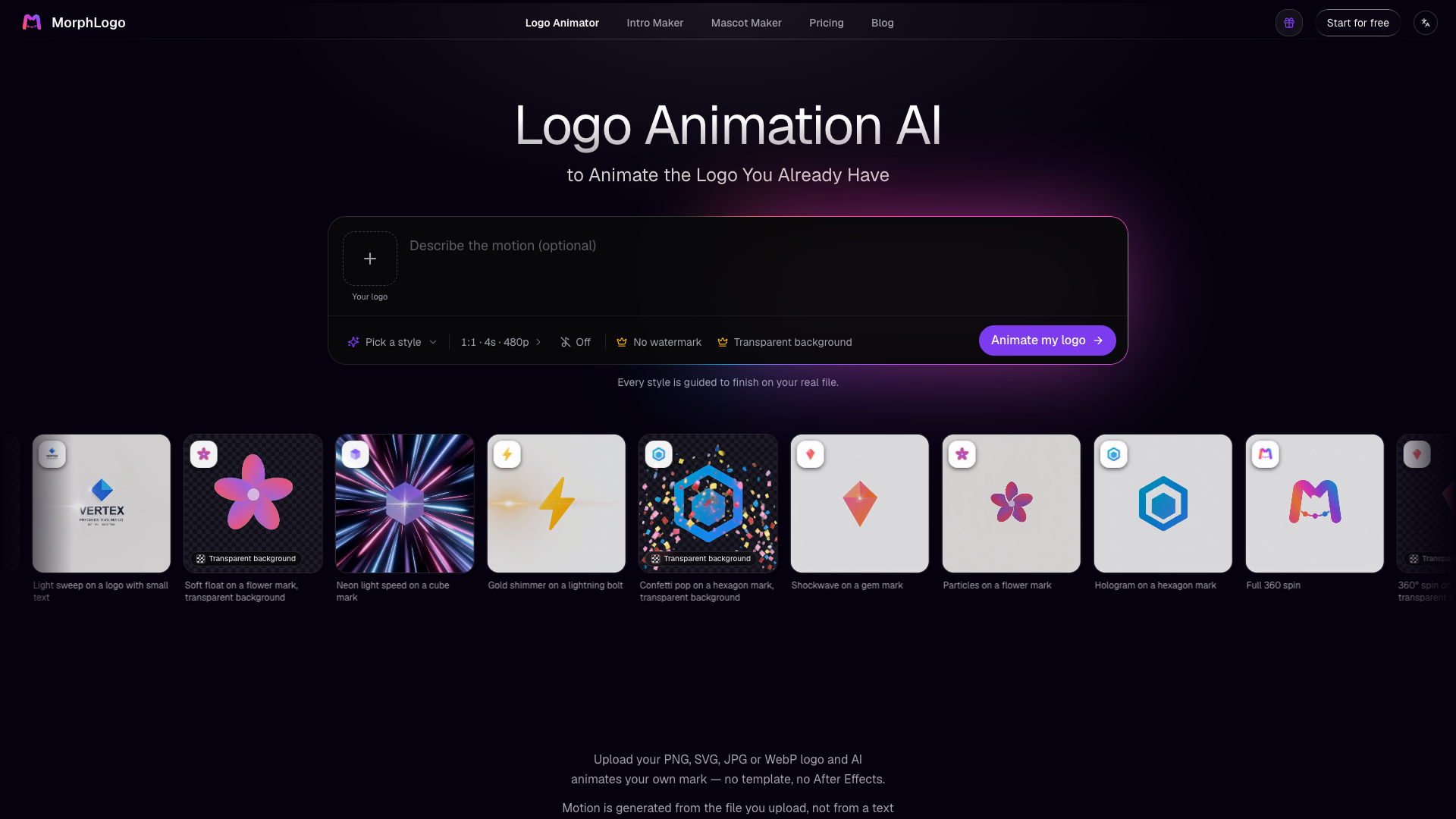
MorphLogo is not a logo generator: it does not design marks, ship a template library or change your branding. It does one thing — turns the static logo you already have into a 4 to 10 second motion intro. Upload a PNG or SVG, pick a motion preset, and you have a clip in about a minute. The positioning is narrow and clear, which makes it hard to pick wrong.
Core capabilities
- Original image, animated: the upload becomes frame one with no redrawing, so the logo's shape and colors are not distorted by AI
- 25 motion presets: cinematic reveal, neon pulse, 3D orbit, particle assembly, glitch burst, liquid metal and more; you can also write a prompt or upload a reference video to set the pacing
- Two engines: Standard caps at 720p (10–21 credits/sec); Studio is for paid users and reaches up to 4K (105–210 credits/sec)
- Multi-format export: MP4, WebM, GIF (including a 240px email-signature version), animated WebP, plus transparent-background MOV on paid plans, in 16:9 / 1:1 / 9:16 aspect ratios
- No learning curve: no timeline, no keyframes — upload, choose a style, export
Best for Solo founders, independent developers, small brands and freelance designers who have already signed off on their logo: a website hero loop, an app splash screen, social Reels, an email-signature GIF. Teams that must follow strict brand motion guidelines should look elsewhere.
What sets it apart Against general video models such as Kling and Runway, the difference is that the uploaded file becomes the first frame, so the logo is never redrawn badly; against Canva templates, it does not stretch or recolor. The gaps are just as real: no Lottie, no SVG animation, no After Effects project — the output is video and bitmap only.
Editor's take In this very narrow niche it is the least-effort option, on specific terms: you only need a few intros, and you accept that the same style can produce different results twice. A 4-second 720p render costs about $1.35–2.50, one to two orders of magnitude cheaper than outsourcing. Even a fully accumulated free allowance covers only 1 watermarked 480p preview, so a clean file requires payment, and 4K realistically needs Pro or higher.
Pricing
Freemium$0Signing up is free and includes 40 credits, but it only produces 4-second 480p previews with a watermark; there is no separate trial period.40 credits on signup (expires after 30 days); 4-second 480p only, and every output carries a watermark
500 credits, watermark-free and licensed for commercial use; credits never expire
1,800 credits; about $1.35 per 4-second 720p render, enough for roughly 2 renders of 4 seconds at 4K
6,000 credits; the lowest cost per credit, best for producing multiple clips
1,200 credits per month, cancel anytime; unused credits roll over
Additional notes
The free tier is limited to 4-second 480p output with a watermark and must be accumulated through daily check-ins (30 credits per 7-day cycle, about 4.3 per day; 9–10 days to earn enough for one render), and it can never export a watermark-free file; the paid entry pack is $14.90 for 500 credits; the only subscription on the site is $19/mo, and no annual SKU exists.
FAQ
User reviews
User Reviews
No reviews yet
No one has reviewed this tool yet


