
Oraclip
A chat-agent style AI motion-transfer video generator
Tool details
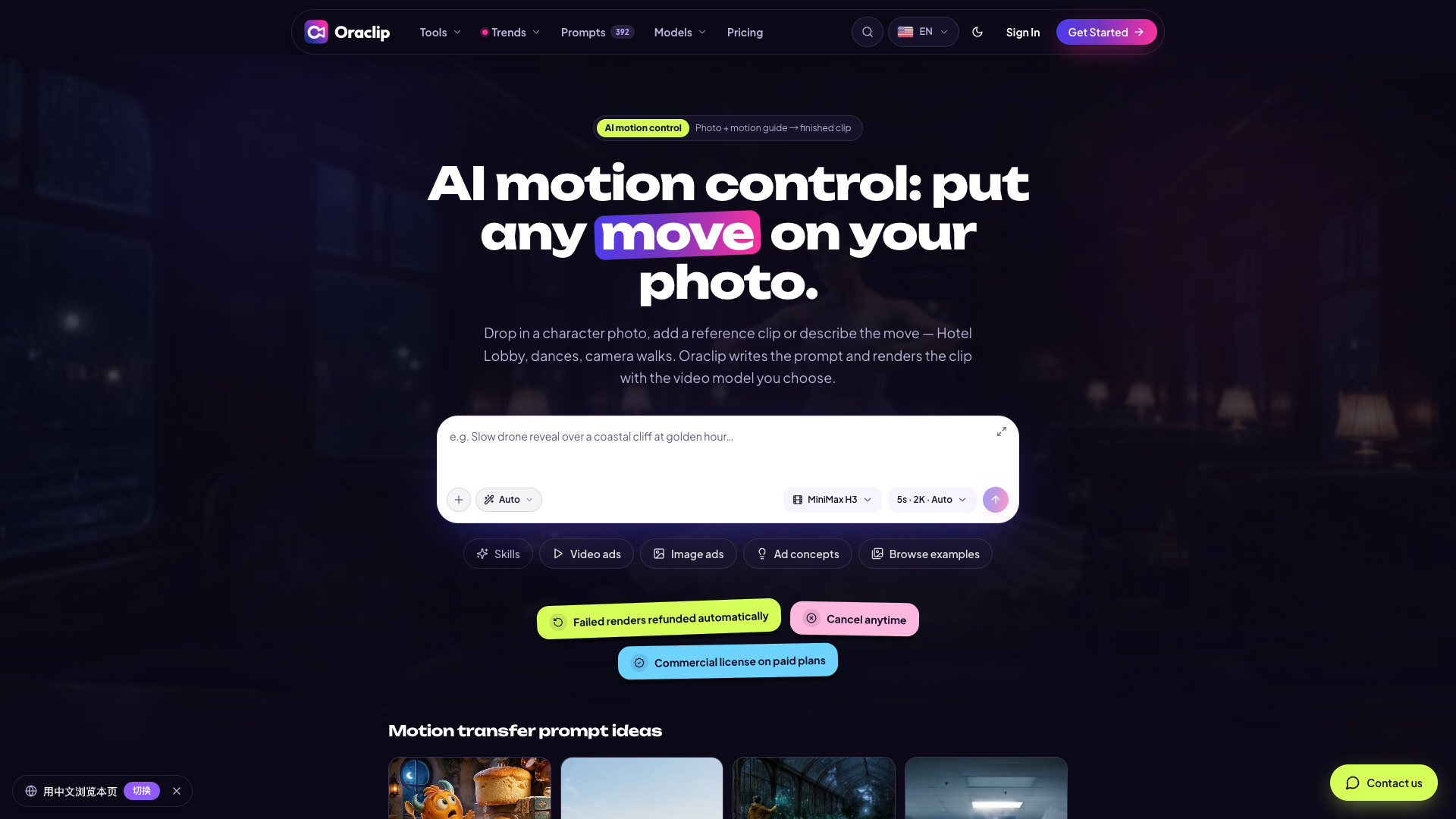
Oraclip is an AI motion-transfer video tool that takes the form of a chat agent: upload a photo of a person or a product, then give it a reference motion video of no more than 30 seconds — or describe the motion in words only — and it writes the prompt for you and calls third-party video models to produce the clip. It does not develop any model of its own; what it does is orchestrate models such as Seedance and MiniMax into a single conversational front end and proxy layer, which suits short-video creators and small marketing teams that want to replicate trending motions quickly.
Core capabilities
- Motion transfer: one photo plus a reference video of up to 30 seconds, with the output following the motion and rhythm of the reference
- Prompt writing on your behalf: a large model expands your brief on subject, motion and camera movement into a full video prompt, and automatically decides between image-to-video and reference-video guidance
- Model routing: dispatches connected third-party models such as Seedance and MiniMax from the same credit pool, and you can switch models mid-conversation
- Multi-take iteration: every render is kept as a take, so you can tell any version to extend or redo it without losing history
- Controllable cost: an estimated credit cost is shown before you send, credits are refunded automatically when a render fails, and paid tiers include commercial licensing
Use cases Replicating popular dance or walking motions from TikTok and Reels, bringing pet and family photos to life, turning product shots into ad clips, or producing several motion versions of the same character in bulk for A/B tests. It fits best with social media creators and small independent teams who already have the footage and want a finished clip from a single sentence.
Unique advantages Compared with a workbench built directly on a base model, it removes the prompt-writing and model-picking steps, and several models can be compared on price and output inside the same conversation. The site is also fairly candid about the limits of its capabilities: it states plainly that it does no face-binding, that 1080p applies only to specific models and to clips of no more than 15 seconds, so it does not set expectations beyond what it delivers.
Editorial review The product form is genuinely usable, and its credit and per-model unit pricing is disclosed more transparently than comparable tools, which makes it worth tracking. But it only launched in 2026-10 and still has no third-party reviews or user word-of-mouth, and its model catalogue also contains contradictions, so its maturity remains to be verified. We suggest spending the gifted 100 credits on one test clip first, confirming output quality and credit consumption, and then deciding whether to pay.
Pricing
Subscription$9.9/month (Lite, monthly billing)Monthly billing; annual billing is a single payment of $106.8/year, equivalent to $8.9/month
Monthly billing; annual billing is a single payment of $202.8/year, equivalent to $16.9/month
Monthly billing; annual billing is a single payment of $394.8/year, equivalent to $32.9/month
One-time purchase, includes 1,800 credits
One-time purchase, includes 5,800 credits
One-time purchase, includes 12,000 credits
Additional notes
New users receive a one-time gift of 100 credits, valid for 5 days; there is no permanent free tier. Annual billing requires a single upfront payment, and the $8.9/$16.9/$32.9 shown on the pricing card are annual-plan monthly equivalents, not the real monthly prices. Credits are refunded when a render fails.
FAQ
User reviews
User Reviews
No reviews yet
No one has reviewed this tool yet