Smallppt
An AI presentation tool that turns multiple inputs into editable slides in one click
Tool details
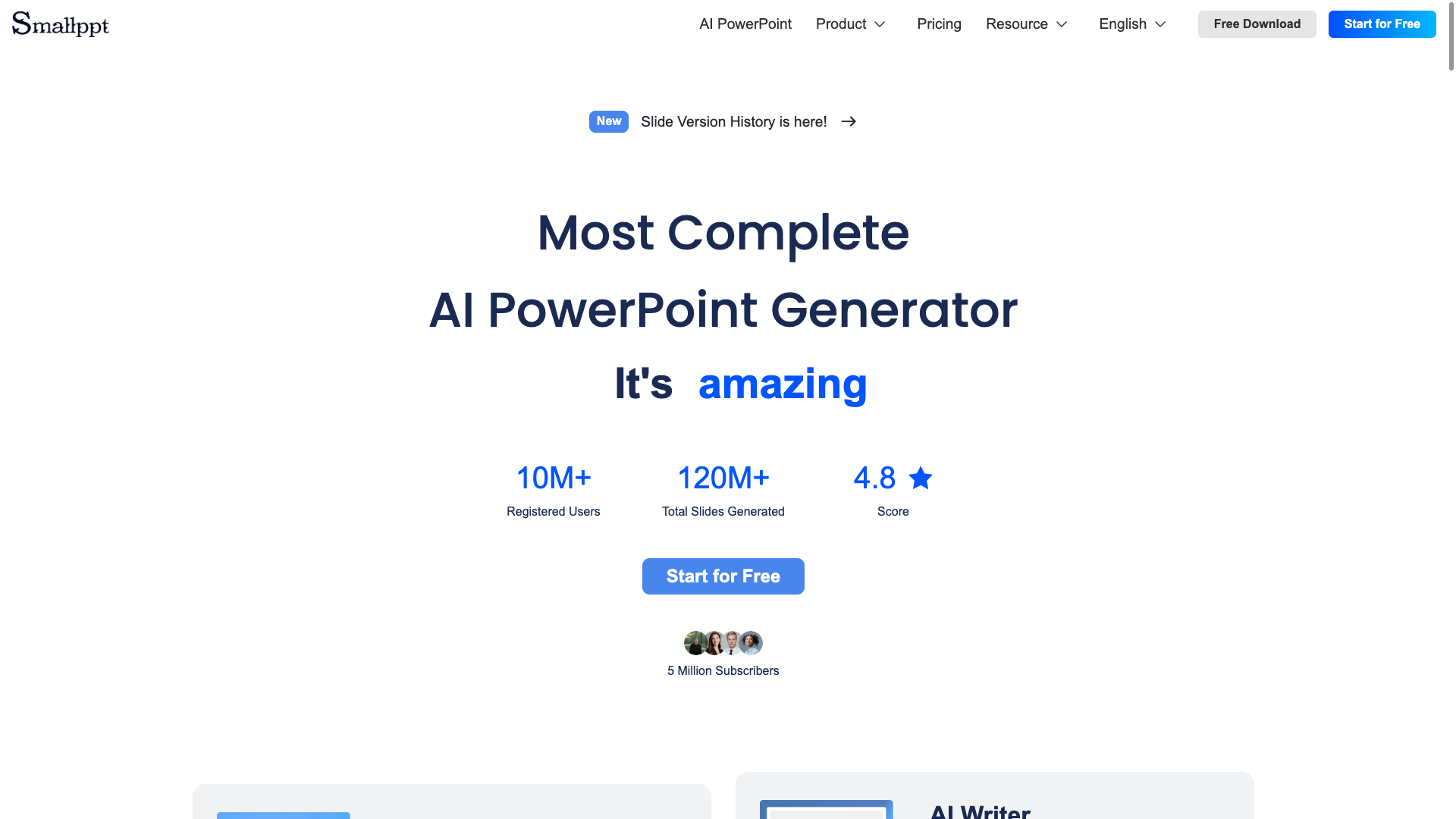
Smallppt is an AI presentation generator built around "ready in 1 minute", turning a topic, a document, a link or even an audio recording straight into an editable deck. It covers Web, desktop, iOS/Android and a Chrome extension, and targets students, teachers and small and medium businesses that need professional slides fast.
Core capabilities
- Multi-input drafting: five input routes — text, files, URL, audio and long text — produce an outline and page-by-page content in one click
- AI outline and visuals: automatically builds a logical table of contents, supports pinning the outline, and matches images from a commercial image library
- Templates and re-skinning: template categories such as Business/Education, with one-click replacement of a whole template set
- Speaker-note drafts: AI Summarizer can produce bullet-point lists or a speech draft
- Productivity suite: integrates AI Writer, AI Chat, AI Mind Map and an AI PDF toolbox
- Multi-platform and collaboration: full platform coverage, and the Team plan supports team workspaces and real-time collaborative editing
Where it fits It suits rushed student assignments, teacher lesson decks and first-draft proposals from small businesses plus marketing/operations teams, especially when all you have is a document, a link or a recording that must become slides quickly. It is not the first choice if you want enterprise-grade brand governance, compliance auditing or deep native PPT/Google Slides integration.
What sets it apart Compared with Gamma's web-first card style and Presentations.AI's deep enterprise customization, Smallppt's difference lies in "more input sources + fast output + affordable pricing + full platform coverage": it exports editable .pptx directly and offers a generous free tier to try, so the entry barrier is low. It cannot be used natively inside PowerPoint the way Plus AI can; you export first and then edit.
Editorial assessment Third-party reviews acknowledge its speed, multi-input support and all-in-one suite; the weak points are that output quality depends on the source material and that complex layouts get simplified. Review samples are extremely small: Trustpilot has only 8 reviews, and G2/Capterra have 0. A few individual reviews are limited to subscription charges, cancellation and refund flows, but the sample is too small to infer overall reputation, and the positive reviews hosted on the vendor's own site cannot be verified for independence. Best for budget-sensitive users who need fast drafts.
Pricing
Freemium$0 (Free plan)Permanently free tier: 4 slide generations, 1 AI Summarizer run, 2 AI Writer runs, 5 AI Chat runs, 15 AI Mind Map runs, 20 AI PDF runs, 16 templates
Billed monthly; an upgrade of the free features
Everything unlimited: slide generation, template replacement, AI tools, watermark-free export
Billed annually; US$199.99/year in total
One-time payment, lifetime access
Team workspace, permission management, real-time collaboration; pricing shown on the official Team page is inconsistent
Enterprise customization, negotiated via Contact Us
Additional notes
The official /pricing page is the primary USD reference, and no cross-currency conversion was performed. Other channel references for the same product are listed alongside: the download-center page shows Unlimited Month US$24.99, Unlimited Year US$12.49 and Lifetime US$199.99; the Capterra directory records a Personal starting price of US$10.99/month; iOS in-app purchases display local currencies by region (Turkey: Pro Month ₺799,99, Unlimited Month ₺1.499,99, Pro Year ₺5.999,99, Unlimited Year ₺9.999,99; Canada: Unlimited Month C$39.99). All of these are listed at their original values, without cross-currency comparison. The official site states that prices are in USD and may be converted to your local currency based on the exchange rate; the terms state that subscriptions renew automatically by default, require cancellation 24 hours in advance and are non-refundable (except where required by mandatory law).
FAQ
User reviews
User Reviews
No reviews yet
No one has reviewed this tool yet