Trupeer
AI platform that turns screen recordings into product demo videos and illustrated documentation
Tool details
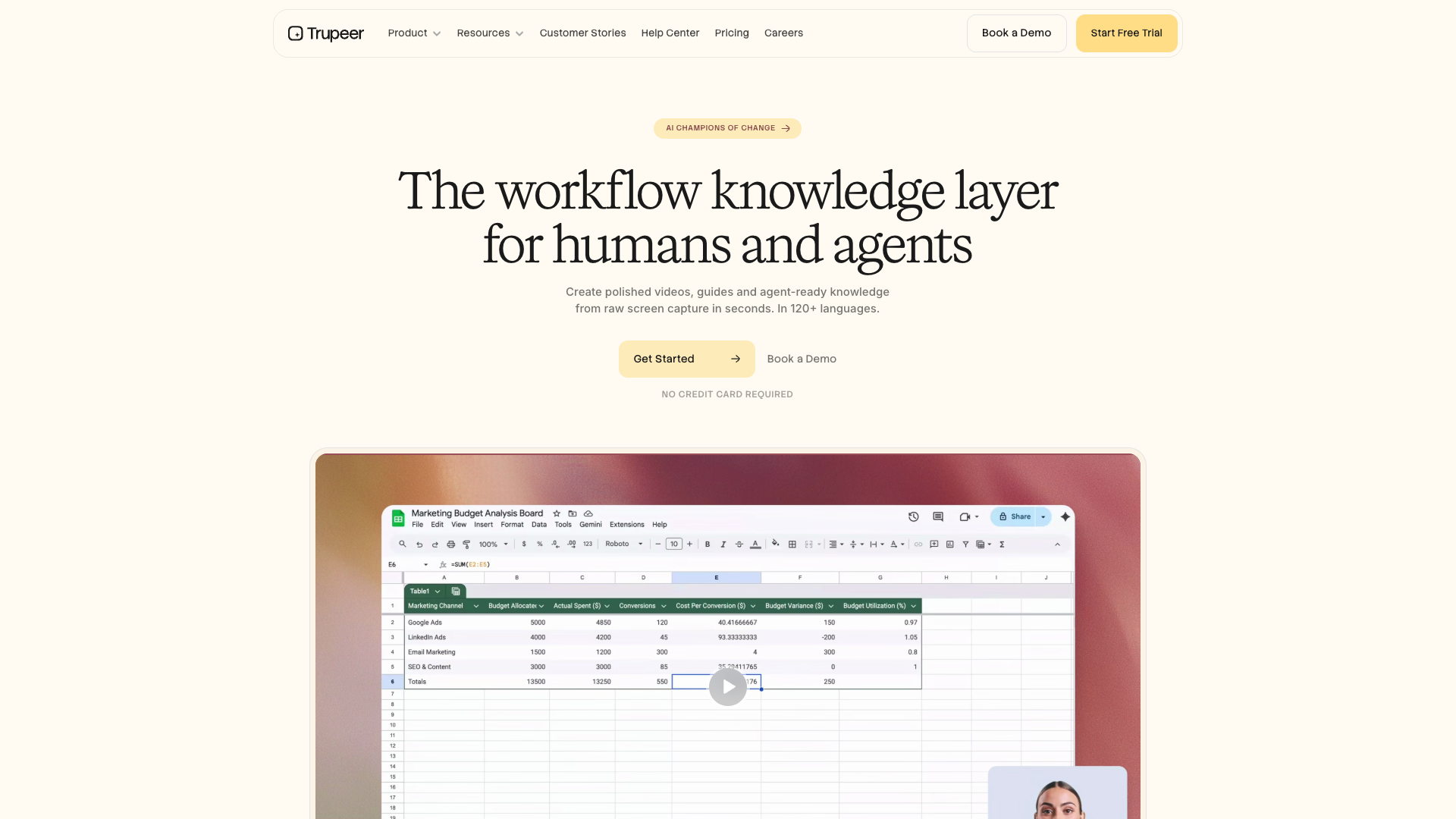
Trupeer is a dual-output platform that takes a screen recording as input and uses AI to automatically generate a product demo video and illustrated documentation/SOPs. Install one Chrome extension, record the screen once, and you get a studio-grade demo video and a structured how-to guide at the same time; it mainly targets product marketing, pre-sales enablement, customer success and training teams.
Core capabilities
- One recording, two outputs: the same screen recording generates a demo video and an illustrated guide with step screenshots at the same time, removing the cost of maintaining two sets of content
- Automated post-production: AI-generated scripts, realistic voiceover, automatic zoom and cursor highlighting, captions and chapters, with no editing experience required
- Translation and localization: both videos and docs can be translated and dubbed into multiple languages, a good fit for multinational and global-expansion teams
- Branding and sharing: brand kit, AI avatars (HeyGen integration), link/embed sharing, and export to MP4/DOC/PDF/Markdown
- Enterprise governance: SOC 2 Type II, ISO 27001, SAML SSO/SCIM, audit logs, automatic PII blurring
- Knowledge base and MCP: an optional knowledge base with AI search plus an MCP connector that gives agents queryable context
Where it fits Product launch demos, pre-sales and sales enablement, customer success and help-center SOPs, L&D onboarding and change management, and B2B SaaS/enterprise teams that need product content in multiple languages. If all you need is fast async video (choose Loom) or text-only SOPs (choose Scribe/Tango), it is not the best fit.
Unique advantages Where Loom only does video and Scribe/Tango only produce illustrated screenshot guides, Trupeer's core difference is delivering video and docs from a single screen recording; compared with the closest alternative, Guidde, its advantages are enterprise-grade security governance and translation breadth. Metering by AI minutes rather than seats is its key constraint.
Editorial assessment G2 4.8/5 (68 reviews) and Product Hunt 4.4/5 (14 reviews) are mostly positive, repeatedly citing two outputs from one recording and time saving with professional results; however the overall sample size is small, and Trustpilot has only 1 review, which is not statistically meaningful. The most frequent complaints are that partial re-recording is impossible (a UI change requires re-recording the whole clip), that credit allowances are tight with no intermediate tier between Pro and Scale, and that paid fees are essentially non-refundable. We suggest validating first with the 10-day Free trial.
Pricing
Freemium$0 (10-day free trial)Free plan is a 10-day trial with 1,000 AI credits; third parties say no credit card required, not confirmed officially1,000 AI credits/month, exports carry watermark
$40/month billed annually; 2,000 credits/month; watermark-free and doc export
$199/month billed annually; 10,000 credits/month; AI translation, brand kit, MCP
Bulk 100+ language translation, SSO/SCIM, white-label sharing, dedicated CSM
Additional notes
Annual billing approx. 20% off; AI video 100 credits/min, docs 50 credits each, translation 100 credits/min per target language; credits reset monthly and do not roll over; extra credits $4/100; paid subscription fees generally non-refundable. Knowledge Base add-on $150/mo ($120/mo annual), with AI Search $200/mo ($180/mo annual).
FAQ
User reviews
User Reviews
No reviews yet
No one has reviewed this tool yet