
WayinVideo
An AI video platform for smart clipping and repurposing of long videos
Tool details
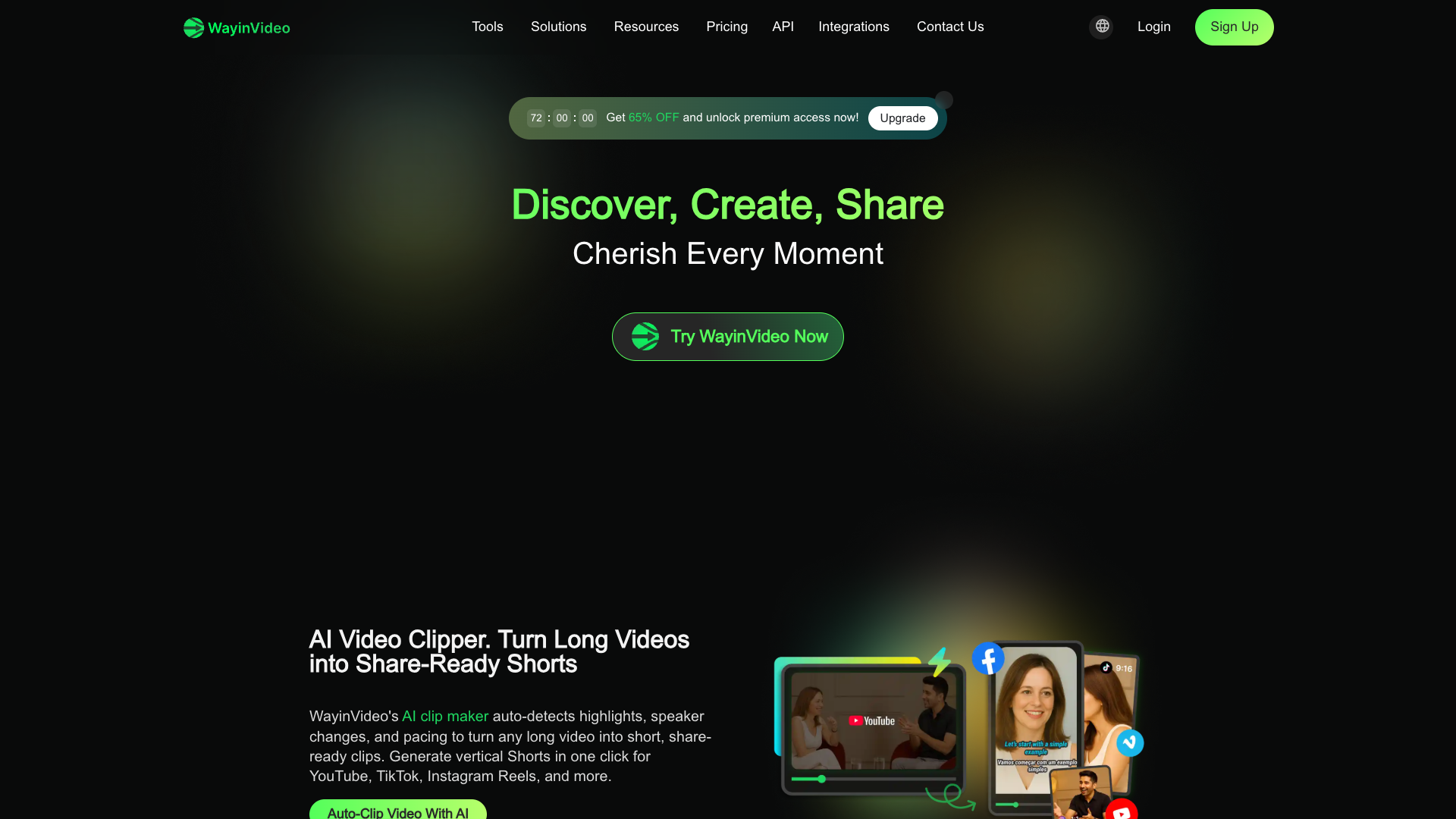
WayinVideo is an AI platform that repurposes long videos into short clips (formerly Videohunt.AI; it was renamed and migrated to wayin.ai around 2025-06). It is built for podcasters, interview creators, online courses and social media creators. It understands long-form video, automatically picks out highlight moments, and turns them into publish-ready vertical shorts in one click.
Core capabilities
- AI highlight clipping: automatically detects highlights, speaker changes and pacing, generating vertical shorts in one click for direct posting to Shorts/TikTok/Reels
- Find Moments semantic search: searches inside a video by natural language (not just captions); type a question and jump straight to the matching moment
- Multilingual captions and transcription: dynamic captions in 100+ languages plus transcriptions with timestamps, punctuation and speaker labels, exportable as TXT/SRT/VTT
- Smart reframing: AI tracks faces and subjects and automatically adapts to 9:16, 1:1 and 16:9
- Online text-based editing: delete a caption to delete the clip, strip filler words/silence, and add AI music, B-roll, Hooks and thumbnails
- Multi-platform distribution: connect social accounts for scheduled auto-publishing, with a public API, a Chrome extension and a Windows app
Use cases Podcast/interview clipping, repurposing webinars and courses, livestream highlights, and high-volume social media operations. If you want to turn long content into vertical shorts in bulk and publish across platforms, this is the right tool.
Unique strengths Compared with peers such as OpusClip, Vizard and Klap, WayinVideo differentiates itself with search-style moment selection + speaker-labeled transcription + 100+ languages + verifiable timestamps; its AI video generation (Sora/Veo and others) is only a value-added feature on the higher tiers that aggregates third-party models, and is not its main business.
Editorial verdict The free tier requires no credit card and is quick to learn, and its clipping/transcription/summarization are genuinely useful, but its third-party overall score is only 3/5. Keep in mind: credits are reset monthly and do not roll over, subscriptions auto-renew by default and payments are non-refundable, the legal entity is undisclosed, and user content may be used for training by default (with an opt-out). It suits individual creators to try first; enterprises should verify compliance and pricing before purchasing.
Pricing
Freemium$4.99/month (billed yearly)The free tier needs no credit card and registration grants one-time credits (100/200, figures inconsistent); there is no traditional time-limited trial periodNo credit card required; one-time credits (the pricing page says 100 while the FAQ on the same page says 200, so the site's figures are inconsistent); 720p export; clips stored for only 3 days; no batch editing, no auto-publishing
Monthly list price $13.99; 6,000 credits/year; 1080p; connect 3 social accounts
Monthly list price $26.99; 12,000 credits/year; up to 2K; 10 social accounts; AI music/voice enhancement/B-roll/Hook, Brand Kit
Monthly list price $139.99; 72,000 credits/year; up to 4K; 50 social accounts; unlocks advanced AI video models such as Seedance/Kling/Veo
Custom credits/storage/integrations
Additional notes
⚠️ The official site has a public inconsistency of roughly 3x: the live page shows 6,000/12,000/72,000 credits/year (plan names Starter/Pro/Scale), while cached pages and most third parties show 1,500/3,500/20,000 credits/month (plan names Standard/Pro/Pro+). This field follows the live official page; no cross-figure or cross-currency conversion has been applied. All amounts are in the original currency, USD. Credits reset monthly and do not roll over; payments are non-refundable; subscriptions auto-renew by default (at the non-promotional price).
FAQ
User reviews
User Reviews
No reviews yet
No one has reviewed this tool yet