
Zombie Trend
An AI tool that turns two photos into a zombie-hug trend short video
Tool details
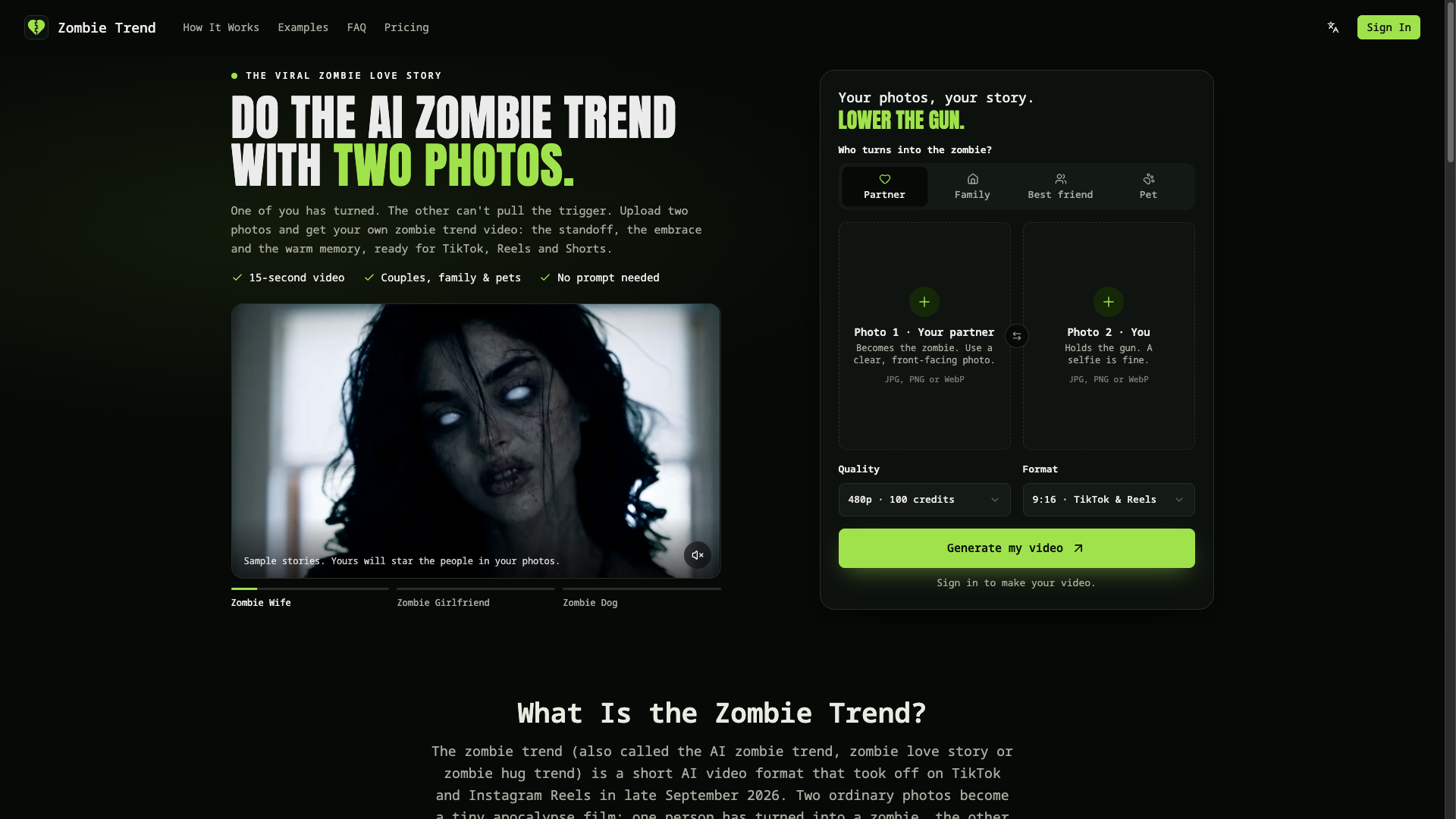
Zombie Trend is a lightweight AI video generator built around a single viral short-video template (the “AI zombie trend”). Upload two photos — one person turning into a zombie, the other holding a gun but unable to pull the trigger — and they end up embracing, with a flashback to warm memories. The result is a roughly 15-second vertical clip with sound, made for spreading on TikTok / Reels / Shorts. It targets couples, families, friends and pet owners who want to ride the “zombie trend” quickly while it is hot.
Core capabilities
- Two photos into a finished video: upload a “becomes a zombie” photo and a “holds the gun” photo to generate a complete short video, with no prompt and no editing timeline
- Built-in fixed script: four story beats (the impossible choice → still them under the mask → an embrace instead of an ending → a warm-toned flashback); the vendor stresses “it is a story, not a filter”
- Social-ready output: about 15 seconds with generated sound, vertical 9:16 and horizontal 16:9,480p / HD 720p, MP4 download without watermark
- People and pets: supports partner / family / friend versions plus cat and dog versions; the vendor says face identity consistency has been tuned
- A zombie, but not gory: the look is only pale skin, clouded eyes and torn clothing — no blood, no biting — which makes it easy to share in family settings
- Credit-based billing: one-time credit packs, no subscription, credits refunded automatically on failure, valid for 365 days
Who it is for Couples, families, friends and pet owners who want to post one mood-reversal social short video from two photos during the trend, plus short-form creators making one-off entertainment material. If you need multi-scene customization, reusable workflows or API integration, that is outside this tool's scope.
What sets it apart This niche (Zombie AI, kavel.ai, rapduo.ai and others) exploded overnight at the end of 2026-09, and the underlying models are highly similar. Zombie Trend's differences are its “four-beat fixed script + match cuts + face-consistency tuning + vertical by default + pet version”. A neutral note: its videos are generated by third-party models (ByteDance's Seedance / Seedream, called through KIE), so the product is a templating and orchestration layer, not a self-developed foundation model.
Editorial verdict As a trend-driven entertainment tool where “two photos and you are done”, the barrier to entry is extremely low and the output specs fit social distribution, so it is worth trying while the trend is hot. But be clear-eyed too: the product is a thin wrapper around a single template, there is no free video trial, the pricing figures of the two sites conflict, transparency about the operating entity and the governing terms is insufficient, and independent user-review samples are seriously lacking, so no positive or negative claim is made about satisfaction. It suits a one-off, low-stakes decision rather than long-term stable production work.
Pricing
Subscription$4.99 (100 credits, 1 Standard video)One-time purchase, includes 100 credits, generates 1 Standard 480p short video (about 15 seconds); HD 720p requires 300 credits per video
One-time purchase, includes 300 credits, generates 3 Standard or 1 HD short video
One-time purchase, includes 900 credits, generates 9 Standard or 3 HD short videos
One-time purchase, includes 2,400 credits, generates 24 Standard or 8 HD short videos
Additional notes
No long-term permanent free tier: registration is free but generating videos requires payment. Credits are bought one-time, valid for 365 days, with no subscription and no auto-renewal; failed generations are refunded automatically, and the refund window is 7 days (used credits must be under 50%). The conflicting figures of the two sites are recorded side by side: zombietrend.com lists 480p at 200 credits per video and a minimum pack starting at $9.90 (no single video purchase), while zombietrend.net is 100 credits per video starting at $4.99; no conversion across those two sets of figures is made here.
FAQ
User reviews
User Reviews
No reviews yet
No one has reviewed this tool yet