
Doubao Audio Generation Model 1.0: Film-Grade Audio Straight from One Prompt
Volcano Engine has released Doubao-Seed-Audio 1.0, packing dialogue, score, sound effects, and ambience into a single Prompt delivered in one pass — with multi-character dialogue, 2-minute long-form consistency, and reference-voice continuation, it's being called the speech model's Seedance moment.

Doubao Audio Generation Model 1.0: Film-Grade Audio Straight from One Prompt
Volcano Engine has released Doubao-Seed-Audio 1.0, packing dialogue, score, sound effects, and ambience into a single Prompt delivered in one pass — with multi-character dialogue, 2-minute long-form consistency, and reference-voice continuation, it's being called the speech model's Seedance moment.
To produce a dozen-second audio drama scene the traditional way, you generate character A's lines first, then character B's, find a BGM, layer in footsteps, wind, and metallic clashing, and finally drag it all into an editor and align track after track. Doubao-Seed-Audio 1.0 (Doubao Audio Generation Model 1.0) exists to kill exactly that pipeline: you write "who is speaking, in what emotion, in what scene, and what sounds belong in between" into one prompt, and it outputs a deliverable, finished-grade audio track.
Today Volcano Engine opened Seed-Audio 1.0 for trial and invitation-only API testing on Volcano Ark; individual users get a 30-minute creation quota, and it will later be integrated into CapCut, Jimeng, Fanqie, and other products. If you produce audiobooks, podcasts, or short-drama voiceovers, the most worthwhile thing to try here is that the model no longer just "sounds like a person talking" — it can direct a scene with sound.
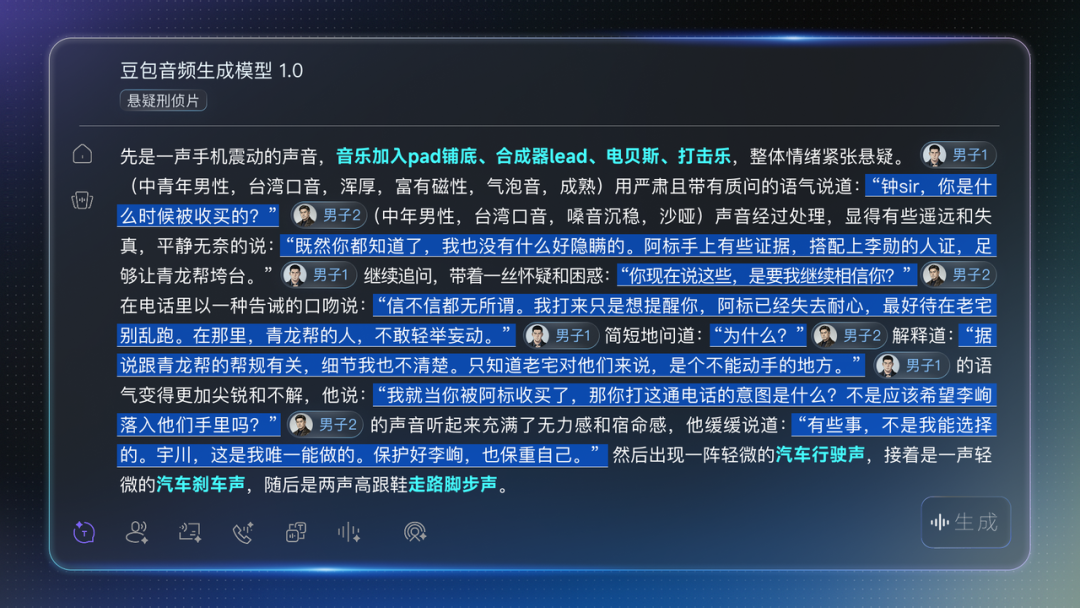
A single forward pass packages multi-character dialogue, score, sound effects, and ambience into one finished-grade audio track.
The Core Upgrade: From "Speech Synthesis" to "Audio Generation"
The name change hides the biggest pivot. The previous version was called "Doubao Speech Synthesis Model 2.0"; this one jumps straight to "Audio Generation Model 1.0" — from "synthesizing one human-sounding sentence" to "generating a complete scene." Three capabilities are key this time:
- Film-grade, all-elements output in one shot: multi-character dialogue, emotional pacing, background music, and ambient sound effects produced in a single prompt — no more multi-track mixing and alignment
- Long-form voice consistency: up to 2 minutes per generation, and an already-generated 2-minute segment can be used as a reference to continue onward, keeping voice, tone, and ambience consistent across tens of minutes
- Reference-audio generation: upload a reference audio clip to generate audio with a similar voice; use
@to reference multiple clips for multi-person, multi-voice output
Dialogue, non-verbal expression (laughter / sighs / pauses / dialect), music, and sound effects all generated as one integrated piece.
How to Use It: The Four-Element Prompt Method
The model is live in the Volcano Ark experience center, with the entry link at the end of this article. The prompt doesn't need to be fancy — just make four things clear:
- Who is speaking: age, gender, voice characteristics (e.g. "aged and raspy, condescending")
- What emotion: rage, contempt, exhilaration, the grogginess of being startled awake
- What scene: an ancient-style comic battlefield, a World Cup broadcast booth, an old street in Chengdu at dusk
- What sounds should be there: a spirit sword leaving its sheath, metal striking, crowd laughter, a sizzling oil pot, a phone busy tone
Step 1: Open the Experience Center
Visit the Volcano Ark Audio Generation 1.0 experience page:
https://ark.volcengine.com/region:cn-beijing/experience/voice?model=doubao-seed-audio-1-0Step 2: Write a Multi-Character Scene Prompt
Take a three-character ancient-style comic scene as an example: the lines and tones of the narrator (young man), the Elder (old man), and the boy, along with guzheng, drums, the sword leaving its sheath, and crowd laughter, all written directly into the same prompt. The model assigns each character a distinct voice, and the background sound and voices stay unified in one scene — none of that "two people not in the same room" disjointedness.
💡 Tip: If you want the dialogue to feel like it's happening in the same space, the key is writing the environment into the prompt rather than only the lines. For example: "The Elder questions the boy in the hall, the boy rebukes him indignantly before the throne; bells toll in the background and footsteps shuffle in the distance."
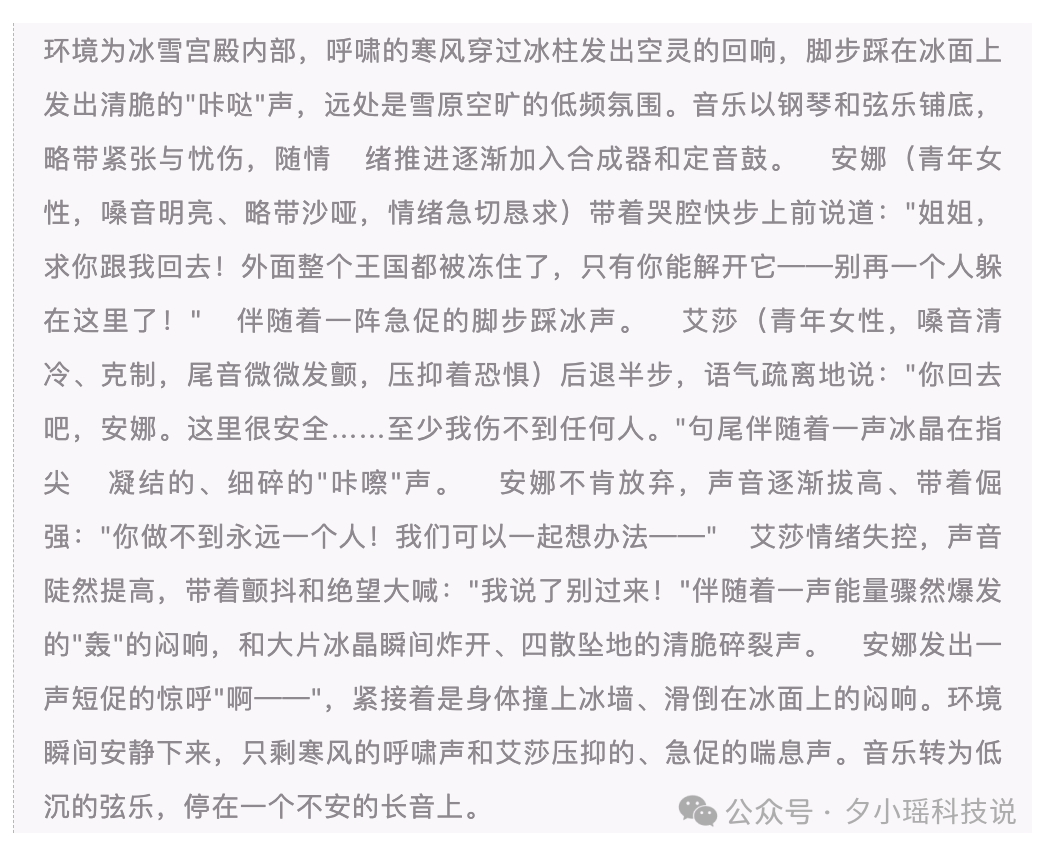
The prompt for the sound effects in Elsa's big-power scene was a single line: "a muffled boom of energy suddenly bursting out + the crisp shatter of ice crystals exploding and crashing to the ground."
Step 3: Continue the Story with Reference Audio
Use @ in the text input box to reference an existing audio clip, locking in the voice while continuing to generate. In testing, that viral designer monologue (generated by Speech Synthesis 2.0) was thrown in as a reference audio, and 1.0 continued the story for another full minute — the boss jolted awake from a nap, three seconds of dead silence after the phone hangs up, the busy tone, all generated in one pass.
Multiple audio clips can be referenced with @ for multi-person, multi-voice dialogue.
Step 4: Use Extend Mode for Long-Form
Output is 2 minutes per generation. If the first pass gets the characters right, use those 2 minutes as a reference and keep extending — you can produce audiobooks or podcasts tens of minutes long with consistent voice, tone, and ambience. This used to be the hardest part to fix by hand.
In extend mode, the model delivers character voices across tens of minutes in one pass — no segment-by-segment comparison and repeated retouching.
How Far It Actually Goes in Testing
Testing covered three typical scenarios, with clearly different results:
- Multi-character comic-drama voiceover: narrator, Elder, and boy had distinct voices; the guzheng / drums / metal-strike background tracked the dialogue rhythm — nearly deliverable as-is
- Live sports commentary: a World Cup call of Cape Verde holding Spain to a draw, with the crowd behind the commentator and the commentator's emotion riding the match's rhythm (restrained → accelerating → exploding → settling) — genuine broadcast-booth layering
- Dialect scenes: Sichuan dialect at a bobo chicken stall on an old street in Chengdu — a grandmother calling to customers, sizzling oil pot, competing street cries, all packed into the same clip
Also tested was a purely quiet case — Li Bai's "Bring in the Wine." Long-form extend consistency shows most clearly here: many models "drift" on long passages, so the voice stops sounding like the same person; 1.0 kept voice and emotional arc stable across the full 2-minute single pass.
Who Should Use It
- Audiobook / comic-drama / short-drama voiceover teams: switch from multi-track recording + post-production mixing to "one person writing prompts as the director"
- Podcast and course producers: long-form extend mode directly produces tens of minutes of finished audio with a consistent voice
- Brand audio / ad sound design: swap one description for a ready-to-ship audio track
- Dialect content creators: Sichuan dialect capability is validated; scene-based clips with ambient sound can be generated directly
💡 Tip: Reference-audio generation is the most practical and most easily overlooked capability this time. Quality voice clips you already have from the old speech-synthesis version don't need to be redone — upload them as a reference and let 1.0 continue the story.
Trial entry: Volcano Ark Audio Generation 1.0 experience center (click through to the original article). The API is open for invitation testing, with CapCut, Jimeng, and Fanqie coming next for audio creators.
Toolin Editorial Team
Categories
Related articles

MaineCoon: 22B Parameters at 47.5 FPS, the Fastest Streaming Audio-Video Social Model Ever
The Catnip team unveils MaineCoon, a streaming audio-video social model hitting 47.5 FPS inference on 22B parameters, generating 30+ minutes of synchronized audio and video at 1/2000 the cost of Veo 3.
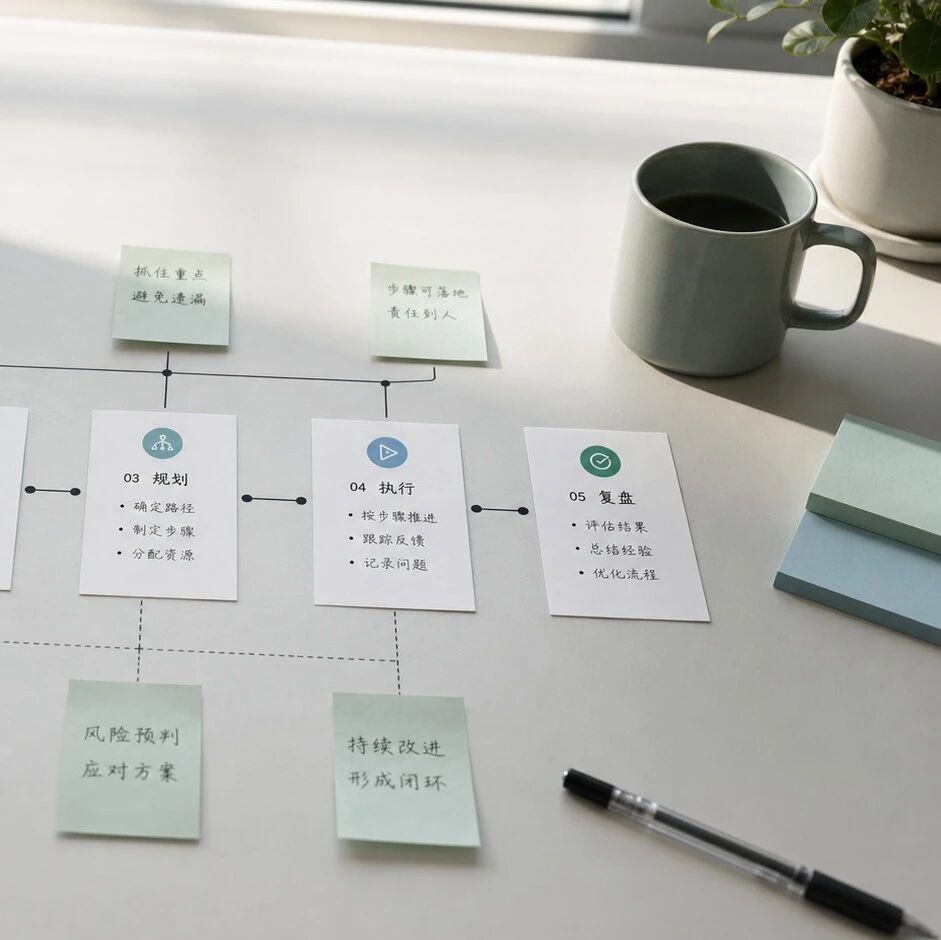
Decomposing Your Business into Skills: The Real Meta-Skill of the AI Era
It's not that you can't use AI — you can't break things down. From goals to actions to judgment, one piece on turning the experience in your head into a structured Skill that AI can execute.

Claude Code Artifacts: Turning Terminal Development into a Shareable Web Dashboard
Anthropic brings Artifacts to Claude Code, generating shareable web pages in real time as you develop — team collaboration no longer relies on retelling things by hand.
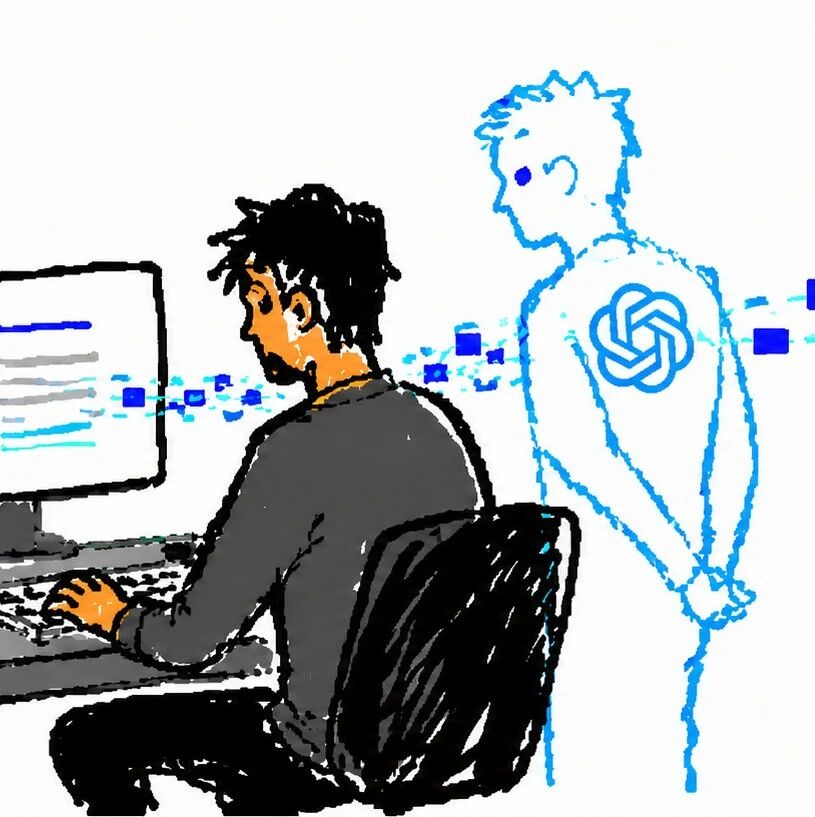
Codex Record & Replay: Do It Once, and the AI Learns to Do It for You
OpenAI launches Record & Replay for Codex — record your workflow on your Mac and it automatically becomes a reusable Skill. Time to rethink automation.

Odysseus: A Local ChatGPT Hand-Built by a Top YouTuber, 30,000 Stars in 3 Days
Former world's #1 YouTuber PewDiePie open sourced a fully self-hosted AI workspace — free, no tracking, with a built-in Agent — pulling in 30,000 stars in three days.

Xiaomi Miloco 2.0: Smart Homes Finally Get a True AI Steward
Xiaomi open sources its whole-home AI solution Xiaomi Miloco 2.0 — multimodal perception, proactive intelligence, and household memory bring the Agent into the smart home ecosystem.