
Connect Gemma 4 to OpenClaw in Three Steps and Run a Local Agent at Zero Token Cost
Google has published an official three-step Gemma 4 + OpenClaw tutorial: deploy locally via Ollama, with the recommended 26B A4B version running on a Mac Studio M4 Pro 48GB -- no more paying for tokens
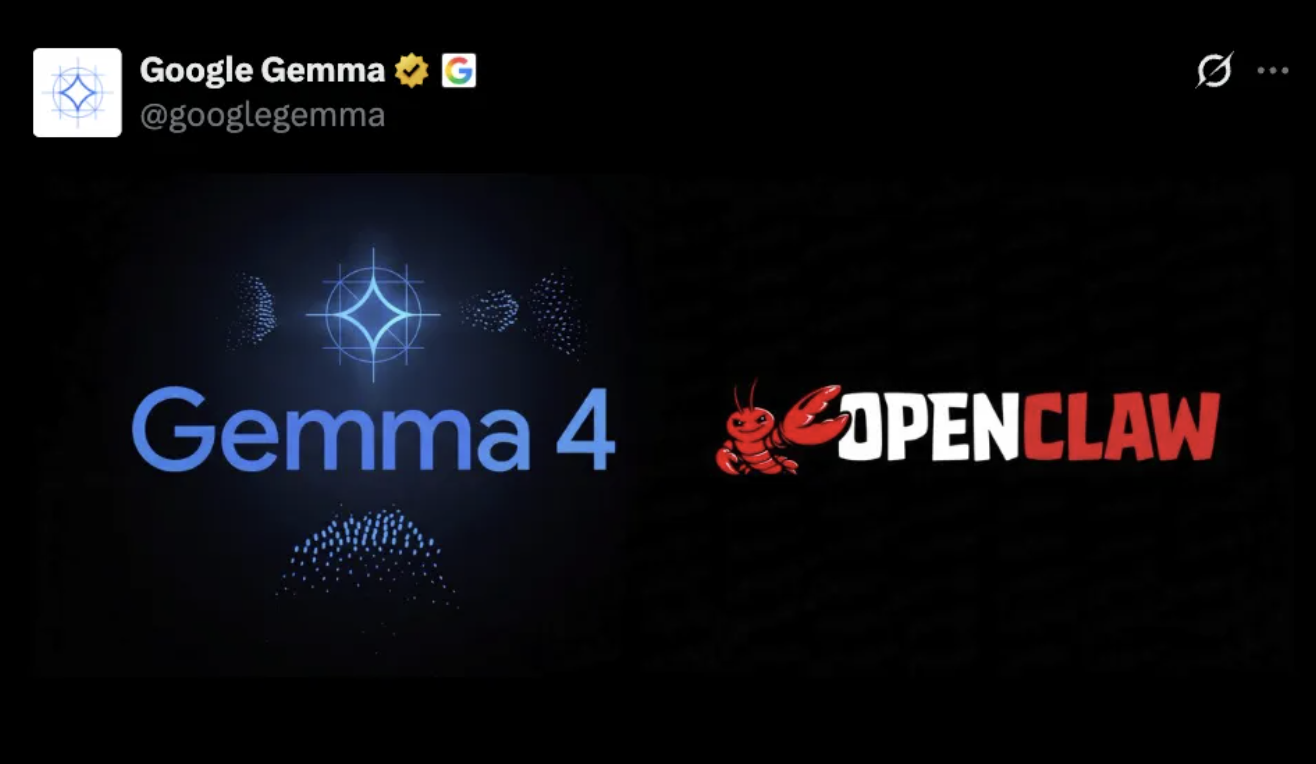
Connect Gemma 4 to OpenClaw in Three Steps and Run a Local Agent at Zero Token Cost
Google has published an official three-step Gemma 4 + OpenClaw tutorial: deploy locally via Ollama, with the recommended 26B A4B version running on a Mac Studio M4 Pro 48GB -- no more paying for tokens
Running cloud models like Claude or GPT inside OpenClaw means token fees are an ongoing expense. Google has just published an official tutorial showing how to hook the local Gemma 4 model into OpenClaw in three steps and run it at zero token cost.
This tutorial lays the process out clearly, and also covers what it is good for and where it falls short.
What This Tutorial Helps You Do
Use Gemma 4 as OpenClaw's backend model, running on your own machine, without spending a cent on tokens. It suits simple scenarios like briefing generation, meeting transcription, and scheduled tasks.
Before You Start
Hardware Requirements
| Gemma 4 version | Minimum VRAM | Recommended hardware |
|---|---|---|
| 26B A4B (officially recommended) | 16GB | Mac Studio M4 Pro 48GB or an equivalently specced PC |
| 12B A4B | 8GB | MacBook Pro M4 or RTX 4070 and above |
| 4B | 4GB | Most modern laptops |
What You Need
- Ollama (local model runtime)
- OpenClaw (the Agent framework)
- About 10 minutes of setup time
- Zero cost
Step-by-Step Instructions
Step 1: Install Ollama
Go to https://ollama.com/download and download the installer for your platform.
macOS users can also use Homebrew:
brew install ollamaOnce the installation is done, start Ollama:
ollama serveTip: Make sure the Ollama service keeps running in the background; the later steps depend on it.
Step 2: Download the Gemma 4 Model
The official recommendation is the 26B A4B version (MoE architecture, fewer parameters actually activated, faster):
ollama pull gemma4:26b-a4bIf your hardware falls short, you can pick a smaller version:
ollama pull gemma4:12b-a4b
ollama pull gemma4:4bTip: The 26B A4B version download needs roughly 15-20GB of disk space; make sure you have enough storage.
Step 3: Launch OpenClaw via Ollama
This single command installs OpenClaw automatically and starts it with Gemma 4 as the backend:
ollama run gemma4:26b-a4bThen, in OpenClaw's configuration file, point the model backend at the local Ollama service. The exact configuration depends on your OpenClaw version; usually you pick 'Ollama' as the provider in the model settings and enter http://localhost:11434 as the endpoint.
Verifying the Result
Once it is up, send a simple message in OpenClaw to test. If you get a reply, the local model is successfully connected.
You can test a few scenarios to gauge the quality:
- Briefing generation: give it a block of text to summarize
- Meeting transcription: paste in meeting notes and have it organize them
- Scheduled tasks: set up a periodic reminder or data rollup
Where It Fits and Where It Does Not
Good Fits
- Text processing tasks like briefs, summaries, and meeting minutes
- Background automation tasks on a schedule
- Everyday workflows that do not need complex reasoning
- The exploratory phase, when budget is tight and you just want to get the pipeline working
Poor Fits
- Complex programming tasks (the gap to top models like Opus is obvious)
- Tasks that require long-context understanding
- Production environments with strict security requirements
Note: OpenClaw founder Peter Steinberger has publicly advised against cheap small models, because small models are more susceptible to prompt injection attacks. Evaluate the risk yourself when handling sensitive data.
Cost Comparison
| Setup | Monthly cost | Task complexity it handles |
|---|---|---|
| Gemma 4 local + OpenClaw | Electricity (a few RMB) | Simple |
| Claude API + OpenClaw | $20-200+ | Medium to complex |
| Claude Max subscription + OpenClaw | $100-200 | Complex |
Some users have done the math: if your daily workload is just briefings and transcription, a Mac Studio pays for itself in token savings within 3 months.
FAQ
-
Q: Can a Mac Studio M4 Pro 48GB run the 26B version? A: Yes. Actual VRAM usage is about 16GB, so the machine still has headroom.
-
Q: How is the response speed? A: Simple questions run smoothly; it slows down when the context gets long or deep thinking is enabled. On an M4 Pro, everyday use is acceptable.
-
Q: How much worse is it than Claude? A: The gap in reasoning ability is obvious, especially in tool calling and long contexts. But it is good enough for simple tasks.
-
Q: Is it safe? A: Small models are weaker at resisting prompt injection. If you handle sensitive data, use a stronger model.
References
- Ollama download: https://ollama.com/download
- Gemma 4 official announcement: https://ollama.com/library/gemma4
- OpenClaw official documentation: https://openclaw.dev
Toolin Editorial Team
Related articles
Decomposing Your Business into Skills: The Real Meta-Skill of the AI Era
It's not that you can't use AI — you can't break things down. From goals to actions to judgment, one piece on turning the experience in your head into a structured Skill that AI can execute.

Claude Code Artifacts: Turning Terminal Development into a Shareable Web Dashboard
Anthropic brings Artifacts to Claude Code, generating shareable web pages in real time as you develop — team collaboration no longer relies on retelling things by hand.
Codex Record & Replay: Do It Once, and the AI Learns to Do It for You
OpenAI launches Record & Replay for Codex — record your workflow on your Mac and it automatically becomes a reusable Skill. Time to rethink automation.

Odysseus: A Local ChatGPT Hand-Built by a Top YouTuber, 30,000 Stars in 3 Days
Former world's #1 YouTuber PewDiePie open sourced a fully self-hosted AI workspace — free, no tracking, with a built-in Agent — pulling in 30,000 stars in three days.

Xiaomi Miloco 2.0: Smart Homes Finally Get a True AI Steward
Xiaomi open sources its whole-home AI solution Xiaomi Miloco 2.0 — multimodal perception, proactive intelligence, and household memory bring the Agent into the smart home ecosystem.

Agnes AI Makes Its Omnimodal API Free Indefinitely, with 1M Context and 4K Image Generation Upgrades This Week
Agnes AI has opened its text, image, and video omnimodal model APIs for free indefinitely, with 1M ultra-long context and 4K ultra-HD text-to-image upgrades landing this week.