
GPT-Image-2 Hands-On Prompt Guide: An Image from a Single Sentence
A roundup of GPT-Image-2's most practical prompt templates, covering 8 major scenarios including marketing graphics, product posters, game UI, and explainer graphics — ready to use as-is.
GPT-Image-2 Hands-On Prompt Guide: An Image from a Single Sentence
A roundup of GPT-Image-2's most practical prompt templates, covering 8 major scenarios including marketing graphics, product posters, game UI, and explainer graphics — ready to use as-is.
GPT-Image-2 (also called ChatGPT Images 2.0) has one change bigger than its image quality: comprehension. You no longer need to write long, complex prompts — a single offhand sentence is enough for it to know what you want. This article compiles field-tested prompt templates covering common scenarios such as marketing graphics, product posters, game UI, explainer graphics, and web design. Copy one, swap in your keywords, and it's ready to use.
Before You Start
- A ChatGPT account (free users can use it; Plus/Pro users can unlock Thinking mode)
- Open a ChatGPT chat window and type your image-generation instruction directly
- No installation or configuration required
Scenario 1: Internet Marketing Graphics
The most common day-to-day need: product update announcements and campaign posters. These images used to cost a designer at least half a day; now they take seconds.
Apple-style product promo graphic:
Generate an Apple-style promotional card image in Chinese for this productJust attach a link to your product's introduction page. The layout it generates carries on Apple's clean, card-based design language, and the text comes out accurate.
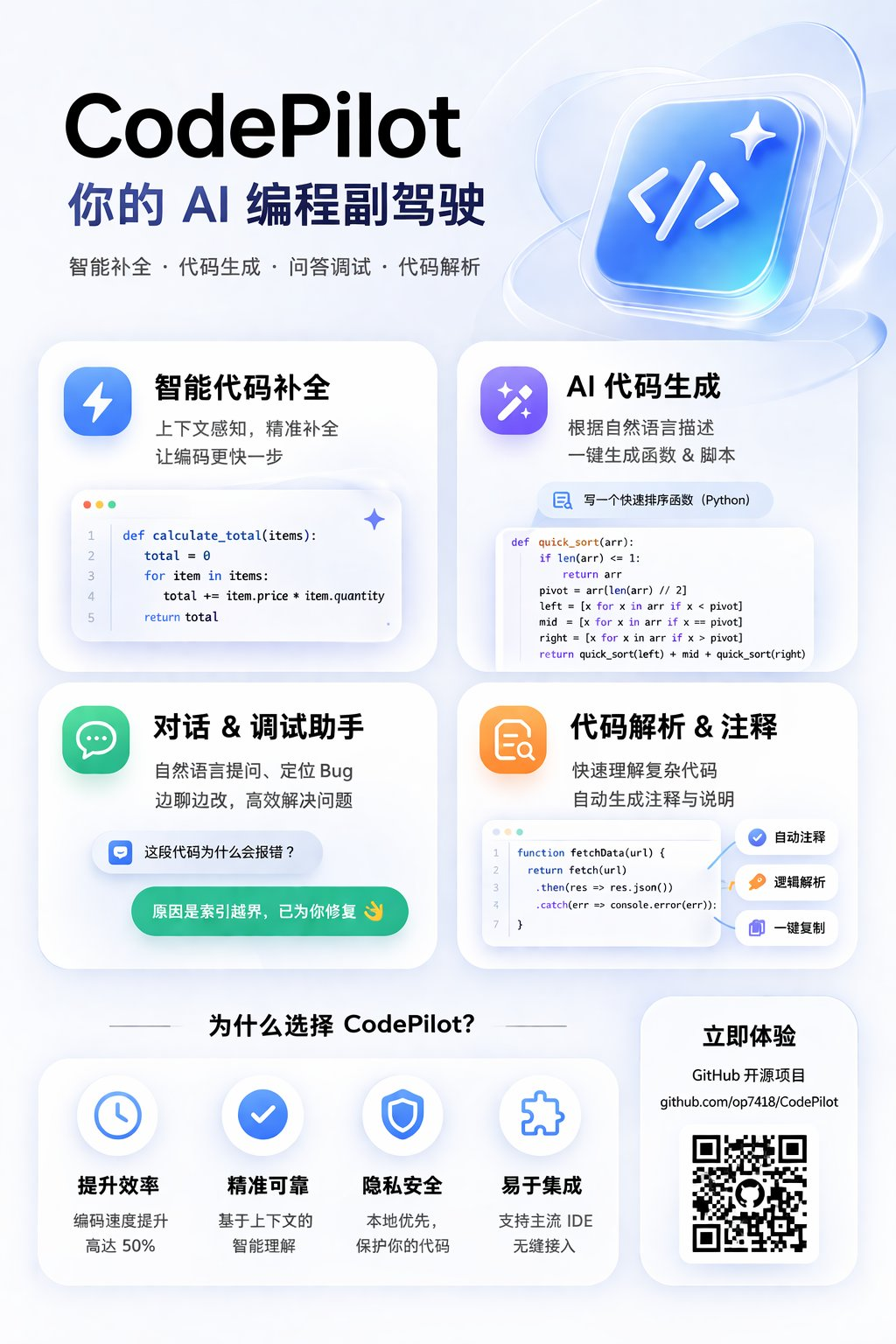
Brand update announcement poster:
Based on this article, generate a product update announcement poster. The style should match OpenAI's past design language, the content should be concise, and the overall look should be Apple-like, card-based, and premiumThe essence of this prompt is "match a certain brand's design style" — it really can capture a brand's visual language.
Scenario 2: Product Marketing Images
Snap a quick photo of a product and send it over — one prompt produces a commercial-grade poster.
General product marketing image:
Help me create a promotional image for this product. The promotional image should match this product's character and styleNo extra product description needed. It automatically identifies the product type, adds selling-point copy, and matches a suitable visual style. Poor lighting or a cluttered background are not a problem — it will retouch them away.
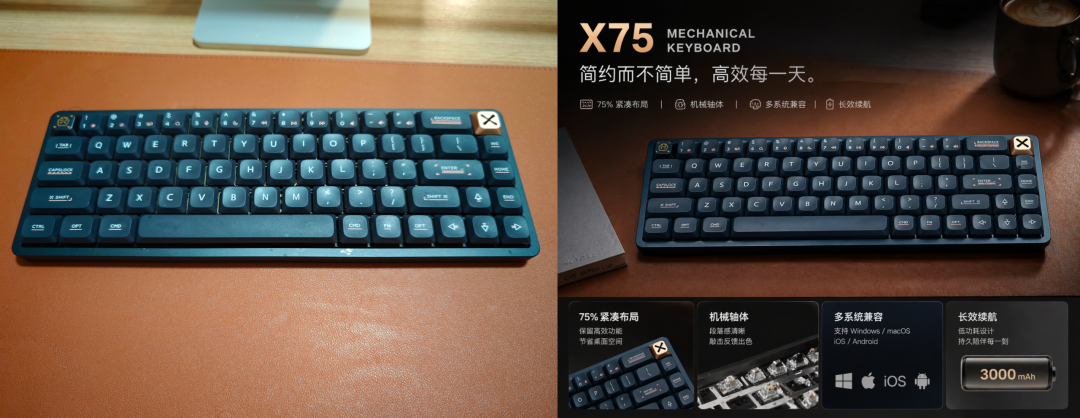
E-commerce product detail page:
Generate a Taobao product main image for me. A white crew-neck pure-cotton T-shirt with a minimalist line-drawn cat printed on the front. The T-shirt lies flat on a light wood desk, with a cup of coffee and a magazine beside it as props. Add a corner badge in the top-left that reads "New Arrival", and a price tag of "¥89" in the bottom-right. The whole thing should look like a professional e-commerce product photo. Aspect ratio 1:1.In e-commerce scenarios, specifying the aspect ratio (1:1) and the exact annotations (price, corner badge) gives better results.
Scenario 3: Game Concept and UI Design
This is one of the areas where GPT-Image-2 is most stunning. It captures a game's style accurately and generates complete game interfaces.
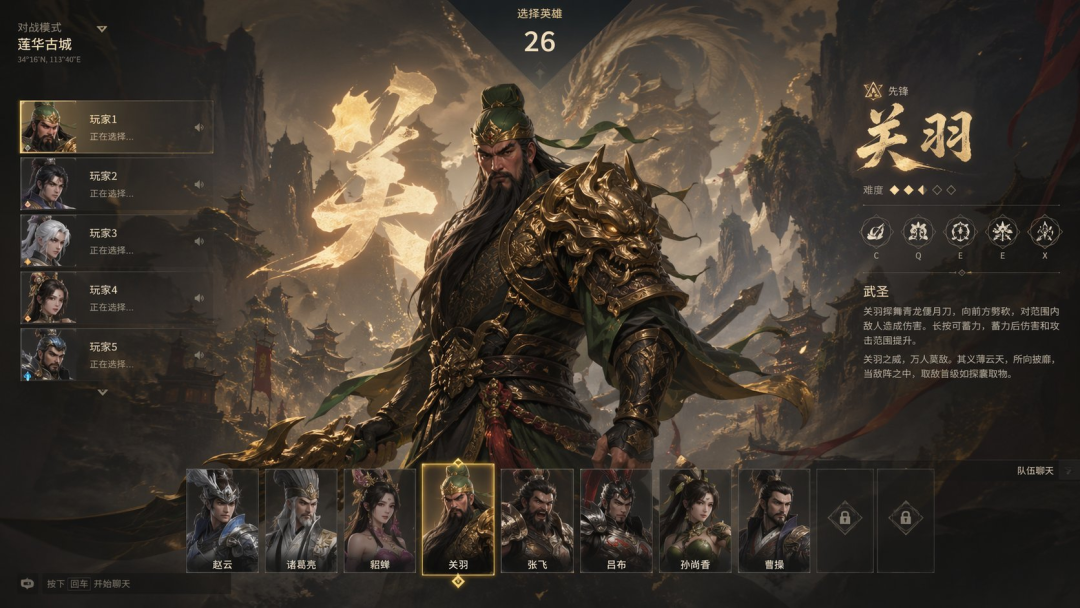
FPS character select screen:
Referring to the game style of Valorant, generate a UI image of an FPS game character select screen with a Three Kingdoms theme and mythological styleIt not only imitated Valorant's character select layout, but also automatically replaced the atmosphere, characters, and background with a Three Kingdoms theme.
A game screenshot from one sentence:
Generate a game screenshot of "Black Myth: Wu Song"A single name is all it takes for it to reproduce the corresponding game style: UI layout, visual texture, and interface elements all in place.
💡 Tip: You can even use GPT-Image-2 to "play a game". Ask it to generate an ARPG interface with character art and choice boxes, tell it your choices, and it will keep drawing the next image. It's like playing a text adventure inside ChatGPT, except the visuals are generated in real time.
Scenario 4: Explainer Graphics and Infographics
GPT-Image-2 has rich world knowledge, so the explainer graphics it generates are accurate in content and beautiful in layout, with no source material needed from you.
Cute-style explainer graphic:
Draw a cute-style explainer graphic of how large language models are trainedMagazine-style explainer graphic:
Draw a premium magazine-style explainer graphic of tea varieties and the tea-making processExtra-long travel guide:
Generate a travel guide image for Beijing in autumnIt automatically plans the itinerary, attractions, food, and transportation tips, laid out into one complete long image.
Data infographic:
An infographic of the TOP 10 best-selling new energy vehicles in China in 2024Data, icons, and layout all done automatically.
Scenario 5: Website and UI Design
GPT-Image-2 can generate a complete official website design mockup directly from a single product photo.
Official website from a photo:
Generate an official website UI design mockup that matches this car's character and styleGive it a side profile photo of the Xiaomi SU7 and it actually recognized the brand, then filled in every detail: interior, cutaway diagram, wheels, headlights, rear spoiler, even the price.
B2B product website:
Generate an official website UI design mockup for a B2B advertising platformIt even knows which selling points and information modules this kind of site should have.
Mobile app design:
Based on the reference image's style, generate a UI design mockup for a health appOne reference image is all it takes; it extracts the visual style and extends it into a complete app interface design.
Scenario 6: Paper and Document Breakdowns
Send a paper PDF to ChatGPT, then type:
Explain the content of this paper in detail and graphically, using a premium, magazine-style layout, and generate a long image to help me understand it. Use Chinese.It automatically extracts the paper's core content and lays it out into a readable long image.
Scenario 7: Portrait Photography
The portraits GPT-Image-2 generates are remarkably lifelike, with lighting, skin texture, and clothing details all at a commercial level.
Backlit portrait:
An Asian girl in a white gauze dress in a flower field at dusk, backlit photographyDocumentary portrait:
An old man sitting at a hutong doorway basking in the sun, documentary portrait photography, natural lightMagazine cover:
An Asian woman on the cover of a fashion magazine, refined makeup, high-key studio lightingPrompts written in Chinese generate Asian faces by default, and the aesthetics hold up well.
Scenario 8: Everyday Practical Images
Elementary school poster project:
Design an elementary school poster project for my child, on the theme of "Start of Summer, from the 24 Solar Terms". Include the date of Start of Summer, an introduction to its customs, a short poem about Start of Summer, and a few cute hand-drawn illustrations. The style should look like a colorful poster drawn by an elementary schooler, with a hand-written feel. Aspect ratio 3:2.Restaurant menu:
Design a single-page menu for a small restaurant. The restaurant is called "Old Chen's Hunan Kitchen". Four sections: signature dishes, cold dishes, staples, and drinks. The style should be plain and down-to-earth, like the menu of a real street-side eatery. Aspect ratio 2:3.Prompting Takeaways
Based on extensive hands-on testing, a few key rules hold for writing GPT-Image-2 prompts:
- One sentence is enough: No lengthy description needed — core intent plus style keywords will do
- Specify the aspect ratio: Adding "aspect ratio 16:9", "aspect ratio 2:3", and so on precisely controls the shape of the image
- Reference a style: Saying "Apple style" or "OpenAI style" works better than describing concrete design parameters
- Send source material: Attaching a reference image, product photo, or web link improves results dramatically
- Thinking mode: When paid users turn it on, the model searches the web, generates multiple images, and checks its own work — great for complex tasks
GPT-Image-2 is now open to all ChatGPT users, and free users can use the basic features. Just open ChatGPT and start.
Toolin Editorial Team
Categories
Related articles
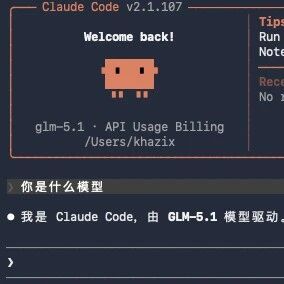
Getting Started with Claude Code from Scratch: A Step-by-Step Installation Guide for Users in China
No overseas phone number or Visa card required — Claude Code runs on domestic models too. A complete installation walkthrough for both Mac and Windows, from installing the framework to connecting GLM-5.1.
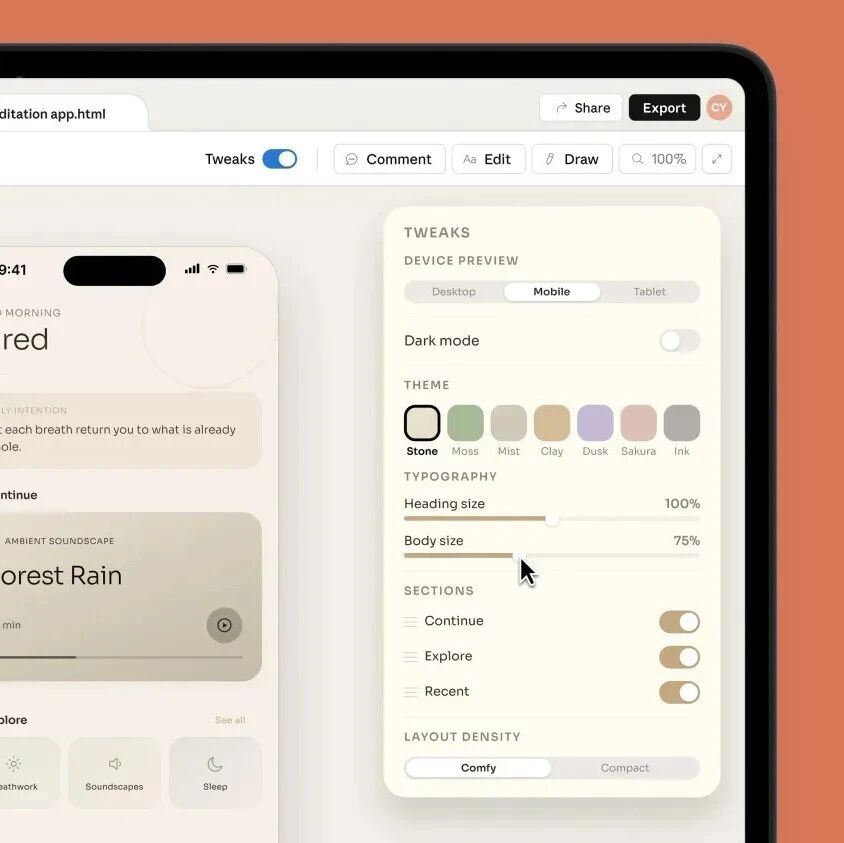
Claude Design Hands-On: Professional-Grade Design from a Single Prompt
Claude Design can build web pages, PPTs, prototypes, and even animated videos. This article collects the full set of use cases plus official practical tips, with the access URL and example prompts.
CLAUDE.md Goes Viral on GitHub: Four Rules to Keep AI Coding in Line
The CLAUDE.md configuration file, born from Karpathy's coding experience, hit number one on the GitHub trending chart, with 60,000 developers copying it. Four core principles to substantially raise your AI coding quality.
An Anthropic Lead's Vibe Coding Masterclass
Anthropic researcher Erik Schluntz shares hands-on lessons on using Vibe Coding responsibly in production, covering the 22000-line code merge case, the leaf node strategy, and advanced tips.
AI Memory Enhancement Tools: A Roundup and Hands-On Guide
From Claude-Mem to DeepSeek DSA, a roundup of the mainstream AI memory enhancement tools of 2026, with principle comparisons and selection advice.
A Hands-On, End-to-End Guide to Producing AI Short Dramas
From script to finished film: make AI short dramas from scratch with Doubao, Xiaoyunque, Vidu and other tools, with tool comparisons and cost references.