
MiniMax Open-Sources Office Skills: A Production-Grade Office Document Engine That Solves Delivery in Two Lines of Code
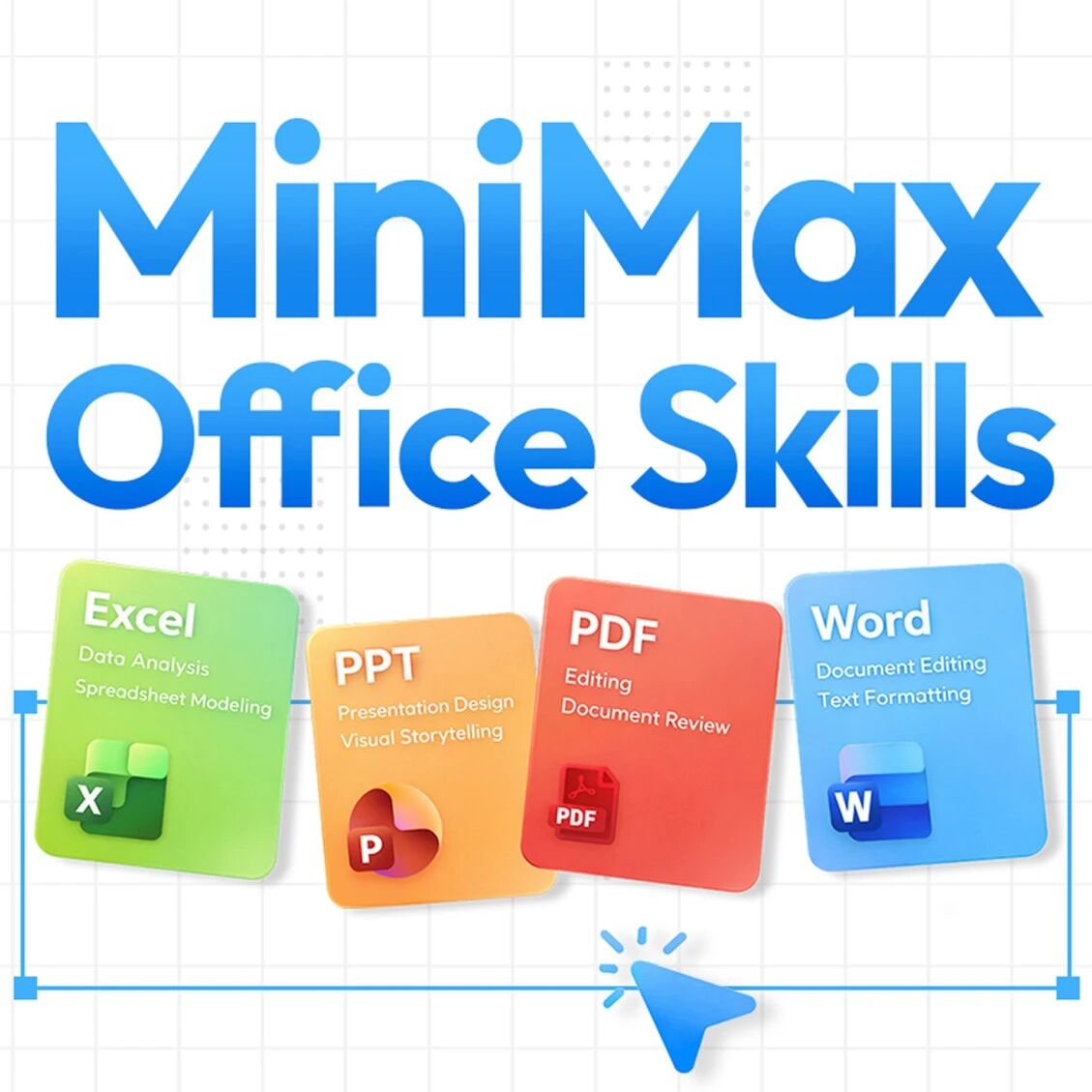
MiniMax has open-sourced a production-grade office document engine supporting all four major formats — Word/Excel/PPT/PDF — under the MIT license, producing documents that are ready to deliver as-is.
MiniMax Open-Sources Office Skills: A Production-Grade Office Document Engine That Solves Delivery in Two Lines of Code
MiniMax has open-sourced a production-grade office document engine supporting all four major formats — Word/Excel/PPT/PDF — under the MIT license, producing documents that are ready to deliver as-is.
MiniMax has open-sourced everything it learned the hard way about Office document generation.
This is not a demo-grade toy project but a complete solution that has been through multiple rounds of automated testing in production. Say “write me a Q3 strategy report,” and it handles everything from content organization and layout control to final output, producing a document that can be delivered as-is.
The Core Problem: Can Generate ≠ Can Deliver
When agents handle documents, the hardest part is not failing to write something — it's writing something that can't be used:
- Formulas turn into dead numbers after saving
- A template's formatting falls apart after one round of edits
- Pivot tables quietly disappear after saving
The file opens, but it can't serve as the final deliverable.
The Office Skills MiniMax built exist precisely to solve this problem — making generated documents genuinely hold up at delivery.
What's Open-Sourced
The full open-source release includes:
- The code for the four Office Skills (Word/Excel/PPT/PDF)
- Documents explaining the design choices and trade-offs
- The mechanism by which Skills self-evolve
- MIT license
GitHub: https://github.com/MiniMax-AI/skills
Technology Choices: The Trade-offs Behind Every Decision
Word: Choosing the .NET OpenXML SDK
Why not python-docx?
python-docx is the community's most common choice — lightweight and easy to use. But once requirements advance to nested complex tables, multi-level tables of contents, header/footer control, or revision tracking, some features are unsupported, and others are supported but produce document structures that easily go wrong.
The .NET OpenXML SDK is a low-level library officially maintained by Microsoft, with the most complete implementation of ECMA-376 (the official standard for Word file formats). Deployment costs more (it needs the .NET runtime), but what you get in return is more complete, more reliable control over Word document structure.
Coverage:
- Generate complete documents from scratch
- Edit content in existing documents without breaking the original formatting
- Apply design templates to documents and automatically validate the structure
It also ships with an OpenXML format reference manual, a CJK typography guide, and 10+ ready-to-run code examples.

Excel: Operating on XML Directly
Why not openpyxl?
Openpyxl is the community's most common choice, but it has one problem that is very hard to accept in engineering: after a file is read in and written back, some advanced content gets silently dropped.
For example, take an Excel file containing pivot tables, sparklines, and VBA macros: open and re-save it with openpyxl, and those things may simply be gone — without so much as an error message.
The solution: bypass all Python Excel libraries and operate directly at the XML level.
An .xlsx file is essentially an archive containing a set of XML files. The approach:
- Unzip it
- Modify only the XML nodes corresponding to the target cells
- Repackage it
That way each edit touches only what needs touching, and styles, charts, and macros are preserved untouched.
Key point: formula handling
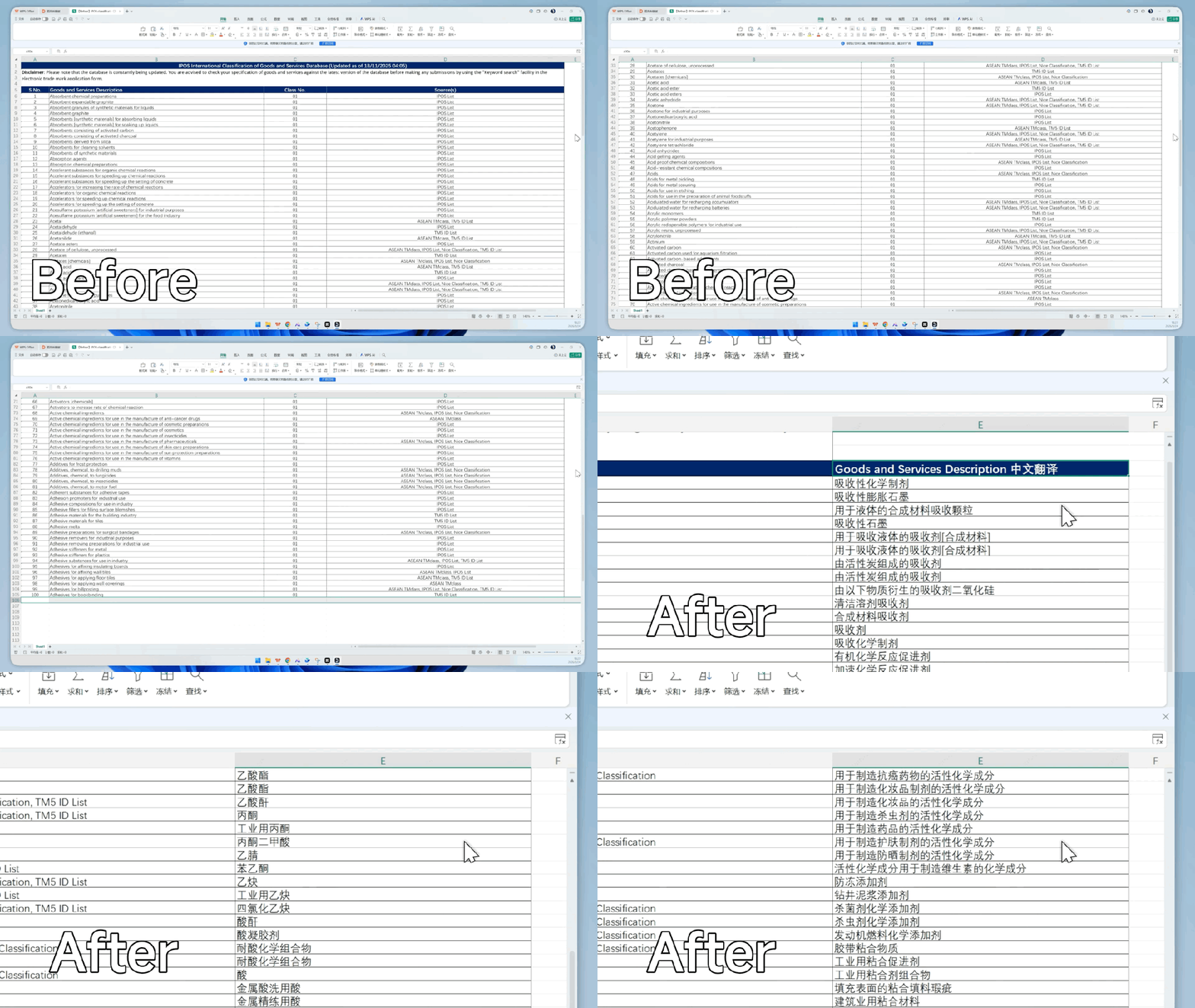
Many solutions precompute formulas and store a static number. MiniMax requires every derived value to be a real Excel formula (like SUM(B2:B9)), so the file still works normally for editing and recalculation after the user opens it.
To that end, 13 standalone Python tool scripts were built, covering unpacking and repacking, column insertion, row offsetting, formula validation, dynamic recalculation, format auditing, and more.
PDF: Splitting Covers and Body Into Two Engines
The core challenge for PDF is building a reusable, extensible design system. MiniMax designed a distinct visual language for each of 15 document types, each with its own cover pattern, typography, and color scheme.
Technical implementation:
- Covers: written in HTML + CSS and rendered to PDF via Playwright (gradients, grids, blend modes, and custom fonts supported)
- Body: handed to ReportLab for typesetting (more stable paragraph flow control, pagination strategy, headers and footers)
- Merge: a merge script combines the two parts into the complete PDF
Splitting into two engines makes the system more complex, but the covers can be designed boldly while the body keeps engineering-grade stability.
PPT: The Hard Part Is Visual Consistency
The hard part of generating PPTs is not putting content on slides — it's keeping the visual style unified. Font sizes, spacing, colors, corner radii: one inconsistency anywhere and the whole deck looks rough.
The solution: define the constraint system first, then generate.
Page types: 5 standard types
- Cover
- Table of contents
- Section divider
- Content
- Summary
Style recipes: 4 recipes
- Sharp
- Soft
- Rounded
- Pill
Each recipe defines a full set of values: corner radius, shadow parameters, border thickness, spacing ratios, and more. Switch recipes, and the overall visual tone of the deck changes with it.
The implementation is built on PptxGenJS (the most feature-complete PPT generation library in the JavaScript ecosystem).
Self-Loop Evolution: How a Skill Improves Itself
Building a skill isn't hard; the real challenge is: how do you know whether the next round is actually better?
MiniMax set up a fixed three-stage loop: Execute → Evaluate → Fix
How it works:
- First, execute a set of real use cases
- Check the output against rules to see whether it meets the bar
- Distill failed cases into fixable issues and carry them into the next round of iteration
This mechanism keeps the Skills iterating and converging around failed cases. After each round, it becomes clearer whether the problem lies in structure, formulas, styling, or template constraints.
Pass criteria:
- Is the structure complete
- Are formulas still formulas
- Did the layout deform after the write-read cycle
- Were the template constraints broken
Even if an xlsx file saves successfully, it still counts as a failure in real delivery if the pivot tables are gone or the formulas were written out as static numbers.
Production Validation
These four Skills are already live in MiniMax Agent and MaxClaw — you can try them directly: https://agent.minimaxi.com
In the enterprise space, MiniMax serves document-office and leading enterprise mobile-office applications at extreme scale (over 10 trillion records and hundreds of millions of documents in production systems).
In one demanding end-to-end office-scenario evaluation, general-purpose solutions scored only 60-70% accuracy, while MiniMax achieved 99.8% recall.
Toolin's Take
The biggest value of this open-source release is not “one more open-source project” — it's that MiniMax has laid bare every pitfall it hit in production and provided proven solutions.
Why .NET instead of python-docx? Why operate on XML directly instead of using openpyxl? Why split PDF into two engines?
Behind every technology choice is a decision forced out by real scenarios. That experience is more valuable than the code itself.
Who should use it:
- Teams building AI document generation
- Enterprise applications that need production-grade document quality
- Developers who want to understand the underlying mechanics of Office documents
Who it's not for:
- Personal projects that only need simple document generation
- Scenarios with strict limits on deployment complexity
- Applications that don't need high-fidelity document reproduction
If you're building AI document generation too — or tearing your hair out because generated documents are never directly usable — this repository deserves a careful read.
GitHub: https://github.com/MiniMax-AI/skills License: MIT Try it: https://agent.minimaxi.com Model access: https://platform.minimaxi.com/subscribe/token-plan
Toolin Editorial Team
Categories
Related articles
MiniMax M3 Released: Coding on Par with Opus, 1M Context + Native Multimodality
MiniMax M3 ships with the new sparse attention architecture MSA, supports a 1M context window, and beats GPT-5.5 on Coding — the first model in China to combine all three frontier capabilities

NVIDIA RTX Spark: NVIDIA Redefines the AI PC, 128G Unified Memory Runs a 120B Model Locally
NVIDIA has released the RTX Spark consumer AI chip: 128GB of unified memory and 1 PFLOP of compute, able to run a 120B large model locally on a 14mm laptop — the Windows ecosystem enters the AI PC era

Step 3.7 Flash Hands-On: 400 TPS Inference, Agent Tasks at 1/9 the Cost of Claude
StepFun has released Step 3.7 Flash: 400 tokens/second inference, 11B activated parameters delivering 97% of Claude Opus 4.6's performance, open source and locally deployable

ClawGym: An Open-Source Framework Unifying Agent Training and Evaluation
RUC has open-sourced a full-pipeline Claw Agent framework spanning data, training, and evaluation, with 13.5K executable tasks and support for sandbox-parallel reinforcement learning
Codex Computer Use Lands on Windows: A Hands-On Guide
OpenAI Codex now officially supports operating Windows PCs, with complete setup steps, limitation notes, and how to control it remotely from your phone

Gamma-World: An Open-Source Multi-Agent World Model
NVIDIA and Tsinghua have open-sourced a multi-agent world model: trained on two players, it generalizes directly to four, supporting zero-shot real-time rollouts of multiplayer scenarios