
OpenAI Codex Desktop Floating Pet: The Complete Customization Guide
Codex adds a desktop floating pet feature with 8 built-in characters. Upload any image via the /hatch command and it is automatically hatched into an animated pet that also shows Codex's working status in real time.

OpenAI Codex Desktop Floating Pet: The Complete Customization Guide
Codex adds a desktop floating pet feature with 8 built-in characters. Upload any image via the /hatch command and it is automatically hatched into an animated pet that also shows Codex's working status in real time.
OpenAI has added a desktop floating pet to the Codex coding tool. It is not just a nice-looking desktop toy -- when you run a task with Codex, this pet, floating on the topmost layer of the screen, shows the working status in real time, acting as a cross-app "Dynamic Island".
What Is the Codex Desktop Pet
Codex's desktop pet feature is similar to the classic virtual pet Tamagotchi, but with two key differences:
- Global floating: unlike Claude Code's pixel pet, which only shows inside the terminal, Codex's pet floats globally over the desktop and stays visible no matter which app you switch to.
- Work status indicator: the pet tells you Codex's background progress through different actions (head scratching = thinking, waving = task complete, jumping = it needs a decision from you).
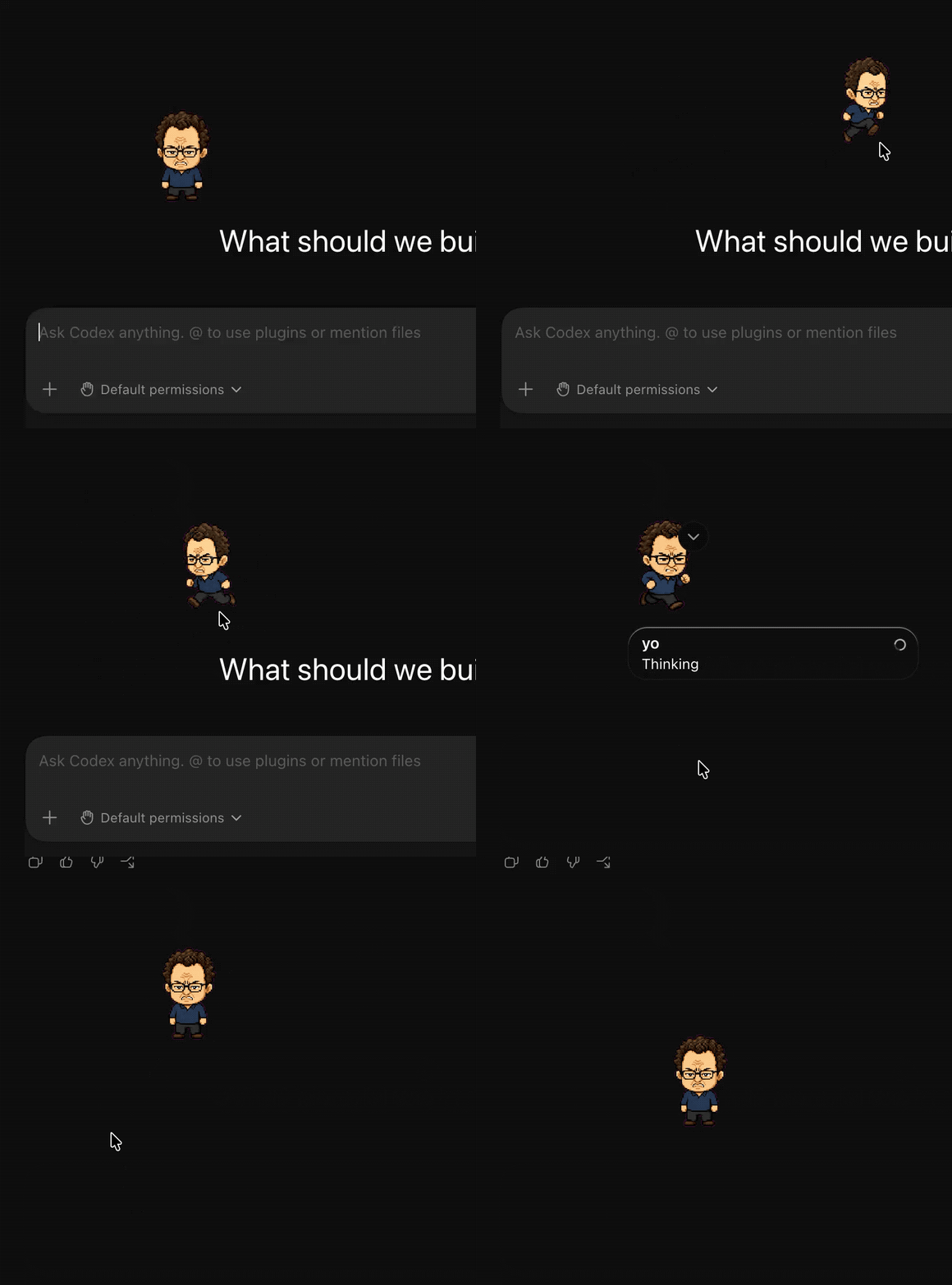
The 8 Built-In Base Pets
Codex ships with 8 pixel-art pets, which you can find under Codex Settings > Appearance > Pets:
| Name | Description |
|---|---|
| Codex | The default Codex companion |
| Dewey | A tidy little duck, suited to calm work |
| Fireball | Hot-path energy, suited to fast iteration |
| Rocky | A steady companion when the diff gets big |
| Seedy | A little green sprout for new ideas |
| Stacky | Balanced stacking, suited to deep work |
| BSOD | A tiny blue-screen troublemaker |
| Null Signal | A quiet signal from the void |
Custom Pets: Hatch Any Character with /hatch
The really fun part is customization. Via the /hatch command you can upload any image, and Codex will automatically hatch it into an animated pet.
Steps
Step 1: Install the hatch-pet Skill
$Skill Installer hatch-petThis downloads the corresponding Skill document from OpenAI's official GitHub repository.
Skill document location: https://github.com/openai/skills/tree/main/skills/.curated/hatch-pet
Step 2: Generate a custom pet
$hatch-pet make a Labubu desktop petCodex follows the Skill workflow automatically: it first generates a main image, then derives from it animation frames for multiple states -- idle, running-right, running-left, waving, jumping, failed, waiting, running, review -- with 4-8 frames per state.
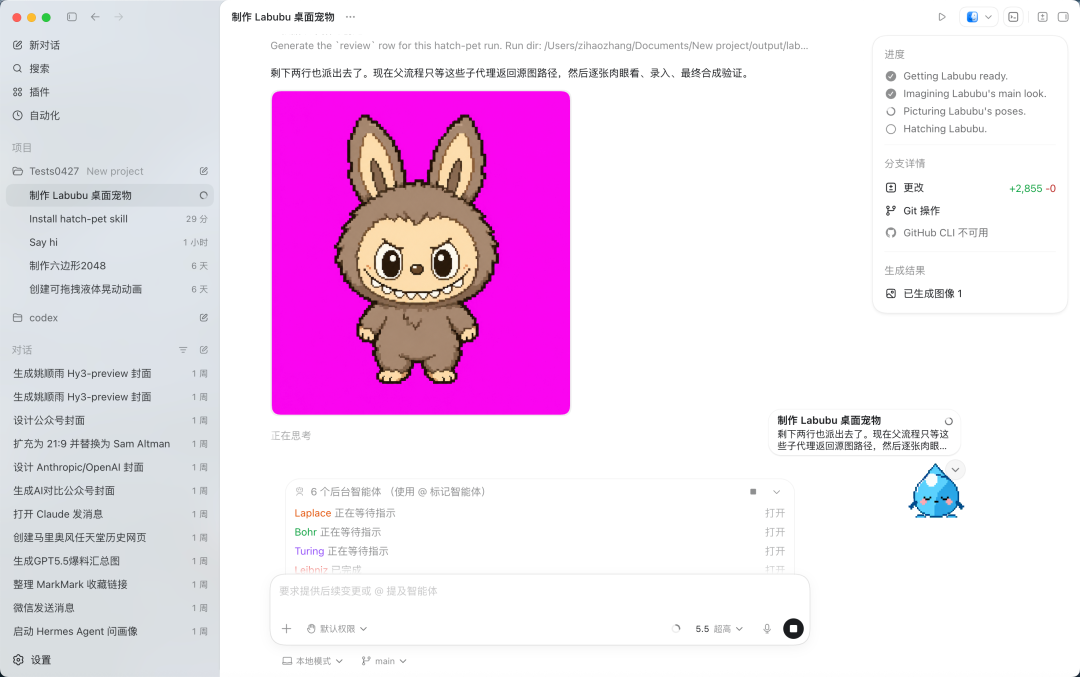
Step 3: Import and share
Generated pets are saved in a local folder and can be packaged up to share with other people. Download someone else's pet archive, copy it into the matching folder, and select it in settings.
Note: generating custom pets consumes a lot of quota -- some users reported that their 5-hour quota was used up by the time they generated a second pet.
Popular Community Creations
A huge wave of creative pets has already emerged on social networks:
- Lil Finder Guy: a pet version of the Mac Finder smiley, floating above the Dock
- Clippy: a recreation of Microsoft's classic big-eyed paperclip
- Sam (Altman): a pixel-art OpenAI CEO with anxious side-glancing eyes and sunglasses
- Dario (Anthropic CEO): an angry version of the Anthropic CEO
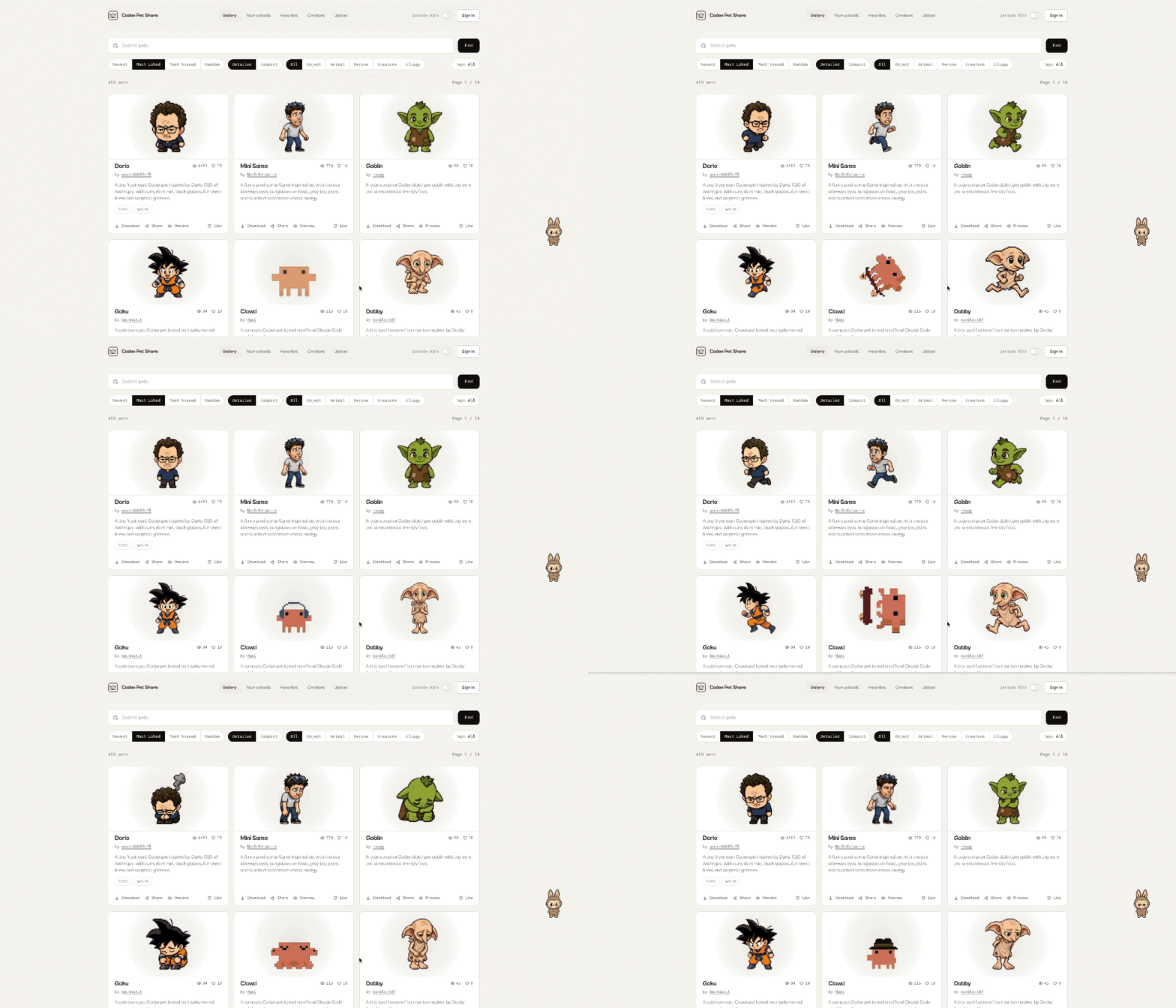
Pet sharing platforms:
- PetShare: https://codex-pet-share.pages.dev/
- PetDex: https://petdex.crafter.run/
Other Features in the Same Update
Automatic Claude Code config import
Codex can now automatically detect whether your computer has configuration files left behind by Claude Code (such as CLAUDE.md); once detected, it proactively offers to import all your plugins, project conventions, and custom rules with one click, lowering the cost of switching between platforms.
Dictation dictionary
Codex has added a "dictation dictionary" feature that lets you pre-register your personal abbreviations and phrases, reducing the misrecognition of proper nouns when you write code by voice.
Practical Value
The desktop pet matters beyond cuteness. It solves a real pain point of AI coding tools: you no longer have to keep switching back to the Codex window to check progress. The pet floats on the topmost layer of the screen and tells you Codex's background status through bubbles and actions. When a task is done, tap it, reply directly, and get back to work.
OpenAI even ran an official pet design contest: being selected for the "Top 10 favorites" wins you 30 days of ChatGPT Pro ($200/month).
Related articles
Turning an n8n Workflow into a Codex Skill: A Meta-Skill's Five-Step Pipeline
With the n8n-to-codex-skill meta-skill, convert any of n8n's 10,000+ public templates into a native Codex Skill — includes two real case studies: an SEO audit skill and a GEO content skill.

Navos 2.0: Tec-Do Upgrades Marketing from a Chatbox to a Loop Agent
Navos 2.0, launched at WAIC, upgrades the chatbox into an Agentic Workflow, powered by the Tec-Chi 300B model ranked No. 1 on SuperCLUE-Mkt — with 5 core agents and a macOS client.

Page Agent: Alibaba's Open-Source In-Page GUI Agent — One Line of Script Lets AI Live Inside Any Web Page
Alibaba's open-source in-page GUI Agent: one CDN script tag or one npm install gives any web page AI natural-language operation. 26.8k stars on GitHub, MIT licensed.

Using ChatGPT Conversation History Search to Turn Old Chats Into a Searchable Knowledge Base
A complete usage guide: with the Cmd+K shortcut, dig code snippets, solutions, and prompts back out of ChatGPT conversations from months or even years ago.
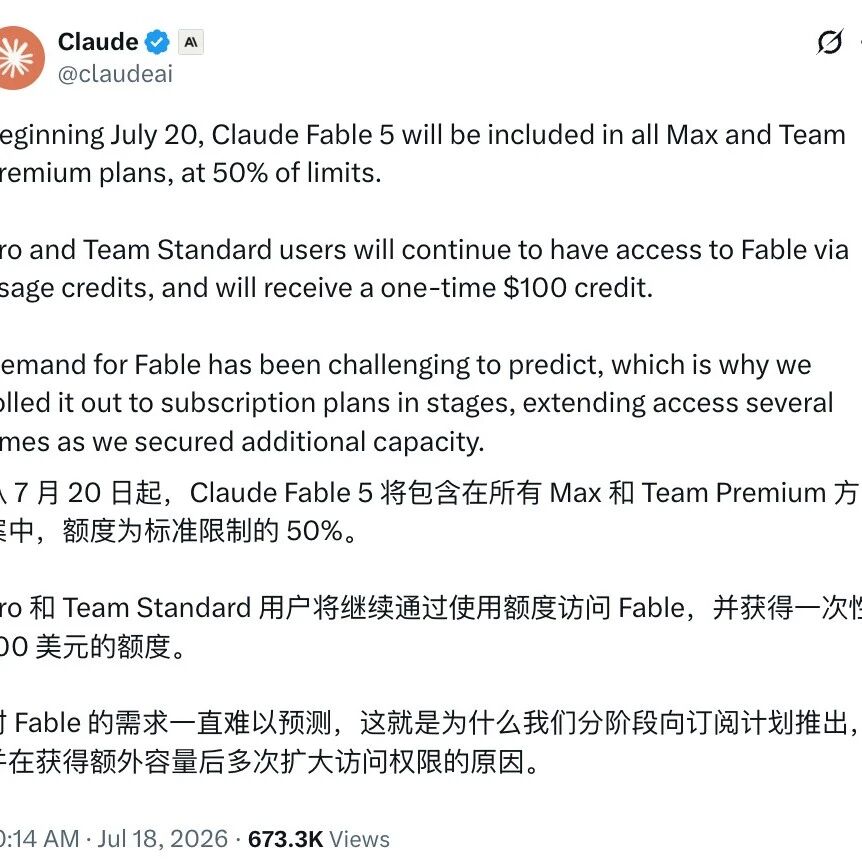
Claude Fable 5 Plan Inclusion Changes on 7/20: How Developers Should Allocate Their Quota
From July 20, Fable 5 will be included in Max and Team Premium plans long-term under a 50% quota cap, plus a one-time $100 credit — not unlimited free access.

Datadog's Test-Driven Production Migrations with Claude + Cursor: A Reusable Methodology
Extending TDD from new code to large-scale legacy refactoring: pin down behavioral contracts with AI first, then use tests as the safety net — Datadog's three-phase engineering practice.