
TerminalWorld: The First Agent Benchmark Built on Real CLI Workflows
A 1,530-task benchmark distilled from 80,000 human terminal recordings, spanning 18 workflow categories and 1,280 command tools — a cure for Agents that rack up leaderboard points yet fall apart in real terminal scenarios.
TerminalWorld: The First Agent Benchmark Built on Real CLI Workflows
A 1,530-task benchmark distilled from 80,000 human terminal recordings, spanning 18 workflow categories and 1,280 command tools — a cure for Agents that rack up leaderboard points yet fall apart in real terminal scenarios.
Amid the benchmark boom, one awkward fact stays hidden: most existing CLI Agent test sets are expert-crafted "question sets" that favor tricky puzzles — a wall away from what engineers actually do every day: installing environments, configuring dependencies, deploying services, orchestrating containers. A high leaderboard score doesn't necessarily buy "gets real work done" in the wild.
TerminalWorld, built jointly by UCL, Nanjing University, and Tencent, is the first terminal Agent benchmark constructed entirely from real human terminal traces that can also be continuously updated. Starting from more than 80,000 terminal recordings voluntarily uploaded by developers, it automatically reverse-engineers 1,530 real tasks covering 18 workflow categories and 1,280 unique command tools. Whether you do Agent evaluation research, pick CLI tooling, or want to verify whether your own model actually performs in real scenarios, it is a rare trial-by-fire touchstone.
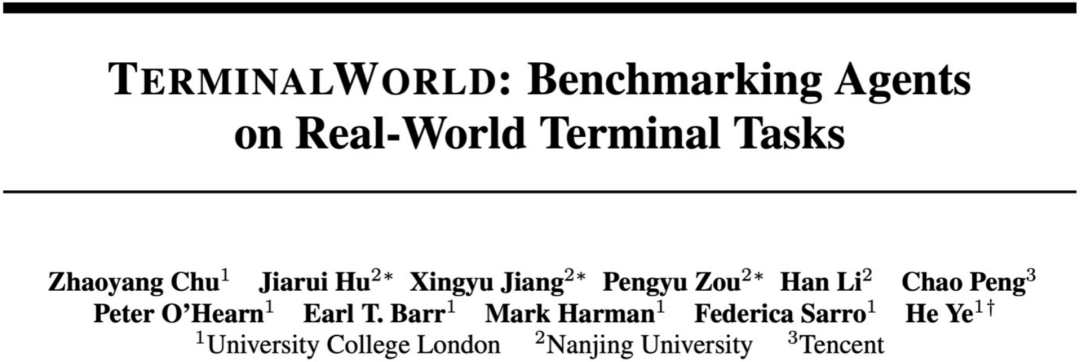
The TerminalWorld homepage — every task is reverse-engineered from real developer terminal sessions.
Before You Start
To run this benchmark you need:
- A Python 3.10+ environment (conda or venv isolation recommended)
- At least one Agent framework or CLI tool to test (e.g., Codex CLI, Claude Code, SWE-agent)
- Project repo and dataset:
- Paper: https://arxiv.org/abs/2605.22535
- Project page: https://terminalworld.ai/
- Dataset: https://huggingface.co/datasets/EuniAI/TerminalWorld
- Code repository: https://github.com/EuniAI/TerminalWorld
Estimated time to run a minimal subset: 1–2 hours (depending on Agent call frequency).
Step 1: Understand TerminalWorld's Design Philosophy
Its fundamental difference from traditional benchmarks (such as Terminal-Bench) is the data source:
| Dimension | Traditional expert-crafted benchmark | TerminalWorld |
|---|---|---|
| Task source | Hand-designed by domain experts | Reverse-engineered from real developer recordings on asciinema |
| Difficulty distribution | Tricky, adversarial | Close to real engineering workflows |
| Updatable | Static snapshot, goes stale | Data keeps accumulating, rolling updates |
| Command tool coverage | A few hand-picked | 1,280 unique commands |
The source data platform is the open-source asciinema (https://asciinema.org/), a public platform where developers voluntarily share terminal session recordings. Each recording is not pixel video but a timestamped structured text stream (every command, every echo precisely captured) — the precondition for TerminalWorld's automatic reverse-engineering of "executable tasks."
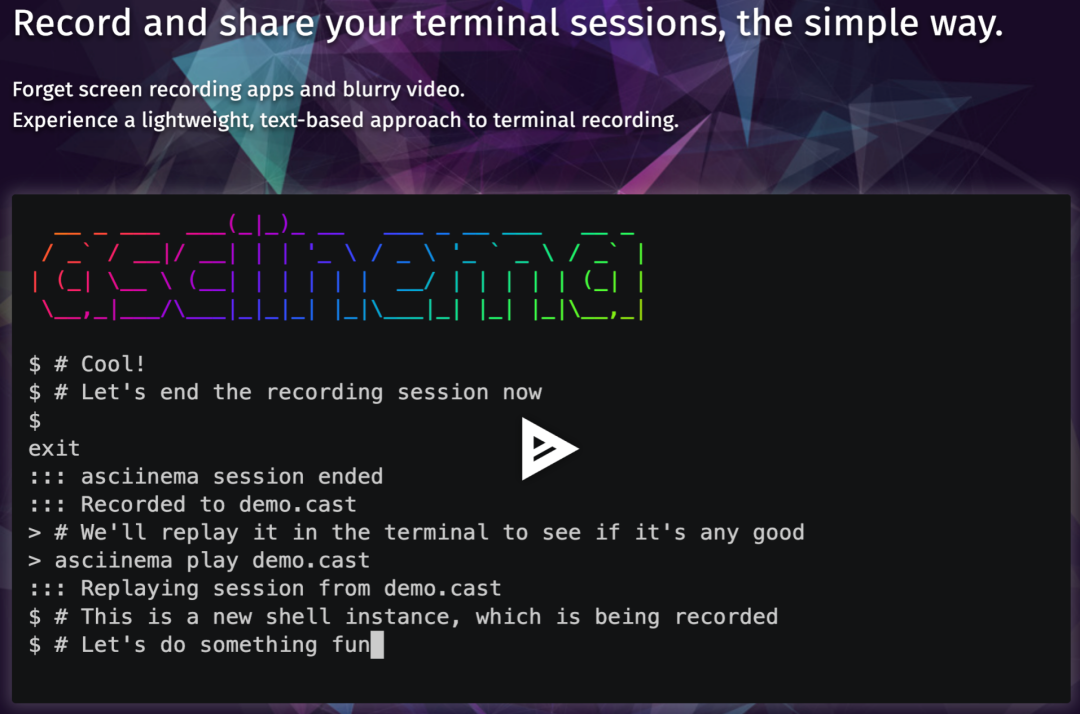
The asciinema platform: every terminal session is a structured text stream, automatically parseable.
Step 2: Clone the Repo and Load the Dataset
git clone https://github.com/EuniAI/TerminalWorld.git
cd TerminalWorld
pip install -r requirements.txt

# Pull the dataset (HF Hub)
huggingface-cli download EuniAI/TerminalWorld \
  --repo-type dataset \
  --local-dir ./data/terminalworld
The dataset contains three parts:
- Task definitions: 1,530 tasks, each with an initial environment snapshot, goal description, and acceptance script
- Workflow labels: 18 categories (e.g., container orchestration, CI/CD, cloud resource management, dependency troubleshooting)
- Raw traces: 80,000 human operation recordings available for Agent learning or retrieval
Step 3: Run Your Agent on a Minimal Subset
TerminalWorld provides a standardized evaluation harness; you only need to implement one Agent interface:
from terminalworld import Benchmark, Agent

class MyAgent(Agent):
    def act(self, observation: str, history: list) -> str:
        # observation: current visible terminal output
        # history: the sequence of prior (command, output) pairs
        # return: the next shell command to execute
        return your_framework.next_command(observation, history)

bench = Benchmark(data_dir="./data/terminalworld")
results = bench.evaluate(
    agent=MyAgent(),
    task_ids=bench.sample(workflow="container_orchestration", n=20),
    timeout_per_task=600,
)
print(results.success_rate, results.avg_steps)
💡 Tip: Don't run all 1,530 tasks the first time. Sample 20–50 tasks by workflow category to locate your Agent's weak spots, then decide whether a full evaluation is worth it.
Step 4: Compare Against Expert Benchmarks to Spot Inflated Scores
A key TerminalWorld finding: high scores on expert benchmarks migrate poorly to real scenarios. Which means if you only look at artificial question banks like Terminal-Bench, a model's numbers may be inflated. Suggested comparison:
- Run the same Agent on both a TerminalWorld subset and an expert-crafted benchmark
- Compare the success-rate gap between the two
- The bigger the gap, the more the Agent relies on test-taking tricks — and the less it survives real-world conditions
This is its most practical use: look not at the absolute score but at the transfer gap.
Results
Once it runs you should see results shaped like this:
workflow: container_orchestration (n=20)
  success_rate: 0.45
  avg_steps: 18
  failure_modes:
    - dependency_conflict: 5
    - permission_denied: 3
    - incomplete_goal: 3
If an Agent scores 0.85 on an expert benchmark but only 0.4 on comparable TerminalWorld tasks, its "high score" is mostly water; it needs remedial work before deploying to real engineering environments.
Common Issues
- Task initialization fails, environment won't start: usually a Docker image or network dependency that wasn't fetched. Every TerminalWorld task ships with a
setup.sh— run the init script standalone first to locate the problem. - Agent stuck inside interactive commands (vim, top) and unable to exit: humans get stuck in real scenarios too — that's exactly the blind spot TerminalWorld wants to expose. Adding a "force-quit interactive programs on timeout" strategy for your Agent usually improves things significantly.
- Dataset too large, downloads slowly: pin a commit with the
revisionparameter and accelerate via an HF mirror.
Related articles
Decomposing Your Business into Skills: The Real Meta-Skill of the AI Era
It's not that you can't use AI — you can't break things down. From goals to actions to judgment, one piece on turning the experience in your head into a structured Skill that AI can execute.

Claude Code Artifacts: Turning Terminal Development into a Shareable Web Dashboard
Anthropic brings Artifacts to Claude Code, generating shareable web pages in real time as you develop — team collaboration no longer relies on retelling things by hand.
Codex Record & Replay: Do It Once, and the AI Learns to Do It for You
OpenAI launches Record & Replay for Codex — record your workflow on your Mac and it automatically becomes a reusable Skill. Time to rethink automation.

Odysseus: A Local ChatGPT Hand-Built by a Top YouTuber, 30,000 Stars in 3 Days
Former world's #1 YouTuber PewDiePie open sourced a fully self-hosted AI workspace — free, no tracking, with a built-in Agent — pulling in 30,000 stars in three days.

Xiaomi Miloco 2.0: Smart Homes Finally Get a True AI Steward
Xiaomi open sources its whole-home AI solution Xiaomi Miloco 2.0 — multimodal perception, proactive intelligence, and household memory bring the Agent into the smart home ecosystem.

Agnes AI Makes Its Omnimodal API Free Indefinitely, with 1M Context and 4K Image Generation Upgrades This Week
Agnes AI has opened its text, image, and video omnimodal model APIs for free indefinitely, with 1M ultra-long context and 4K ultra-HD text-to-image upgrades landing this week.