
wechat-cli: Manage Your WeChat Chat History from the Command Line
wechat-cli, an open-source WeChat command-line tool, offers 11 commands for operating on local WeChat data—export chat history, search messages, run statistical analysis—designed for AI Agent integration.
wechat-cli: Manage Your WeChat Chat History from the Command Line
wechat-cli, an open-source WeChat command-line tool, offers 11 commands for operating on local WeChat data—export chat history, search messages, run statistical analysis—designed for AI Agent integration.
WeChat groups get tens of thousands of messages a day. Important discussions drown in the flood, and no amount of scrolling—until your hand aches—helps you find them. Quit the group and you are afraid of missing things; stay and you can never keep up.
wechat-cli solves exactly this problem: it is a command-line tool for WeChat that lets you operate on local WeChat data through commands. It runs locally from start to finish, routes nothing through any third-party server, and carries zero risk of getting your account banned. More importantly, it was designed from day one for AI Agents—all output defaults to JSON format.
What Is wechat-cli
In short, wechat-cli is a local command-line interface to WeChat data. You can use it to view chat history, search messages, export data, and run statistical analysis—or even let an Agent such as Claude Code or OpenClaw read your WeChat data through it directly.
The project is open source, GitHub: https://github.com/freestylefly/wechat-cli
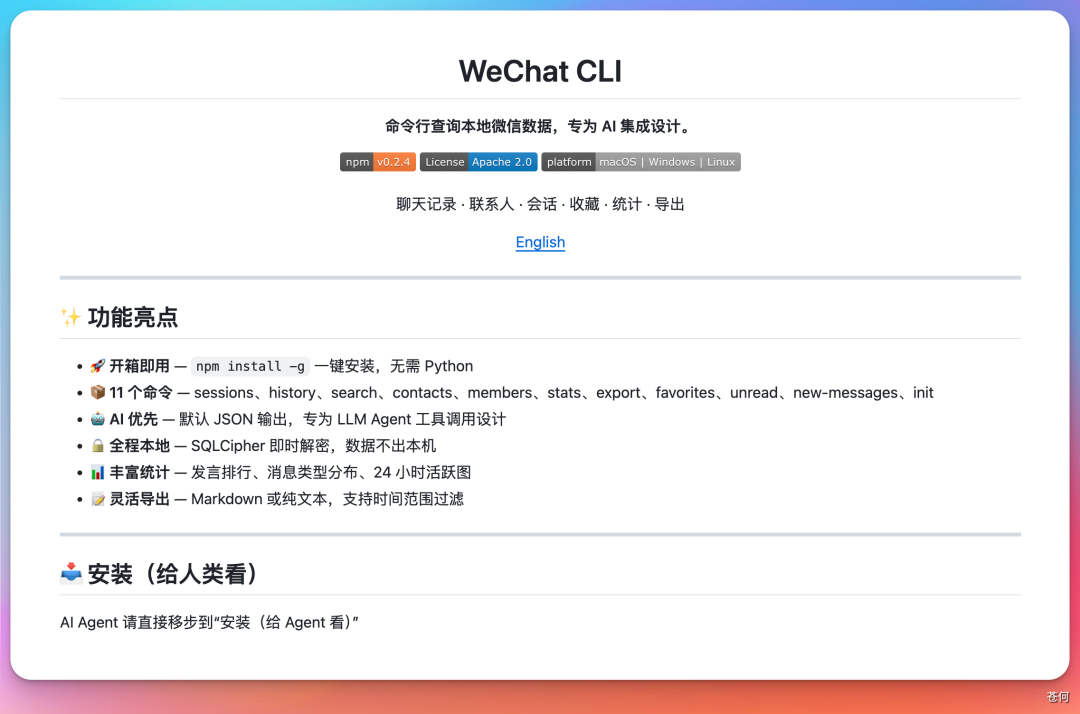
Core Features: 11 Commands Covering High-Frequency Scenarios
| Command | Function |
|---|---|
init | one-click initialization and key extraction |
sessions | list recent conversations |
history | view chat history, with pagination and time filtering |
search | search messages globally, supports targeting a specific chat and message type |
contacts | search contacts and view details |
members | list group members |
stats | chat statistics: who is most active, message type distribution, a 24-hour activity chart |
export | export chat history as Markdown or plain text |
favorites | view WeChat favorites |
unread | view unread conversations |
new-messages | fetch new messages incrementally |
Integration with AI Agents
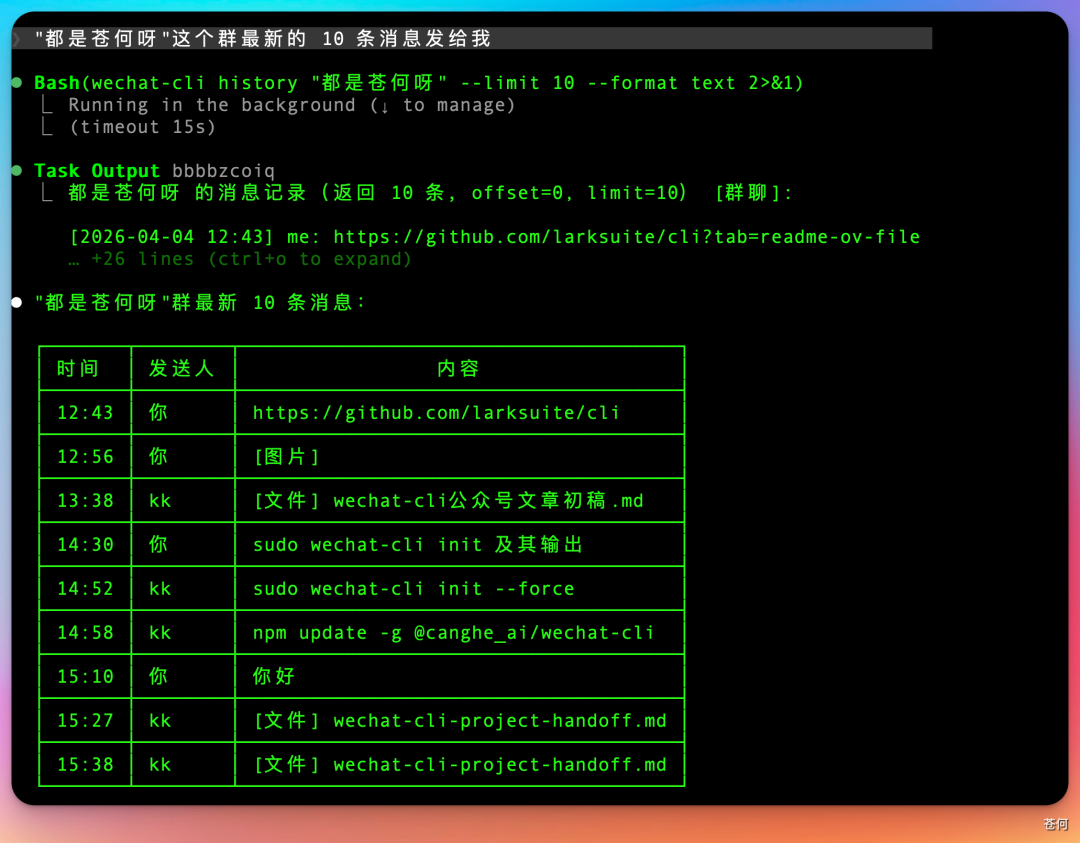
wechat-cli commands output JSON by default, which means you can use them directly inside an Agent. For example, in Claude Code:
Summarize the latest 10 messages from the "AI Tech Discussion Group"The Agent will automatically call:
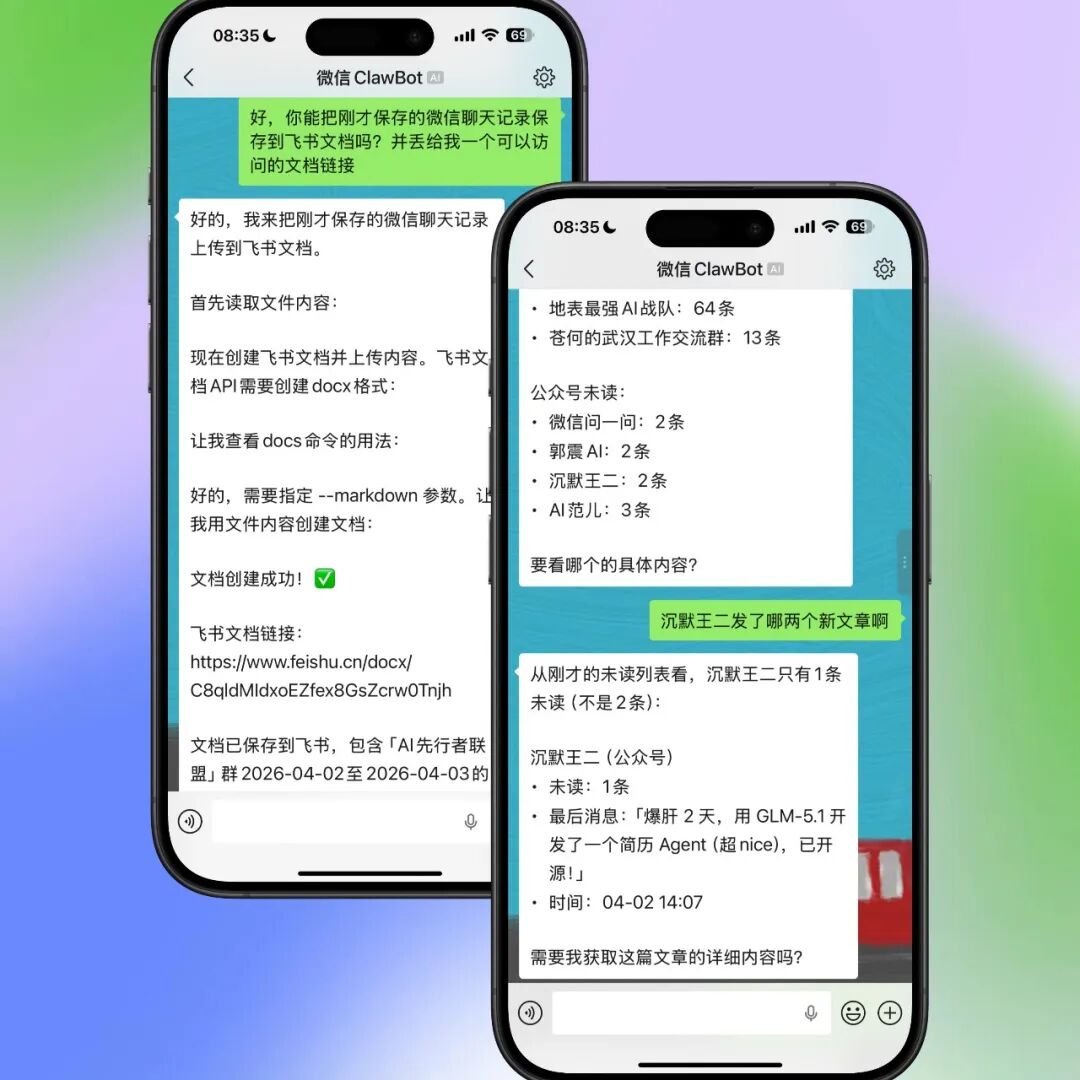
wechat-cli history "AI Tech Discussion Group" --limit 10 --format textIt also supports integration into mainstream Agent frameworks such as OpenClaw, WorkBuddy, and QClaw. Pair it with a WeChat bot and you can even ask the Agent questions directly inside WeChat.

Data Export and Backup
Chat history can be exported to Markdown or plain text with one click. Combined with the Feishu CLI, you can also upload it straight to Feishu docs for backup or sharing.
How to Install
Download and install it from GitHub directly, or let your Agent learn the installation process on its own:
# GitHub repository
git clone https://github.com/freestylefly/wechat-cli.gitNote: this project is for personal learning only and must not be misused for illegal purposes. The data is entirely local and never uploaded to the cloud; combined with a local model, usage can be made completely private.
WeSight, a Product Built on wechat-cli
Building on wechat-cli, the author developed WeSight, a desktop Agent product with the CLI capabilities and the OpenClaw engine built in, offering the following features:
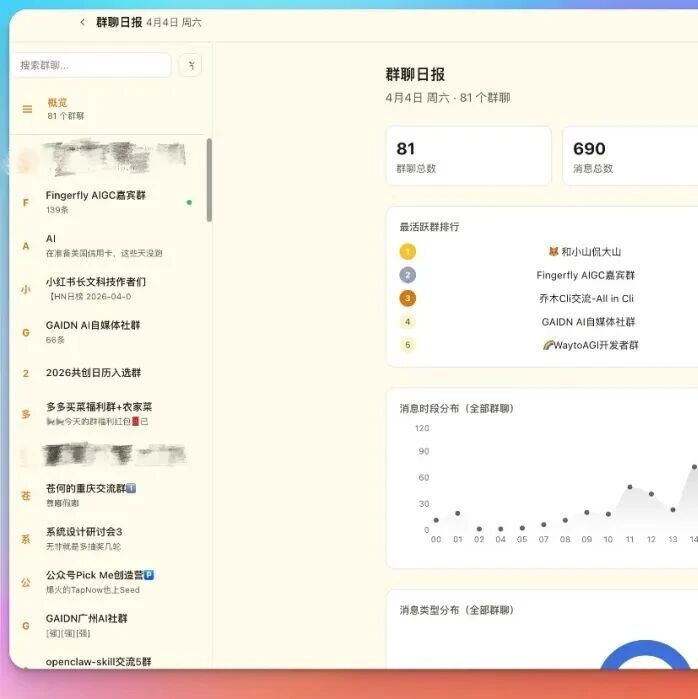
- Group chat daily digest: automatically summarizes each day's group messages, how many people spoke, and the most active members
- Visualization of message time-of-day distribution and message type distribution
- AI highlights summary: summarizes along four dimensions—"core discussion topics, key decisions, disputes to follow up, highlighted content"
- One-click forwarding of group chat insights into a WeChat group
WeSight is currently in invite-only testing; get an invite code from the official site and download it to try: https://wesight.ai
Related articles
Hy-Memory: Give Your AI Agent a Supercharged Memory
Hy-Memory is an OpenClaw memory plugin from Tencent. With a three-part architecture — a 6-layer memory framework, System1/System2 dual processing, and evolution chains — it lets an Agent truly remember your preferences, decisions, and history, cutting memory fragments by over 70%.

PilotDeck: The Open-Source Agent Operating System from Tsinghua
PilotDeck is an open-source Agent operating system jointly released by Tsinghua University's THUNLP Lab and partner teams, featuring independently isolated WorkSpaces, white-box memory management, smart routing that saves money, and Always-on proactive execution.

Five Models Tested: Is Qwen3.7 Max Actually Good at Coding
Qwen3.7 Max climbed to second place globally on competitive coding leaderboards, behind only Claude Opus 4.7. Using four tasks — liquid simulation, hexagonal 2048, a metro museum, and a browser operating system — this hands-on test compares the coding performance of Qwen3.7 Max, GPT-5.5, Gemini 3.5 Flash, DeepSeek V4, and Claude Opus 4.7.
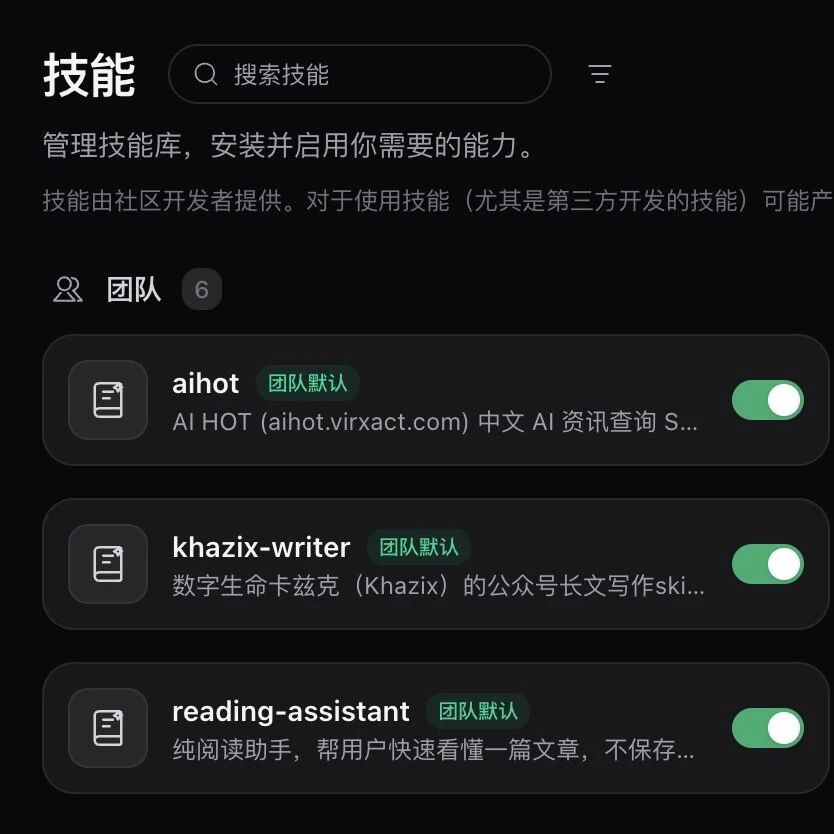
Accio Work Enterprise: One-Click Team Sharing for Skills and Agents
Alibaba's Accio Work launches its enterprise edition with one-click team sharing and auto-updates for Skills and Agents, solving a collaboration pain point for small and mid-size teams.

Alipay Token Pay: Payment Infrastructure for Agents That Spend for You
Alipay launches four products — the world's first Token Pay service, AI Wallet, AI Pay, and AI Collect — forming a full-stack AI-native payment system that has already completed 300 million agent payments.
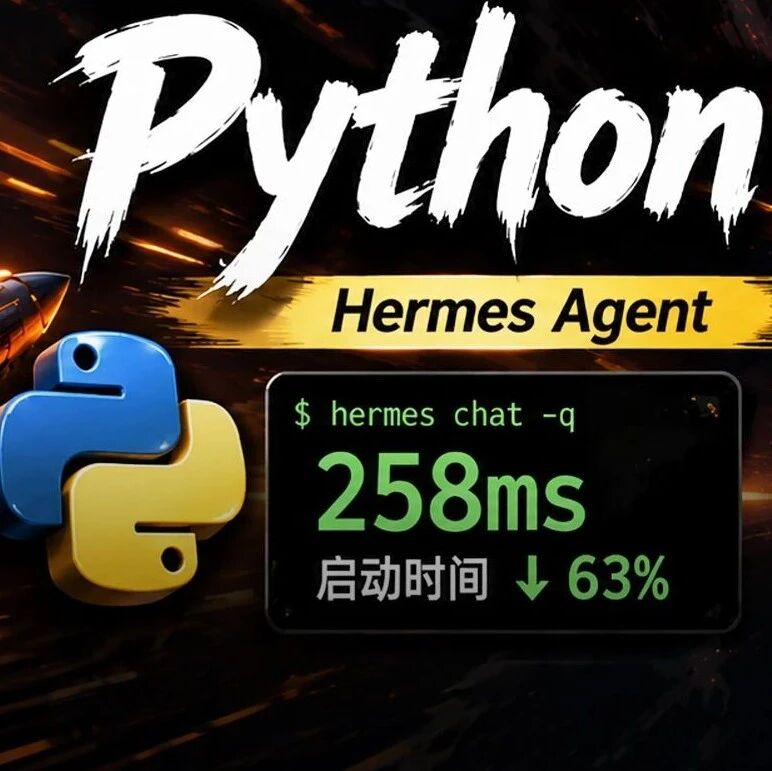
Hermes Agent: The Open-Source Python Project That Beat OpenAI Codex
Hermes Agent cut its startup time by 63% through three engineering optimizations and beat the Rust-written OpenAI Codex 6:5 across 11 CLI benchmarks, with GitHub stars passing 160,000.