
AI Podcast Generator
Turn PDF handouts into an editable study podcast
Tool details
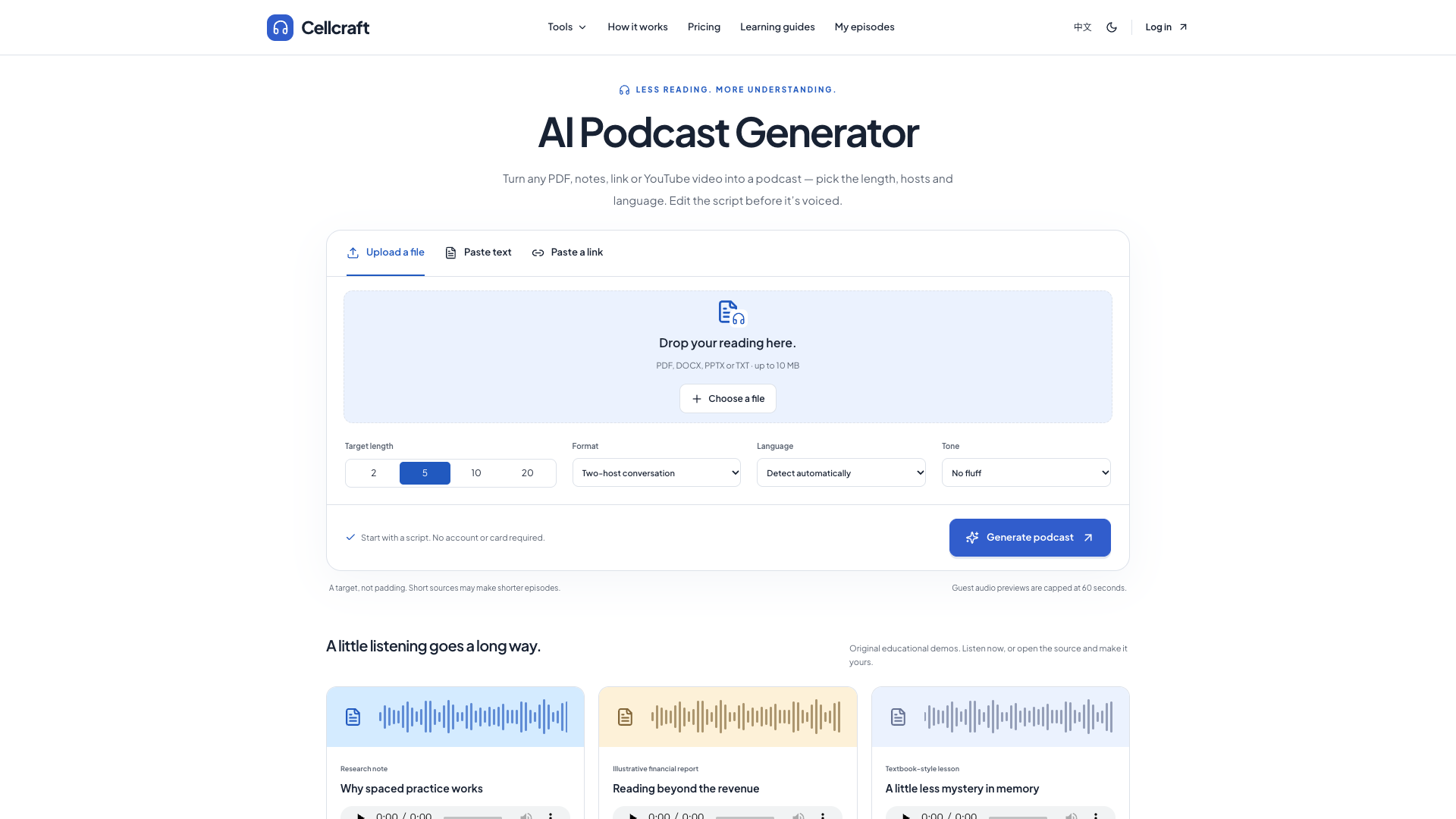
AI Podcast Generator (the site's brand name is Cellcraft) is a Chinese-native document-to-study-podcast tool: it first turns PDFs, handouts and notes into a podcast script you can rewrite segment by segment, then synthesises review audio you can actually listen to. Its selling point is not one-click output, but that you can edit the script, check it against the source text, and take the subtitles and MP3 files away with you.
Core capabilities
- Documents into a segmented script: PDF, DOCX, PPTX, TXT, or 50 to 60,000 characters of pasted text; files are parsed locally in the browser and the source text is never uploaded
- Segment-by-segment editing: every segment shows its source excerpt side by side, so you can reword, reorder, add or delete paragraphs; AI rewriting offers only two levels, simplify and example
- Paragraph-level re-rendering: only the edited segment is re-voiced and unchanged segments reuse their existing audio, but a re-render still costs one generation of quota
- Study-oriented output: chapter navigation, key takeaways, plus 5 self-test questions that the browser can read aloud
- Multi-format export: MP3, TXT and time-coded SRT, and after signing in a private RSS feed you can add to a podcast app
- Bilingual by design: the interface and the podcast output are both English or Simplified Chinese, and the Chinese copy does not read like machine translation
Where it fits Best suited to exam preparation, certification candidates, bilingual learners and anyone who has to get through industry reports: turn your own courseware, papers and meeting notes into audio you can listen to on the commute, then review with the self-test questions on the side. It is not for brand podcasts you intend to publish on Spotify or Xiaoyuzhou, and not for teams that need 80 languages or multiple voices.
Where it stands out Compared with NotebookLM there is only one difference, but it is a solid one: the script is editable segment by segment, each segment is bound to its source excerpt, and only the edited segment is re-rendered, whereas NotebookLM still will not let you edit the transcript. The price is that the cloud offers only a single MeloTTS voice and the output covers only Chinese and English.
Editorial verdict In testing the three forms, conversation, debate and teacher, produced word-for-word identical body text with only the speaker labels changed, so the two-host conversation is really one voice reading; the 20-minute option turned 1000 words of material into only about 1.7 minutes of audio; link import reports link_unavailable for every common site, and YouTube accepts pasted subtitles only; the paid tiers have disabled buttons, the domain was registered only on 2026-10-30, there is no operator disclosure and there are zero real reviews. Worth a try if you want to edit a script and then voice it; too early to be a main tool.
Pricing
FreemiumFree3 audio generations per month, up to 10 minutes each; includes the script editor, source excerpts, MP3 and transcript exports
Marked Planned on the site with the button disabled and checkout not enabled; the planned benefits are 20-minute episodes, better voices and private RSS
Marked Planned on the site with the button disabled and checkout not enabled; the planned benefits are 60-minute episodes, batch processing and higher monthly limits
Additional notes
The free quota resets monthly (signed-in users get 3 synthesis runs per month and re-renders also count), guests get only 60 seconds of preview per episode; there are also undisclosed daily and site-wide quotas, and in testing the 7th generation from the same IP kept returning 429; neither paid tier can be purchased at all right now, and the site itself calls its pricing a proposal.
FAQ
User reviews
User Reviews
No reviews yet
No one has reviewed this tool yet