
ByteCP
A local-first AI office agent from Runjian that turns local files into finished Office documents
Tool details
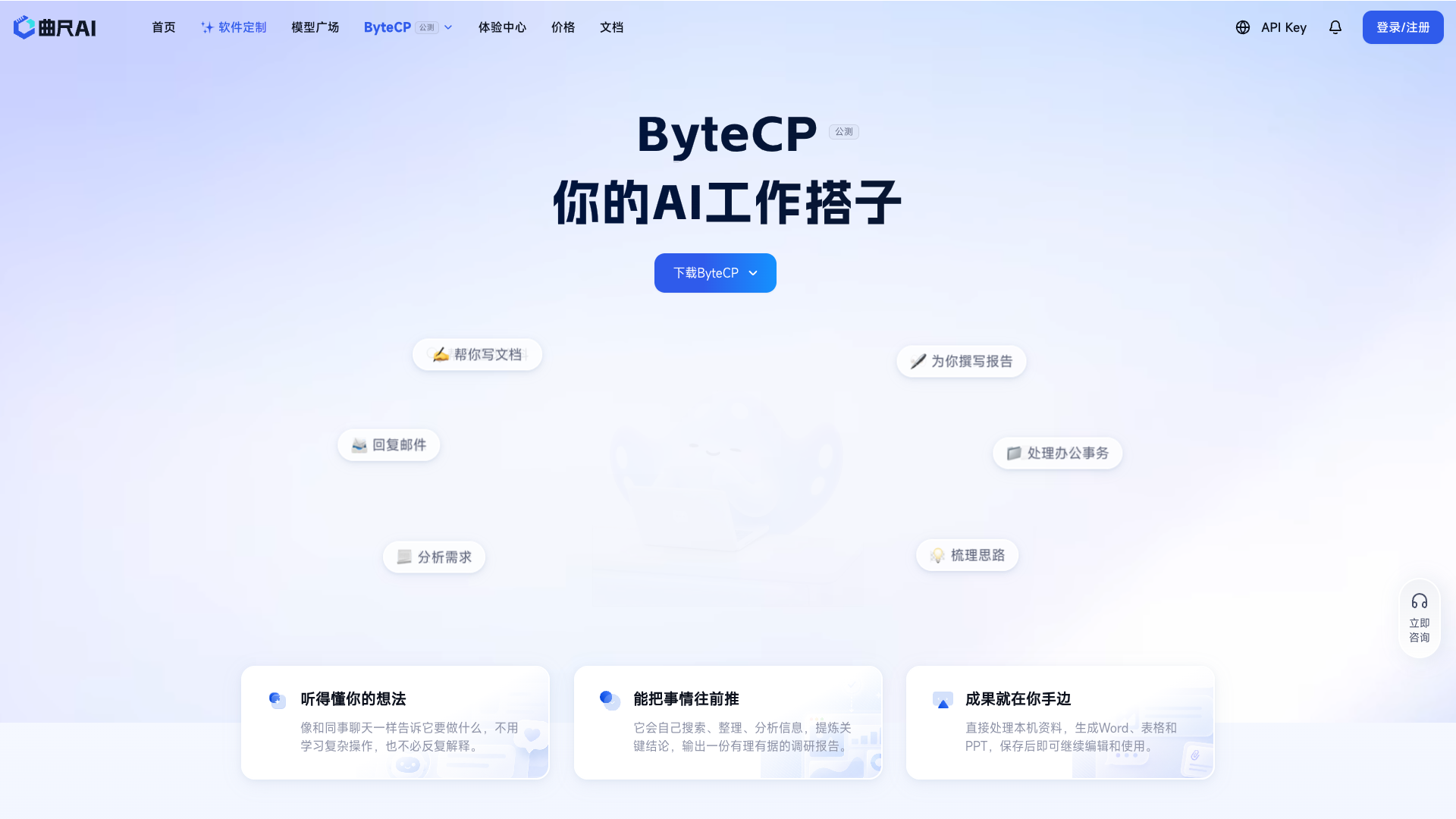
ByteCP is a local-first AI office companion from Runjian (Shenzhen Stock Exchange: 002929.SZ), delivered primarily as a PC desktop client plus a same-named CLI. Its core pitch is moving AI from answering questions to completing work: breaking down tasks, reading local files, searching the web, and ultimately delivering ready-to-use Word / Excel / PPT deliverables.
Product positioning A general AI office Agent work platform for individuals and teams, built on the promise that materials never leave your machine and deliverables land on it, in contrast to general agents that move everything to the cloud.
Core capabilities
- Five modules: Experts (agents), Skills, Connectors (MCP), Automation, and IM channels; workflows you run can be saved and reused
- Local file handling: reads local Word / PDF / Excel / PPT / images directly and produces Office deliverables you can keep editing
- Dual form factor: macOS / Windows desktop client plus a terminal CLI (Node >= 22.5), covering both business and technical roles
- Preset connectors: GitHub, DingTalk, Feishu (Lark), Tencent ima, and KnowV, with custom MCP support and call auditing
- Safety guardrails: 5 sandbox levels + 6 approval policies + execution budgets, with the ability to disable networking / sub-agents / specific tools
How it works Launch a task in a local workspace and the Agent autonomously decomposes it and calls tools, writing deliverables straight to disk as editable files; IM channels let WeChat / DingTalk / Feishu send commands and receive results.
Use cases Admin, operations, project-assistant, and analyst roles that process large volumes of local documents on-machine and require finished deliverables; plus developers and technical users who want a terminal Agent with automation orchestration.
Pricing and free tier During the public beta each user gets 20,000 free credits monthly (no carryover, expiring at term end); Standard / Pro (¥79/month) tiers already exist in the system, but the vendor has not yet published a standalone pricing page.
Differences from similar tools It is one of the few products with a local desktop client as the primary form: no uploads required and deliverables stay local; but it trails cloud options such as Manus and Genspark in cloud parallelism, cross-device consistency, and ecosystem richness.
Points of caution (red flags, disclosed as found)
There are no independent third-party hands-on tests or comparisons yet, and all capability claims come from official self-description; the privacy policy is an e-commerce template that does not cover AI-critical data questions such as local file read boundaries, training use, or retention periods; the client demands high privileges (full disk access / accessibility / automation), the sandbox can be disabled entirely, and approvals can be set to bypassPermissions; the site's public API once exposed internal test junk data (plan_code dwqdqwd and a Standard tier placeholder price of ¥0.01/month); parent company Runjian saw 2026H1 revenue down 22.83% YoY, net profit attributable to shareholders down 31.72%, operating cash flow of -2.876 billion yuan, and a debt-to-asset ratio of 71.55%. Disclosure is not deterrence: it remains a real, usable product under a listed company, so try it personally and use caution with highly sensitive work.
Pricing
FreemiumFree20,000 free credits per person per month during the public beta20,000 credits per month, no rollover, cleared at expiry
Placeholder/test price, questionable; 5,000 BASE + 500 BONUS credits
15,000 BASE + 2,000 BONUS credits
Additional notes
Free beta credits are issued monthly on a cycle (carry_enabled: false means no rollover, expiry_action: CLEAR means cleared at expiry); the official ByteCP standalone pricing page is not yet public: the plan subscription page requires login, and the on-site /pricing is actually the LLM API pricing page; the tiers above come from the public subscription API on the site and may change at any time, refer to the official display
FAQ
User reviews
User Reviews
No reviews yet
No one has reviewed this tool yet