
Lightning AI
A full-stack AI cloud with its own GPU data centers and open-source frameworks
Tool details
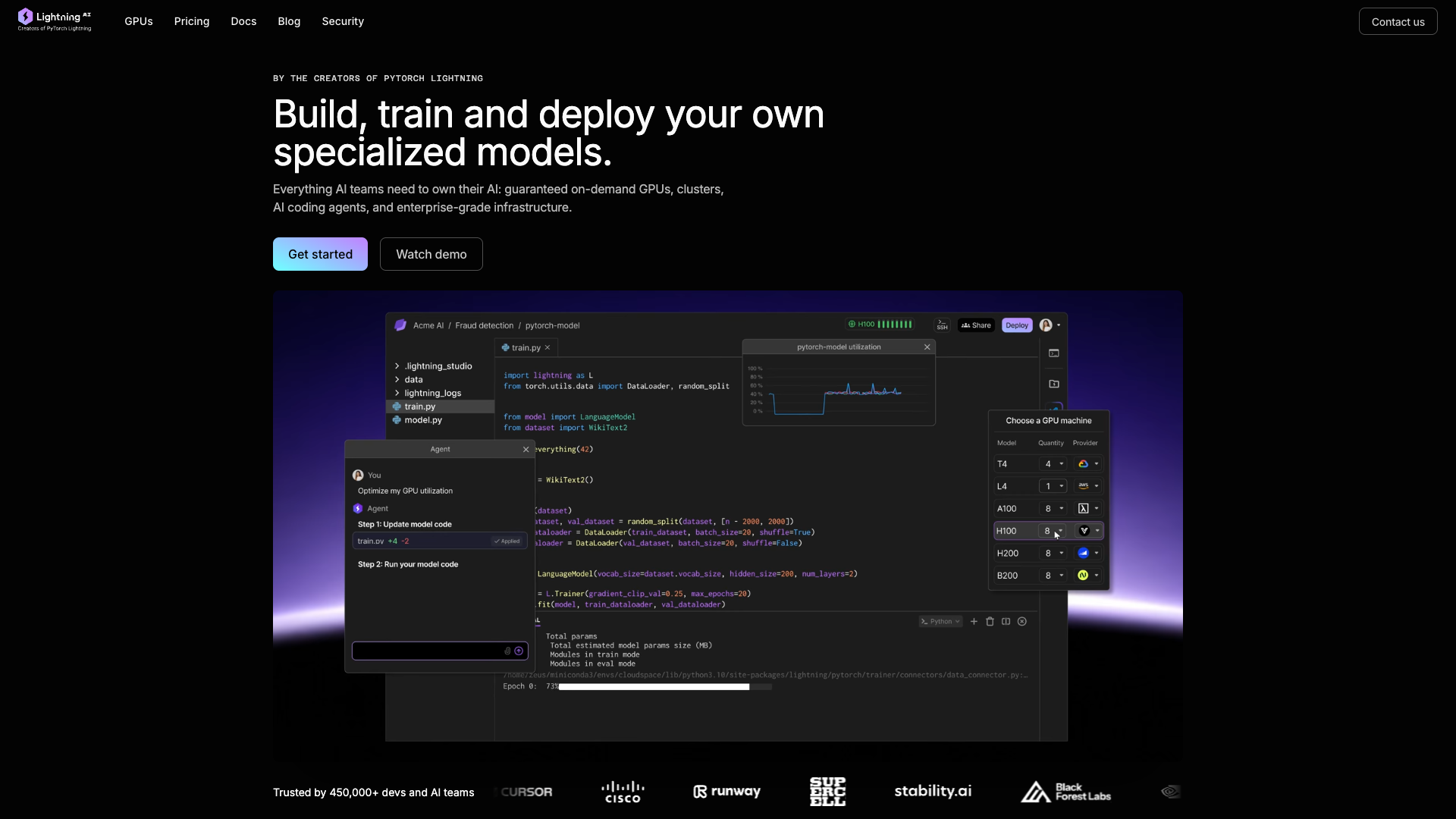
Lightning AI was founded by the creators of PyTorch Lightning and merged with GPU infrastructure provider Voltage Park in 2026-01, becoming a vertically integrated AI cloud that runs its own data centers and builds its own frameworks. It does not develop foundation models of its own; what it sells is compute from tens of thousands of its own GPUs, an in-browser development environment, and a complete set of Apache-2.0 open-source frameworks.
Core capabilities
- In-browser Studio: VS Code and JupyterLab are preinstalled, dependencies and model weights survive shutdown, and you can attach a local IDE over SSH
- Own GPU data centers: tens of thousands of NVIDIA cards from T4 to B200, plus Google TPU, billed per second, with interruptible instances available on some machine types
- Multi-node, multi-GPU training: the official line is that if it runs on 2 machines it can run on 1000, and with PyTorch Lightning you hardly touch your code
- Training through inference: Lightning Inference autoscales, LitServe lets you stand up your own inference service, and Gradio apps get a public port in one click
- Model APIs are routing only: call third-party models such as openai/gpt-5 and claude-opus-4-7 directly, while the platform handles just the unified interface and billing
Where it fits For teams that genuinely intend to train a model and ship it: algorithm groups doing fine-tuning, individual researchers who want to upgrade Colab experiments into persistent workspaces, and enterprises that need to run their own models inside a VPC. People who only call APIs to build apps have no use for the compute layer.
What sets it apart Most neoclouds sell bare compute, and most AI platforms are still renting someone else's cloud underneath; Lightning AI owns both ends, so there is no middle markup layer between GPU and framework. Compared with Colab it adds persistent environments and multi-node training; compared with RunPod it adds a ready-to-use IDE.
Editorial take This is infrastructure for people who genuinely mean to train a model, not for people writing demos against an API. Zero-config startup, instant switching between CPU and GPU, and environments that survive shutdown are the most tangible wins; the trade-offs are a tight free tier, phone-number signup, and a community far smaller than Colab's. Individuals move from the free tier to Pro, teams to Teams, and Enterprise is the conversation once BYOC matters. Thunder is still labeled alpha, so do not treat it as production-ready.
Pricing
Freemium$0 (one free CPU Studio, restarts every 4 hours, plus up to 30 one-time credits for about 80 interruptible GPU hours)1 persistent CPU Studio (restart required every 4 hours); 5 credits on signup, +25 more when you add a card
Annual billing works out to $20/month; 40 credits per month or 240 per year, up to 4 GPUs per instance and 6 concurrent
Academic pricing, same price on annual billing, 100 credits per year
Annual billing $119/user/month; 50 credits per month or 600 per year, up to 8 GPUs per instance
BYOC, custom machine types, 99.95% SLA, SOC 2 Type 2, dedicated support
Additional notes
Billed per second; $1 equals 1 credit and credits expire after 12 months. On-demand single-GPU prices: T4 $0.55, L4 $0.79, L40S $3.54, A100 80GB $1.85, H100 80GB $5.45, H200 $4.50 (USD/GPU/hour); interruptible instances cost less.
FAQ
User reviews
User Reviews
No reviews yet
No one has reviewed this tool yet