Playable Notes
AI sheet music recognition and teaching arrangement tool for piano teachers
Tool details
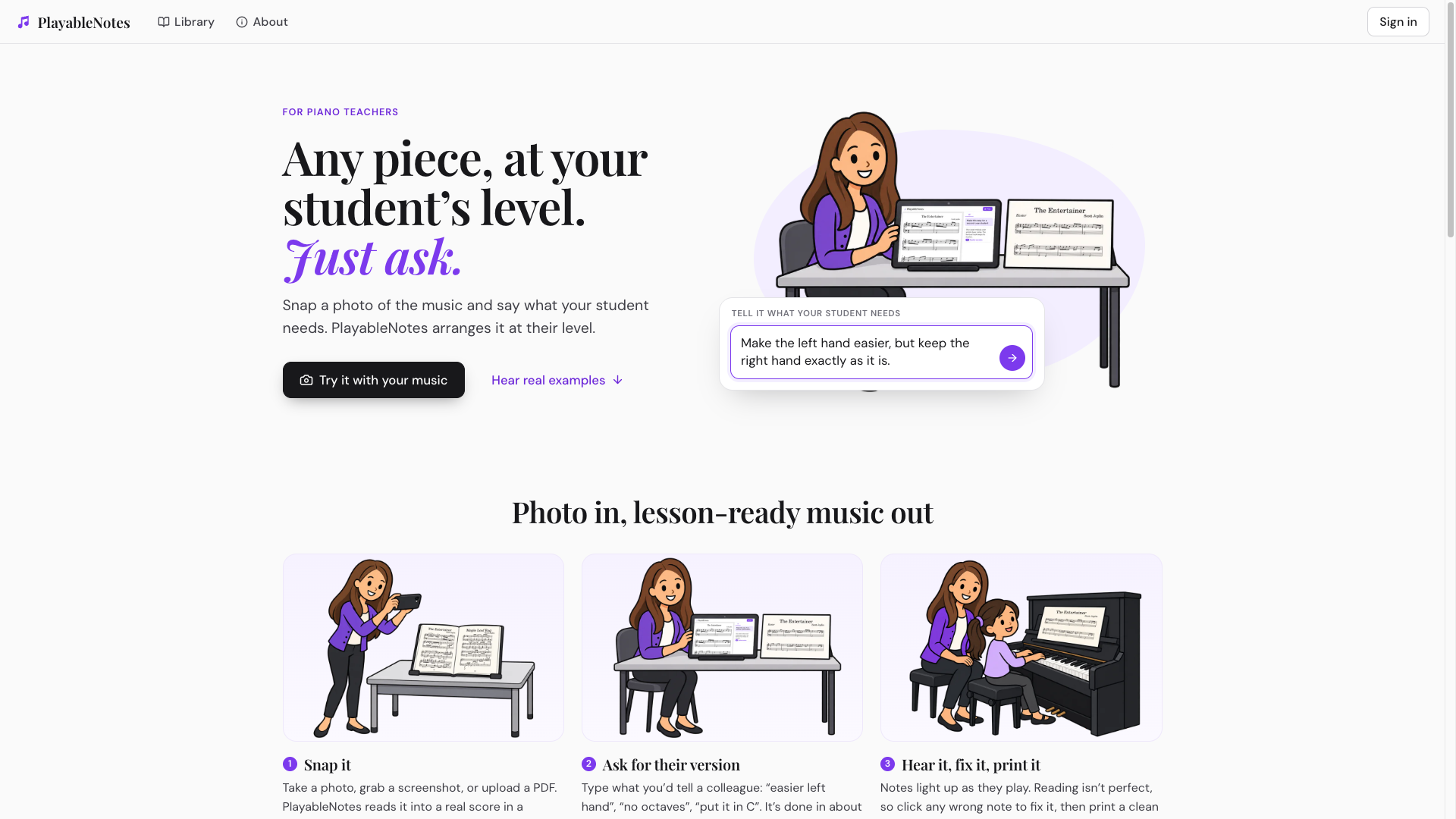
PlayableNotes is a sheet music tool built for piano teachers: snap a photo of piano sheet music and say "make the left hand simpler", "remove the octaves" or "put it in C", and it arranges the piece to a level the student can actually play. The output is not audio but a score you can play back, edit, print and export.
Core capabilities
- Read into a real score: Photos, screenshots, PDF files and MusicXML all become a real score, engraved and typeset with Verovio, usually within a minute or two
- Rearrange with one sentence: Just describe what you need in plain language — change the key, simplify the left hand, drop the octaves, produce a shortened version; every AI rewrite is saved as a new version you can roll back at any time
- Listen and correct: Salamander grand piano samples play the score with the notes highlighting as they sound, and any wrong note can be fixed with a click; tempo change, looping and hands-separate practice are all supported
- Export and practice links: PDF, MusicXML, MIDI (one track per hand) and KM text notation; a practice link opens for students without signing in
- Direct ChatGPT access: The MCP service uses the scores scope, so scores can be read and rearranged inside ChatGPT with the same account and the same credits as the website
Where it fits Lesson preparation for piano teachers is the main use: bring a piece a student wants to play down to a level they can manage, then hand over a practice link or a printed score; the 321 public-domain pieces in the site library can also be rearranged directly. Church accompanists transposing at short notice, adult self-learners checking their own playing against the score, and arrangers converting paper scores to MIDI are all comfortable secondary uses. AI composition, orchestral scores, handwritten manuscripts and audio-to-score transcription are out of scope.
Distinctive strengths Most OMR tools stop at "scan it and hand you a MusicXML file"; this one links recognition, rearrangement and student practice links into a single web workflow, billed per line with no subscription. The difference lies in the arrangement pipeline rather than in a model: AI recognition and rewriting are handled by third-party models, while the in-house work is the notation format and the version pipeline. For teachers who do not want to install software and simply want to save preparation time, this combination has the lowest adoption cost.
Editorial take Worth trying, but the positioning should be clear: it saves preparation time rather than composing for you, and it suits piano teachers and church accompanists best. The 50 credits given at signup cover only 7–10 pages and do not renew, recognition results still need human proofreading, and purchases are currently limited to US billing addresses. Run two real pieces through it first, then buy the $10 tier if it fits.
Pricing
Freemium$10 (100 credits, one-time purchase, credits never expire)50 credits on signup, one-off only, no recurring free credits
100 credits, one-time purchase, never expires
300 credits, one-time purchase, about $0.083 per credit
1000 credits, one-time purchase, about $0.070 per credit
Additional notes
No subscription and credits never expire; the 50 credits given at signup are a one-off and there is no recurring free allowance. The /pricing page has no buy button — checkout happens on the account page after signing in, and credits are currently sold to US billing addresses only. Credits are charged per line/system of music, so heavy long-term use should be costed against real usage.
FAQ
User reviews
User Reviews
No reviews yet
No one has reviewed this tool yet