
Codex Self-Distillation: One Prompt to Eliminate Repetitive Work
An OpenAI employee shares a Codex self-distillation prompt that automatically identifies repetitive workflows and packages them into Skills, Subagents, or Automation.

Codex Self-Distillation: One Prompt to Eliminate Repetitive Work
An OpenAI employee shares a Codex self-distillation prompt that automatically identifies repetitive workflows and packages them into Skills, Subagents, or Automation.
Vaibhav (VB), a member of the OpenAI Codex team, has published a set of "self-distillation" prompts. You just paste it into Codex, and it will automatically comb through your past sessions, find the things you keep doing manually over and over, and package them into reusable tools for you.
The method isn't limited to coding scenarios: any repetitive action in daily work — writing, operations, planning — can be identified and automated. This article provides the complete prompts and instructions for using them.
Who it's for: Codex users (the free tier works), and anyone who wants to eliminate repetitive daily work.
What Is Codex Self-Distillation
Put simply, you let Codex "review its own work records," find out which tasks have been repeated, and then automate them.
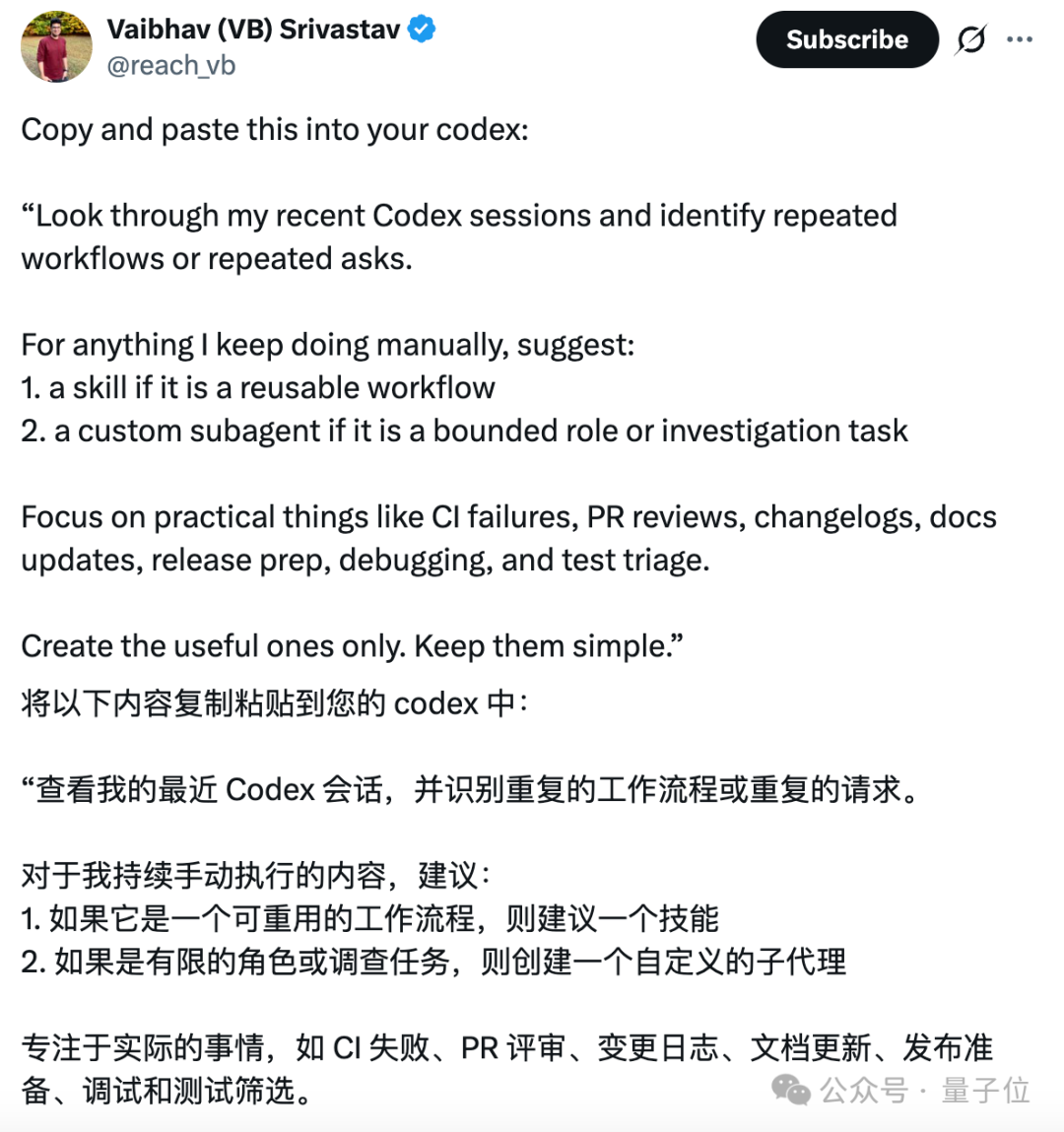
The packaged results come in four forms:
- Skill: fixed routines that repeat weekly
- Custom Subagent: investigation tasks that need a dedicated role
- Automation: scheduled checks that run without anyone watching
- Skip: one-offs with fuzzy boundaries — leave those alone for now
Preparation Before You Start
- An OpenAI account with Codex access enabled
- At least a few days to a few weeks of Codex usage history (the more data, the better the results)
- 5 minutes
Step 1: Use the 1.0 Prompt (Quick Version)
This is the original 9-line prompt, good for getting started quickly:
Look through my recent sessions and identify repeated workflows or repeated requests.

For the things I've been doing manually, make recommendations:

1. If it's a reusable workflow, create a skill;
2. If it's a bounded role or investigation task, create a custom subagent.

Focus on practical work like CI failures, PR reviews, changelogs, documentation updates, release prep, debugging, and test triage.

Only create what's useful, and keep it lean.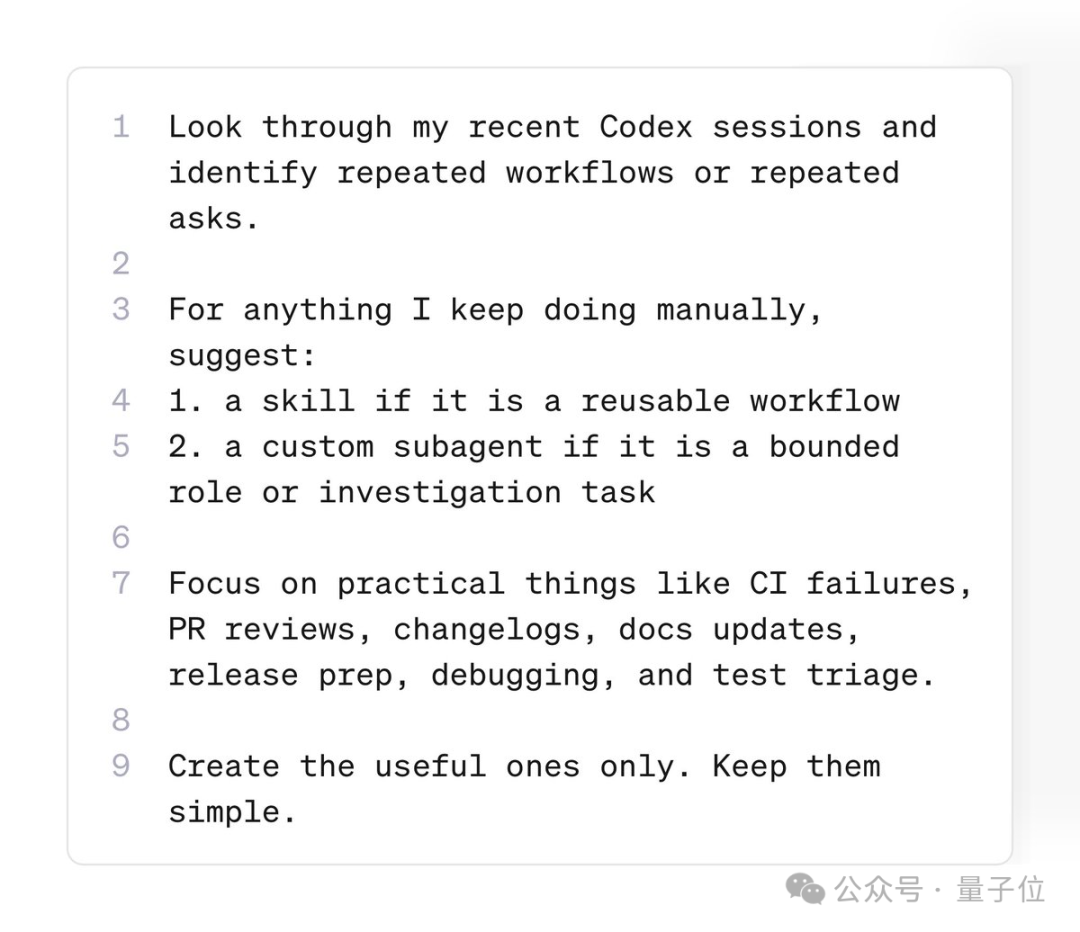
Paste this straight into Codex and it will start analyzing your session history and making suggestions.
Tip: The 1.0 version leans toward coding scenarios. If you're not a programmer, go straight to the 2.0 version.
Step 2: Use the 2.0 Prompt (Recommended Version)
Based on community feedback, VB iterated the prompt into a more comprehensive 2.0 version, covering coding, research, writing, planning, communication, operations, and nearly every other work scenario:
Review my work records from the past 30 days and identify repeated manual workflows worth packaging.

Use the following data sources in priority order:
- Recent Codex sessions and task summaries
- Codex Memories and summary records, to find patterns repeated across sessions
- If Chronicle is enabled, use it to find repetitive work outside Codex (for discovery only; confirm important details back in the original system)
- Existing skills, custom agents, and automations — prefer reusing or extending them rather than reinventing the wheel.

Cast a wide net: coding, research, writing, planning, communication, operations, analysis, and personal tasks all count.

Act only when all of the following conditions hold:
1. It has happened at least twice, or is clearly likely to recur and costly to redo from scratch;
2. It has stable inputs, a repeatable process, and a clear output;
3. It would meaningfully improve speed, quality, or reliability;
4. Existing tooling doesn't already cover it.

Pick the smallest form that fits: Skill, Custom subagent, Automation, or Skip.

First output a candidate list, then create the high-confidence items, and finally tell me what you created, what you skipped, and what still needs more evidence.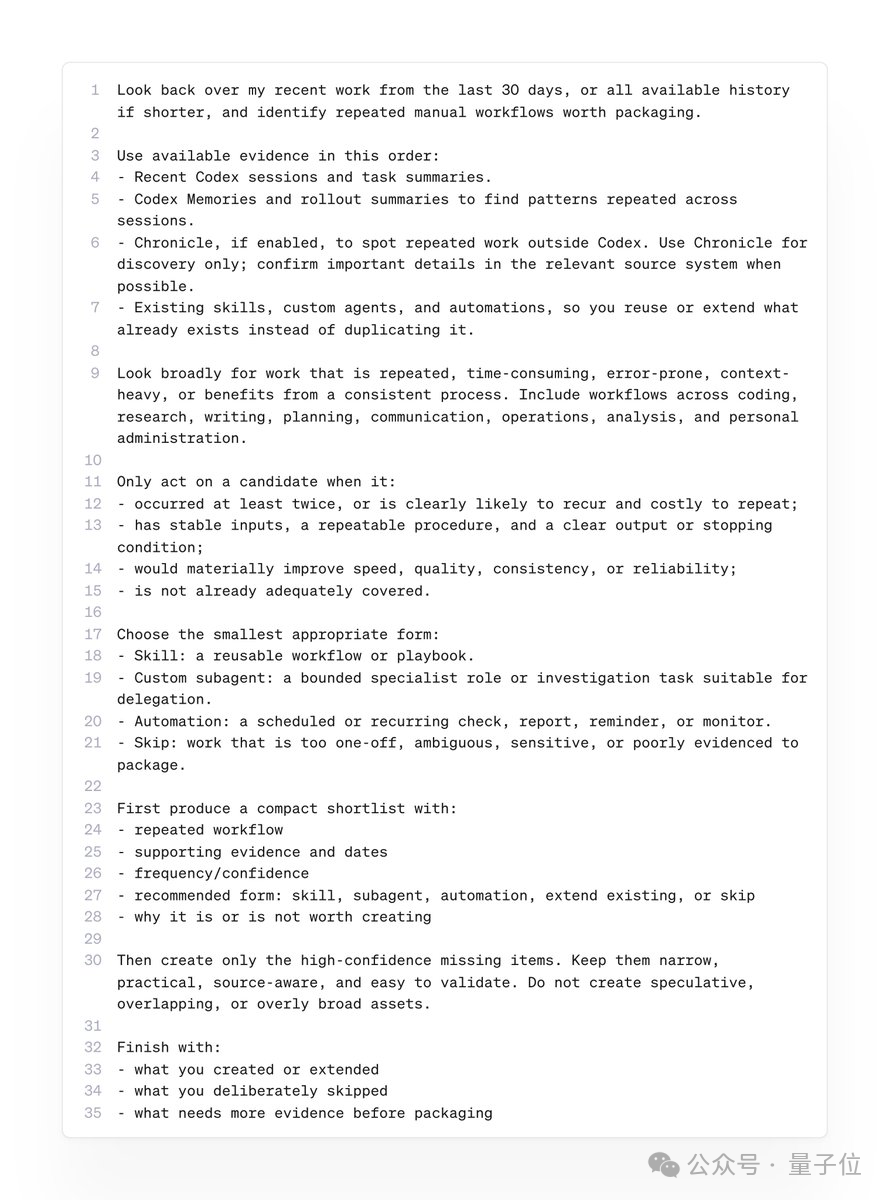
Three Upgrades in 2.0 Over 1.0
| Dimension | 1.0 | 2.0 |
|---|---|---|
| Data sources | Recent sessions | Sessions + Memories + Chronicle + existing tools |
| Coverage | Coding tasks | Coding, writing, planning, communication, operations, and all other scenarios |
| Output | Gives suggestions | Directly creates high-confidence items |
Step 3: Review and Adjust the Results
When the analysis finishes, Codex outputs a list:
What you need to do:
- Check the auto-created items: confirm whether the Skills/Subagents/Automations that Codex created automatically are accurate
- Handle the "needs more evidence" items: these are the ones Codex isn't sure should be automated, so you need to judge them yourself
- Delete what you don't need: not every repeated task is worth automating
A Hidden Trick: Use Codex to Optimize Your Home Network
Beyond self-distillation, Codex has another practical use: optimizing local network configuration. One user used Codex to boost their speed from 400Mbps to 900Mbps.
The prompt they used:
Help me see what can be improved about my network. My ISP says the bandwidth they provide is 1.2Gbps, but my actual speeds are far below that. Please diagnose and fix the problem.Codex then automatically runs these diagnostic steps:
- Run a speed test
- Check DNS resolution times
- Check MTU, packet loss, and Wi-Fi signal
- Fix the problems it finds (flushing the DNS cache, optimizing network configuration, etc.)
Note: This approach mainly works for Windows users. Mac network configuration is fixed, so there's little Codex can do there. Linux is also worth a try.
Other Practical Codex Use Cases
Codex also supports the following features:
- Scheduled tasks: set up Automations to run checks on a recurring basis
- Self-improving skills: Skills keep getting better as they get used
- Subscription management: helps you sort out and cancel subscription services you don't need
FAQ
- Is Codex open source? Yes, Codex has been open-sourced.
- Do I need to pay? Codex has a free tier; basic usage costs nothing.
- What if the analysis results aren't accurate? The longer you've used it and the more session history there is, the more accurate the analysis. New users should start with the 1.0 version.
- Can non-technical people use it? The 2.0 prompt already covers writing, operations, and other non-coding scenarios, so anyone can use it.
Toolin Editorial Team
Categories
Related articles

AI Video Commerce in Practice: 3 Yuan of Compute Turning into $50,000 GMV
The complete zero-to-seven-figure AI TikTok commerce playbook, including a Sora 2 model comparison, the viral-hit reverse-engineering method, a parameterized batch production workflow, and three hard lessons that cost over 100,000 yuan.

A Practical Guide to Saving Tokens in Claude Code
Master the prompt caching mechanism, session management strategies, and six core rules to make your Claude Code quota last longer and spend better.

Hermes Agent: The Complete Tutorial from Installation to WeChat Integration
The open-source AI agent Hermes Agent supports 13 large models and natively connects to WeChat, Feishu, and DingTalk; get started for $3.99, with the full installation and WeChat setup process included.
Build a Self-Evolving Knowledge Base with Claude Code + Obsidian
An improved three-step compilation method based on Karpathy's LLM Wiki methodology that turns Obsidian notes from an information dump into a continuously evolving knowledge asset, with the complete directory structure and prompts included.