
An Open-Source Social Card Skill: Say Goodbye to AI-Looking Images
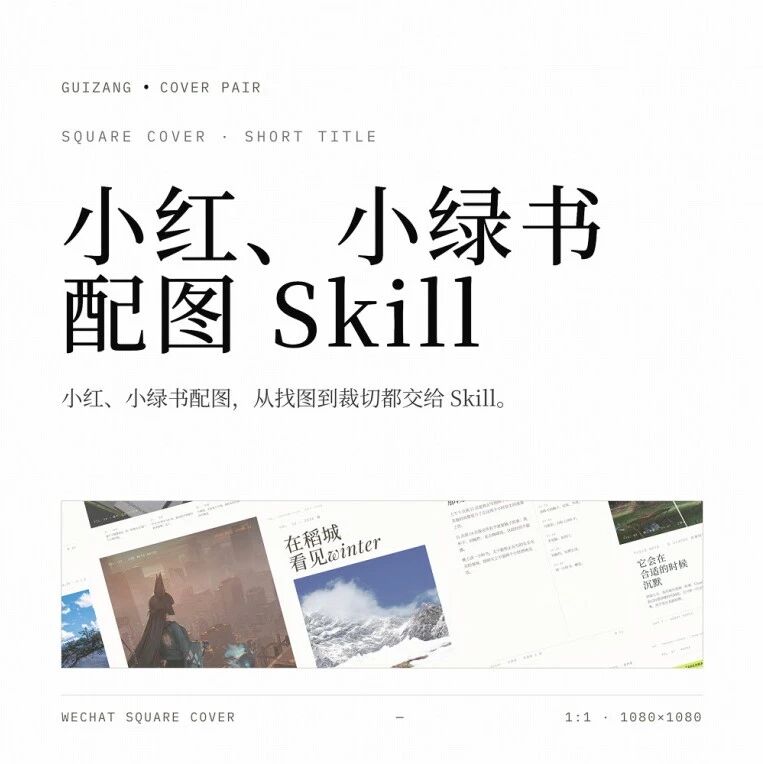
guizang-social-card-skill is an open-source AI text-and-image card generator with 11 built-in content category adaptations, a magazine-grade layout engine, and free commercial-use image libraries, helping you one-click generate RedNote-grade card images.
An Open-Source Social Card Skill: Say Goodbye to AI-Looking Images
guizang-social-card-skill is an open-source AI text-and-image card generator with 11 built-in content category adaptations, a magazine-grade layout engine, and free commercial-use image libraries, helping you one-click generate RedNote-grade card images.
If you create text-and-image content on RedNote, WeChat Official Accounts, or other feed platforms, you have most likely hit this problem: the writing is solid, but the images read as AI-generated at a glance — big color blocks, emoji pileups, and the same cookie-cutter Tailwind look.
guizang-social-card-skill is an open-source Skill built specifically for text-and-image creators, with one goal: card images you cannot tell were made by AI. It ships a magazine-grade layout engine, auto-adaptation rules for 11 content categories, free commercial-use image library integration, and a screenshot beautification system.
GitHub: https://github.com/op7418/guizang-social-card-skill
The Problem It Solves
The vast majority of AI text-and-image card tools share three chronic flaws:
- One-note styling —— whether you are writing film reviews or product reviews, the cards all come out looking the same
- Text-over-image fails —— white text on light backgrounds, text covering faces, or lines stretching across the whole image and wrecking the composition
- Awkward image sourcing —— upload your own, drop in an emoji, or generate an illustration that reads as AI at a glance
This Skill solves each of them.
Core Features, Broken Down
Auto-adaptation across 11 content categories
Feed it the same text: call it a film review and you get a movie-poster-style card; call it a product review and you get a comparison shot framed in a device bezel. It ships adaptation rules for 11 common text-and-image categories — travel, career, film and TV, gadgets, books, food, and more.
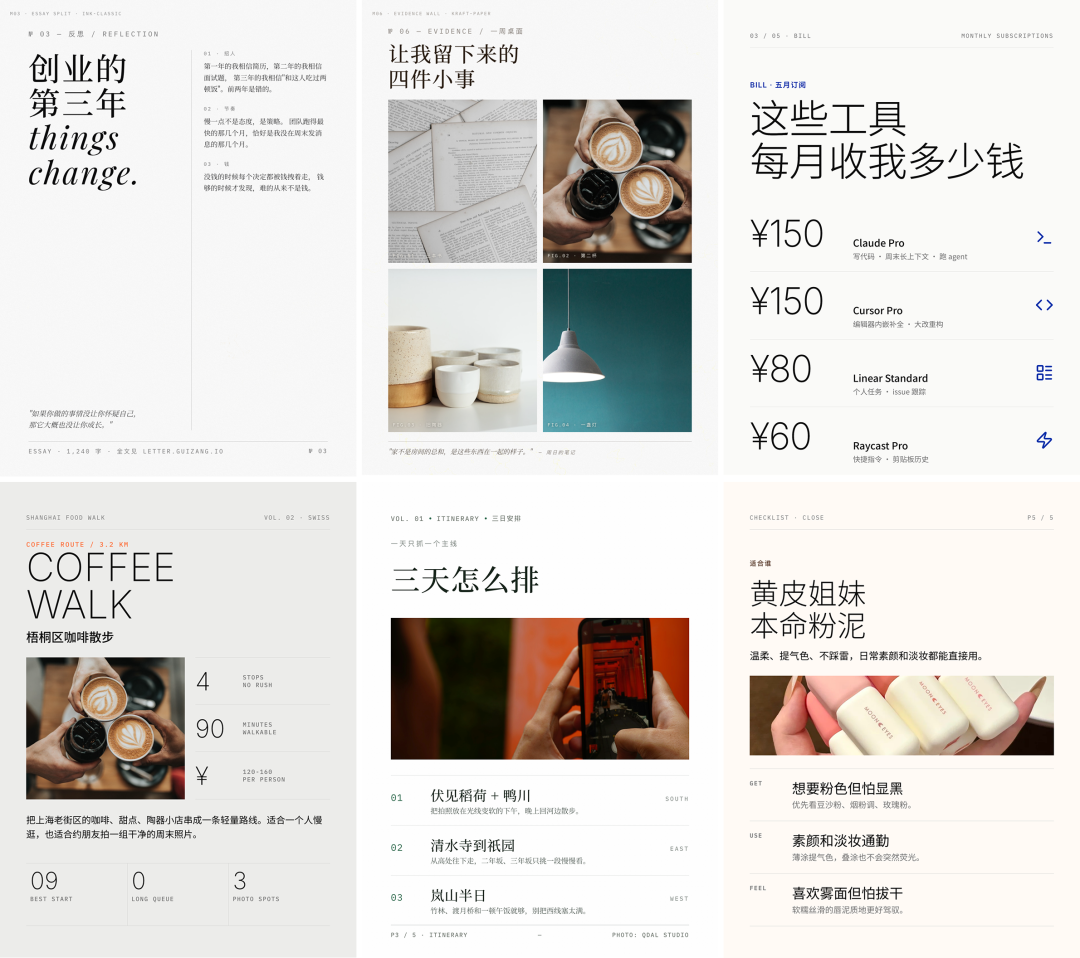
Each category has its own visual language: warm magazine styling for travel, a dark grid look for career know-how, and high-saturation full-bleed photos for food explorations.
It even built a map component for travel bloggers: pin shop locations and travel routes on it, and the AI generates the annotations automatically.
Text over images, handled in three steps
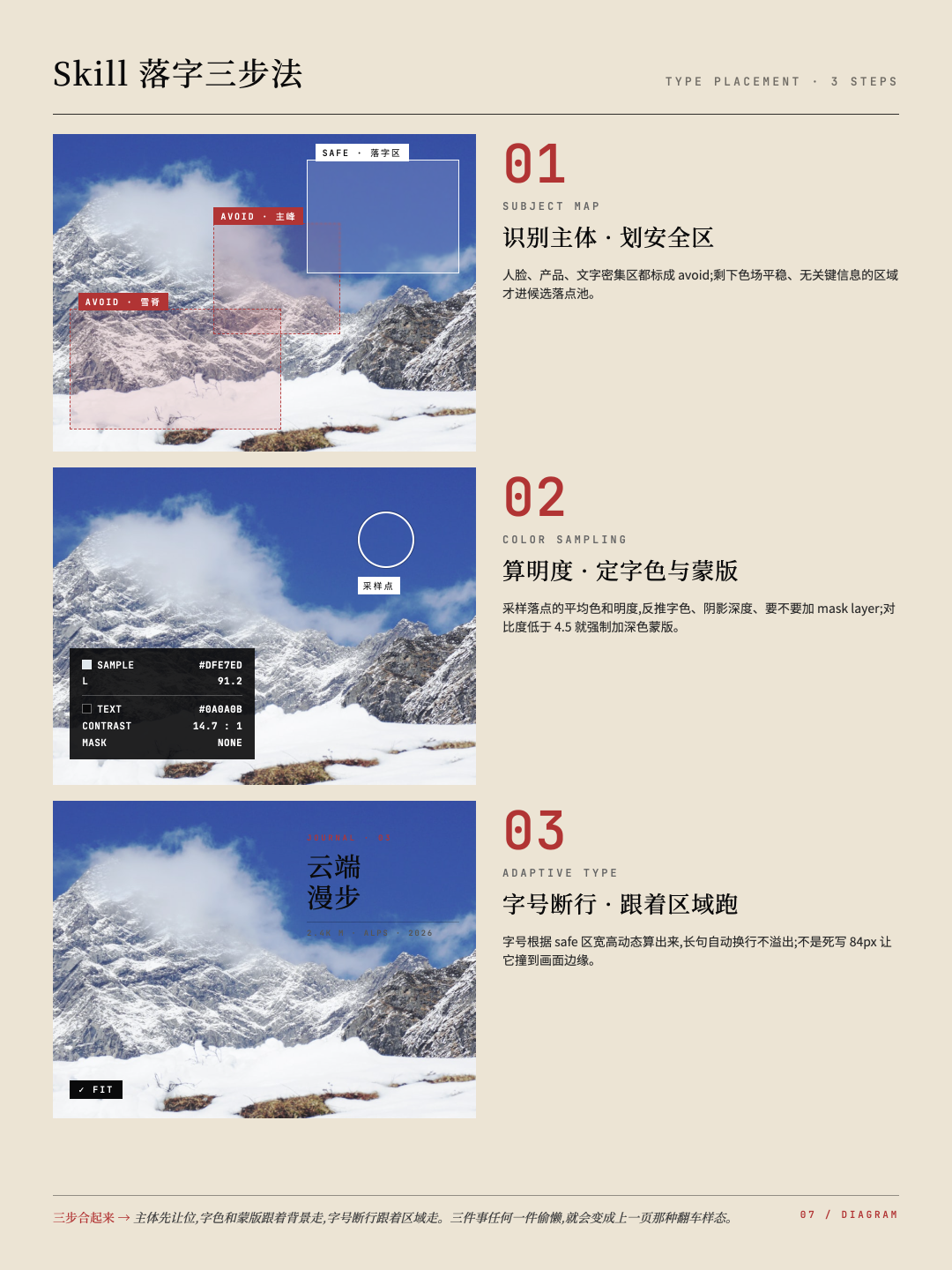
How text sits on top of an image is the hardest part of a text-and-image card. This Skill does it in three steps:
- Detect the subjects —— faces, products, text-dense areas; the layout steers around them automatically
- Compute the landing color and luminance —— deciding text color, whether to add a mask, and how deep the shadow goes
- Adaptive font size and line breaking —— sized dynamically to the landing area instead of hard-coding a size and letting it overflow
Auto-illustration from three free image libraries
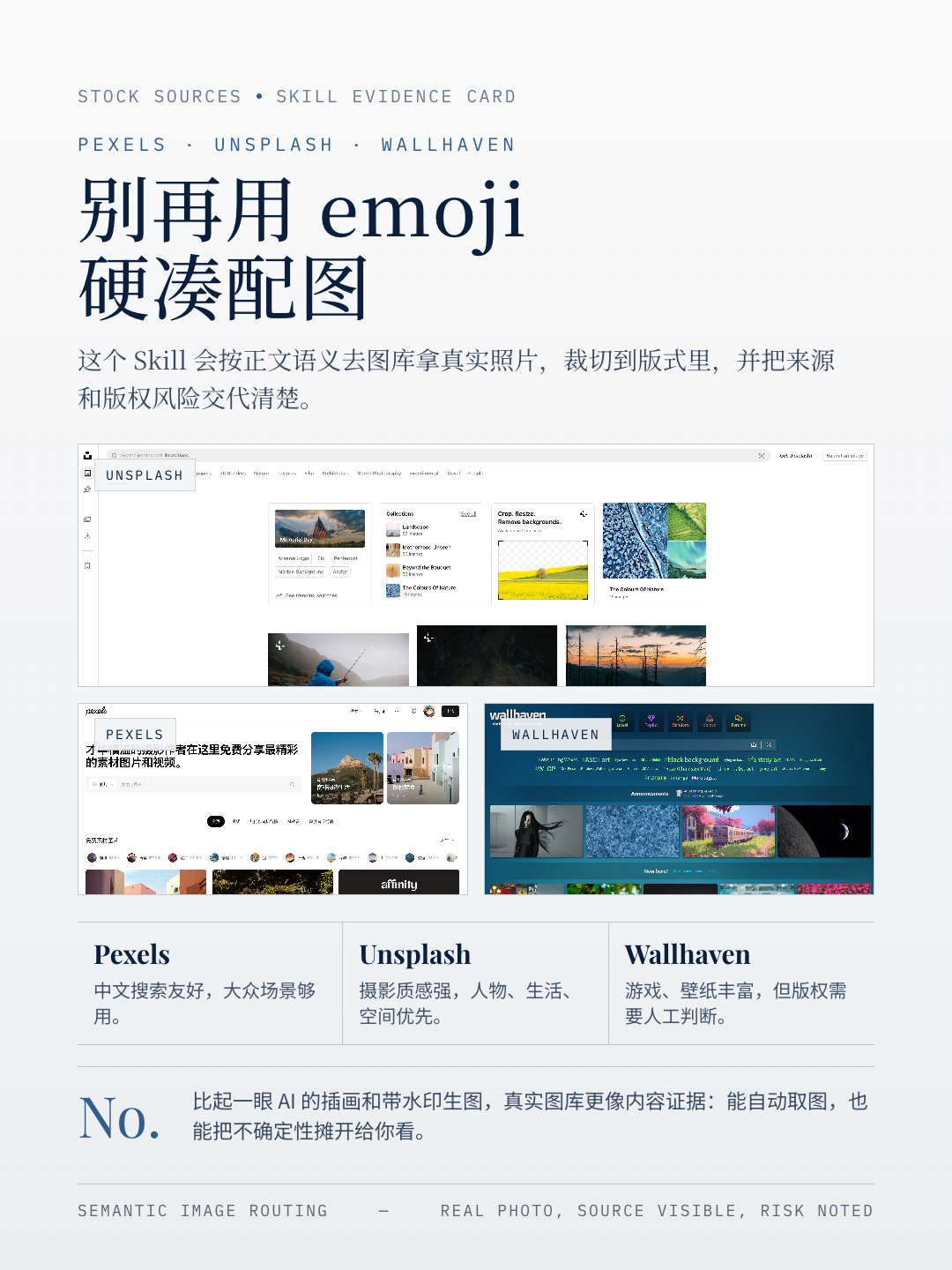
It integrates Pexels, Unsplash, and Wallhaven, three free commercial-use image libraries, by default. Based on the semantics of each body paragraph, the Skill dispatches search terms automatically, fetches images, and crops them to fit the layout, avoiding cuts through faces or main subjects.
The screenshot beautification kit
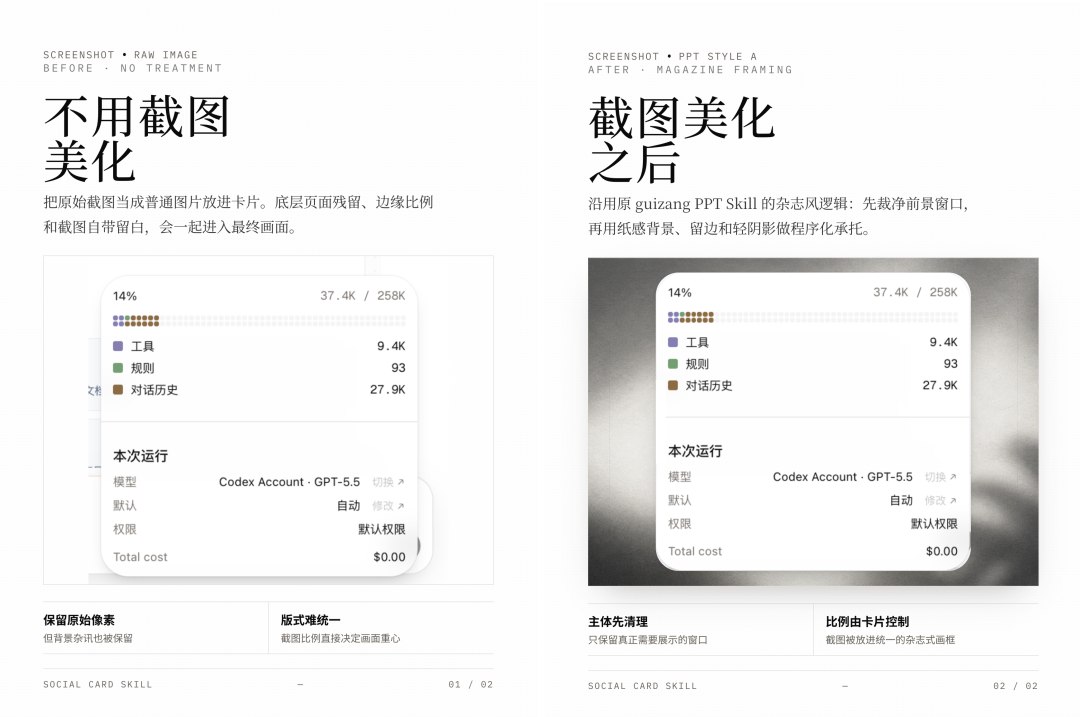
For app screenshots, chat logs, and product UIs, the Skill automatically adds a macOS / iOS-style device frame and pairs it with backgrounds in different textures (grid paper, dot matrix, warm white, or dark), making screenshots look like official product promo art.
Two visual systems + 28 layout skeletons
- Magazine style: Generous whitespace, big serif headlines, and asymmetric layouts, like a New Yorker cover
- Grid style: Strong grids, sans-serif type, and a geometric feel, in the Swiss graphic design lineage
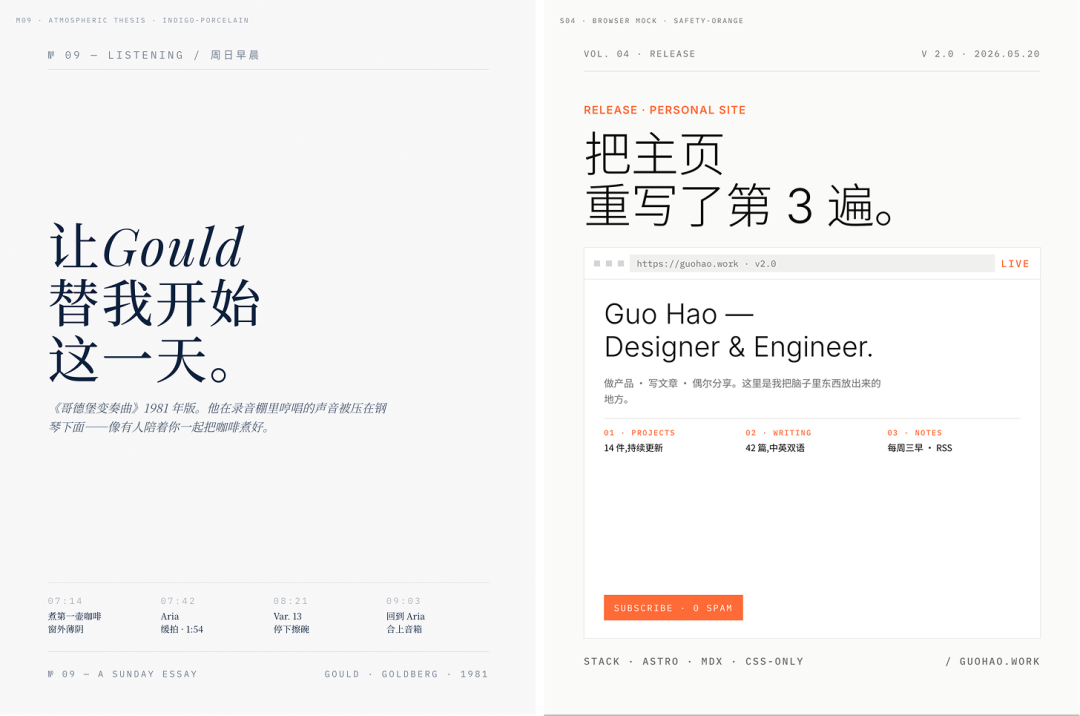
The 28 layout skeletons are curated from magazines, posters, album covers, and movie posters. The AI only needs to "fill in" a proven skeleton, and the consistency of the finished cards improves dramatically.
How to Install
In your Codex, OpenClaw, Claude Code, or WorkBuddy, just say:
Install this Skill for me: https://github.com/op7418/guizang-social-card-skillSupported output ratios: 3:4 (the main battleground, optimized for mobile feeds), 21:9, and 1:1.
Who It Is For
- Text-and-image creators on RedNote / WeChat Official Accounts
- Operators who need to make card images frequently
- Content teams unsatisfied with the quality of AI-generated images
Toolin Editorial Team
Categories
Related articles

ClawGym: An Open-Source Framework Unifying Agent Training and Evaluation
RUC has open-sourced a full-pipeline Claw Agent framework spanning data, training, and evaluation, with 13.5K executable tasks and support for sandbox-parallel reinforcement learning
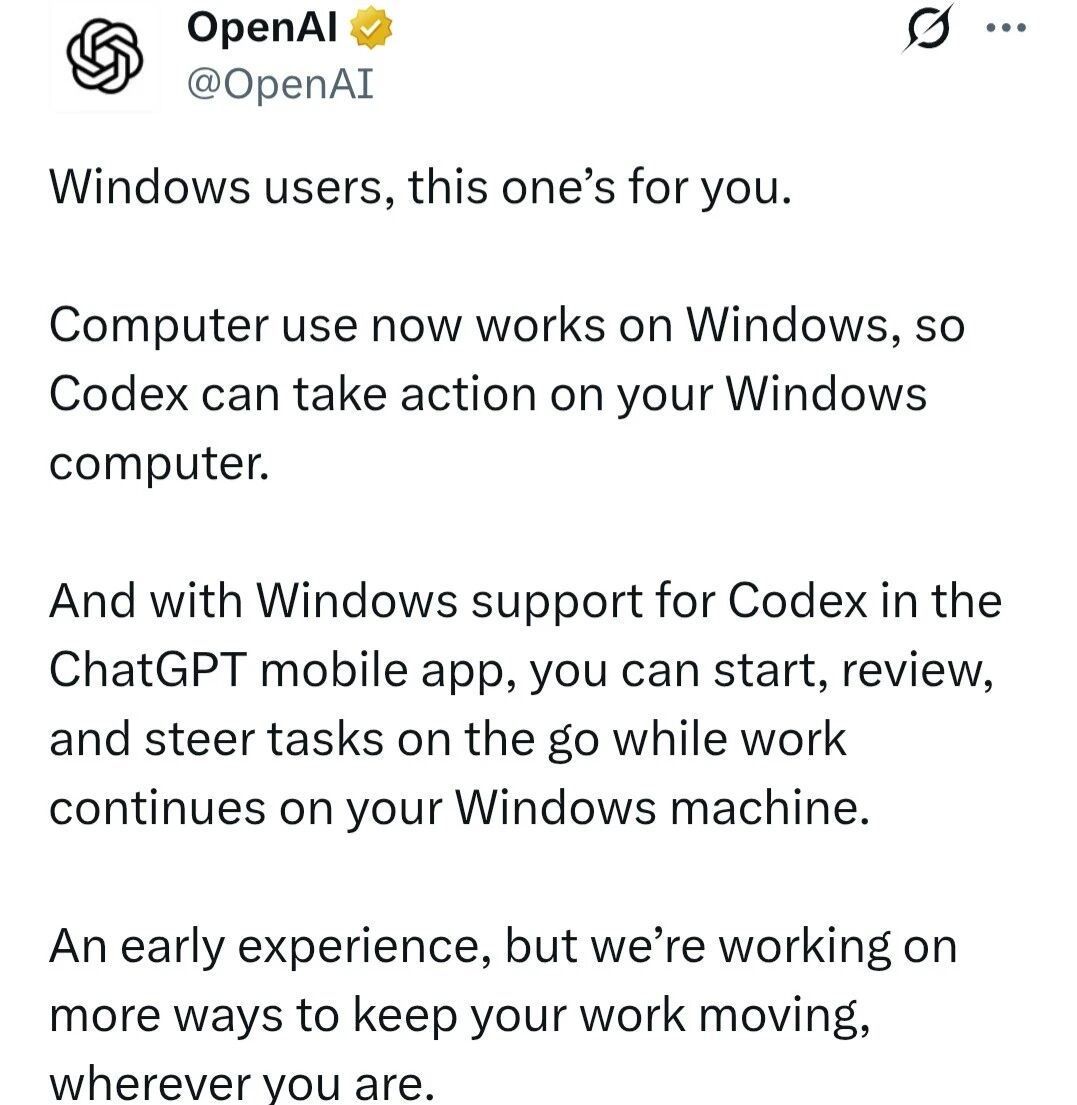
Codex Computer Use Lands on Windows: A Hands-On Guide
OpenAI Codex now officially supports operating Windows PCs, with complete setup steps, limitation notes, and how to control it remotely from your phone
Gamma-World: An Open-Source Multi-Agent World Model
NVIDIA and Tsinghua have open-sourced a multi-agent world model: trained on two players, it generalizes directly to four, supporting zero-shot real-time rollouts of multiplayer scenarios
Step 3.7 Flash in Claude Code: A Hands-On Guide
A hands-on test of StepFun's open-source Flash model integrated into Claude Code, using complex Agent workflows to see whether a Chinese model can stand in for closed-source foundations
Syll: Tsinghua's Open-Source Multimodal Full-Interaction Agent Framework
Supports GUI, CLI, and MCP operation styles, automatically generates reusable skills from demonstrations, and deploys locally to protect data privacy
SkillOpt: Train Your Agent Skill Docs Like a Neural Network
Microsoft's open-source text-space optimization framework that lets agent skill documents evolve automatically, ranking best or tied-best across all 52 evaluation combinations.