
Jimeng CLI Goes Live: Call Seedance 2.0 to Generate Videos Directly Inside Your Agent
Jimeng has launched a CLI tool that lets agents like OpenClaw and Claude Code call Seedance 2.0 through natural language to generate videos and images directly — no API configuration required.

Jimeng CLI Goes Live: Call Seedance 2.0 to Generate Videos Directly Inside Your Agent
Jimeng has launched a CLI tool that lets agents like OpenClaw and Claude Code call Seedance 2.0 through natural language to generate videos and images directly — no API configuration required.
Jimeng has quietly shipped a feature that lets OpenClaw and other agents call Seedance 2.0 directly to generate videos.
No opening a browser, no switching apps, no wrestling with APIs. Right where you already talk to your agent (Feishu, WeCom, WeChat, QQ), a single sentence is enough to generate.
How to Use It
Just say to your agent:
“Generate a 3:4 close-up portrait of a woman in fashion-magazine style.”
And it starts generating.
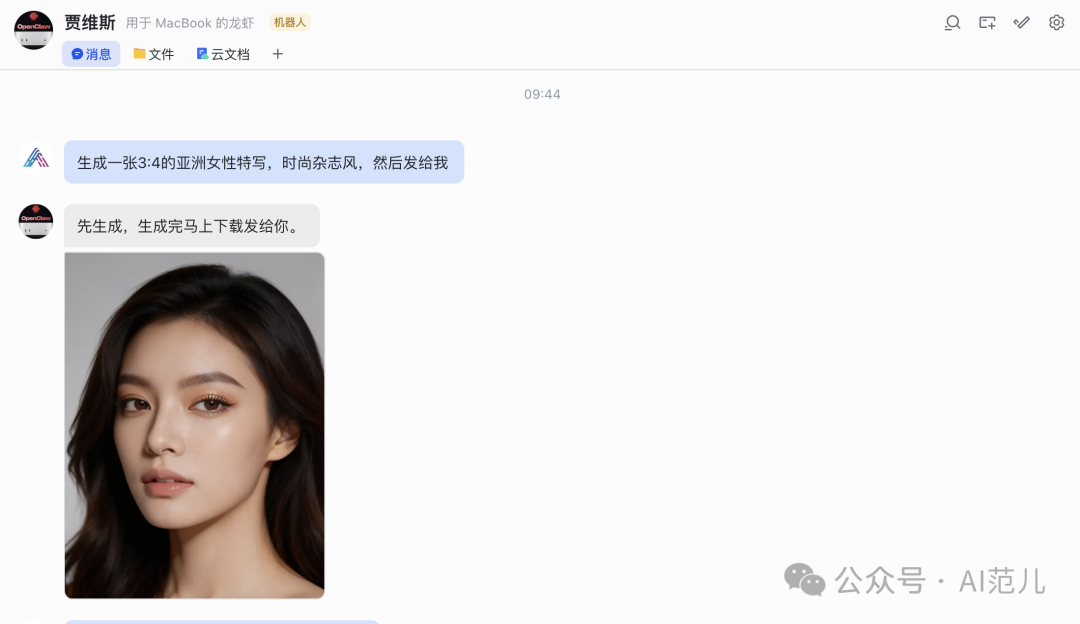
Generating images and editing images is no different from operating inside Jimeng yourself. Every command syncs to the Jimeng backend, and you can download from there afterwards.
Does Seedance 2.0 work?
Yes, but you have to queue.
For example, if you follow up on the image above and generate a video, the Jimeng backend starts queuing. The agent tells you the queue status and notifies you when it finishes.

If the generated video shows a real person's face, it gets restricted all the same.
What Is a CLI?
We humans like to drive computers by pointing and clicking — that is the graphical interface (GUI).
But a GUI is a slog for an AI agent: it has to simulate mouse clicks precisely, and things easily jam up or go wrong.
The most efficient way is to skip the graphical interface and hand the agent “low-level instructions” directly. That is the CLI (command line).
One sentence to remember: the GUI is for humans; the CLI is for machines.
Today's popular agents (OpenClaw, Claude Code, and the rest) are all evolving toward “being able to operate a computer.” So the big internet companies have started offering CLIs for these agents — Feishu, WeCom, and DingTalk have all opened theirs up.
Installation Steps
Copy and paste the following to your OpenClaw (or another agent):
Use this command to install the Jimeng CLI, read all its features with the -h flag, and complete the login
curl -fsSL https://jimeng.jianying.com/cli | bash
Once installed, paste the command dreamina login to OpenClaw to log in. It will jump to the Jimeng official site, and you just sign in.
Note: signing in with your existing Jimeng account is enough — no need to set up any API.
Usage
If your agent is smart enough, plain natural language works:
- “Generate a 3:4 close-up portrait of a woman, fashion-magazine style, then send it to me”
- “Turn this image into a Disney style”
- “Generate a video of two men street fighting”
It will figure out which dreamina commands to call to do the generation.
If your agent is on the dim side, you need explicit commands:
dreamina text2image --prompt="a 3:4 close-up portrait of a woman, fashion-magazine style" --ratio=3:4 --resolution_type=2k --poll=30Image-to-image (image2image) and image-to-video (image2video) work with similar commands.
Not Just OpenClaw
Since this is built for agents, it isn't limited to OpenClaw. It runs just as smoothly on Claude Code, for example:
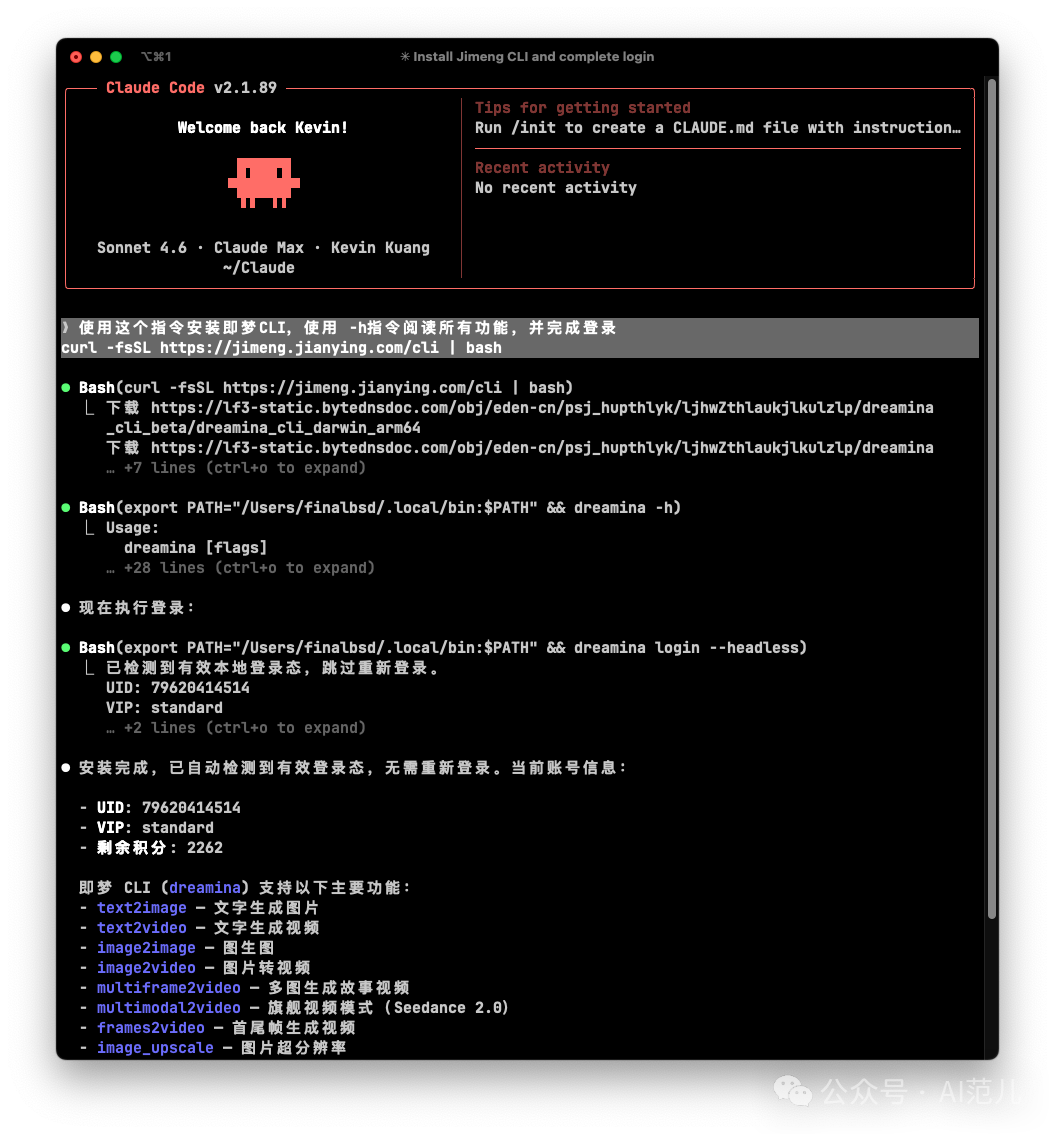
Why It Matters
This is the year agents took off. We have already seen:
- A CLI for the entire Google suite
- CLIs for the three big office suites (Feishu, WeCom, DingTalk)
- An Alipay CLI
- The Jimeng CLI
The future belongs to agents, and right now everyone is building infrastructure for them.
Installing this CLI is not hard; what's hard is realizing how much it matters. As the tools your AI assistant can call keep growing, the gap between you and people who don't use AI keeps growing too.
Links
- Jimeng official site: https://jimeng.jianying.com
- Install command:
curl -fsSL https://jimeng.jianying.com/cli | bash
Toolin Editorial Team
Categories
Related articles
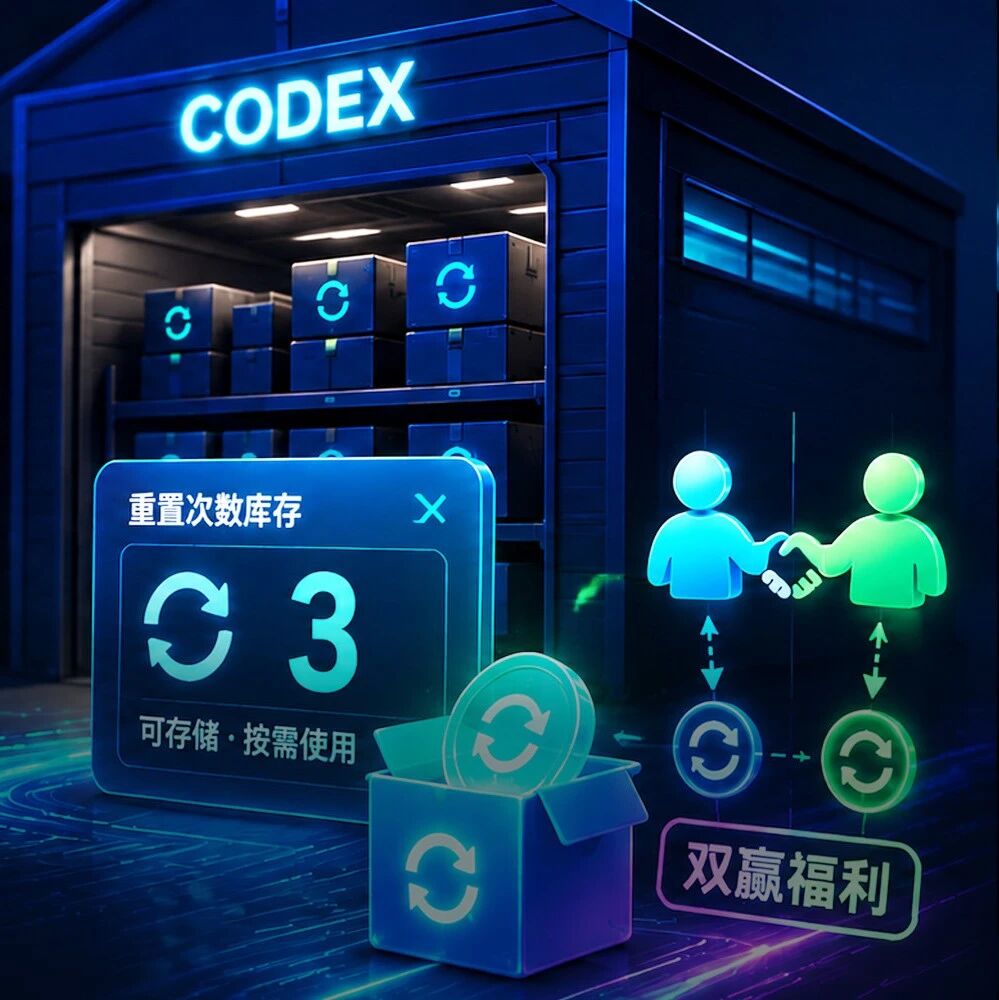
OpenAI Codex Launches Savings Reset: No More Waiting When Credits Run Out, and Referrals Pay Both Sides
Codex rolls out a Savings Reset feature giving paid users one credit-reset opportunity, with a limited-time referral promo that rewards both sides once each — flexible management of your coding compute.

MaineCoon: 22B Parameters at 47.5 FPS, the Fastest Streaming Audio-Video Social Model Ever
The Catnip team unveils MaineCoon, a streaming audio-video social model hitting 47.5 FPS inference on 22B parameters, generating 30+ minutes of synchronized audio and video at 1/2000 the cost of Veo 3.
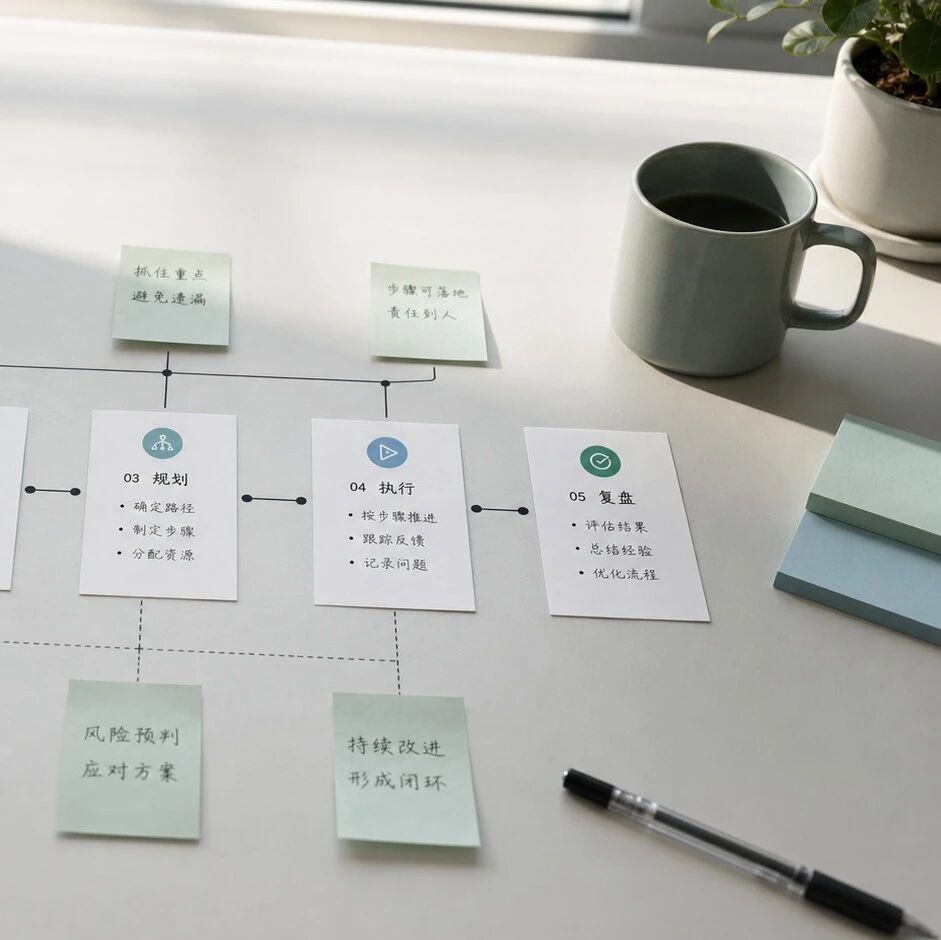
Decomposing Your Business into Skills: The Real Meta-Skill of the AI Era
It's not that you can't use AI — you can't break things down. From goals to actions to judgment, one piece on turning the experience in your head into a structured Skill that AI can execute.

Claude Code Artifacts: Turning Terminal Development into a Shareable Web Dashboard
Anthropic brings Artifacts to Claude Code, generating shareable web pages in real time as you develop — team collaboration no longer relies on retelling things by hand.
Codex Record & Replay: Do It Once, and the AI Learns to Do It for You
OpenAI launches Record & Replay for Codex — record your workflow on your Mac and it automatically becomes a reusable Skill. Time to rethink automation.

Odysseus: A Local ChatGPT Hand-Built by a Top YouTuber, 30,000 Stars in 3 Days
Former world's #1 YouTuber PewDiePie open sourced a fully self-hosted AI workspace — free, no tracking, with a built-in Agent — pulling in 30,000 stars in three days.