
Karpathy's LLM Wiki: Building a Personal Knowledge Base Without RAG
Andrej Karpathy shared his LLM Wiki workflow: Markdown files + Claude Code in place of a complex RAG architecture, building an evolvable personal knowledge base.

Karpathy's LLM Wiki: Building a Personal Knowledge Base Without RAG
Andrej Karpathy shared his LLM Wiki workflow: Markdown files + Claude Code in place of a complex RAG architecture, building an evolvable personal knowledge base.
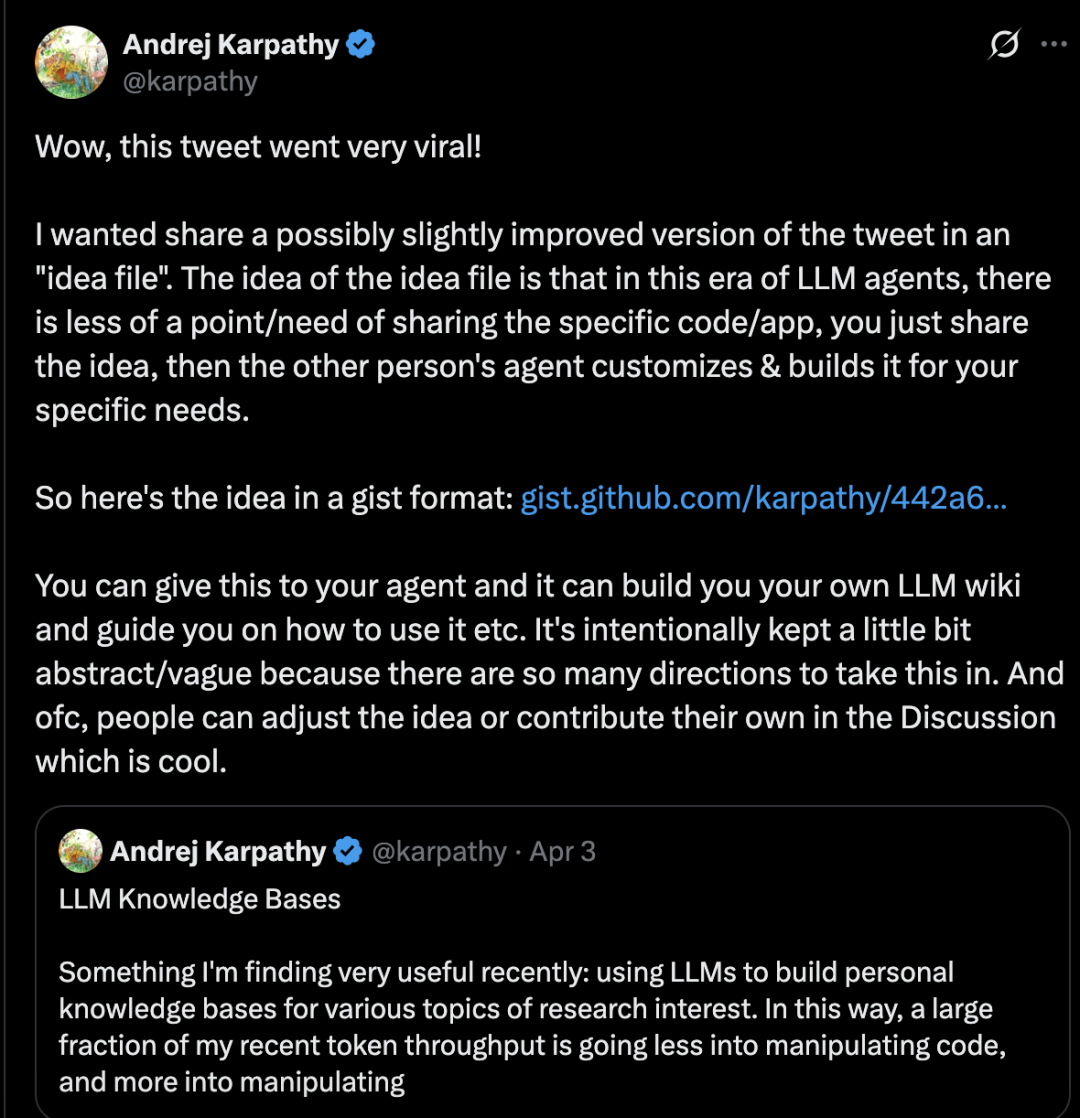
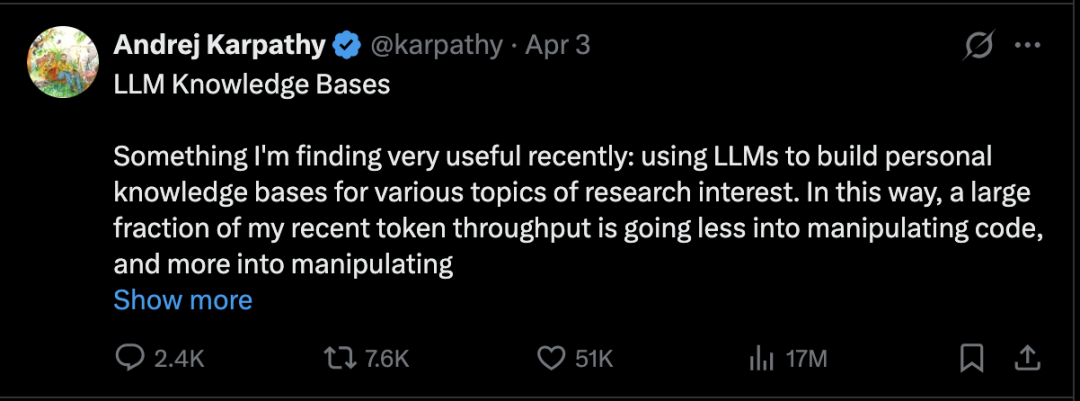
Andrej Karpathy recently shared a workflow he calls the “LLM Wiki”: instead of using large models mainly to write code, you spend the tokens building an “evolvable knowledge base” around your personal research interests. The whole system's architecture is extremely simple -- no database, no vector embeddings, no server; just Markdown files and a powerful model.
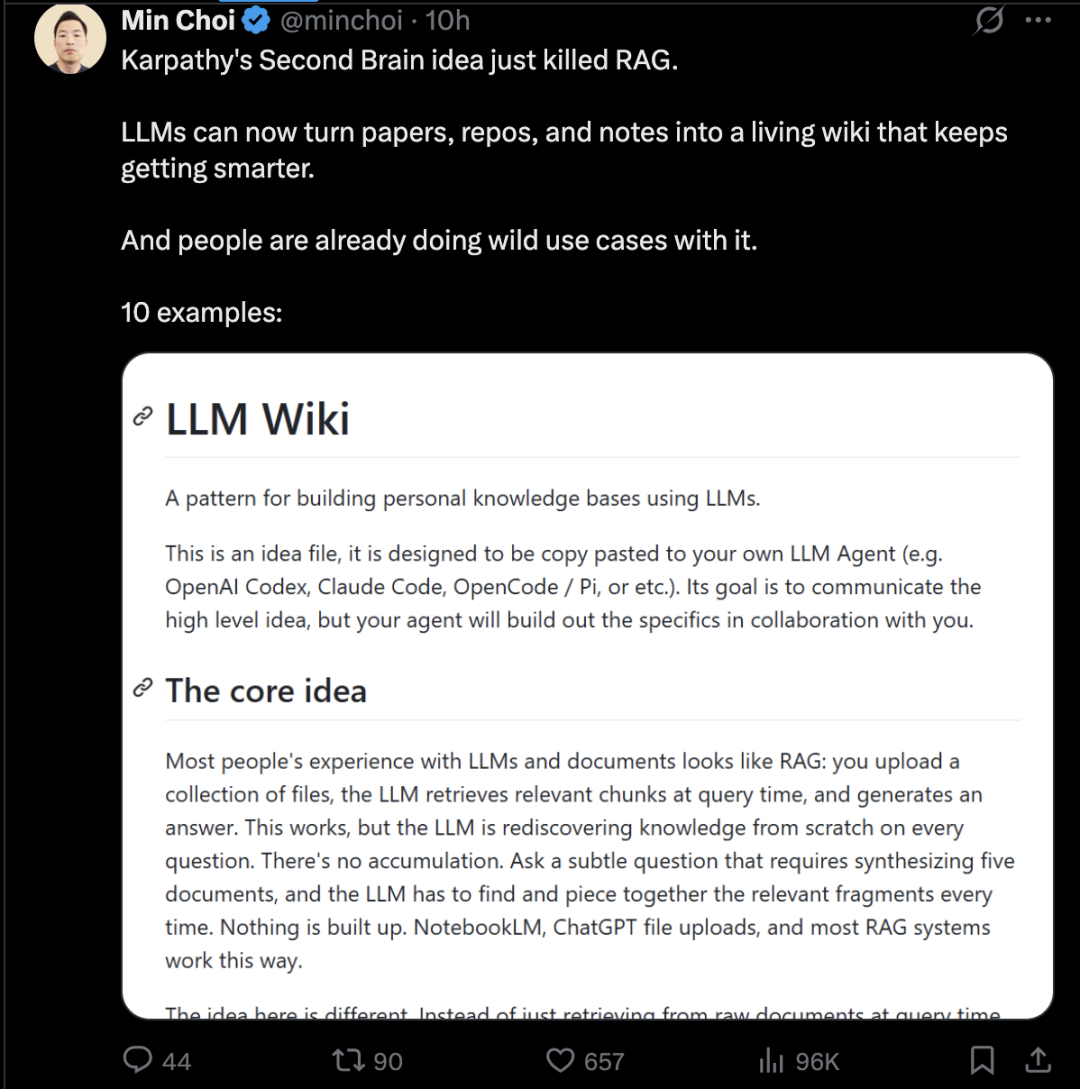
The core disruption of this idea: at medium-scale dataset sizes, the LLM itself already has enough “self-retrieval” and “self-organization” capability that you may no longer need a complex RAG architecture.
Before You Start
- Tools needed: Claude Code (command-line tool), Obsidian (optional, as the reading front end)
- Technical requirements: basic command-line skills
- Time estimate: 30 minutes for the initial setup, a few minutes a day for ongoing maintenance
- Project link: https://gist.github.com/karpathy/442a6bf555914893e9891c11519de94f
System Architecture: Three Components
Karpathy's architecture contains only three core components:
1. A folder of Markdown files
This is your knowledge base. It can contain anything: research notes, meeting minutes, project docs, reading notes, code snippets.
2. A consistent internal structure for every file
Well-made LLM Wiki documents share a consistent internal format -- a title, a short summary, tagged topics, and the body content. The model uses this structure to locate relevant information faster.
3. Claude Code as the query interface
Open a terminal, navigate to your wiki folder, launch Claude Code, and ask it questions. Claude reads the files it needs, synthesizes an answer, and can even update or add notes.
Step by Step
Step 1: Collect the Raw Material
Create a raw/ directory and throw everything related to your research topic into it:
- Paper PDFs
- Technical blog posts (converted to Markdown with Obsidian Web Clipper)
- GitHub repositories
- Datasets
- Multimodal content such as images
No structure design is needed at this step; the goal is to maximize the completeness of the raw information.
Tip: Obsidian Web Clipper conveniently converts web pages to Markdown, and images are stored locally, so the LLM can reference them through its vision capabilities.
Step 2: Have the LLM “Compile” the Material
Call the LLM to incrementally “compile” the material in the raw/ directory into structured Wiki pages. The compilation process includes:
- Generating summaries and keywords
- Identifying core concepts
- Writing encyclopedia-style entries
- Creating backlinks between related concepts
This Wiki is essentially a knowledge encyclopedia written and maintained automatically by AI, stored as a collection of structured Markdown files.
Step 3: Use Obsidian as the Reading Front End
Karpathy uses Obsidian as this system's “front-end IDE”, where you can:
- View the raw data
- Browse the compiled Wiki
- View the derived visualizations
- Use the Marp plugin to turn Wiki content into presentation slides
The core principle: all data in the Wiki is written and maintained by the LLM; you rarely edit it directly yourself.
Step 4: Ask the LLM Directly
As the knowledge base grows (Karpathy mentions a project with about 100 articles totaling 400,000 characters), you can start asking the LLM agent complex, systemic questions.
Unlike traditional RAG, Karpathy relies on the LLM's built-in “native understanding” of the Wiki -- through automatically maintained indexes and summaries, the model efficiently locates information and synthesizes analysis.
Step 5: Set Up Automated Maintenance
Regularly call the LLM to give the whole Wiki a “check-up”:
- Detect data inconsistencies
- Fill in missing information
- Bring in new material via web search
- Proactively mine potential connections and generate new topical articles
Why You Don't Need RAG
The fundamental difference between Karpathy's approach and RAG is the mindset:
| Dimension | Traditional RAG | LLM Wiki |
|---|---|---|
| Data processing | Chunking + vector embeddings + vector database | Markdown files + the LLM reading directly |
| Retrieval | Similarity search | Native LLM understanding + structured indexes |
| Traceability | Vector embeddings are a “black box” | Every claim is traceable to a specific .md file |
| Maintenance cost | Requires a vector database and embedding services | Only a file system |
Karpathy treats the Markdown files as the “source of truth”. Every claim the AI makes can be traced back to a specific file, and you can read, edit, or delete those files.
Where to Take It Next
The next evolutionary step Karpathy mentions: compressing structured knowledge into model weights through synthetic data generation and fine-tuning. Moving from an external knowledge system that depends on the context window toward long-term memory inside the model.
The community has already started productizing this idea. Tools such as Claudeopedia have appeared, adding interactive visualization interfaces and scheduled automatic review on top of Karpathy's scheme.
References
- Karpathy's project Gist: https://gist.github.com/karpathy/442a6bf555914893e9891c11519de94f
- Obsidian Web Clipper: https://obsidian.md/clipper