
Two Open-Source Skills: Have Codex/Claude Code Make Your Illustrations and Web Designs
The open-source guizang-material-illustration article-illustration skill and web-design-taste web design skill install into Codex with one command — goodbye to AI-flavored illustrations and cookie-cutter web pages.
Two Open-Source Skills: Have Codex/Claude Code Make Your Illustrations and Web Designs
The open-source guizang-material-illustration article-illustration skill and web-design-taste web design skill install into Codex with one command — goodbye to AI-flavored illustrations and cookie-cutter web pages.
The most annoying part of writing an article isn't the writing — it's the illustrations: either you paste in dense screenshots, or you get a pretty AI illustration nobody can decipher. Web design is the same story: whatever you ask for, AI comes back with blue-purple gradients + rounded cards + big centered headlines, and the next client gets the exact same treatment. In July 2026, the community open-sourced two Skills adapted for agent environments like Codex / Claude Code, targeting exactly these two problems: guizang-material-illustration (article illustrations) and web-design-taste (web design taste). Both install with a single command, and you use them by talking to your agent in natural language.
Skill 1: guizang-material-illustration (article illustrations)
What problem it solves
Writing articles, weekly reports, social media posts, or preparing slides all run into "concept illustrations" — images that explain a concept, a process, or a set of data clearly. The hard part isn't covers (templates can handle those) but explanatory diagrams that need arrows, annotations, and spatial relationships.
This skill was open-sourced by Guizang (@op7418) and is built on GPT-Image 2.0: it turns your article, notes, data, or product description into a 3D-material-style explanatory diagram with labels printed right into the image. A reader grasps what you're saying at a glance.
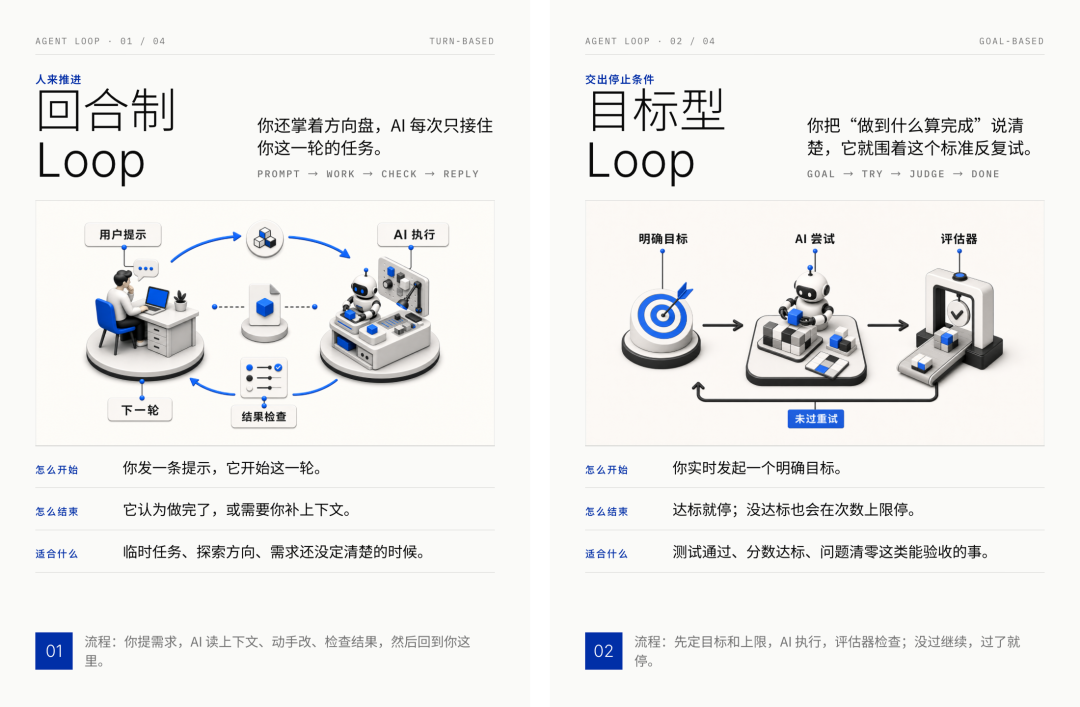
Clean white background, restrained 3D materials, labels embedded directly in the image — from a distance it looks like a magazine spread; up close, every detail is legible.
Core capabilities
- Scenario fit: work reports / product explanations; data charts (bar charts, Gantt charts, Sankey diagrams, heatmaps); educational diagrams (the lever principle, electromagnetic induction); humanities illustrations (the Silk Road, imagery from classical poetry)
- Unified visual language: white-background studio lighting, restrained 3D materials, one bold accent color (IKB blue by default), and short labels embedded in the image
- Obscure-concept lookup: the agent first evaluates whether a concept is obscure (say, the PKCE flow or the Zettelkasten card system); if it is, it retrieves reference images first to extract visual cues, then converts them into the unified style
- Charts redrawn, not reskinned: it extracts semantic information (chart type, axes, data values, extremes) from a screenshot of the original chart or the raw data, then has GPT-Image 2.0 draw an entirely new materialized chart from scratch
- Anti-pattern correction + QA review: before delivery it checks label accuracy, data correctness, framing, and watermark/garbled-text issues item by item, regenerating directly whenever it finds a problem
Install and use
GitHub repo: github.com/op7418/guizang-material-illustration
Install command (say this to your Codex or other agent):
npx skills add https://github.com/op7418/guizang-material-illustration --skill guizang-material-illustrationOnce installed, just drive it in natural language, for example:
Use Guizang's material illustration skill to turn this product description into a mechanism diagram with labels

Pick 3 core concepts from this article and generate one labeled illustration for each
No modes to select, no parameters to specify — the agent decides what type of image to generate based on the material.
💡 Tip: these prompts have only been tested on GPT-Image 2.0; pairing Codex with GPT-Image 2.0 gives the most stable results. It also works well alongside Guizang's PPT skill and social media card skill.
Good fit / poor fit
Good fit: article illustrations, knowledge explainers, concept breakdowns, work report graphics, product mechanism diagrams, system architecture diagrams, data chart polish, teaching materials, humanities viewpoint illustrations, social card center images, PPT key visuals.
Poor fit: full Xiaohongshu card layouts (that's the social card skill's job), PPT structure design, real photo retouching, portrait photography, long-form poster layout.
Skill 2: web-design-taste (web design taste)
What problem it solves
Have AI build a web page and the result screams "AI-made" at first glance — blue-purple gradients, rounded cards, big centered headlines; change the client and it's the same look again. The problem isn't that AI lacks the ability — it's that you can't articulate what you want. What is "premium," exactly? Black and white is premium; whitespace is premium; serif type is premium too. AI has no idea what the "premium" in your head looks like, so it can only hand you the average.
This skill was open-sourced by Chen Zhongyao (Alice59357), and its core idea is one sentence: it never asks you to describe the design — it gives you multiple choice.
How it works
Seven preset style cards, each carrying a complete set of design parameters. You don't need to understand grids, letter-spacing, or design tokens — just answer three plain-language questions:
- Who is this page for?
- After viewing it, what do you want them to do?
- What materials do you have on hand?
Then it deals you style cards, each with a one-line description of its temperament. You pick one — or say "like A, but a bit warmer" — and the AI handles the translation work.
The seven styles cover the typical scenarios:
- Apple-style · product minimalism: one screen says one thing — quiet, assured, expensive
- Vogue · editorial: oversized serif headlines over black-and-white portraits; suits a personal-brand homepage
- Ryuichi Sakamoto · silent whitespace: the page is like a rest in a musical score — almost nothing there, yet every character sits in exactly the right place
- Warm glassmorphism: warm and dreamy with a tech feel but none of the coldness; suits an AI portfolio
- Handmade paper: cream paper tones with handwritten annotations — warm and sincere; suits educational content
- Dark instrument panel: glowing digits and data bars sweeping in on a deep background — sharp and professional; suits an AI tool page
- Bright conversion layout: pain-point hook → credibility → benefits → testimonials → pricing → action; suits sales / sign-up pages
The feeling-word translation table
In the traditional flow, you look at the finished product, aren't satisfied, and can't say what's wrong — "it just feels off" — the sentence that makes designers want to die inside. This skill ships with a feeling-word translation table that automatically converts your feelings into concrete design actions:
- "This looks cramped" → add whitespace
- "The colors look muddy" → reduce saturation, cut the palette
- "Not premium enough" → shrink the body font size
You talk like a human; it makes the professional changes.
Install and use
GitHub repo: github.com/Alice59357/web-design-taste
After downloading, install it into your agent environment following the repo README, then drive it in natural language: answer the three questions (who it's for, what they should do, what materials you have), pick a style card, and iterate with feeling words.
Using the two skills together
The two skills handle different stages of the creation pipeline and can be combined:
- Use web-design-taste to set the page's overall style and structure
- Use guizang-material-illustration to generate center illustrations for key concept passages
- Pair with Guizang's PPT skill or social media card skill to complete multi-platform distribution
This is a living demonstration of "the boundary of language is the boundary of capability" — when you break the aesthetics you can't articulate into cards you can choose from, feelings that can be translated, and a fixed technical foundation, the ineffable becomes something selectable and reproducible.
Toolin Editorial Team
Categories
Related articles
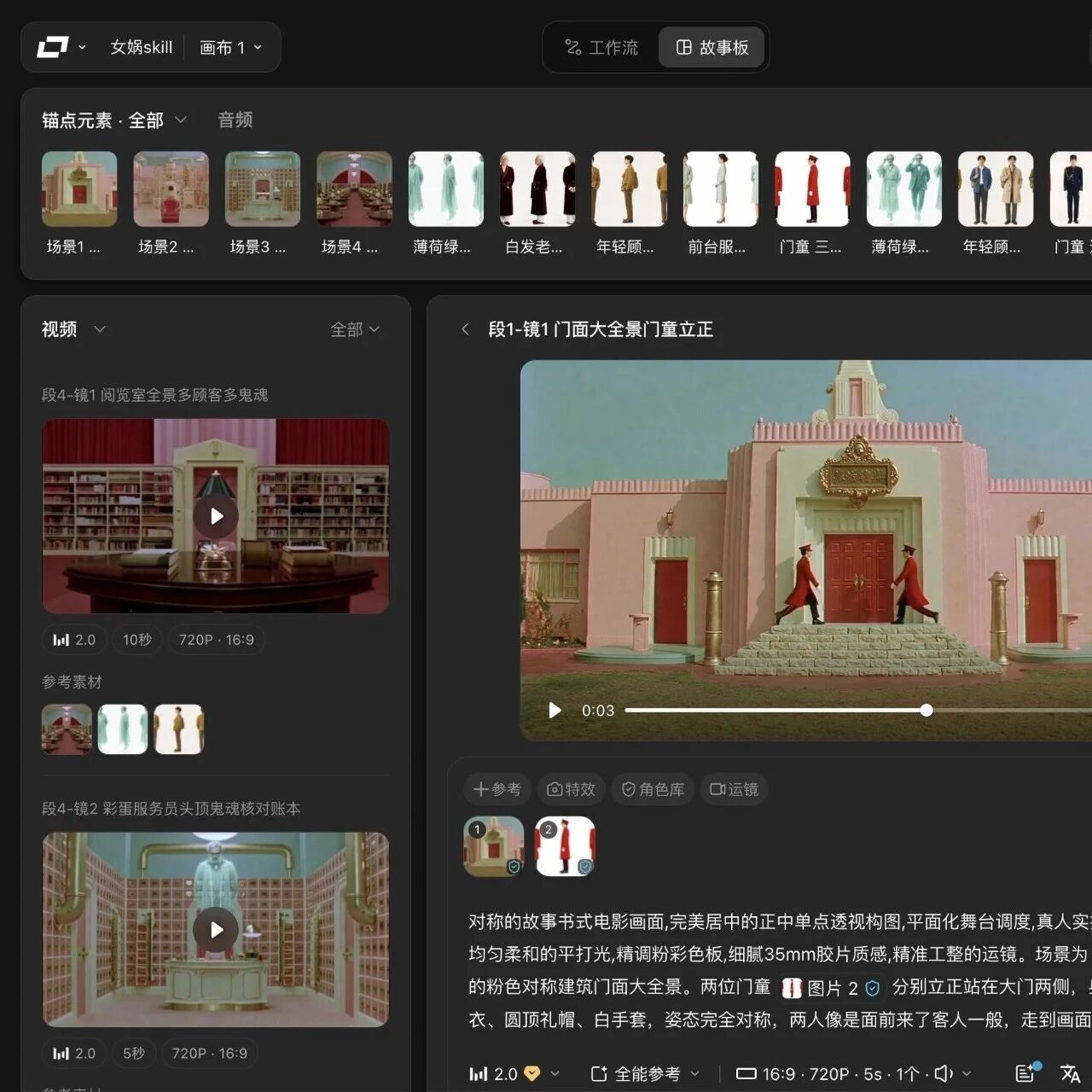
LibTV Launches a Skill Store: 100+ Director-Grade Skills That Let Agents Shoot Video Autonomously
LibTV, LiblibAI's professional AI video platform, has launched the world's largest video Agent Skill Hub, packaging 100+ director-grade Skills for agent invocation — from script to finished film in a single sentence.
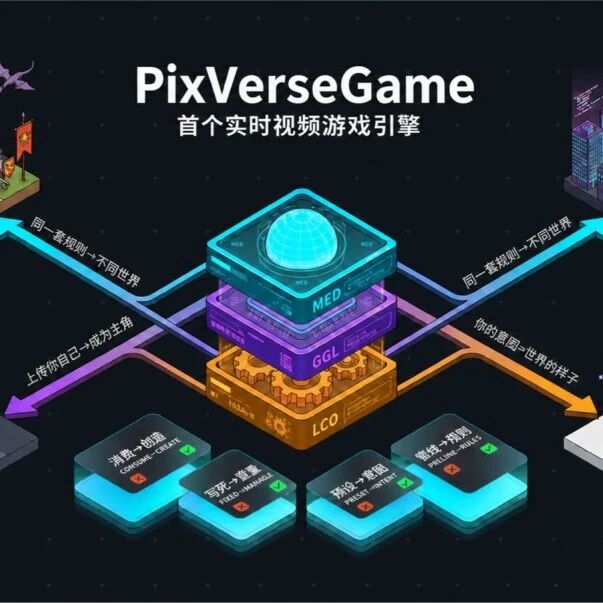
PixVerse Raises $439 Million to Build a Game Engine: Turning Video into Playable Worlds
PixVerse closed $439 million in Series C funding and launched its Game Engine, built on the R1 real-time world model to turn video generation into interactive worlds that respond to input instantly.

Claude Code Agentic Loops: 4 Engineering Practices for Moving from Writing Prompts to Designing Loops
Upgrade one-shot prompts into repeatable automated loops with stop conditions. Anthropic's official Claude Code guidance defines 4 loop patterns; this piece breaks down each pattern's trigger, acceptance criteria, and token-saving tricks.
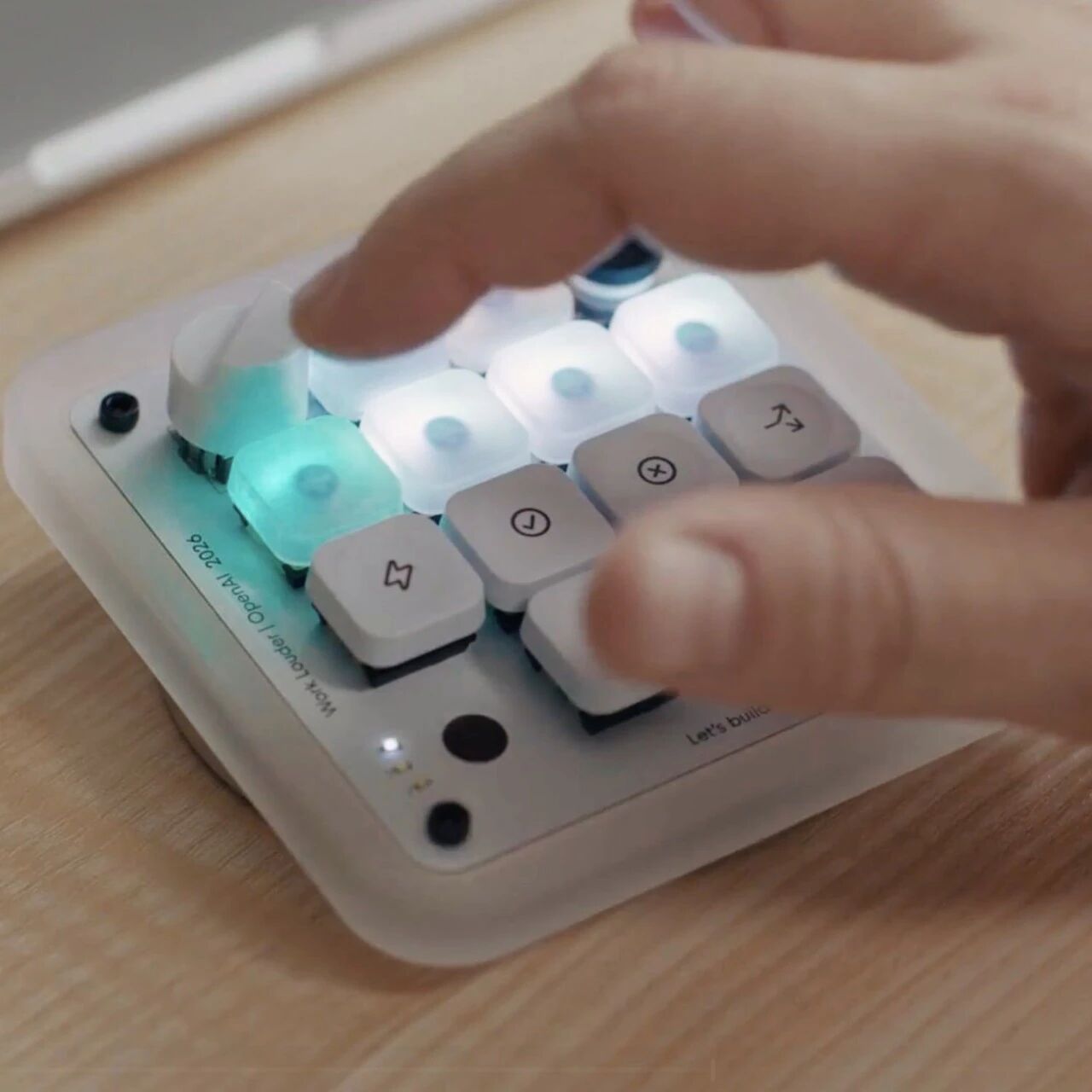
Codex Micro: OpenAI's First Hardware Is a $230 AI Supervisor Peripheral
OpenAI and Work Louder jointly launch Codex Micro, their first branded hardware: 13 keys + knob + joystick, purpose-built for physically controlling multiple Codex agents, aimed at power users.
MiniMax Code 2.0: A Ground-Up Rebuild on Pi Agent, With a Desktop Client at Launch
MiniMax's agentic coding product MiniMax Code hits major version 2.0: rebuilt on the open-source Pi Agent framework, with broad upgrades to session startup, long-task stability, and tool-call continuity, plus a desktop client.

WPS Lingxi Pro: First Hands-On With Kingsoft Office's Standalone AI Office Agent
Kingsoft Office (WPS) launches Lingxi Pro, a standalone AI-native office agent debuting on PC. Headline feature: it calls WPS's document kernel to generate native, editable PPTX/DOCX/XLSX directly, benchmarked against Claude Cowork.