
Advanced Codex Playbook: Let an AI Agent Work Around the Clock for You
A member of the OpenAI Codex team shares his complete workflow — long-lived threads, Heartbeats scheduled tasks, Goal mode, and a local knowledge base — to turn Codex from a tool into a full-time AI employee.

Advanced Codex Playbook: Let an AI Agent Work Around the Clock for You
A member of the OpenAI Codex team shares his complete workflow — long-lived threads, Heartbeats scheduled tasks, Goal mode, and a local knowledge base — to turn Codex from a tool into a full-time AI employee.
OpenAI Codex surpassed 4 million weekly active users in April 2026, yet the vast majority of people are still stuck in a one-question-one-answer style of usage. Jason Liu, a member of the Codex team (author of the open-source library Instructor, 13k Stars), has made his complete workflow public. The core idea is to turn Codex into a working system that runs long-term and continuously takes tasks off your hands. This article breaks the method down into steps you can replicate.

Preparation Before You Start
- An OpenAI account with Codex access enabled
- Basic familiarity with operating the Codex chat interface
- (Optional) Obsidian as a local knowledge base tool
- Estimated time to get started: 30 minutes
Step 1: Create Long-Lived Dedicated Threads
Most people close the session as soon as a single Q&A ends, but Jason keeps a bunch of giant threads alive across months and never terminates them casually.
How to do it:
- Create a separate pinned thread for each workflow (managing your schedule, maintaining open-source projects, monitoring social platforms, etc.)
- Use the Command-1 through Command-9 shortcuts to jump between threads in one keystroke
- Let threads keep accumulating conversation history, preferences, and decisions, so you never have to re-explain the background the next time you use them
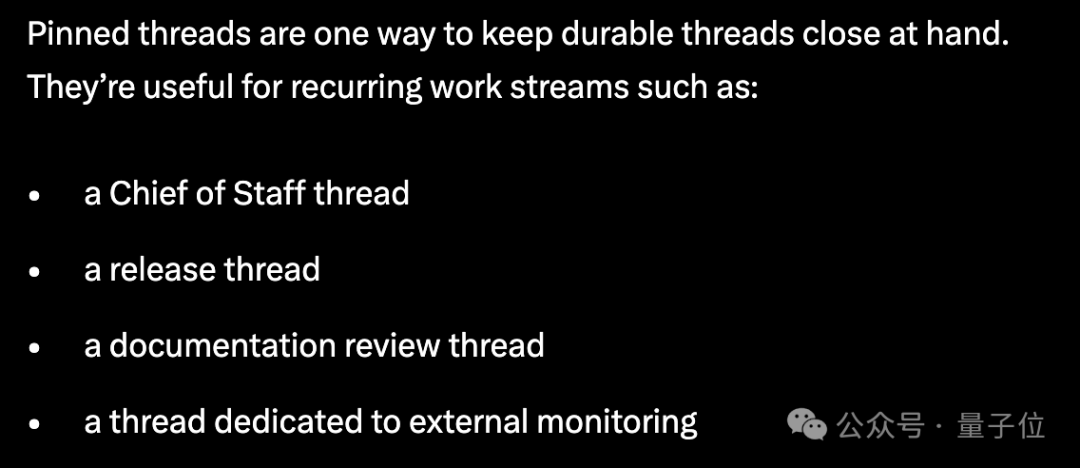
Tip: Once a thread's lifetime is stretched out, project background, communication habits, and past decisions naturally settle into it, and the Agent starts to have continuity.
Step 2: Hand Out Tasks by Voice and Keep Your Raw Thinking
Jason doesn't type his tasks; he mostly speaks them. The reason is simple: dictation preserves your raw thinking intact. There's no need to deliberately polish the prompt — you can throw vague, jumpy ideas at the Agent exactly as they come.
Combined with Codex's Steering feature, you can cut in and add instructions while the Agent is executing a task — say it and walk away, no waiting around.
Step 3: Schedule Recurring Tasks with Heartbeats
This is the key to turning Codex from a tool into an employee. Heartbeats essentially adds a layer of scheduled task dispatch to the Agent, and combined with @computer control it enables fully automatic, looping execution.
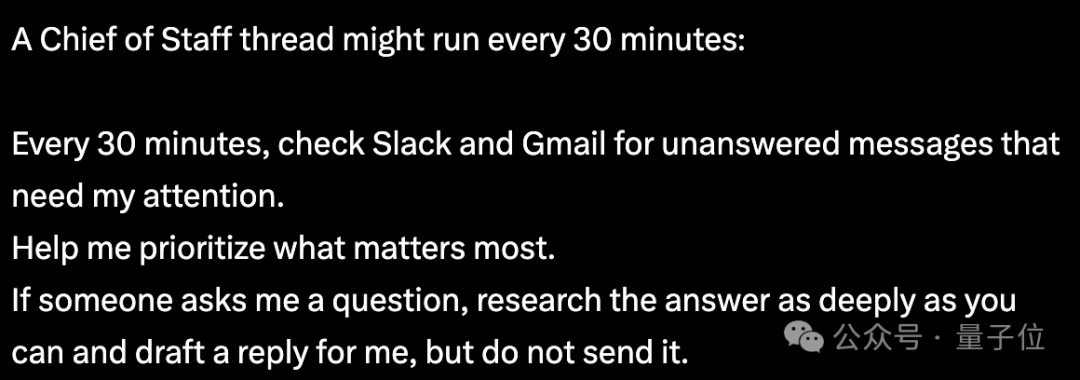
Real-world examples:
- Chief of Staff thread: runs every 30 minutes, scans Slack and Gmail, judges priorities, and drafts replies without sending them — a human makes the final call
- Animation review loop: send the video to a Slack review thread first, then have Codex check it every 15 minutes. When a colleague leaves feedback, it automatically re-renders and replies in the thread
- Support queue tracking: have Codex watch Amazon's support queue while you shower; by the time you're out, the refund has already landed
Similar loops extend to Google Docs comments, GitHub PR review, and other scenarios — whenever feedback shows up, the next step advances automatically.

Step 4: Set Up a Verification Mechanism
The thing Jason stresses most is a verification mechanism, used to decide when a task should terminate. He once had Codex port Python's Rich library to Rust in full, with the hard requirement that it pass every unit test of the original Python library.
Whether the tests pass decides whether the task is complete; if they fail, the Agent keeps fixing.
Ambition without a verification mechanism is, at best, a wish.
Step 5: Handle Long-Running Tasks with Goal Mode
In the latest update, OpenAI has graduated Goal mode out of its experimental stage. You only need to define a final goal and acceptance criteria, and Codex will keep pushing forward on its own for hours or even days; along the way you can check progress, adjust direction, or simply pause it.
The prerequisite is that the task itself must have a clear, verifiable feedback loop.
Step 6: Build a Local Knowledge Base and Keep Your Memory in Your Own Hands
All of Jason's long-term threads start from an Obsidian vault, with the directory divided into sections like TODO, people, projects, agent, and notes.
The top-level AGENTS.md spells out the rules: whenever people info is updated, projects advance, or todos are completed, the corresponding part of the knowledge base must be updated too.
The benefits of doing this:
- Core memory lives in locally controlled files that you can consult and edit by hand at any time
- Version diffs show what changed, and when something goes wrong you can roll back with one click
- When you switch tools or migrate platforms, you just pick up the knowledge base and go
New Codex Sidebar Capabilities
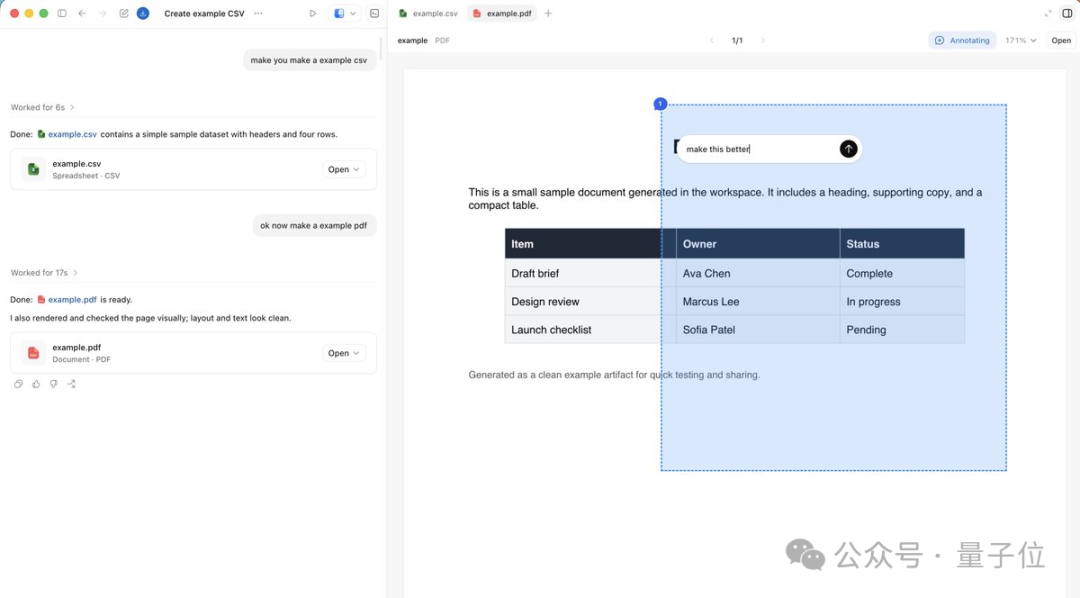
The Codex sidebar is no longer limited to chat interaction: it can render Markdown directly, filter tables, and display PDFs and PPTs. The Agent can also control web pages with JavaScript through the built-in browser, and you can annotate as you look — no more switching windows back and forth.
FAQ
- How many tokens do Heartbeats consume? It depends on check frequency and task complexity; a good starting point is once every 30 minutes
- Does Codex keep working after the screen locks? Yes. The latest update supports working remotely while locked; from your phone you can watch, approve, and even take over tasks in real time
- What kinds of tasks suit Goal mode? Tasks with clear acceptance criteria, such as "pass all unit tests" or "generate code that conforms to the XX spec"
Toolin Editorial Team
Categories
Related articles

Building a Cost-Effective AI Coding Environment with Claude Code + MiMo-V2.5-Pro
Pair Xiaomi's MiMo-V2.5-Pro open-source model with Claude Code: API pricing at just 40% of Opus, support for 1M-token context, plus a detailed setup tutorial
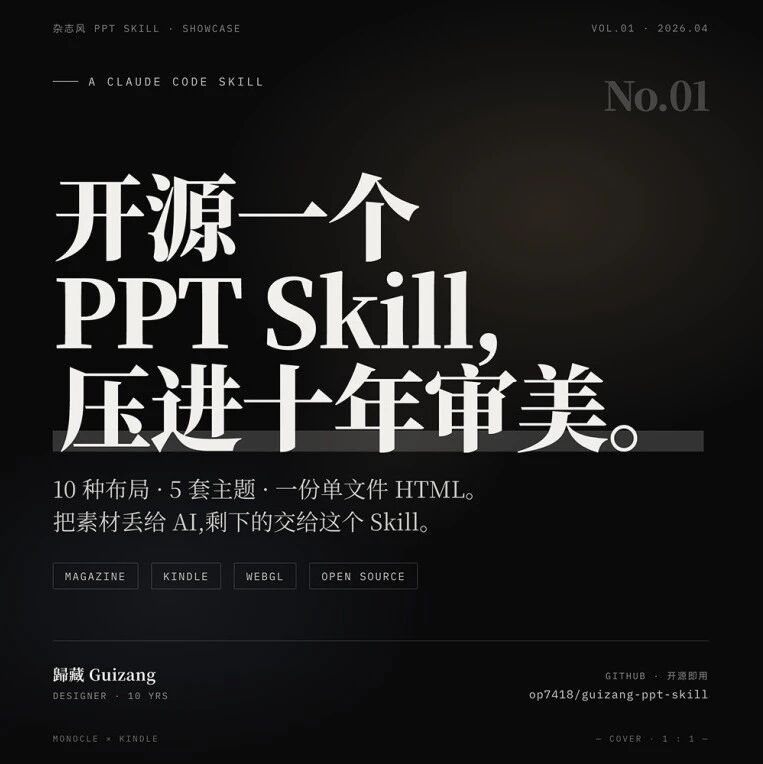
guizang-ppt-skill: The Open-Source Tool for Magazine-Grade AI PPTs
The open-source PPT Skill ships 10 page layouts and 5 theme palettes and outputs a single-file HTML that opens in a browser with a double-click — installation and usage tutorial included