
Seko Infinite Canvas: From One Idea to a Wuxia Epic
Seko runs Seedance 2.0's all-in-one mode and uses Agent workflows to auto-generate plot, characters, and storyboards — 720P costs drop by 50%, with a finished video in about 10 minutes.
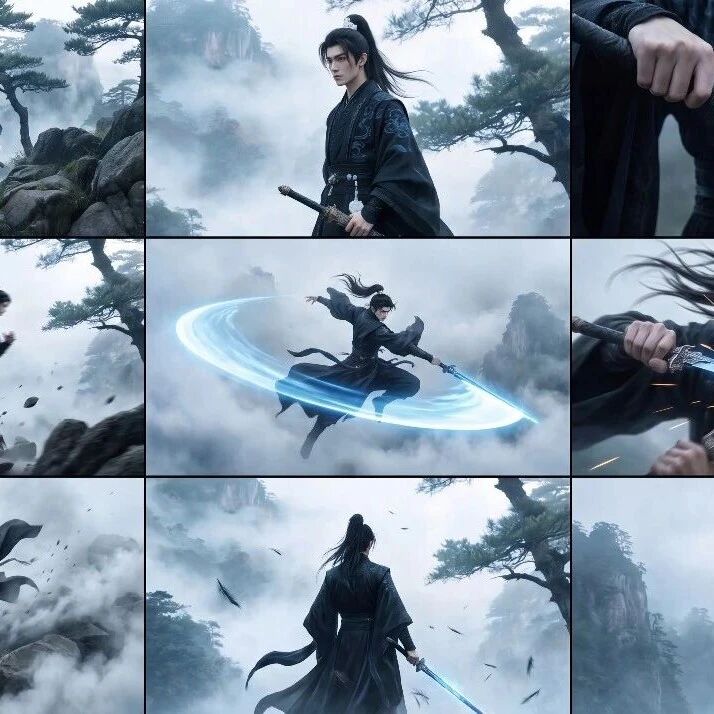
Seko Infinite Canvas: From One Idea to a Wuxia Epic
Seko runs Seedance 2.0's all-in-one mode and uses Agent workflows to auto-generate plot, characters, and storyboards — 720P costs drop by 50%, with a finished video in about 10 minutes.
The two biggest headaches in AI video: first, burning credits — 12 credits per second at 720P and 40 per second at 1080P, so a single minute of video can eat most of a month's quota; second, the high barrier to entry — prompts, camera moves, storyboards, dialogue, music, every step done by hand. Seko (an AI video creation platform) tries to solve both at once — it cuts Seedance 2.0's cost by half or more, then uses Agent workflows to auto-generate the full asset pipeline from plot to storyboard. All you provide is one spark of inspiration.
What Is Seko
Seko is an AI video creation tool built on an infinite canvas, whose core selling point is "one idea becomes a video." It ships with Seedance 2.0's all-in-one mode, using an Agent workflow to automatically handle script planning, character generation, scene building, storyboard arrangement, dialogue voiceover, and more. You don't need to write prompts one by one or assemble assets manually — the whole pipeline runs end to end on a single canvas.
Pricing Advantage
Compared with using Seedance 2.0 directly, Seko's credit costs are significantly lower:
- 720P video: 6 credits/second (down 50% from the original 12 credits/second)
- 1080P video: 8 credits/second (down 80% from the original 40 credits/second)
In testing, a one-minute AI video came in at under 800 credits.
Before You Start
- Register a Seko account (visit the official Seko site)
- Prepare a script outline or a description of your idea (one sentence is enough)
- For a multi-episode story, plan each episode's plot direction in advance
- Estimated time: 10-15 minutes per video
Step by Step
Step 1: Enter Your Idea and Generate the Script
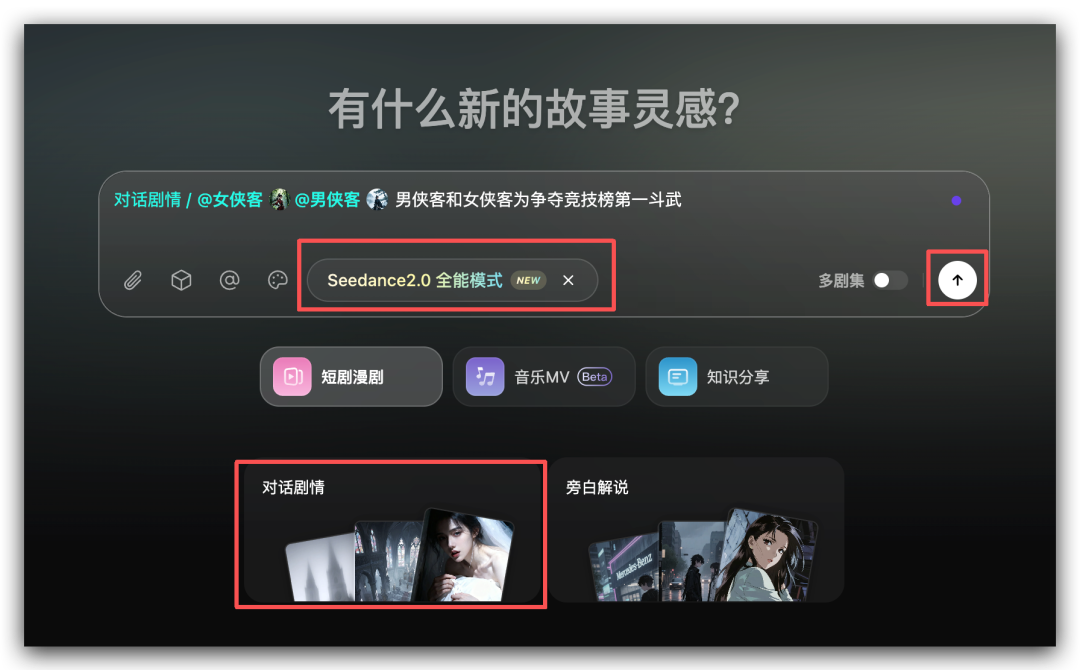
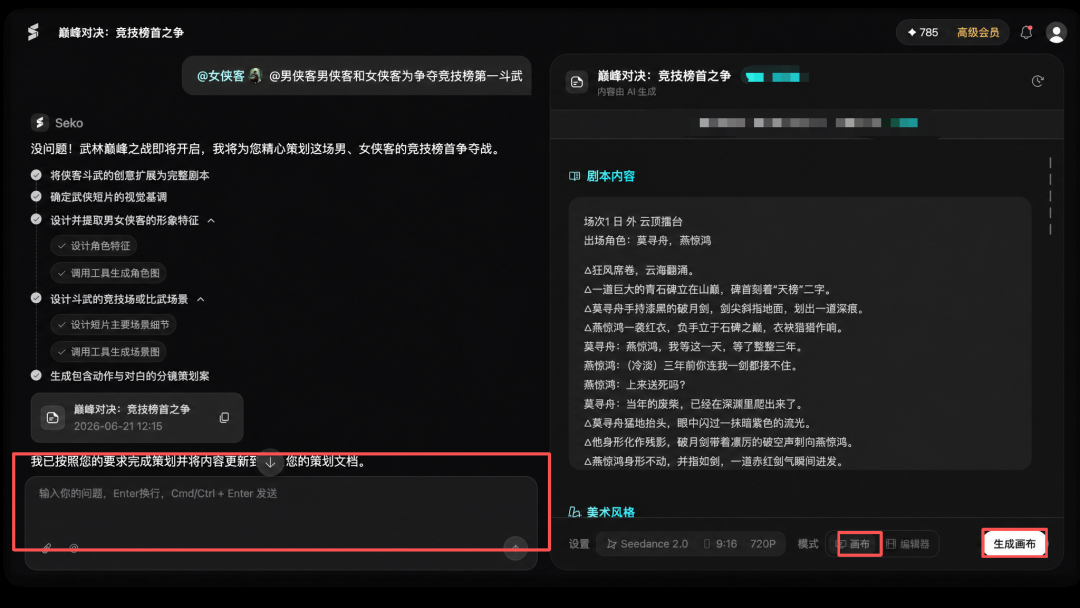
Open the Seko site and type your prompt into the dialog box. It doesn't need to be polished — just describe the core conflict and the characters clearly.
Sample prompt:
A male swordsman and a female swordsman duel for first place on the arena leaderboard; pick the female swordsman and the male swordsman as characters (choose them from the character library or have the AI create one)
Key steps:
- Enable Seedance 2.0 all-in-one mode
- Select the Dialogue Story mode
- For a multi-episode story, turn on Multi-Episode Mode at the bottom right
- If anything looks off, edit it in the dialog box on the left at any time
Once you're done editing, click "Generate Canvas" on the right to enter storyboard editing.
💡 Tip: In multi-episode mode, Seko automatically inherits character and scene assets from previous episodes to keep characters consistent. New episodes don't require re-creating your characters.
Step 2: Edit Storyboards on the Infinite Canvas
Inside the canvas, the left side lists characters and scenes; the right side shows the storyboard. Click any storyboard panel to see:
- The shots contained in each panel
- Each shot's scene, visuals, camera movement, and dialogue voiceover
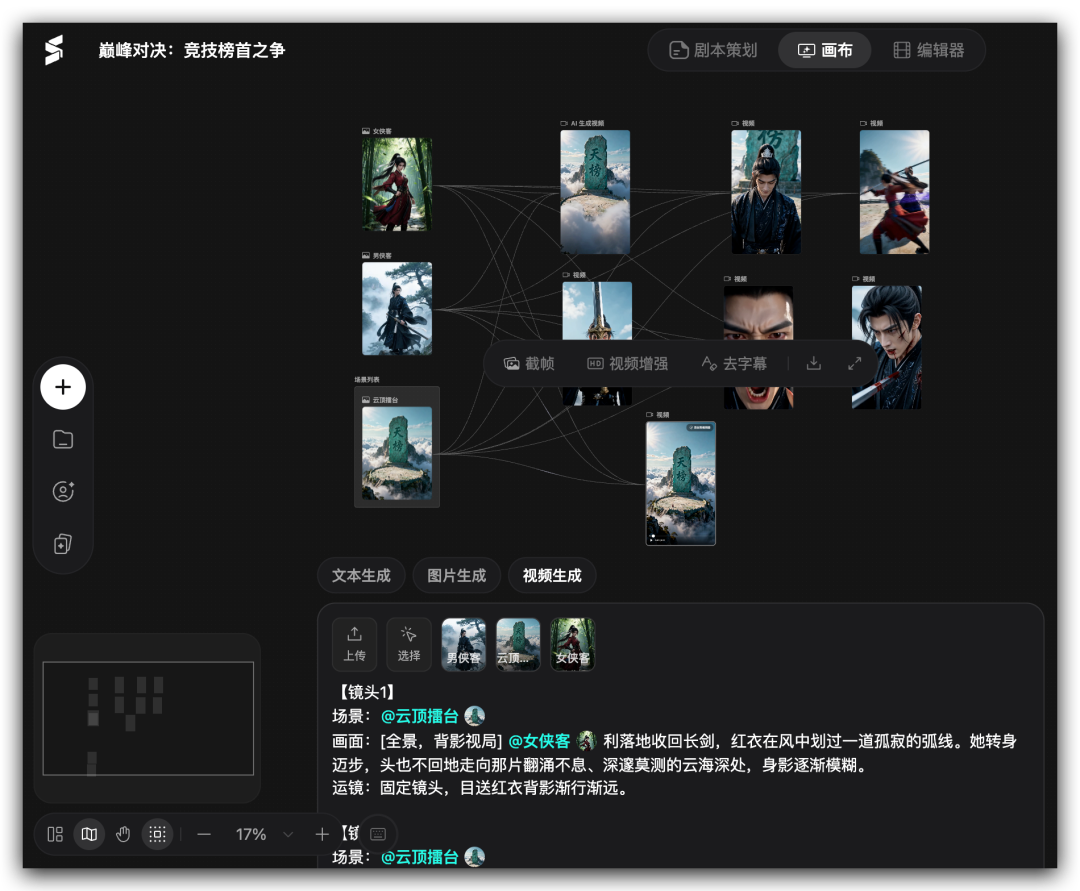
Unhappy with a shot? Edit its description directly, then regenerate that shot's video.
Step 3: Enhance Assets with the Image Tools
A row of practical tools above the canvas helps raise storyboard quality:
- 720° panorama: pick a scene image and generate a panoramic effect in one click
- Nine-grid: three modes to choose from — Inspiration Storm, Story Narration, and Combat Storyboard
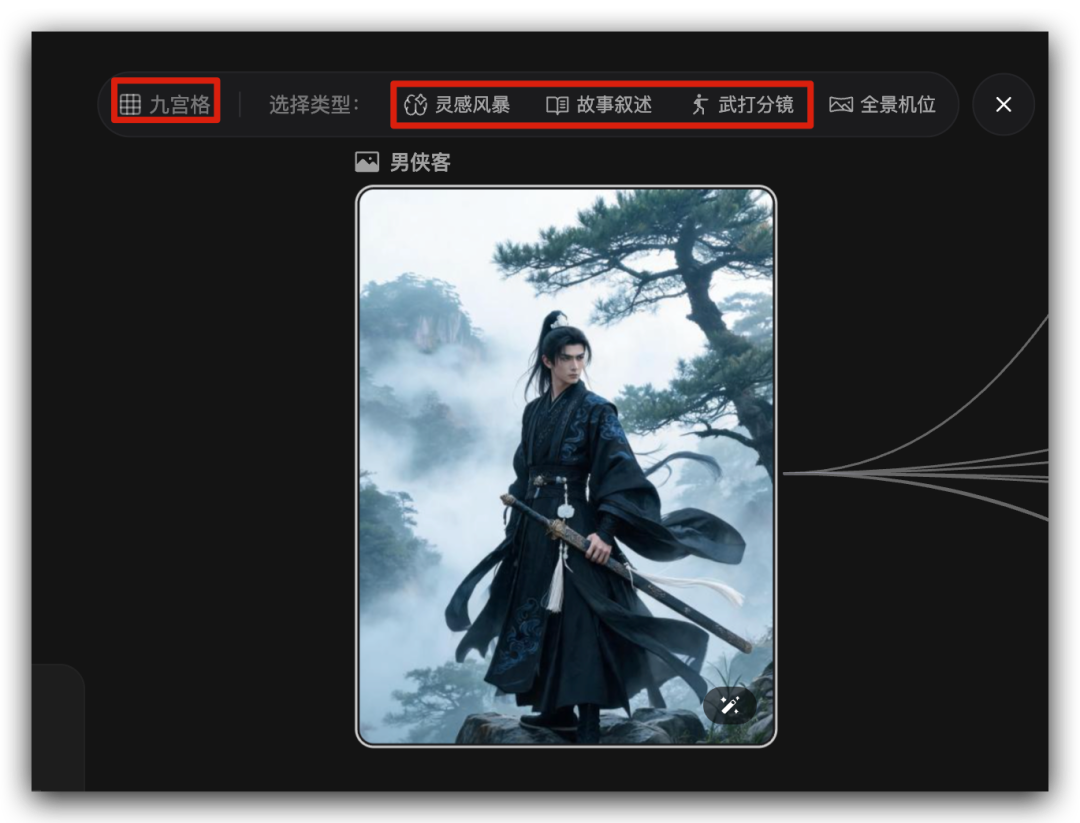
Pick the "Combat Storyboard" mode to generate storyboard frames with real action dynamics, then feed them into video generation.
Step 4: Export the Final Video
- Select storyboards on the right and click "Add to Editor"
- Rearrange the storyboard order in the editor
- Revise or replace any panels you're not happy with
- Click "Export" at the top right and choose to export the full video or all storyboards
Verified Results
In testing, a one-minute wuxia action video took about 10 minutes from idea to exported file. Character consistency held up well: across episodes, faces and clothing stayed stable, with no jarring style switches.
On cost, a one-minute 720P video used about 360 credits and 1080P about 480 credits — savings of more than half compared with using Seedance 2.0 directly.
FAQ
- Characters inconsistent across episodes: make sure multi-episode mode is on so Seko inherits assets from earlier episodes. If drift persists, manually lock the character reference image in the character list on the left.
- Generation quality feels "dumbed down": add detail to the shot description (camera movement, lighting conditions, character expressions). The more specific the description, the more stable the generation quality.
- Which video styles are supported: wuxia, urban, animation, pixel art, and more all have tested cases; stylized content (such as traditional Chinese painting) also holds its style well.
Related articles
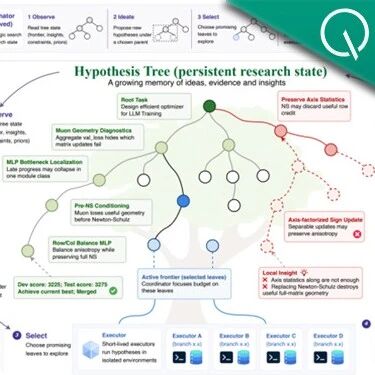
Arbor Goes Open Source: Teaching Agents to Do Research Like Scientists, Not Blind Trial and Error
Renmin University's Gaoling School and Microsoft Research have open-sourced Arbor, an autonomous research framework that uses a Hypothesis-Tree to organize repeated experiments into an accumulable research state. It topped the HuggingFace daily chart, with held-out gains on long-horizon tasks averaging 2.5x those of Codex and Claude Code.
Claude Tag, Hands-On: @ It Once and an AI Teammate Moves into Your Slack
Anthropic has launched Claude Tag, turning Claude into an on-demand "AI teammate" in Slack group chats that breaks down tasks, calls tools, and opens PRs — it now accounts for 65% of Anthropic's internal code.

Netflix Open-Sources Headroom: Cutting 90% of Redundant Tokens and Saving $700,000
Headroom (v0.22), open-sourced by a Netflix senior engineer, runs as a local proxy that intercepts LLM inputs and applies lossless, reversible compression to logs, JSON, and code. It has already saved users roughly $700,000 and 200 billion tokens.
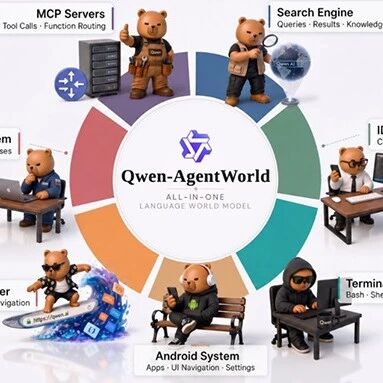
Alibaba Open-Sources Qwen-AgentWorld: The First Language World Model, One Model Simulating 7 Types of Environments
Alibaba's Qwen team has open-sourced Qwen-AgentWorld, the first native language world model. A single model covers seven agent environments — MCP / Search / Terminal / SWE / Web / OS / Android — with the AgentWorldBench evaluation benchmark released alongside it.

Running LLMs on-Device, Hands-On: Building a Local Agentic Coding Environment with Pi + LM Studio
With the Pi agent framework, an LM Studio inference server, and a Docker sandbox, you can run the Gemma 4 series on a local M2 Mac for agentic coding, linting, and unit tests — reaching roughly 75% of frontier-model accuracy.

WeChat "Xiaowei" in Gray-Scale Testing, Hands-On: 12 Entry Points That Tuck AI into Your Information Feed
A hands-on look at WeChat's native AI assistant "Xiaowei" in gray-scale testing. The main model is WeLM, and 12 entry points cover high-frequency scenarios like chat history retrieval, document summaries, Official Account digests, and local life services.