
WeChat Officially Integrates OpenClaw: Configure Your Personal AI Assistant in 2 Steps
WeChat officially launches the ClawBot plugin, letting you invoke OpenClaw right from the chat interface. This post provides a complete setup tutorial covering multi-platform integration options.
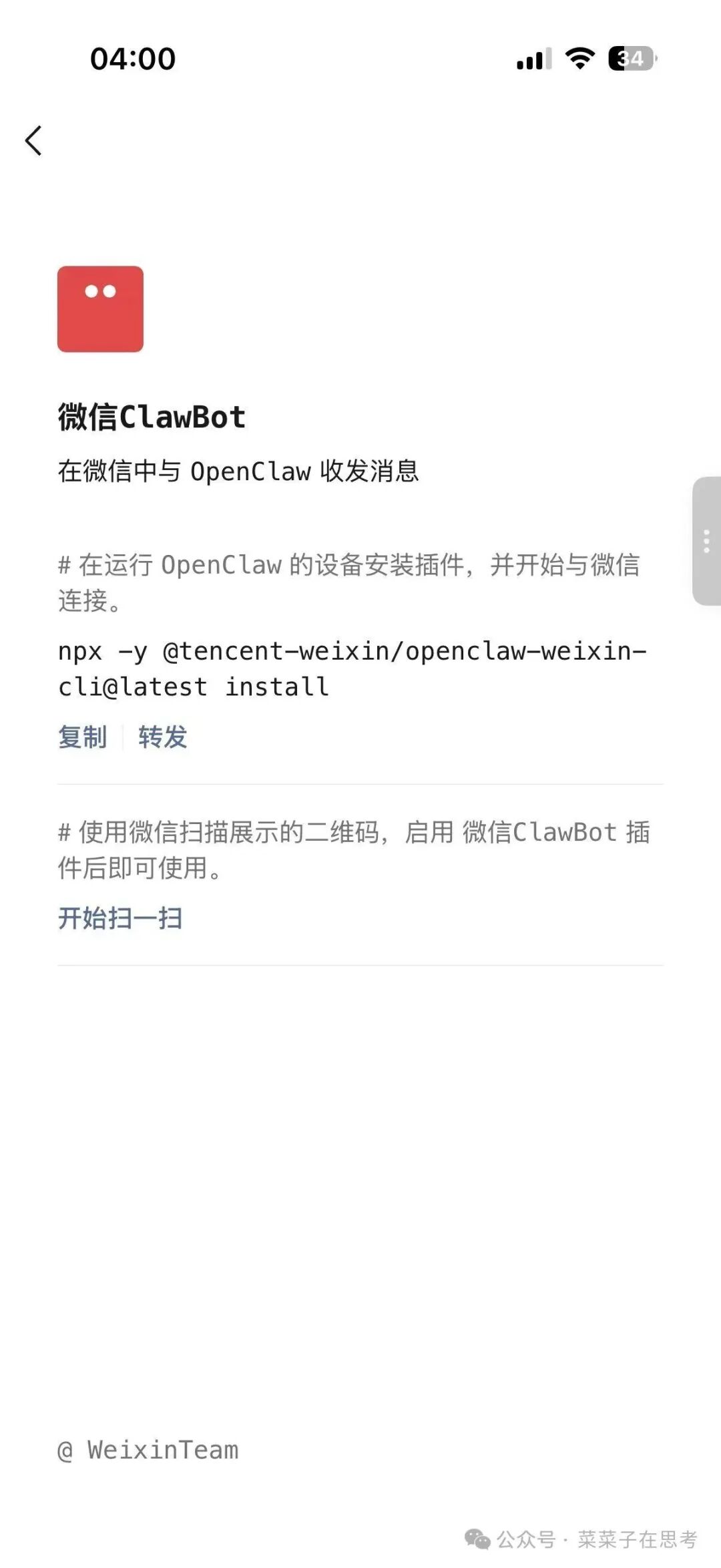
WeChat Officially Integrates OpenClaw: Configure Your Personal AI Assistant in 2 Steps
WeChat officially launches the ClawBot plugin, letting you invoke OpenClaw right from the chat interface. This post provides a complete setup tutorial covering multi-platform integration options.
In the early hours of this morning, WeChat quietly launched a heavyweight feature: the WeChat ClawBot plugin. This means WeChat's 1.4 billion monthly active users can invoke OpenClaw (affectionately known as the “lobster”) directly from the WeChat chat interface — no app switching, no complicated setup.
Why Does This Matter?
Powerful as OpenClaw has been since its release, it has posed three big barriers for ordinary users:
- Complicated environment setup: installing Docker and configuring a terminal
- Fragmented usage: you had to open a computer and start a terminal to use it
- High learning cost: command-line operation is unfriendly to non-technical users
WeChat ClawBot does away with all of that. You can put your AI assistant to work anytime, anywhere, just like texting a friend — organizing documents, looking things up, or generating code.
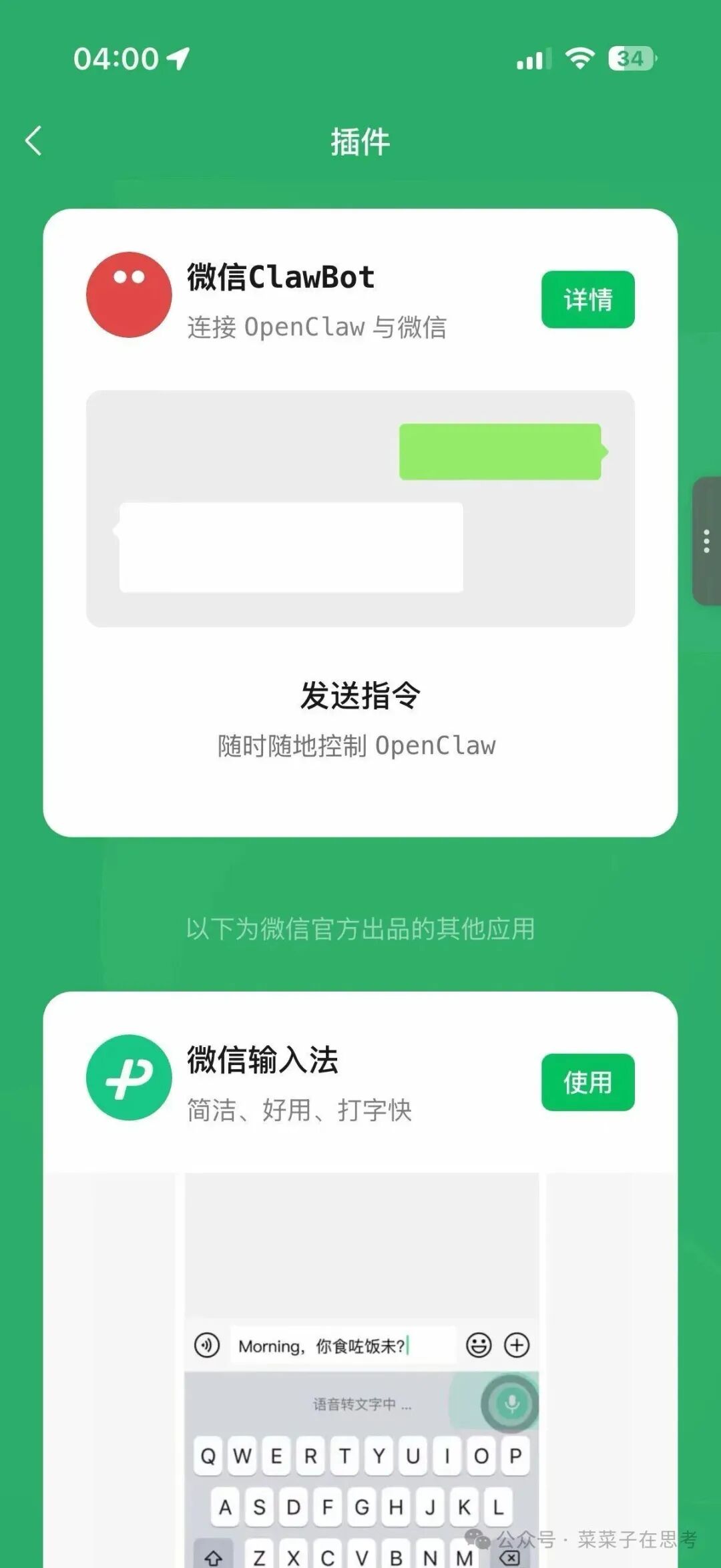
Quick Start: Configure It in 2 Steps
Prerequisites
- WeChat version: iOS 8.0.70 or later (iOS only for now)
- A deployed OpenClaw environment (local or cloud)
Step 1: Enable the Plugin
Open WeChat and go to, in order: Me → Settings → Plugins
Find “WeChat ClawBot” in the plugin list and tap Enable. You will see a terminal installation command:
npx -y @tencent-weixin/openclaw-weixin-cli@latest install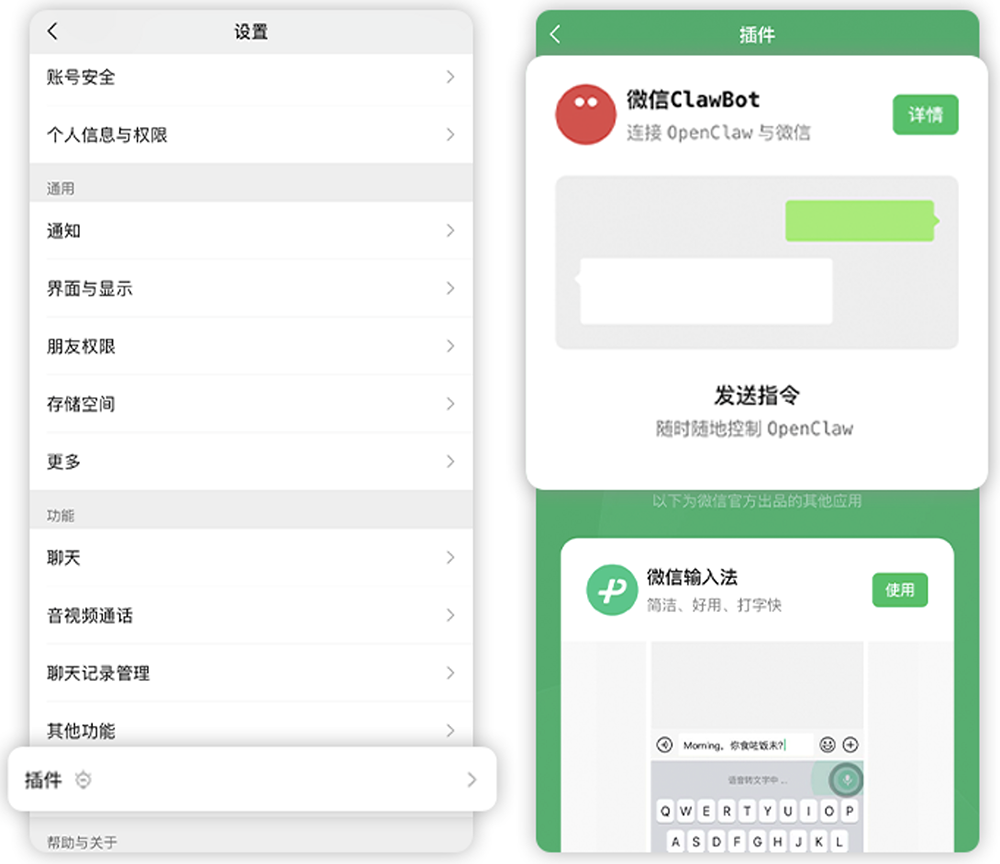
Step 2: Bind OpenClaw
Run the command above inside your OpenClaw environment (a computer terminal or cloud server). The system will automatically generate a QR code.
Scan the QR code with WeChat to finish binding your account. A “WeChat ClawBot” entry will then appear in your WeChat contacts.
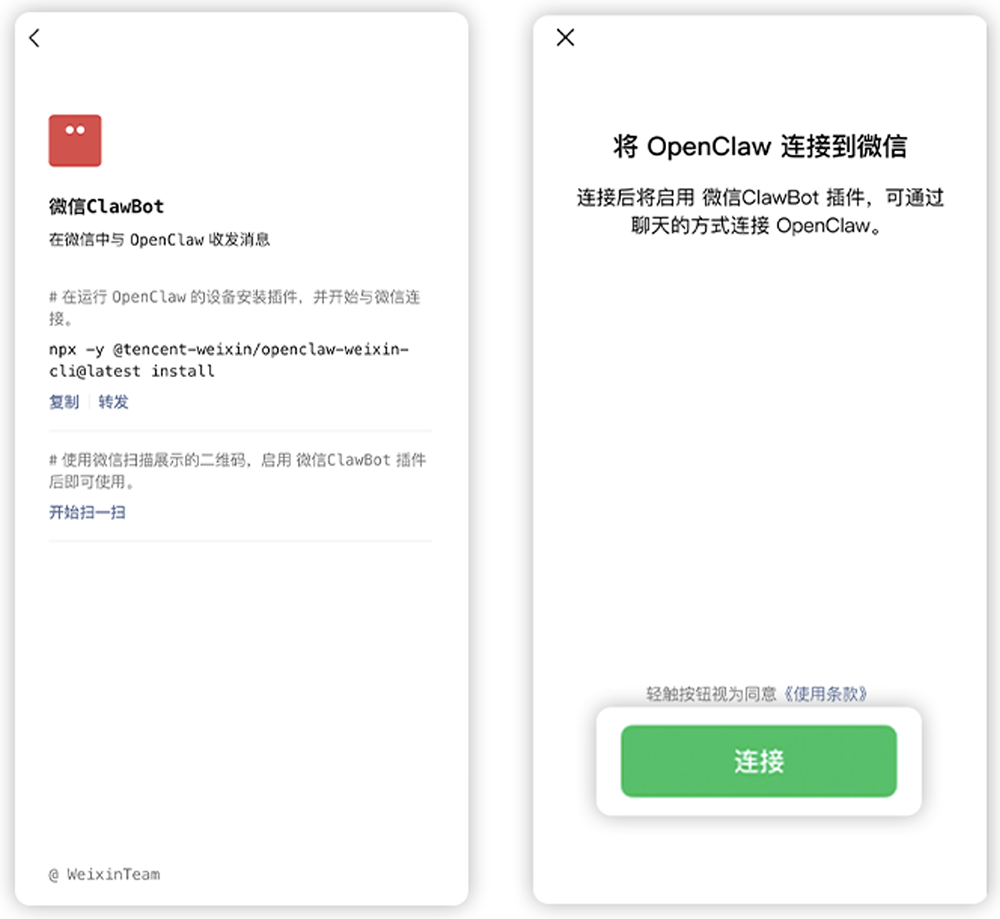
Setup complete! You can now message ClawBot directly inside WeChat.
In Practice: What Can It Do?
Basic Conversation
Ask questions the way you'd chat with a friend, and ClawBot replies in real time. Text input is supported; voice and images are not supported yet (though they can be added by installing Skills).
Scheduled Reminders
Send “remind me to drink water in 1 minute”, and ClawBot will proactively send you a WeChat message at the appointed time. This kind of proactive push is something traditional chatbots can't do.
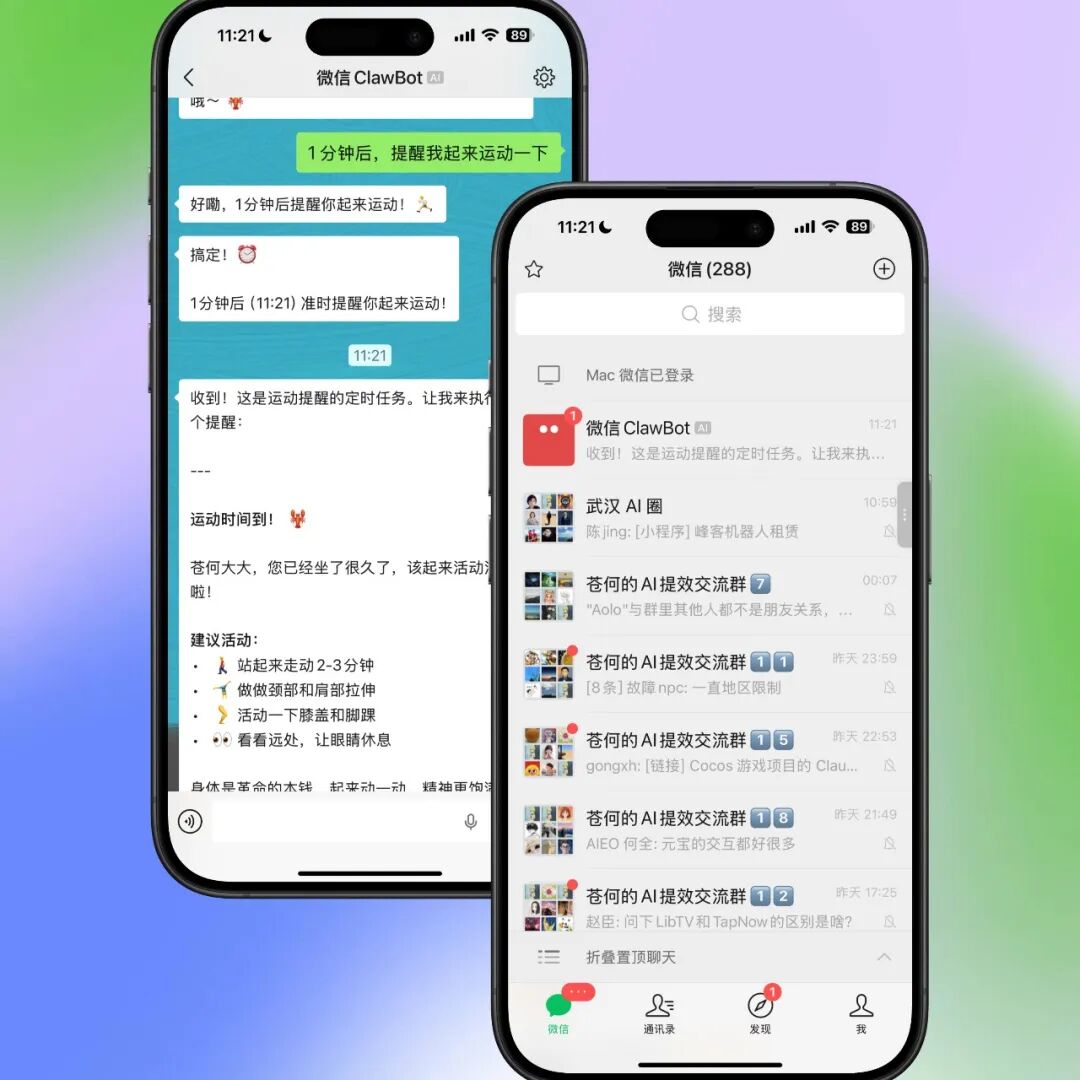
Task Execution
Use the /ping command to check OpenClaw's running status, including the version number, the model in use, and context usage.
Multi-Platform Integration Options
Besides local deployment, Tencent also offers several “out-of-the-box” ways to connect:
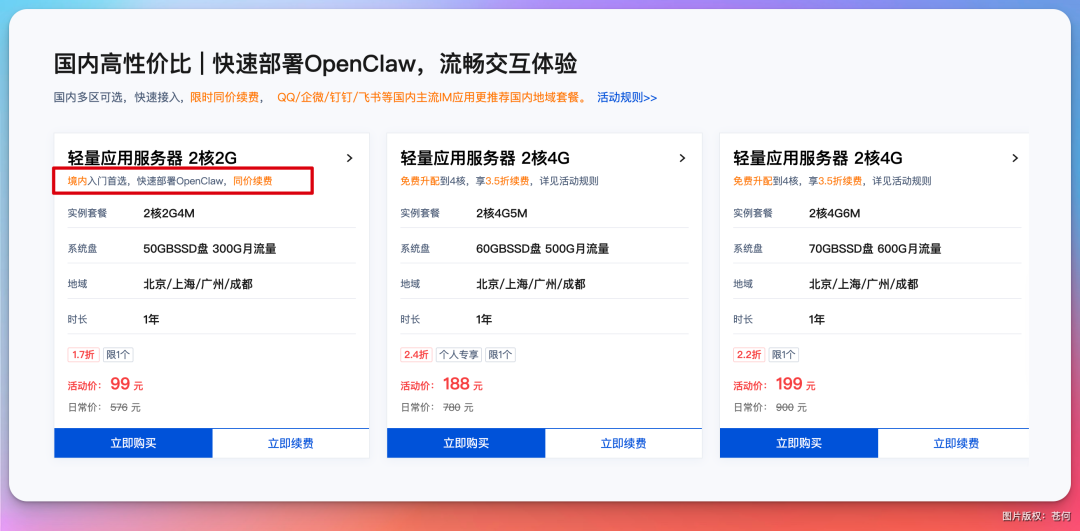
1. Tencent Cloud Lighthouse (Cloud Lobster)
For users who'd rather not fiddle with a local environment. Buy a Tencent Cloud Lighthouse server (2 cores, 2 GB, 99 RMB/year) that ships with an OpenClaw image — one-click deployment.
Integration path: Tencent Cloud console → Lighthouse instance → App management → WeChat channel → scan the QR code to connect
2. WorkBuddy (First-Party Lobster)
A Tencent-built desktop AI assistant with OpenClaw support built in.
Integration path: WorkBuddy desktop → profile avatar in the lower-left corner → Claw settings → WeChat channel → scan the QR code to connect
3. QClaw (Local Lobster)
The local client version; it needs to be updated to v0.1.15.
Integration path: QClaw desktop → pop-up in the lower-left corner → scan the QR code to connect
Limitations and Notes
According to the official documentation, the current version has these limitations:
- Single chats only: you cannot add ClawBot to group chats
- No forwarding: messages cannot be forwarded to ClawBot
- 24-hour response window: after you send a message, ClawBot replies within 24 hours
- Privacy protection: ClawBot will not proactively read or manipulate your WeChat content
These restrictions are mainly about safety. WeChat remains cautious about handing AI operational permissions, aiming to avoid a safety incident like Meta's runaway internal AI Agent.
Toolin's Take
Who is it for?
- People already using OpenClaw: a lower barrier, available anytime, anywhere
- Beginners who want to try AI Agents: WeChat is the most familiar entry point with the smallest learning curve
- People who work on the go: direct the AI on your computer straight from your phone
Who is it not for?
- Developers who need complex workflows: the WeChat chat interface has limited interactivity, and complex tasks still send you back to the terminal
- Extremely privacy-sensitive users: although officials promise WeChat content is never read, the data still passes through Tencent's servers
Core advantage: WeChat ClawBot's biggest value is not feature innovation but lowering the barrier to using AI Agents. When 1.4 billion people can “raise a lobster” inside WeChat, AI will truly step from the geek circle into the mainstream.
Clear shortcomings: iOS only for now — Android users will have to wait; no group chats or image recognition, so the feature set is fairly basic.
Related links:
- OpenClaw official site: https://openclaw.ai
- Tencent Cloud Lighthouse: https://cloud.tencent.com/product/lighthouse
- QClaw download: qclaw.qq.com
Toolin Editorial Team
Categories
Related articles

Building a Cross-Border E-commerce AI Team with the Hermes Multi-Agent Framework
Hermes' three-layer memory architecture fixes agents that forget; a four-phase prompt set builds a five-member Lead + VOC + GEO + Reddit + TikTok AI team that collaborates automatically in a Feishu group.

OpenAI Codex Desktop Floating Pet: The Complete Customization Guide
Codex adds a desktop floating pet feature with 8 built-in characters. Upload any image via the /hatch command and it is automatically hatched into an animated pet that also shows Codex's working status in real time.
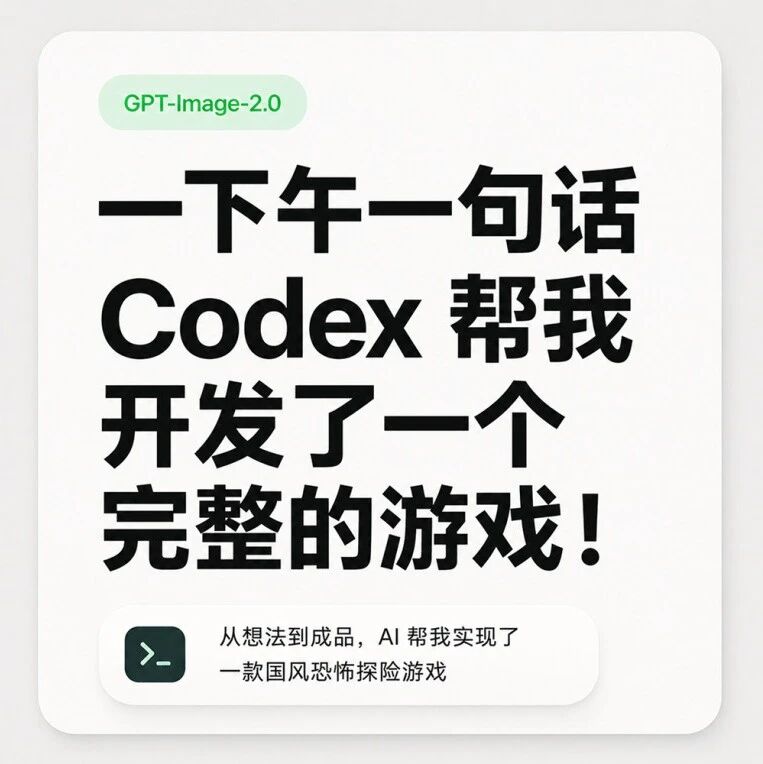
Building a Complete Game from Scratch with Codex in One Afternoon
Kick off game development with OpenAI Codex in a single sentence — assets, background removal, and music generated automatically; a publishable, complete game in one afternoon
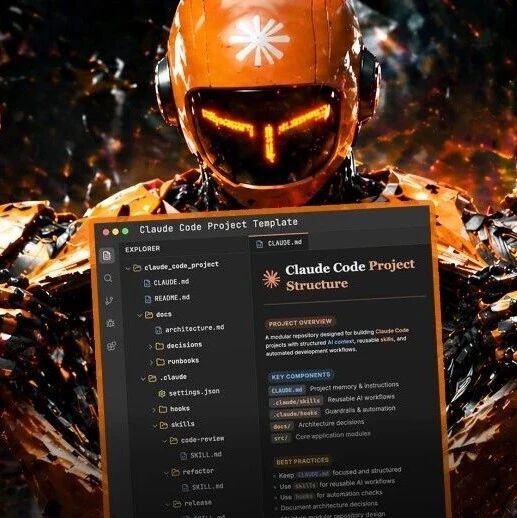
Using Claude Code Effectively: Building AI Engineering Infrastructure
Build a project-level AI engineering system around CLAUDE.md, skills, and hooks so Claude Code gets smarter the more you use it