
Novastart
An AI agent desktop operating system on an infinite canvas
Tool details
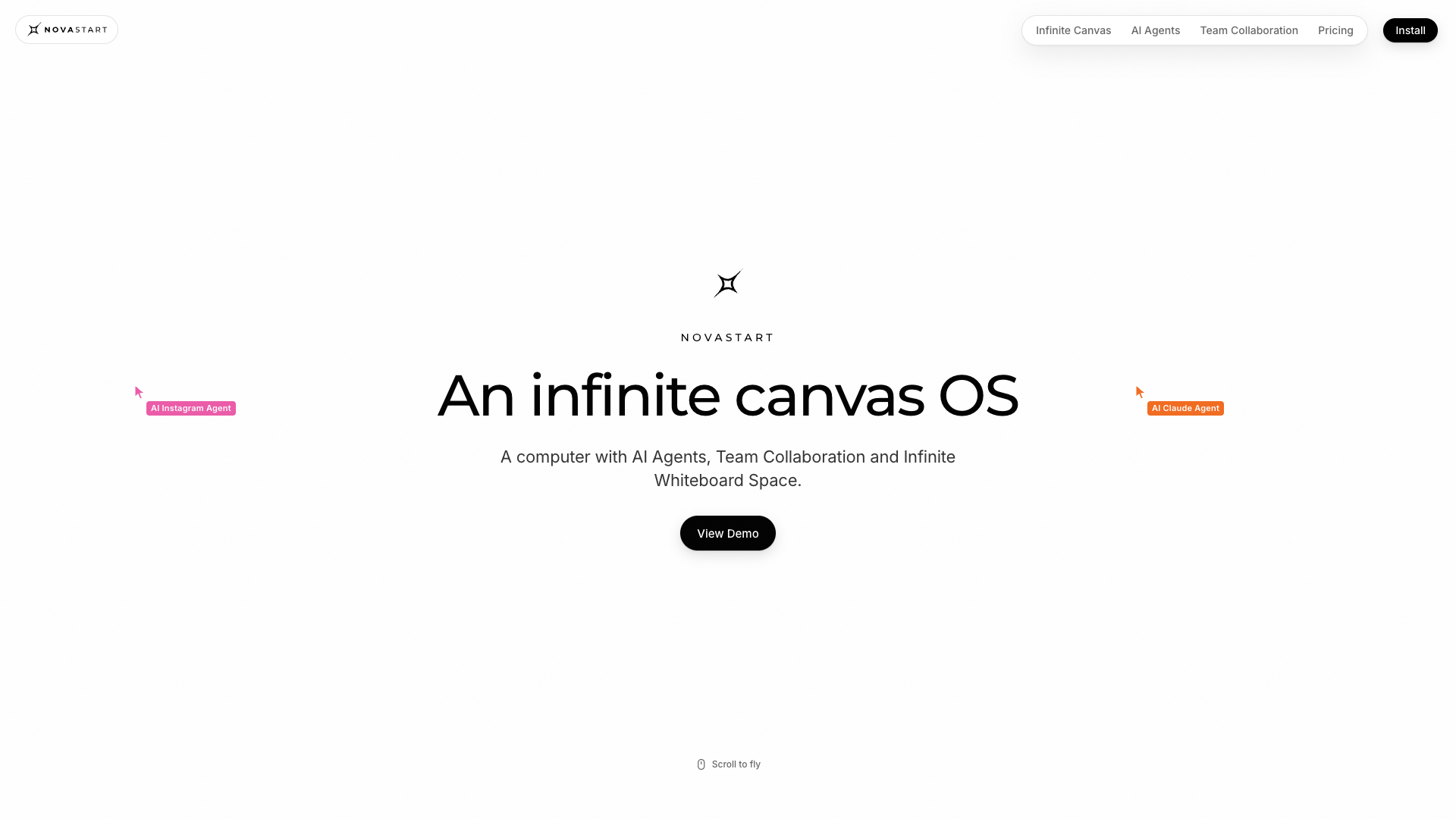
Novastart calls itself an "infinite canvas operating system": real app windows such as Gmail and Excel, human teammates and AI agents are laid out on one infinite canvas to work together, and it ships as a desktop app and as a bootable ISO image for a full-machine VM. What it aims to replace is not the whiteboard but the desktop itself. It does not build its own model: agents run on OpenAI's computer-use model, while Novastart itself builds the OS runtime and orchestration.
Core capabilities
- Multiple apps on one infinite canvas: a single infinite desktop spreads out every window, with labels and layout preserved.
- Humans and agents on the same board: teammates join the same canvas with their own colored cursors, and window traffic runs over P2P direct connections without passing through a server.
- Agents genuinely operate apps: each agent gets its own virtual cursor plus keyboard and mouse, really clicking and typing inside real windows instead of going through APIs.
- Multi-seat orchestration: up to 16 primary agents per canvas, each able to recruit 10 more helpers; a window belongs to only one agent.
- Undo everything: 100 steps of desktop-level undo per canvas, so even closing an app can be taken back with Ctrl+Z.
- Privacy by default: canvas contents never leave the local machine and run logs stay local; screenshots, however, are sent to the model provider, OpenAI.
Where it fits It suits early adopters and independent developers who can spare an x86 PC and want to watch an agent operate real software with their own eyes; Windows users can start with the virtual machine form of the desktop app. Those who want to open a browser and get going, or teams that depend heavily on macOS, will not find a match.
What sets it apart Figma's native object is the design file and Miro's is the sticky note, while Novastart's native object is the live app window. Both of the former can be placed on one of its canvases as a window; the reverse does not hold. It competes in the window manager and desktop layer, not in the editor.
Editor's take An early product whose engineering core is genuinely original and whose claims are honest: multi-seat isolation and desktop-level undo are not prompt wrappers. The free tier gives only 2 canvases with 4 windows each, enough to look at but not enough to use; getting serious means $10/month Pro, and shared canvases mean $20/month Team, with agents always charged at $0.02 per use on top through prepaid credits (minimum $25). Good for personal experiments, not yet ready to take over a team's production workflow.
Pricing
Freemium$0 (Free plan: 1 folder, 2 canvases and 4 windows per canvas; agent usage is billed separately)1 folder, 2 canvases and 4 windows per canvas; all apps available; no complimentary agent uses
No limits on folders, canvases or windows; the site labels it the recommended start
Adds Team Collaboration shared canvases on top of Pro
Free for students and teachers at partner universities with .edu accounts, with no limits on folders, canvases or windows; agents are still billed per use
Additional notes
No annual billing: every paid plan is billed monthly, and there is no free trial. On every plan agents are billed at $0.02 per use, credits start at $25 (equal to 1,250 uses), and the Free plan grants no agent uses at all.
FAQ
User reviews
User Reviews
No reviews yet
No one has reviewed this tool yet