
Feishu, DingTalk, and WeCom All Ship CLIs: How to Use Agent-Native Tools
Feishu, DingTalk, and WeCom have each rolled out command-line tools in quick succession, and Karpathy is loudly championing the CLI revival. This article shows you how to use CLIs to let AI Agents operate enterprise software directly.
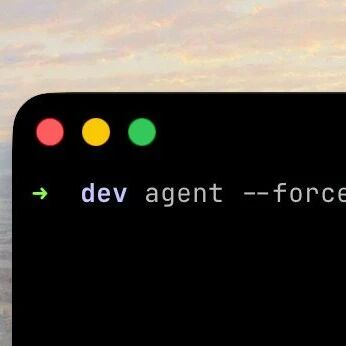
Feishu, DingTalk, and WeCom All Ship CLIs: How to Use Agent-Native Tools
Feishu, DingTalk, and WeCom have each rolled out command-line tools in quick succession, and Karpathy is loudly championing the CLI revival. This article shows you how to use CLIs to let AI Agents operate enterprise software directly.
Within three days, Feishu, DingTalk, and WeCom each rolled out their own CLI (command-line interface) tools, and all of them have broken a thousand GitHub stars. This is no coincidence -- the CLI is becoming the standard interface for AI Agents to control software. This article helps you understand what these tools are, why they matter, and how to use them to make your AI Agent more efficient.
Why Agents Need CLIs
Karpathy puts it bluntly: the CLI's "retro" quality is exactly why it is enjoying a new lease on life in the AI era. The core logic comes down to three points:
Plain text is the native language of LLMs. Asking an Agent to recognize the "Export" button on a screen is slow and error-prone. But having an Agent run one line of wecom-cli contact get_userlist is precise and reliable.
CLIs bridge the API integration gap. Without a CLI, an Agent would first have to digest hundreds of pages of API documentation, then handle authentication, token refresh, and network requests. The official CLI does all that dirty work, so the Agent only needs to call ready-made commands.
CLIs naturally support pipe composition. Individual CLI tools can be chained together seamlessly like building blocks to construct complex workflows.
Three Major Enterprise CLI Tools
Feishu CLI
- Repository: https://github.com/larksuite/cli
- Core capabilities: Operating enterprise-grade Feishu features such as docs, spreadsheets, contacts, and messaging
- Use cases: Letting an Agent manage Feishu workspaces automatically
DingTalk CLI
- Repository: https://github.com/DingTalk-Real-AI/dingtalk-workspace-cli
- Core capabilities: DingTalk workspace management, approval workflows, and contact directory queries
- Use cases: Letting an Agent automate DingTalk office workflows
WeCom CLI
- Repository: https://github.com/WecomTeam/wecom-cli
- Core capabilities: Contact directory management, message sending, and department operations
- Use cases: Letting an Agent operate WeCom back-end data
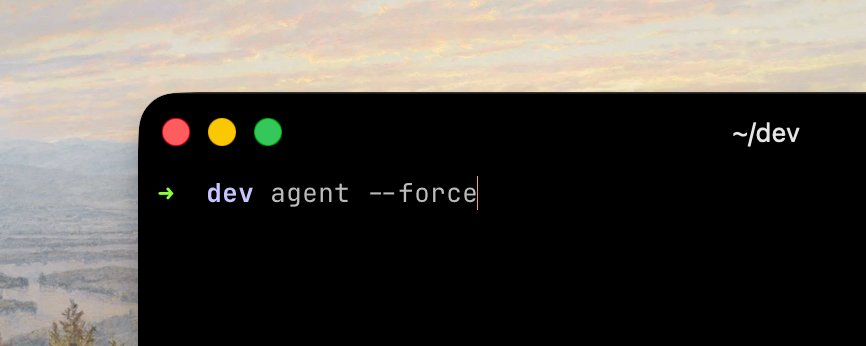
CLI vs GUI operation: a graphical interface takes multiple clicks, while a single CLI command goes straight to the result.
How to Design a CLI That Works Well for Agents
If you are developing your own CLI tool for Agents to use, developer Eric Zakariasson has put together a set of battle-tested design principles. Unlike a CLI built for humans, a CLI built for Agents needs to follow a completely different design logic.
Principle 1: Must Be Fully Non-Interactive
An Agent cannot press the arrow keys or type "y" mid-run. Every input should be passable as a flag.
# This will make the Agent hang
$ mycli deploy
? Which environment? (use arrow keys)

# This is how the Agent works properly
$ mycli deploy --env staging
Principle 2: Make --help Actually Work
Every subcommand needs a --help, and it must include usage examples. Agents match example patterns far faster than they read descriptions.
$ mycli deploy --help
Options:
  --env     Target environment (staging, production)
  --tag     Image tag (default: latest)
  --force   Skip confirmation

Examples:
  mycli deploy --env staging
  mycli deploy --env production --tag v1.2.3
  mycli deploy --env staging --force
Principle 3: Fail Fast with Actionable Error Messages
Error out immediately when a required flag is missing instead of hanging and waiting. Show the correct way to invoke the command.
Error: No image tag specified.
  mycli deploy --env staging --tag <tag>
  Available tags: mycli build list --output tags
Principle 4: Commands Must Be Idempotent
Agents retry constantly. Repeating the same operation should return "already done" rather than create duplicates.
Principle 5: Provide a --dry-run Flag
Agents should be able to preview the effect before committing a destructive operation.
$ mycli deploy --env production --tag v1.2.3 --dry-run
Would deploy v1.2.3 to production
  - Stop 3 running instances
  - Pull image registry.io/app:v1.2.3
  - Start 3 new instances
No changes made.
Principle 6: Return Structured Data on Success
Return key information such as the deploy ID and URL so the Agent can carry out follow-up actions.
deployed v1.2.3 to staging
url: https://staging.myapp.com
deploy_id: dep_abc123
duration: 34s
How CLIs Relate to MCP
CLIs and MCP (Model Context Protocol) are not competitors but complements: MCP lets Agents read all kinds of data sources through one unified interface, while CLIs execute standard actions. Combining the two forms a complete working loop.
Other mainstream Agent CLI tools currently include:
- Claude Code: Anthropic's Agent coding tool, with strong reasoning capabilities
- Gemini CLI: From Google, with multimodal processing and a usable free tier
- Codex CLI: From OpenAI, natively integrated with GPT models
Practical Advice
- Install and try them directly: all three enterprise CLIs are open source; just
git cloneand follow the README to install - Start with simple commands: for example, use the WeCom CLI to query the contact directory and verify that the Agent can call it correctly
- Combine them: write CLI commands into the Agent's tool definitions so it can automatically pick the right command for each task
- Mind permissions: first-time use requires configuring an API key and enterprise application permissions; refer to each repository's documentation
The CLI revival is not nostalgia; it is the inevitable choice of the AI Agent era. If your tool cannot be used by Agents natively and easily, it risks being phased out of tomorrow's AI workflows.
Toolin Editorial Team
Categories
Related articles
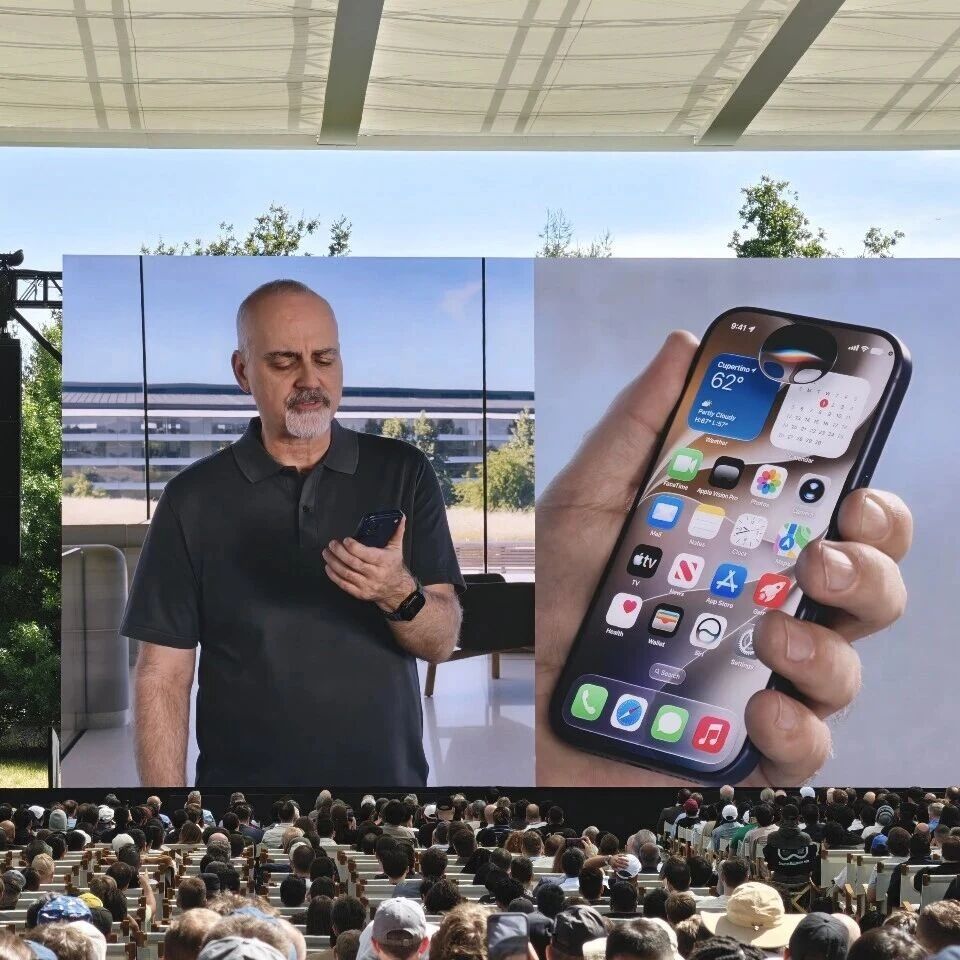
iOS 27's Siri Overhaul: Standalone App, Multi-Turn Chat, Deep Dynamic Island Integration
In iOS 27, Siri becomes a standalone app with multi-turn conversation and screen awareness, and Apple Intelligence integrates deeply with the Dynamic Island — but mainland China users will have to wait

WeChat AI Developer Beta: One Line of Code Turns Mini Programs into AI Skills
WeChat AI has opened developer access with an auto mode and a developer mode, converting mini programs into Agent skills the AI can call — with zero code required

Hermes Agent: The AI Agent Framework That Grows Its Own Skills
Hermes Agent is an open-source AI Agent framework from Nous Research with over 180,000 GitHub stars, whose defining trait is self-evolution without manual coaching — now with a desktop app and support for 23 messaging platforms.

ByteDance's Lance: One 3B Model That Sees, Draws, and Edits Images and Videos End to End
ByteDance has open-sourced Lance, a natively unified multimodal model with only 3B activated parameters that covers image and video understanding, generation, and editing all at once — hitting #1 on Hugging Face Trending the moment it shipped.

Xiaomi MiMo UltraSpeed: A Trillion-Parameter Model Running at 1000 tokens/s
Xiaomi's MiMo-V2.5-Pro UltraSpeed delivers 1000 tokens/s on a trillion-parameter model running on generic 8-GPU hardware — and it's the full-strength Pro version, not a dumbed-down Flash variant. The API is live and taking applications.
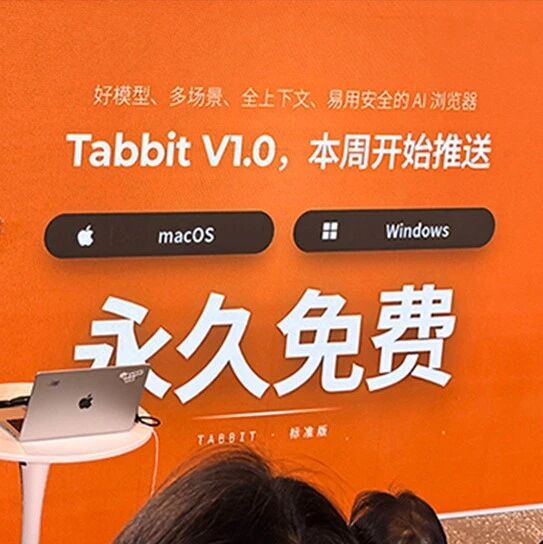
Tabbit: A Permanently Free AI Browser with 10+ Top Models at Your Fingertips
Meituan launches AI browser Tabbit V1.0 with core features permanently free, 10+ top domestic large models and agent capabilities built in, plus one-click access to 300+ ready-made trick skills.