
Claude Tag Turns Claude Into a Team AI Colleague That Lives in Slack
Anthropic releases Claude Tag, evolving Claude Code into a team collaboration agent with shared context, persistent memory, and proactive intervention, now in Beta for Enterprise and Team users.
Claude Tag Turns Claude Into a Team AI Colleague That Lives in Slack
Anthropic releases Claude Tag, evolving Claude Code into a team collaboration agent with shared context, persistent memory, and proactive intervention, now in Beta for Enterprise and Team users.
Claude Code just got a major upgrade. Anthropic has officially released its enterprise collaboration tool Claude Tag, turning Claude from "a personal chat assistant" into "a team colleague shared by the whole channel." Officially, about 65% of the company's product code is now completed with Claude Tag's participation. Karpathy, who recently joined Anthropic, calls it "the third major shift in the LLM user interface" — the first was web chat, the second desktop apps, and the third is the LLM becoming an independent, continuously running system that collaborates with a human team.
What Is Claude Tag
If the traditional AI assistant is "a private chat window per person," Claude Tag is "the same Claude shared by the entire channel." One teammate hands it a task and leaves; the next person entering the channel sees the progress and picks it up; a third joining later can still understand the whole backstory. Everyone collaborates around the same Claude instead of maintaining their own separate contexts. It debuts on Slack and currently requires Opus 4.8.
Four Core Capabilities
Anthropic emphasizes these four:
- Shared context: Claude can see the background accumulated across the whole channel, not just the current message.
- Persistent memory: as usage grows over time, it learns the project background, team conventions, stack preferences, and collaboration processes — no re-explaining from scratch every time.
- Proactive intervention (Ambient Mode): once enabled, Claude no longer waits to be @-mentioned; it proactively flags important discussions getting ignored, follows up on long-unresolved issues, and marks items that need a decision.
- Asynchronous execution: assign a task and leave Slack; Claude plans the work, keeps pushing it forward, and @-mentions you to review when it's done.
How to Use It: Invoking Claude in Slack
Usage is simple: @Claude in a channel or thread and state your request. It will:
- Break the task into steps
- Call the tools it owns to complete them in order (such as pulling/merging PRs, running data analysis, resolving tickets)
- Report the results back in Slack when finished
Going further, you can give it standing work: keep watching a channel, summarize progress automatically every week, flag urgent items, and send scheduled reminders to the people in charge. With Claude Code connected, it can even turn a development request made in Slack directly into an engineering task, then sync the results back to the original channel.
Deployment and Permissions
Claude Tag launches on Slack first. As Slack GM Rob Seaman puts it: "AI can be used jointly by many people." Human-AI collaboration that used to happen only in private chats can now happen out in the open in a team channel, where every member can watch the AI's reasoning and task progress.
Privacy and permission management are tightly designed:
- Admins decide which tools Claude can access, which data, and which channels it appears in.
- Different "Claude identities" are isolated from each other — the sales team's Claude won't remember the engineering team's information, and the engineering team can't reach sales data.
- Organization-level and channel-level token budgets can be set, with a full log of every action Claude has taken and the initiator behind each task.
Deployment takes three steps: connect Slack, authorize tools, set budgets. Over the next 30 days, Claude Tag will gradually replace the existing Claude app for Slack.
Use Cases
- Engineering teams: turn requirements into PRs right in the channel, run code reviews, track bug-fix progress.
- Ops/product: auto-summarize channel progress weekly, organize meeting notes, break long discussions into action items.
- Cross-functional collaboration: new members joining a channel immediately see the context Claude has accumulated and get up to speed fast.
Claude Tag is now in Beta for Claude Enterprise and Team users. Note that it currently works only with Opus 4.8; the community's long-awaited next-generation model, Fable 5, remains unannounced.
Related articles
Syll: Tsinghua's Open-Source Multimodal Full-Interaction Agent Framework
Supports GUI, CLI, and MCP operation styles, automatically generates reusable skills from demonstrations, and deploys locally to protect data privacy
SkillOpt: Train Your Agent Skill Docs Like a Neural Network
Microsoft's open-source text-space optimization framework that lets agent skill documents evolve automatically, ranking best or tied-best across all 52 evaluation combinations.
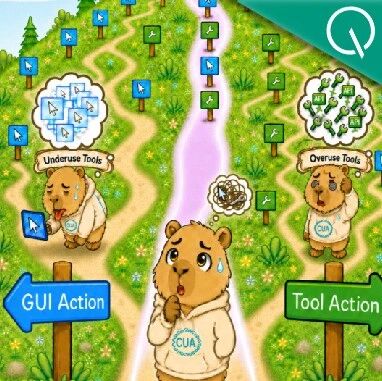
ToolCUA: Teaching Agents to Route Correctly Between GUI and Tools
An open-source CUA training paradigm from Fudan University and Tongyi's MobileAgent team: an 8B model hits 46.85% accuracy on OSWorld-MCP, surpassing Claude-4-Sonnet, with code and model weights open-sourced.
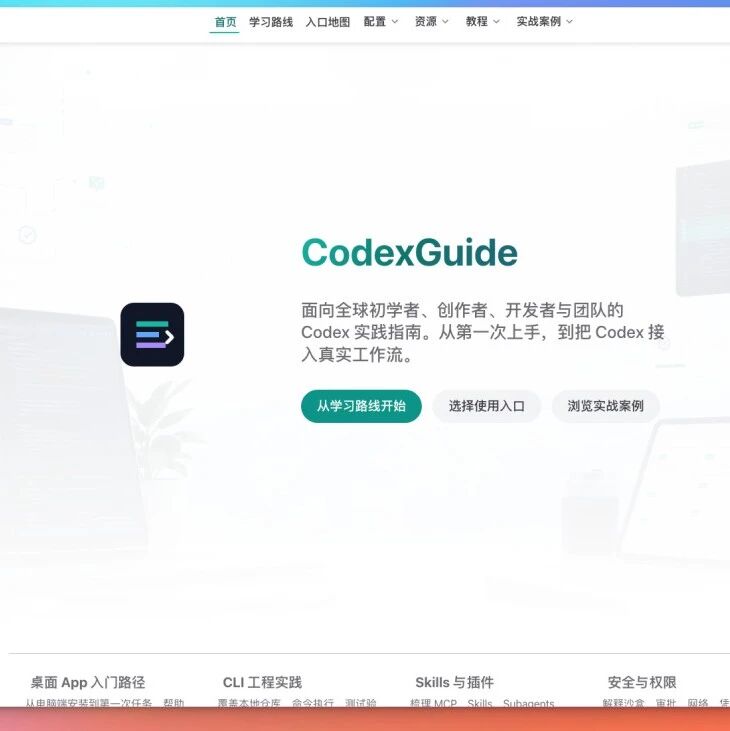
The Complete Codex Guide: Getting Started Plus Three Ways to Use It from China
An open-source, free hands-on Codex guide is out, covering desktop installation, remote control from your phone, and three access paths for users in China, helping you get OpenAI Codex running from zero.
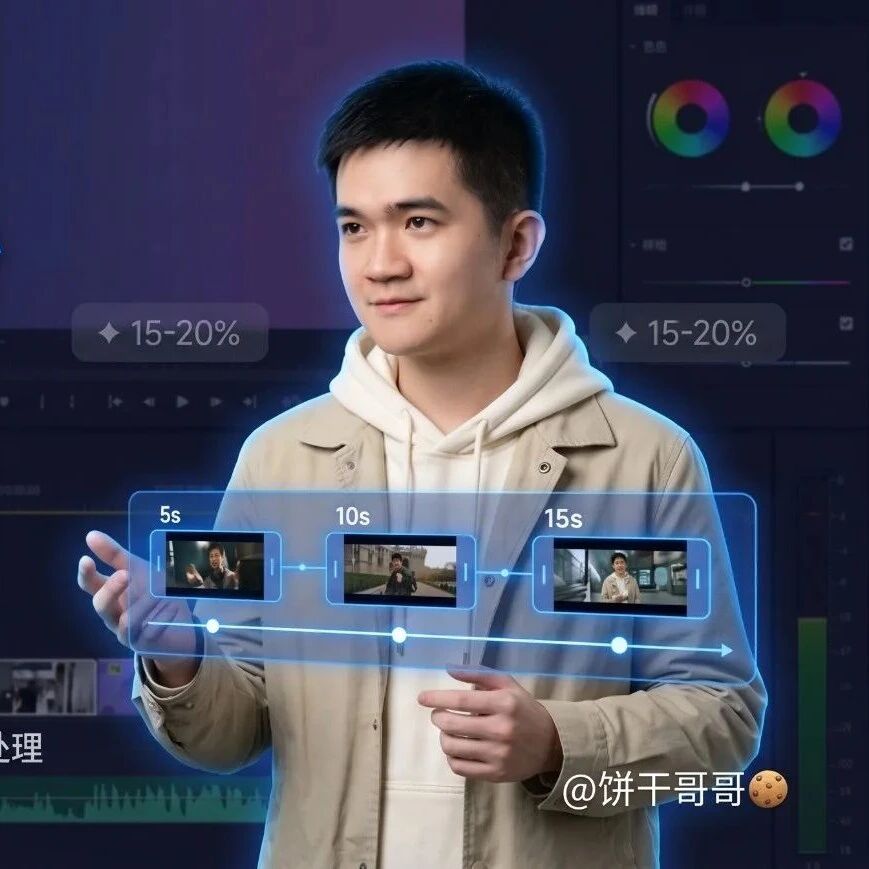
Making Long AI Videos with Image2 + Seedance 2.0: A Brand-Ad Walkthrough
A complete pipeline from asset preparation to edit and assembly, teaching you to produce a 115-second brand-ad long video with an AI toolchain, solving core pain points like face drift and inconsistent scenes.
SenseNova U1: An Open-Source Infographic Generation Model, 8B Parameters, Runs on a Single GPU
SenseTime's open-source 8B-parameter infographic generation model, Apache 2.0 licensed for commercial use, with stable text rendering and precise layout control at roughly one-tenth the cost of closed-source options.