
Claude Tag: Making AI a True Member of Your Team
Anthropic has launched Claude Tag, embedding Claude into Slack workflows with shared context, persistent memory, and proactive intervention — a new paradigm for team collaboration.
Claude Tag: Making AI a True Member of Your Team
Anthropic has launched Claude Tag, embedding Claude into Slack workflows with shared context, persistent memory, and proactive intervention — a new paradigm for team collaboration.
Anthropic has just shipped a major evolution of Claude Code — Claude Tag. It is no longer a chatbot serving individuals only; it is embedded directly into Slack workflows as an "AI teammate" that can share context, accumulate organizational knowledge, and proactively step into discussions. Currently, roughly 65% of Anthropic's internal product code already involves Claude Tag. This article breaks down its core capabilities and how to deploy it — for tech leads and engineering teams currently evaluating AI collaboration tools.
What Claude Tag Is
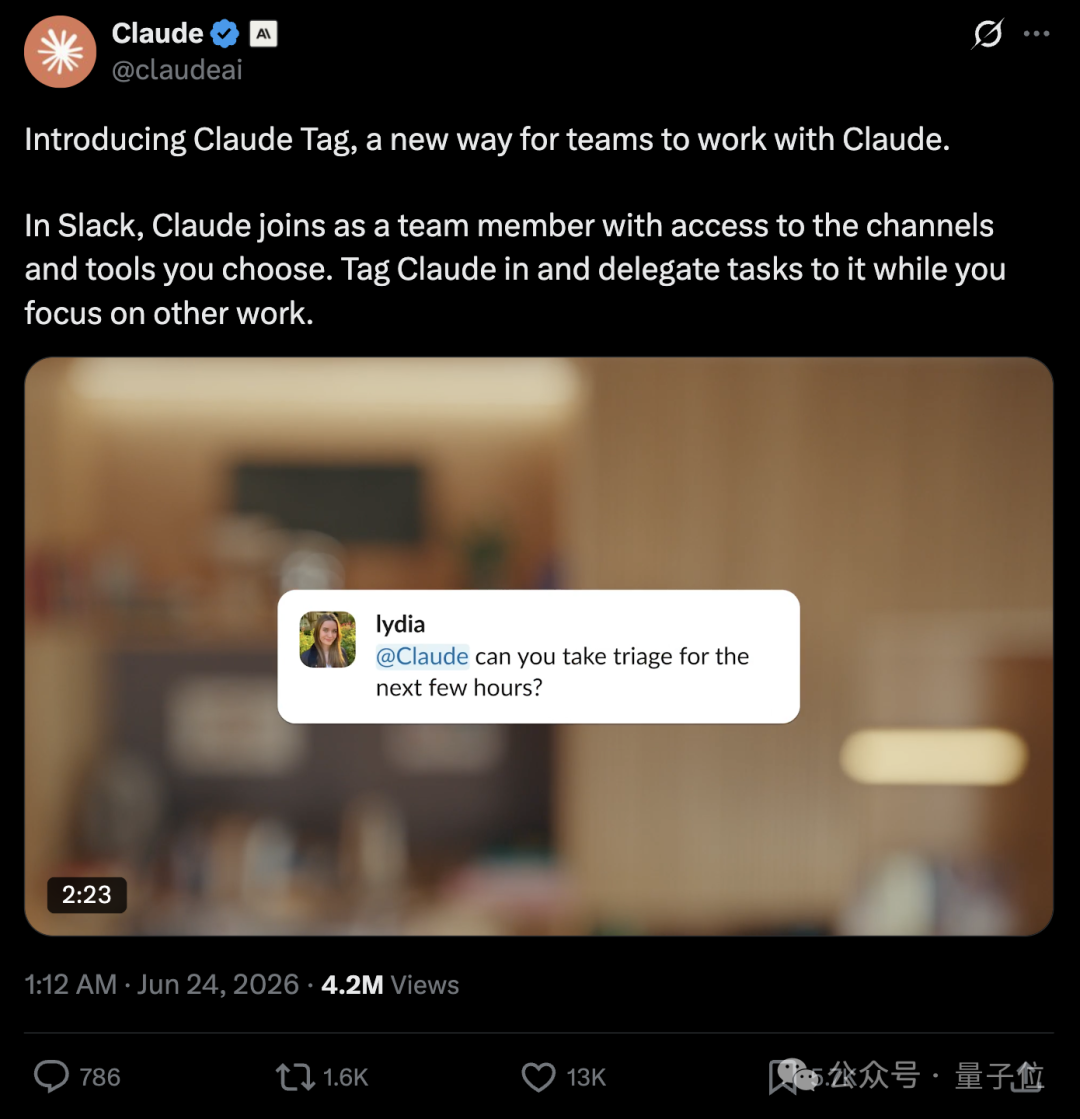
One line: upgrading Claude from "everyone's private chat assistant" to "a team member shared by the whole channel."
The core problem with traditional AI assistants (most chatbots included) is fragmented context — every person has their own isolated Claude, and none of them knows what the others are doing. Claude Tag changes that: the whole channel shares one Claude, everyone collaborates around it, and it sees the full conversation history and accumulated context.
Karpathy, who joined Anthropic not long ago, gave it high praise, calling it "the third major shift in LLM user interfaces" — the first was web chat, the second was desktop apps, and this time the LLM becomes an independent, continuously running system that works alongside a human team.
Four Core Capabilities
Anthropic's official blog emphasizes four capabilities, which are also what set Claude Tag apart from ordinary AI assistants.
Shared Context
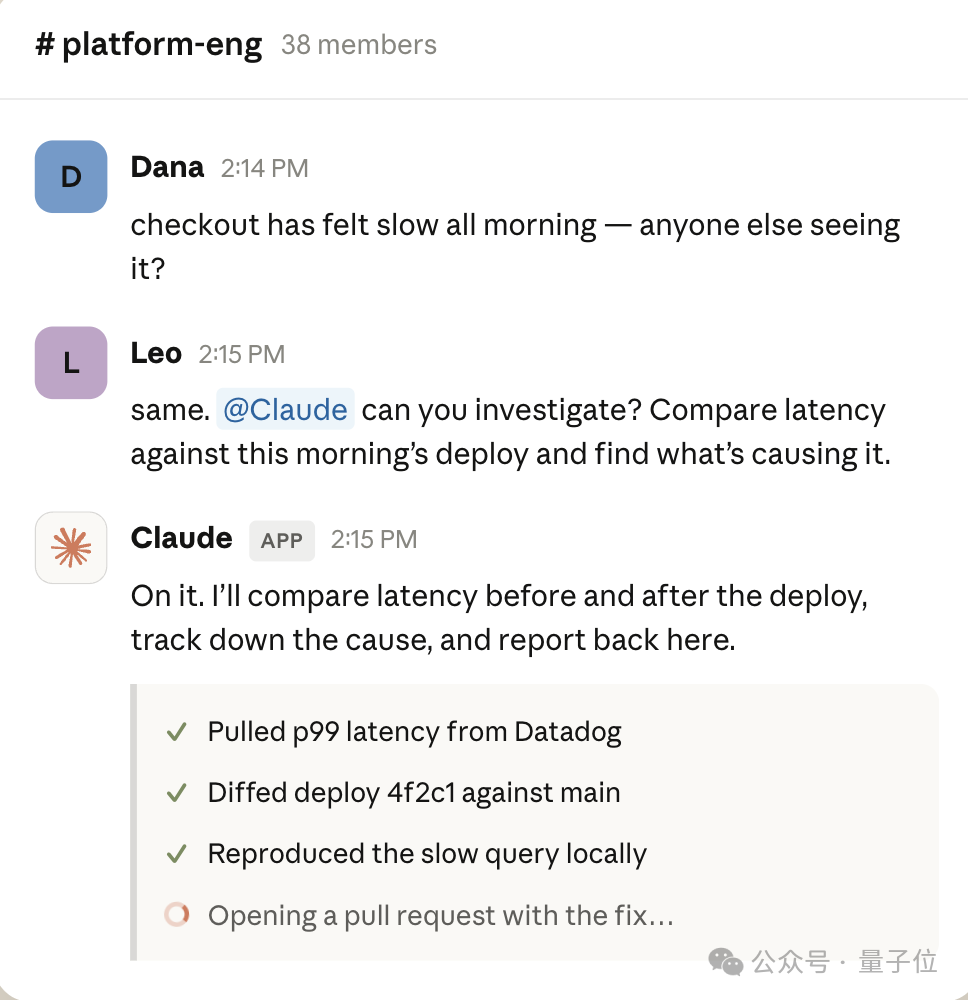
@Claude directly in a channel or thread, and it sees not just the current exchange but the background and context accumulated across the whole discussion. Analyzing data, filing tickets, organizing meeting notes, turning a long chat log into a concrete action plan — all of it can be handed straight to it.
Persistent Memory
As usage grows, Claude gradually accumulates organizational knowledge — project background, team conventions, tech-stack preferences, collaboration processes. You no longer explain from scratch every time. Anthropic calls this capability "Claude identities": the Claude a sales team uses does not remember the engineering team's information; permissions and memory are strictly isolated within their own scopes.
Ambient Mode
This is the most interesting capability. With Ambient Mode on, Claude no longer waits passively to be asked; it proactively surfaces to:
- Flag important discussions being ignored
- Follow up on questions left unresolved for a long time
- Mark items that need decisions
- Notify the team proactively when it finds relevant information
Asynchronous Execution
Once you have assigned a task, you can leave Slack. Claude plans its own execution, keeps pushing the project forward, and @-mentions you to review the results when done. It can handle pull-request submissions or merges, run data analysis, and help resolve all sorts of problems — and with Claude Code connected, it can turn a development request made in Slack directly into a real engineering task and sync the results back to the original channel.
💡 Tip: Ambient Mode is a double-edged sword. It makes Claude more like a real colleague, but it also means it will proactively interrupt you. Pilot it with a small team first, watch whether the intervention frequency feels right, then decide whether to enable it team-wide.
Permissions and Deployment
Claude Tag lands on Slack first and is open in beta to Claude Enterprise and Team users. Deployment takes three steps:
- Connect Slack: complete the authorized connection between Claude and your Slack workspace.
- Tool authorization: admins decide which tools (GitHub, Jira, Linear, databases, CRM, etc.) and which data Claude can access, and which channels it may appear in.
- Budget settings: admins can set organization-level and channel-level token budgets, and review the complete log of Claude's past actions plus who initiated each task.
Within the next 30 days, Claude Tag will gradually replace the existing Claude Slack app. Anthropic also plans to extend the feature to more collaboration platforms in the coming weeks.
Who It's For
Claude Tag explicitly targets teams already using Claude for engineering development, especially:
- Engineering teams: that need to turn requirement discussions in Slack directly into code tasks and track progress.
- Product teams: that need AI to follow progress across multiple projects continuously and summarize status on a cadence.
- Data teams: that need AI to respond to data-analysis requests in-channel and reuse the team's accumulated context.
One thing to note: Claude Tag currently works only with Opus 4.8; Fable 5 is not yet supported. If you are still on an earlier model, you will need to upgrade first.
💡 Pitfall-avoidance advice: Start piloting with "single-point tasks" (say, having Claude own the weekly-report summary for one channel), then gradually extend to Ambient Mode. That way you validate the ROI while keeping the team from drowning in AI notifications.