
Codex Open-Source Mode: Plug In Local Models with One Line of Config
OpenAI's Codex adds an OSS mode: a model_providers config connects Ollama, LM Studio, and other local model services, with switchable models to cut costs.
Codex Open-Source Mode: Plug In Local Models with One Line of Config
OpenAI's Codex adds an OSS mode: a model_providers config connects Ollama, LM Studio, and other local model services, with switchable models to cut costs.
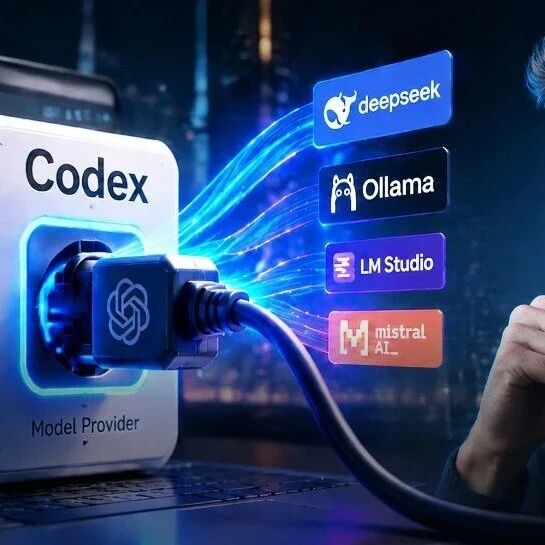
OpenAI's coding agent Codex used to accept only its own GPT models — now it has opened up the "model access layer." Through a config called model_providers, you can point Codex at local model services like Ollama and LM Studio, or even third-party APIs like DeepSeek. That means you can switch models on demand, save tokens, and even run the coding agent fully offline.
What Codex open-source mode is
Essentially, what OpenAI opened up here isn't the model itself but a "pluggable model interface layer" for Codex. You register multiple model providers in the config file, and Codex picks the corresponding provider at startup based on the config, routing requests to different model services.
Core features
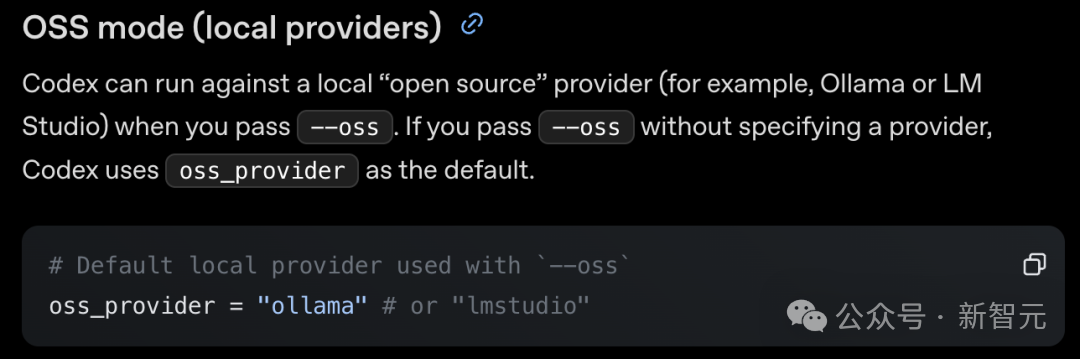
The --oss switch
The most direct usage: add a --oss flag on the command line and Codex connects straight to a local open-source model service. Two are supported out of the box:
- Ollama: the most popular tool for running large models locally
- LM Studio: a desktop alternative with a graphical interface
The model_providers config
The more flexible route is registering model providers in the config file; each provider carries four pieces of information:
- base_url: the access address
- wire_api: the wire protocol (currently only
responsesis accepted) - env_key: the authentication method
- model: the model mapping
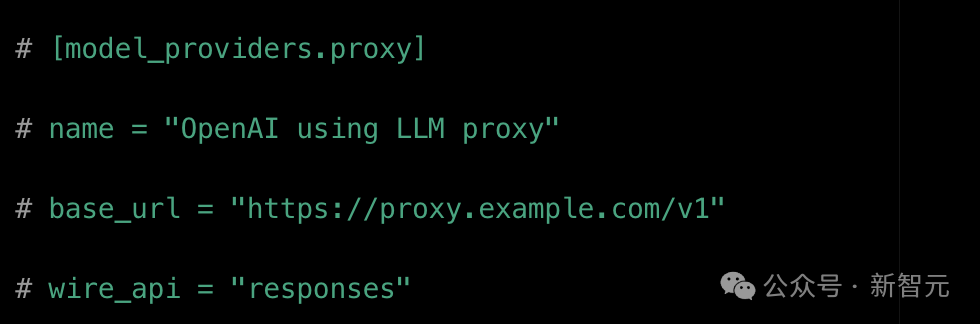
Mistral, enterprise-internal proxies, and third-party relay stations can all connect this way. You can also save settings as config profiles and switch between them by name on the command line while debugging.
In practice: --oss with a local model
With a local model service and the network permission settings in place, you can have Codex do code generation and reasoning entirely on your machine, achieving offline runs and local processing.
The real-world experience
Advantages
- No single-vendor lock-in: switch models on demand — privacy and cost are your call
- Saves money: let GPT handle the planning (breaking down tasks, designing architecture) while open-source models handle execution (writing code, batch-editing files) — the same task can cost a fraction as much
- Local and offline: not a single line of code leaves your computer; a fit for individual developers who don't want their private projects uploaded to the cloud
Limitations
An installed socket doesn't mean every appliance you plug in will run. Incoming models generally need to be compatible with the Chat Completions interface format; as for whether more complex capabilities like function calling work end to end, the official team makes no guarantees — you'll have to test them one by one.
How to connect DeepSeek
DeepSeek is one of the open-source models most familiar to many Chinese developers. But pasting DeepSeek's address straight into Codex doesn't work smoothly — new Codex builds are based primarily on OpenAI's Responses API, while DeepSeek and most open-source model endpoints still speak Chat Completions.
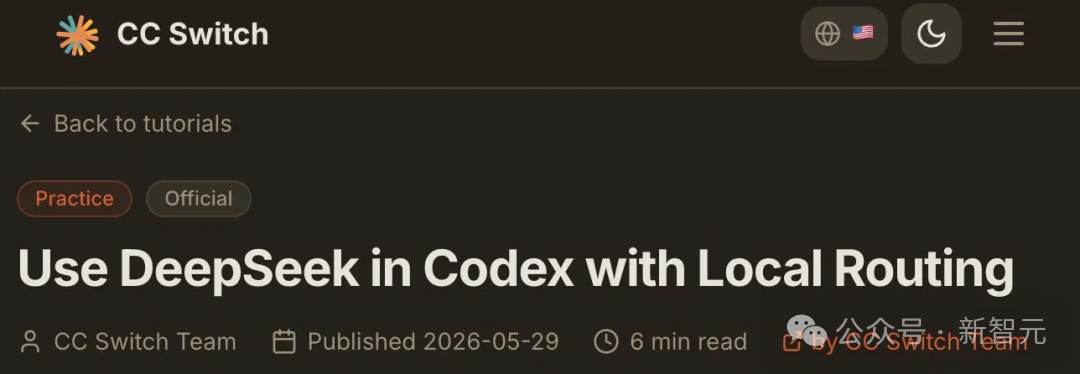
The community's fix is to insert a local "routing layer" or "protocol converter" in the middle. The basic flow:
- Codex sends requests per the Responses API
- The routing layer converts them into Chat Completions format
- They're forwarded to DeepSeek and other open-source models
- The returned results are converted back into the Responses format Codex can recognize
Similar capability isn't limited to CC Switch. LiteLLM, claude-code-router, and the various proxy services developers build themselves are all, in essence, solving the same problem.
Use cases
- Individual developers: run Codex on local open-source models — cheaper and privacy-preserving
- Hybrid routing: GPT plans + open-source models execute, cutting costs roughly in half
- Enterprise internal deployment: connect enterprise-internal proxies via model_providers and manage model access in one place
💡 Tip: what OpenAI opened up here is the "model access layer," not the models themselves. Whichever model you connect, it has to align with OpenAI's defined request and response structures. This interface protocol is becoming the new competitive battleground for AI coding tools.
Related articles
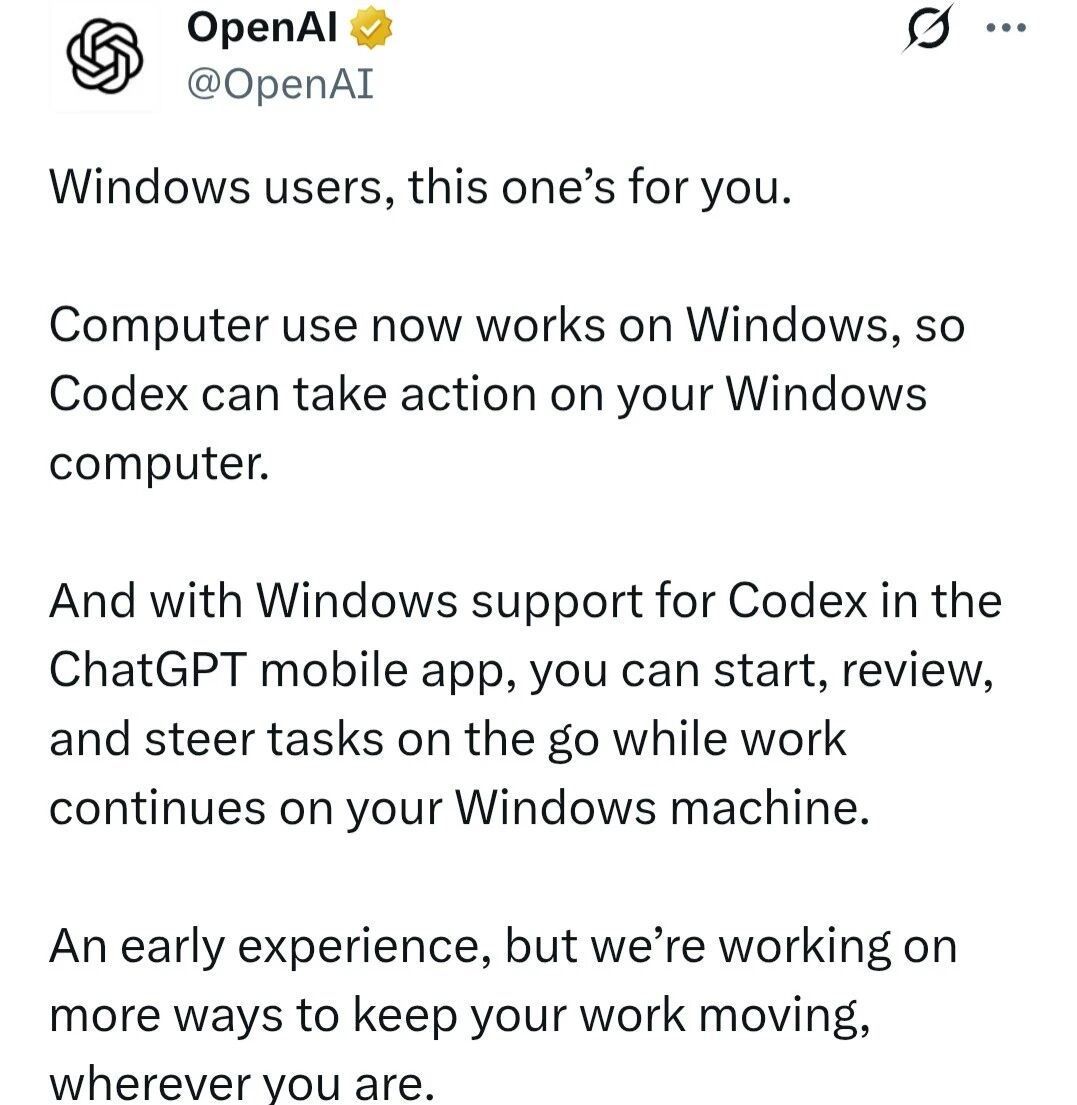
Codex Computer Use Lands on Windows: A Hands-On Guide
OpenAI Codex now officially supports operating Windows PCs, with complete setup steps, limitation notes, and how to control it remotely from your phone

Gamma-World: An Open-Source Multi-Agent World Model
NVIDIA and Tsinghua have open-sourced a multi-agent world model: trained on two players, it generalizes directly to four, supporting zero-shot real-time rollouts of multiplayer scenarios

Step 3.7 Flash in Claude Code: A Hands-On Guide
A hands-on test of StepFun's open-source Flash model integrated into Claude Code, using complex Agent workflows to see whether a Chinese model can stand in for closed-source foundations

Syll: Tsinghua's Open-Source Multimodal Full-Interaction Agent Framework
Supports GUI, CLI, and MCP operation styles, automatically generates reusable skills from demonstrations, and deploys locally to protect data privacy
SkillOpt: Train Your Agent Skill Docs Like a Neural Network
Microsoft's open-source text-space optimization framework that lets agent skill documents evolve automatically, ranking best or tied-best across all 52 evaluation combinations.
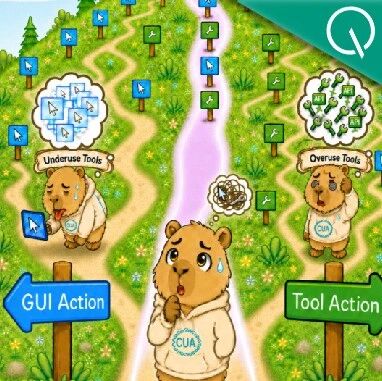
ToolCUA: Teaching Agents to Route Correctly Between GUI and Tools
An open-source CUA training paradigm from Fudan University and Tongyi's MobileAgent team: an 8B model hits 46.85% accuracy on OSWorld-MCP, surpassing Claude-4-Sonnet, with code and model weights open-sourced.