
Bank Statement Converter
AI tool that converts bank statements to Excel and reconciles them
Tool details
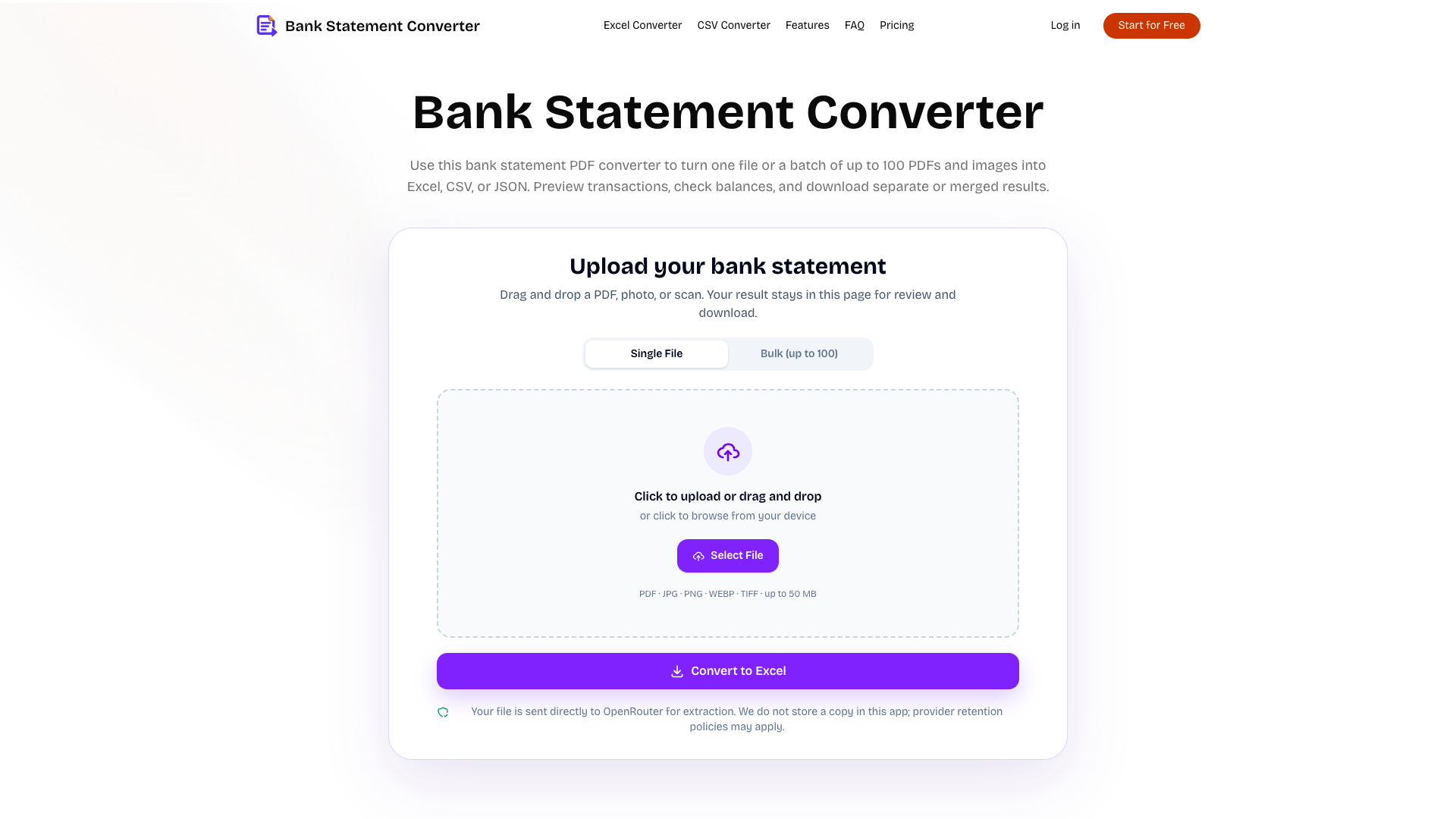
Bank Statement Converter is an online tool that batch-converts bank statement PDFs, scans and phone photos into Excel, CSV and JSON. Instead of forcing a bank-specific template onto every layout, it lets a vision LLM read each page directly, targeting the repetitive work of moving statements into spreadsheets for bookkeeping, audits, tax filing and loan due diligence.
Core capabilities
- Multi-format batch conversion: Handles PDF/JPG/PNG/WebP/TIFF, up to 50MB per file and up to 100 files per batch (500MB in total), with folder and ZIP support.
- Field-level extraction: Returns account details, individual transactions (capped at 10,000 rows), balance reconciliation results and a warnings list, rather than one undifferentiated table.
- Balance reconciliation: Debit and credit arithmetic is matched against the running balance; a difference of $0.02 or less is marked verified, otherwise mismatch is flagged along with the difference.
- Merged multi-file export: Download a single Excel/CSV/JSON file, or merge several results into one Excel while keeping the source file names.
- Password-protected PDFs: The password unlocks and flattens the file inside the browser, so it is never uploaded with the document.
Where it fits You have month-end statements from several banks in several layouts to consolidate; freelancers and small businesses assembling income and expense records for tax filing; audits and loan due diligence that need dozens of statements stitched into one summary table; developers who want the structured account + transactions JSON for downstream processing. Direct QBO/OFX integration and team collaboration are not offered here.
Unique advantage Most comparable tools stop at "PDF to table". This one adds a reconciliation verdict after the conversion: differences, mismatched row counts and warnings are all surfaced explicitly, and the official docs say outright that the AI can miss or misread rows, so making uncertainty visible is worth more than pretending to be exact. Extraction runs through OpenRouter to Google Gemini 3.1 Flash Lite, a third-party model whose advantage is being layout-agnostic.
Editorial take The scope is deliberately restrained, and the extra verification layer addresses a real need, so it suits individuals and small teams who occasionally batch-convert statements and are willing to check row by row. For now, though, the conversion endpoint returns errors and conversions do not complete, so treat it as one to watch rather than an essential productivity tool; revisit the free tier and the page-credit packs once availability is restored and company details are filled in.
Pricing
Freemium$0 (free in the current version: no page-count limit, no signup; 50MB per file, up to 100 files per batch)450 statement pages per month, 20 files per batch; $79 per year; checkout not open yet
1,000 pages per month, 100 files per batch, 3 concurrent jobs; $119 per year; checkout not open yet
4,000 pages per month, 10 concurrent jobs; $479 per year; checkout not open yet
100 page credits, never expire; checkout not open yet
2,200 page credits, about $0.0223 per page
4,800 page credits, about $0.0206 per page
Additional notes
The current version is completely free, with no signup and no page-count limit (only 50MB per file, 100 files per batch and 500MB per batch in total). The subscriptions and credit packs above are published, but checkout is not open yet; the Terms state that page prices are a preview only and are not charged. Credits are returned when a conversion fails. Tested status: the conversion endpoint currently returns errors and is unusable (server 500 / upstream model key expired), with no official explanation.
FAQ
User reviews
User Reviews
No reviews yet
No one has reviewed this tool yet