
Codia AI
Turn static visuals into editable designs
Tool details
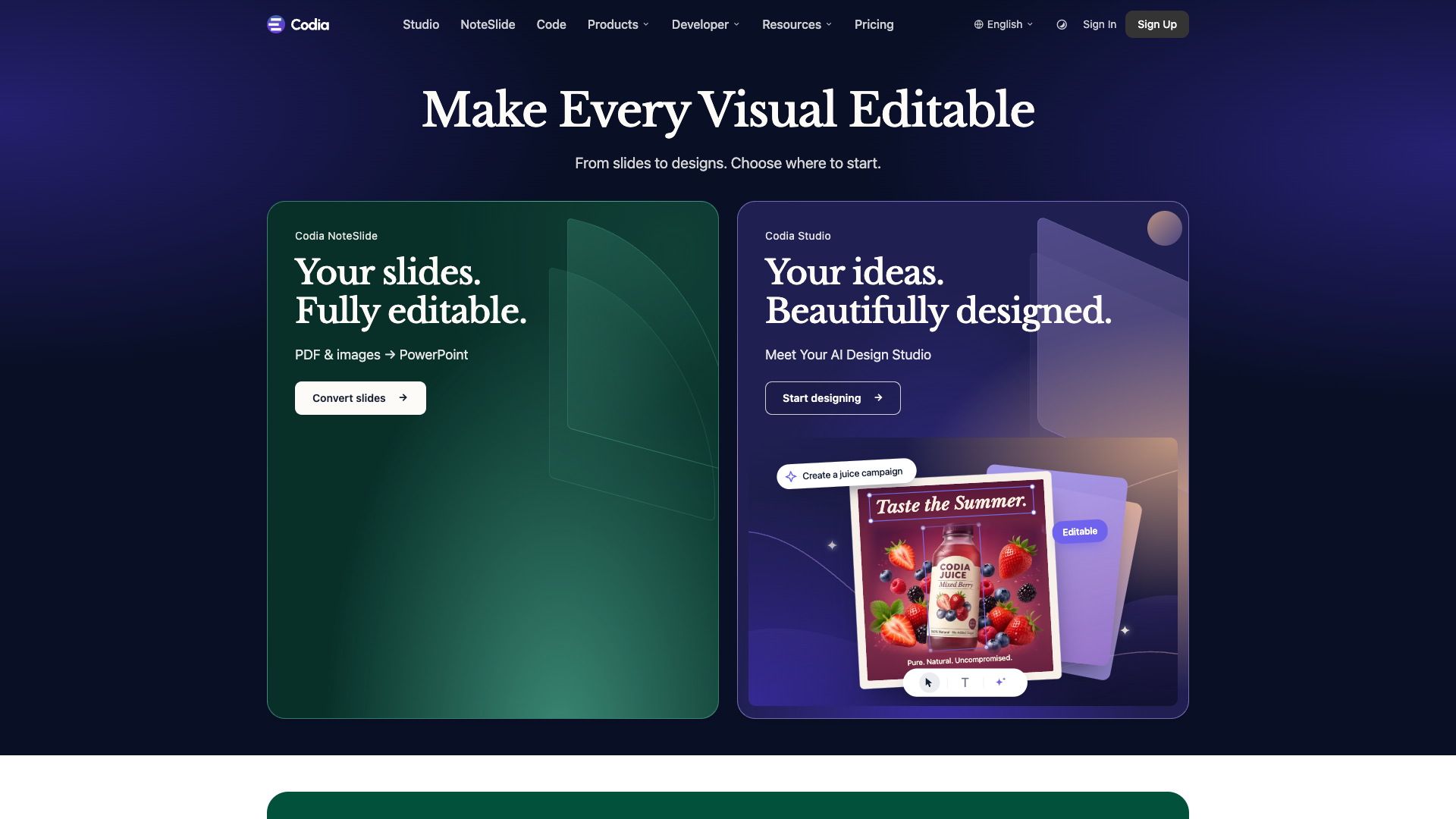
Codia is a vision AI platform that pulls static visuals apart and hands them back as editable work files. Its tagline is make every visual editable: instead of generating images from scratch, it rebuilds PDFs, screenshots and slide decks into text, layers and layout you can keep working on.
Core capabilities
- Editable reconstruction: turns screenshots, PDFs and images back into editable text, shapes, layers and layout rather than a flat picture
- Slide conversion: NoteSlide rebuilds NotebookLM PDFs and image-based decks as editable PowerPoint, Keynote and Google Slides files
- Design to code: converts Figma designs into responsive React, Vue or HTML
- AI design studio: Studio takes a plain-language brief and produces designs you can keep editing
- Plugins and API: Figma and Canva plugins drop results back into your design tool, and the Visual Struct API exposes the same capability to your own systems
Where it fits Office workers reusing old decks, freelancers revising a client deliverable, product teams left with only a screenshot, and developers batch-converting designs into front-end code.
Why it stands out Most rivals compete on generation; Codia competes on restoration, turning someone else's finished artifact into your raw material. The company says it serves over 300,000 professional designers, and it exports to decks, Figma and code, a spread most single-purpose converters lack. Free utilities for compression and format conversion stay open, which is also its main acquisition channel.
Editor's take Output quality tracks the source file: scans and low-resolution images degrade noticeably, and the site itself warns that OCR depends on source quality and recommends human review. The free allowance only covers a few tries, and real use means separate subscriptions per product, so it is easy to buy the wrong tier. Treat it as a format converter plus second-pass editor rather than an all-purpose design assistant.
Pricing
Freemium$0 (free monthly allowance)5 credits per month in NoteSlide; 10 per month in design-to-code
200 credits; $12/month when billed annually
600 credits; $29/month when billed annually
3000 credits; $120/month when billed annually
2000 credits; up to 2 concurrent tasks; $16/month when billed annually
12000 credits; up to 8 concurrent tasks; $79/month when billed annually
25000 credits; up to 10 concurrent tasks; $160/month when billed annually
1000 credits; opt out of data training
Additional notes
Each product is a separate subscription; credits are granted monthly and do not roll over. Enterprise supports seat-based purchasing and single sign-on.
FAQ
User reviews
User Reviews
No reviews yet
No one has reviewed this tool yet