
TeachAny
An AI lesson-planning and teaching-material generation platform for teachers
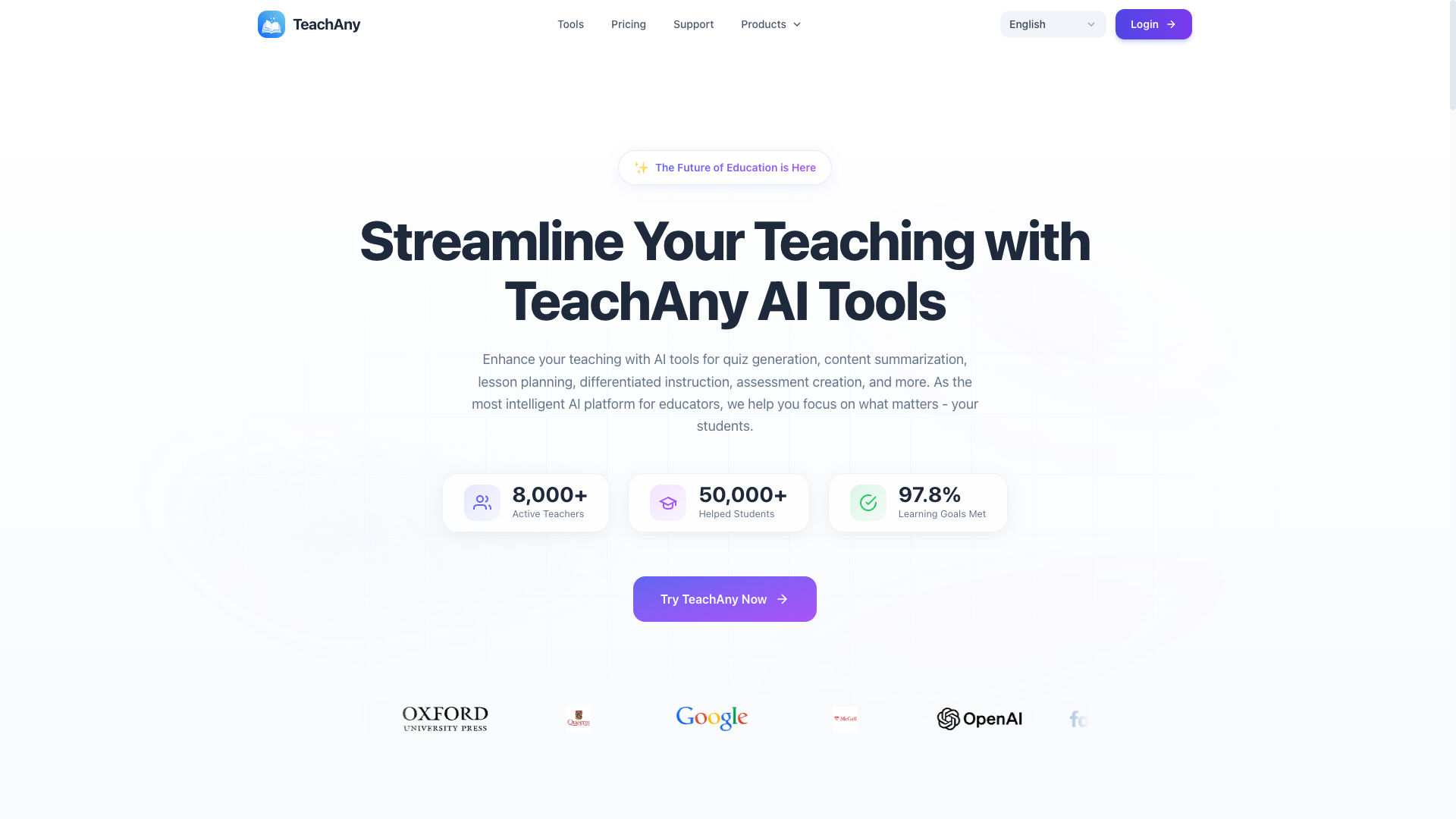
Tool details
TeachAny is a lesson-planning and teaching-material generation site built for K-12 teachers: 53 form-based mini tools cover lesson plans, quizzes, worksheets, rubrics, parent communication copy and printable materials, and picking a few parameters is enough to produce a draft. It is neither a unified editor nor a teaching management system; instead it breaks the work teachers actually do after class into separate entries that can each be used on their own.
Core capabilities
- Lesson planning and question writing: lesson plans, quizzes, worksheets, rubrics and true-or-false items are generated from grade and subject parameters and can be exported for printing
- Printable materials: 93 coloring pages, plus practice sheets such as sudoku, crosswords, word searches and mazes, suited to classroom handouts and homework
- Leveled rewriting: rewrite the same passage for different grade levels, alongside rewriting, proofreading, grammar checking and outline tools, which helps with differentiated instruction
- Multilingual interface: the site interface is offered in 25 languages, and generated content can be output in a language chosen separately, so bilingual and international-school classrooms both work
- Communication and records: student comments, letters of recommendation and thank-you cards each have their own template, so parent communication no longer starts from a blank page
Who it suits It fits serving K-12 teachers, tutors and after-school instructors, and homeschooling parents best: for people who print worksheets every day, prepare a few lessons every week and write a batch of student comments every month, one subscription links these jobs together. Institutions that need a gradebook, student tracking or two-way sync with a school teaching system will not find it here.
Unique advantages Comparable tools (to-teach.ai, Education Copilot) mostly take a narrow, deep route, while TeachAny goes for breadth: 53 tools plus 93 coloring pages and a flashcard kit, one subscription replacing a whole bookmark folder. Long-tail printables such as sudoku, crosswords and coloring are the part most AI lesson-planning tools avoid, yet they are exactly the high-frequency need of primary school teachers. On the generation side, large language models and image generation services are called through a third-party AI gateway; the site does not build its own models.
Editorial verdict At this $9 monthly price point it is one of the broadest options in its class, and for an individual teacher, planning, question writing, materials and parent communication mostly close the loop inside the site. Form-based operation needs no prompt skills, but teachers still have to check the answers and difficulty of what is generated. We suggest running your two or three most-used tools on the Free plan first, and once the output quality checks out, upgrading to Pro monthly.
Pricing
Freemium$0 (Free plan; free credits reset monthly)The Free plan lets you try the core tools at no cost and needs no credit card; a Pro subscription can be refunded on request within 7 days of the first subscription, and in principle no refunds are given after thatStart without a credit card; a limited amount of free generation is provided each month, and once it runs out you wait for the next billing cycle to reset it
Unlimited use and priority customer support
Unlimited use and priority customer support, equivalent to $9.00 per month
Additional notes
The annual price of $108.00 is equal to 12 monthly payments, so the "Save up to 50%" label on the site is marketing copy and does not match the actual price list; there are no credit packs or pay-as-you-go add-ons on the site; card payments go through Stripe, while the PayPal channel uses Paddle as merchant of record
FAQ
User reviews
User Reviews
No reviews yet
No one has reviewed this tool yet